TOOLNAVIA / BUYING GUIDE
Pressidium Starter Private Staging: Password Protection Is Not Noindex
The short answer
Pressidium Starter can be useful for showing unfinished WordPress work to a small trusted group. It includes staging, and its hosting dashboard can apply password protection to a selected environment. The tradeoff is operational: protected pages are not equivalent to normal cached production traffic. This is a documentation-based purchase guide, not a tested customer setup.
At a glance
- Best for
- Small trusted review groups testing a single WordPress site.
- Price model
- Current public annual quote$299; final bill,renewal,tax and refund conditions require confirmation.
- Check first
- Basic Authentication is not membership authorization;protected environments disable caching and may block integrations.
Three boundaries that buyers should separate
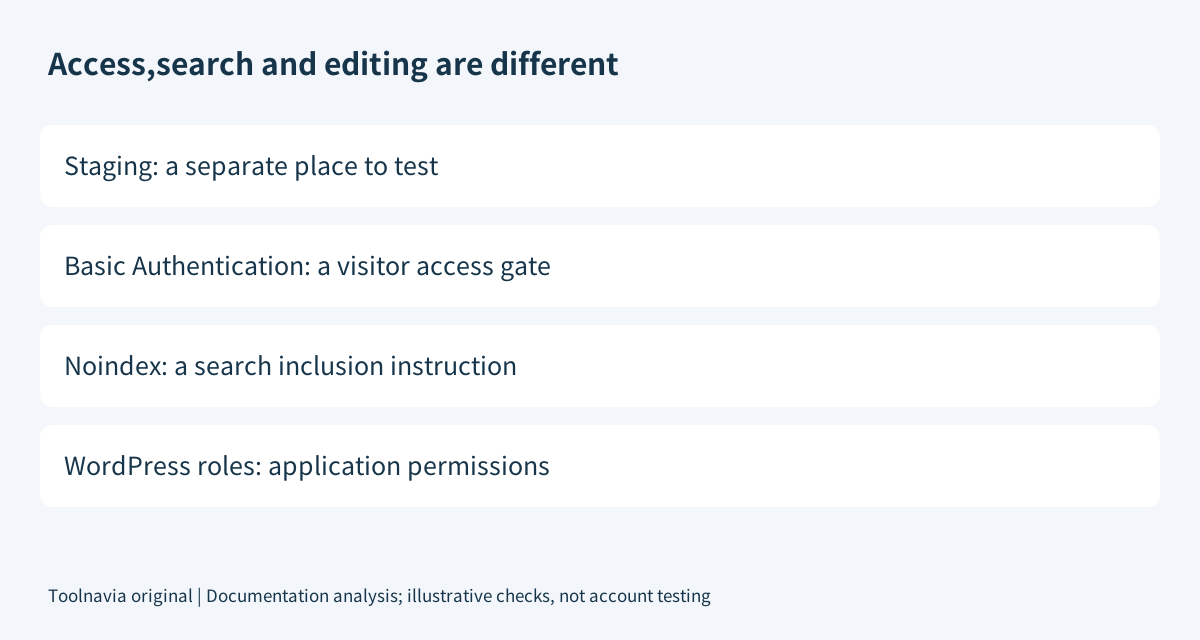
A staging copy separates testing from the live site. Basic Authentication controls access to a protected web environment. A noindex setting controls search eligibility, not who can open a URL. None of these alone provides a full membership-permission system.
WordPress explicitly says its search-visibility option still allows ordinary visitors. Google likewise distinguishes password protection from noindex: content excluded from Search can remain directly accessible. For private drafts, do not rely only on an obscure address or a search setting.
Four controls that make private review practical
| Control | Useful outcome | Boundary | |---|---|---| | Separate staging environment | Review changes away from the public site. | A copy is not automatically a privacy guarantee. | | Environment selection | Apply the access gate to staging rather than accidentally locking production. | Confirm the selected environment before saving. | | Dashboard password gate | Require credentials before opening the protected environment. | It does not replace WordPress accounts or application authorization. | | Credential editing | Replace shared preview credentials when reviewers change. | Browsers may retain credentials; verify the new state independently. |
Pressidium documents a completion notification for the configuration operation. Wait for that result, then verify the environment in a fresh browser session. The dashboard switch alone is not the acceptance test.
Use HTTPS and minimize the copied data
HTTP Basic credentials use reversible encoding rather than encryption. MDN recommends HTTPS/TLS and warns that additional application protections are still necessary for sensitive information. A password prompt is therefore not a substitute for secure transport or a complete security design.
Our suggested preview policy is to use synthetic or minimized customer data, a strong unique password and a secure sharing channel. Do not distribute production administration credentials just to let someone review a page. People needing dashboard or WordPress editing access should receive the appropriate separate role; see the [team-access guide](/en/hosting/pressidium-starter-team-access).
Keep a record of who received the preview credentials and when access should end. Shared credentials are convenient for a small review group, but do not inherently provide per-person authorization or a reliable individual audit trail.
Test outsiders, reviewers and integrations separately
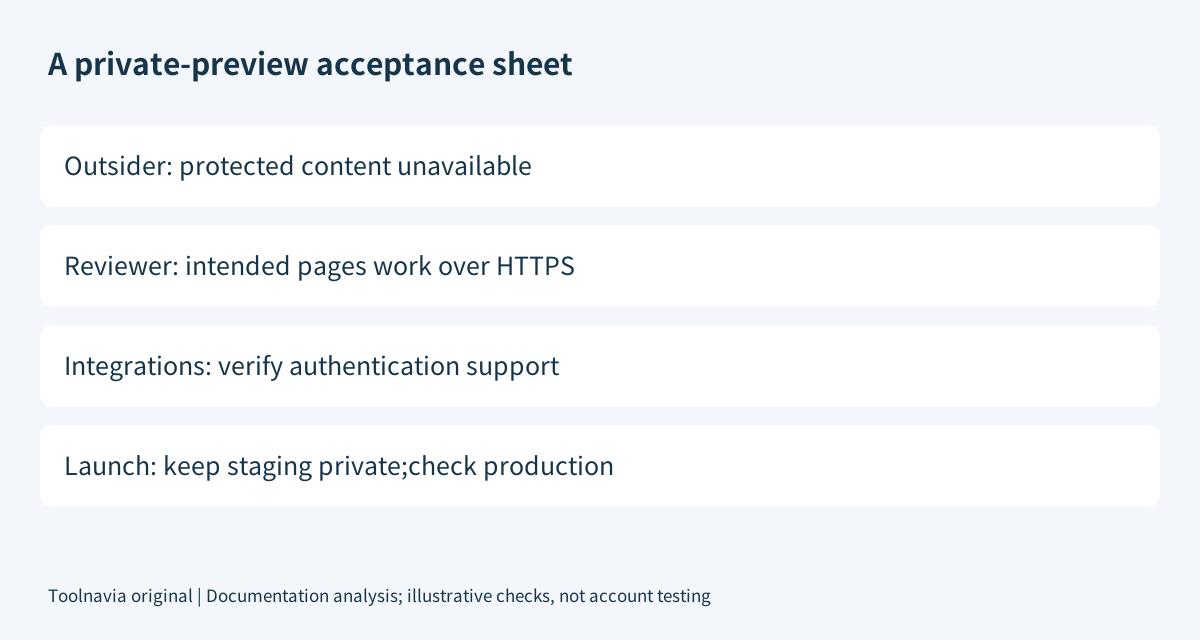
A useful acceptance sheet has three outcomes: an unauthenticated visitor cannot retrieve the protected content, an authorized reviewer can open the intended pages, and required test integrations behave as expected. Test a deep URL and a representative asset as well as the homepage. These are proposed checks, not measured results.
Automated services may not answer an authentication challenge. Check preview tools, monitoring, callbacks and API clients against their documented authentication support rather than assuming a successful human browser test proves they work. Pressidium advises contacting Support when Basic Authentication affects expected visitors or integrations.
The same guide states that caching is disabled for password-protected websites. A slower protected preview consequently does not prove public production has the same latency, nor does a working preview establish cached production behavior. Compare like-for-like environments before attributing performance to the plan.
Launch the public site without exposing the test copy
Before launch, record which hostname and environment should be public. Our recommended checklist is to confirm HTTPS, verify the intended visitor-access state, test forms and login, then review the public site's indexing settings. Do not simply remove every protection from both production and staging.
For content intended to be public, a leftover noindex rule can prevent Search eligibility even after the access password is removed. Conversely, removing noindex is not a reason to expose an unfinished staging copy. Google's controls address different goals; an indexing request is not a guarantee of inclusion or ranking.
Recheck the relevant cache behavior and external integrations after the change. If a critical test fails, restore the known-good configuration and resolve the cause instead of widening access blindly.
Price the whole hosting service, not just the password switch
On November 6, 2026 the Starter page displays an annual pay-today quote of $299, with one WordPress site, 10GB storage, 50GB CDN and staging. The $25 monthly equivalent on that display is not evidence of a separately verified $25 monthly payment. Final checkout, renewal, applicable tax and refund conditions require confirmation.
Choose Starter when its wider managed-hosting package and controlled preview process justify the commitment. Keep a satisfactory existing host when it already provides the necessary secure review workflow; password protection alone is not enough reason to migrate.
Affiliate disclosure: Toolnavia may earn a commission from an eligible Pressidium purchase through its approved direct referral link.