TOOLNAVIA / BUYING GUIDE
Pressidium PHP Upgrade: Stage, Switch and Roll Back Safely
The short answer
Pressidium gives Staging and Production separate PHP controls. That is the decisive fact for a safe upgrade: proving a target runtime in staging does not change the live runtime, and deploying a staging copy does not remove the need to switch Production deliberately. Pressidium Starter can support a disciplined one-site upgrade, but buyers should not assume that every upstream PHP release appears in the authenticated Dashboard. The public plan page says only “Latest PHP Versions (up to PHP 8.x).”
For a store, membership site or LMS, buy the workflow—not an unverified version number. The safe sequence is inventory, backup, staging rehearsal, controlled production switch, validation and a rollback decision. Keep live orders and other external side effects outside any promise of database rollback.
At a glance
- Best for
- One-site teams that can rehearse a PHP change in staging, keep a tested backup and schedule a controlled production switch.
- Price model
- From $25/mo and $299 annual were shown; verify the authenticated cart.
- Check first
- Exact account-selectable PHP versions and authenticated monthly checkout were not public; staging and production runtimes are separate, and external side effects are not rolled back.
First verify the version you can actually select
Open the Pressidium Dashboard and record the exact PHP Engine choices available for both Staging and Production. The public help page explains how to select a desired version, but it does not expose the current authenticated dropdown. Toolnavia therefore does not claim that PHP 8.4 or 8.5 is selectable on Starter today.
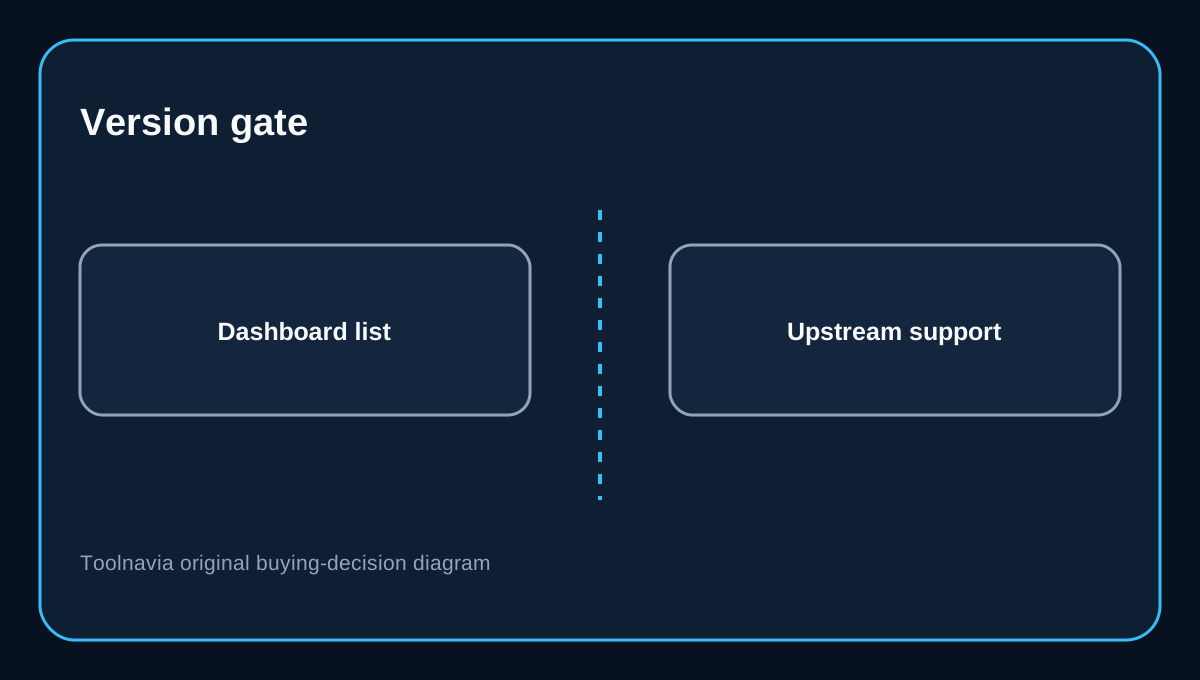
This matters because three “current” labels disagree. Pressidium’s upgrade article still recommends at least PHP 8.1.x. WordPress.org recommends PHP 8.3 or greater, while the WordPress Hosting handbook recommends PHP 8.4 or later for production. PHP.net shows upstream security windows for 8.2 through 8.5, but upstream support never proves that a host has enabled that runtime. Choose the newest version that is both visible in your Pressidium account and compatible with your critical stack; do not convert an upstream lifecycle table into a host-availability claim.
Inventory the failure surface before staging
Record the live PHP version, WordPress version, active theme, must-use plugins, payment gateway, membership or LMS extensions, custom code, cron and scheduled actions, APIs, webhooks and email provider. Check each business-critical vendor’s compatibility notes. Export a list before changing anything so the test has a fixed baseline.
Take an on-demand production backup and confirm that your team knows where to find it. Pressidium documents both files-plus-database and files-only restore modes, while its backup manager covers the platform restore points used by the workflow. A backup is useful only if the operator knows which restore scope is safe.
Build a staging rehearsal from current production
Initialize or refresh staging from the current production state. Pressidium specifically presents staging as a place to test PHP compatibility. A refresh overwrites staging files and database, so preserve any staging-only experiment first.
Change only the Staging PHP Engine and wait for the runtime change to finish. Confirm the PHP version inside WordPress Site Health or another reliable server-status view. Then clear caches and repeat the same acceptance path that makes money or collects data.
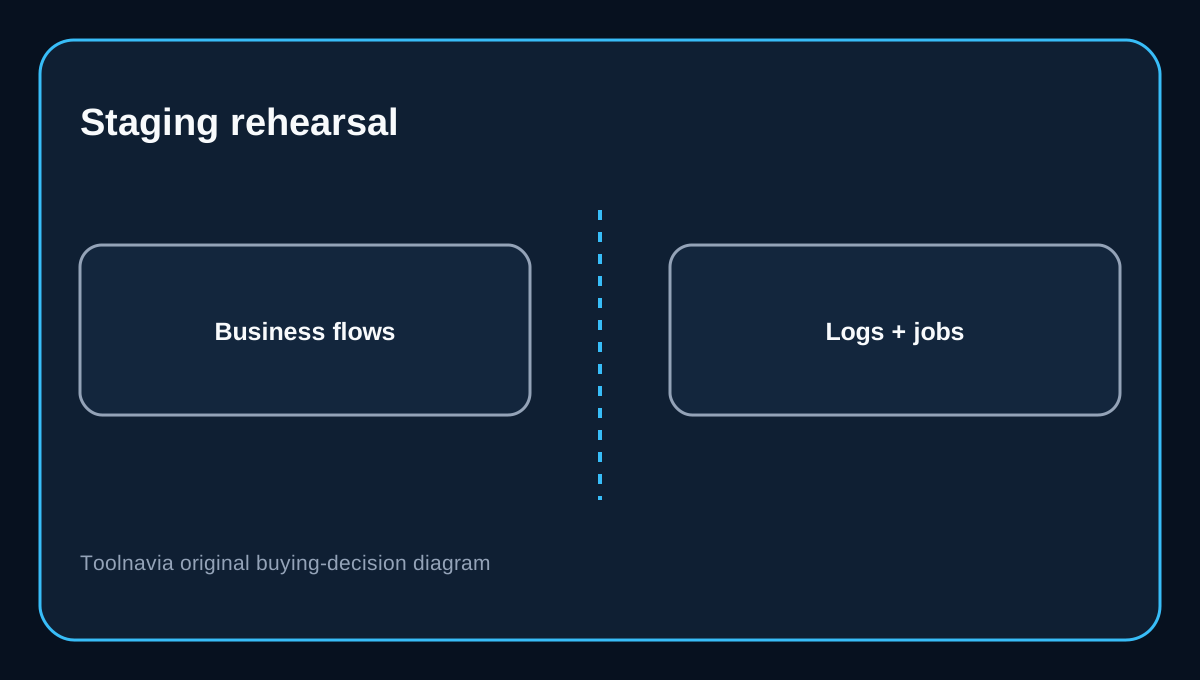
Test public pages, WordPress admin, login and password reset, forms, search, media processing, REST endpoints, cron, scheduled actions and error logs. For commerce, use a sandbox payment method and verify cart, checkout, order creation, tax, coupons and transactional-email generation without sending real customer messages. For membership or LMS, test enrollment, protected content and background jobs. Record warnings and deprecations; “the homepage loads” is not a release criterion.
Decide what staging should deploy
A PHP Engine choice is environment-specific. If the upgrade requires no code change, you may need no staging deployment at all: switch Production separately during the maintenance window and validate it.
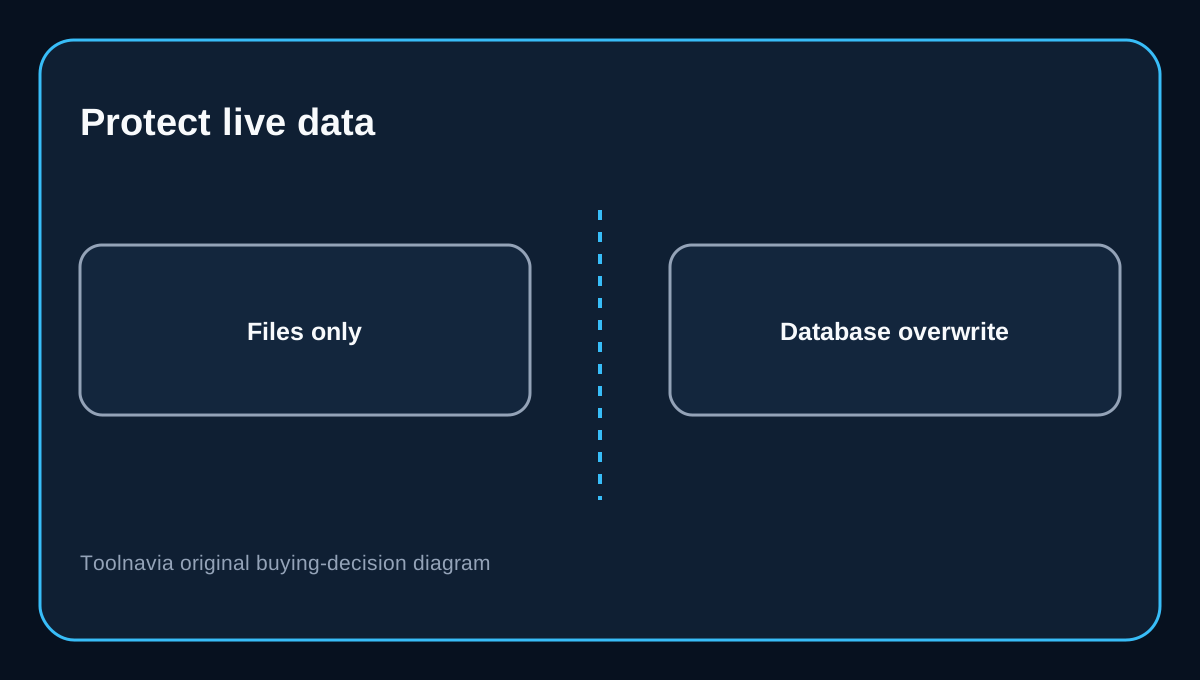
If plugin, theme or custom-code fixes were made in staging, read the deployment checkboxes carefully. Pressidium says files and database are selected by default, and deploying both overwrites their production counterparts. For a code-only release to a live store, deselect the database unless you intentionally want to replace current orders, users, form entries and configuration with the older staging database. Pressidium creates an automatic production backup before the push, which is valuable, but it does not make an unnecessary database overwrite harmless.
Independent staging guidance from Kinsta reaches the same operational conclusion: selective deployment and a full environment replacement are different risk classes when the live database continues to change.
Run a controlled production switch
Schedule a quiet window, assign one release owner and one rollback owner, and freeze nonessential administrative changes. Confirm the latest backup time. Deploy any tested files-only fix first if needed. Then change the Production PHP Engine separately to the exact target tested in staging.
Immediately validate the homepage, one deep page, admin login, a form, search, checkout in sandbox mode, membership or LMS access, cron and scheduled actions, API health and logs. Compare order or form counts before and after. Keep the old PHP version and the backup timestamp in the runbook.
Roll back the smallest necessary layer
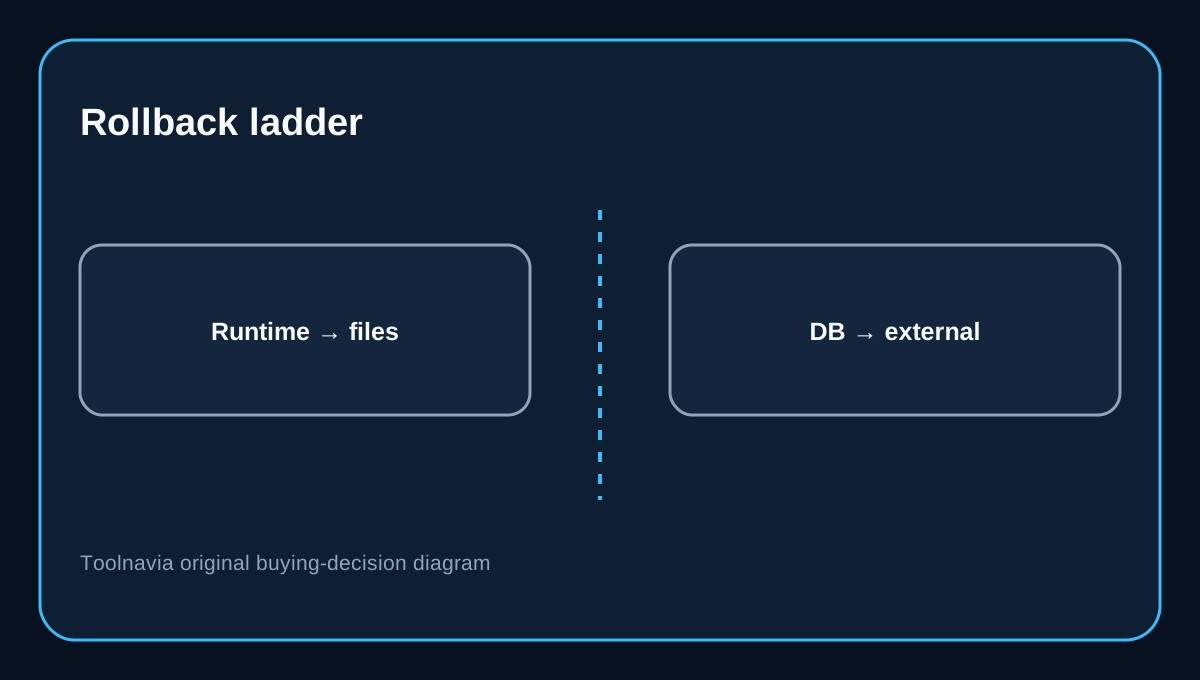
If the failure is runtime-only and the previous PHP version remains selectable, change Production back first. If a code deployment caused the problem, restore files only. If the database was intentionally changed and is corrupt or incompatible, consider a files-plus-database restore after reconciling new live data. Pressidium documents both restore scopes and recommends creating a backup before restoring.
No platform rollback can unsend email, reverse a captured payment, retract a webhook, or erase a record already written to an external CRM. Handle those systems with their own reconciliation procedures. A restored WordPress database is not a time machine for third-party services.
Starter price and plan boundaries
The official entry page currently shows Starter from $25 per month and an annual total of $299 due today, plus one WordPress site, 10GB storage, 50,000 visits and 50GB CDN. Treat “from $25/month” as displayed plan pricing, not proof of a month-to-month checkout term; verify tax, currency, renewal and the final authenticated cart.
Starter includes staging and on-demand backups, but its plan table does not promise site or database cloning tools. Do not build the runbook around a spare clone slot. Use the documented staging environment and keep an independent recovery copy when the site’s risk profile requires one.
Buying verdict
Pressidium Starter is a reasonable fit for one-site teams that value an integrated staging, backup and selective-deployment workflow and are prepared to operate it carefully. It is not a fit for a buyer who needs public proof of one exact PHP minor before signup, automatic staging-to-production runtime synchronization, or rollback of external transactions.
Before purchase, ask Support which exact PHP versions are selectable for Starter today and keep the answer in writing. After purchase, rehearse the real site in staging, switch Production separately, protect the live database and validate business flows—not just page rendering.
Affiliate disclosure: Toolnavia may earn a commission from an eligible Pressidium purchase.