TOOLNAVIA / BUYING GUIDE
Pressidium Starter Migration Guide 2026: Use the 14-Day Trial Before DNS Cutover
The short answer
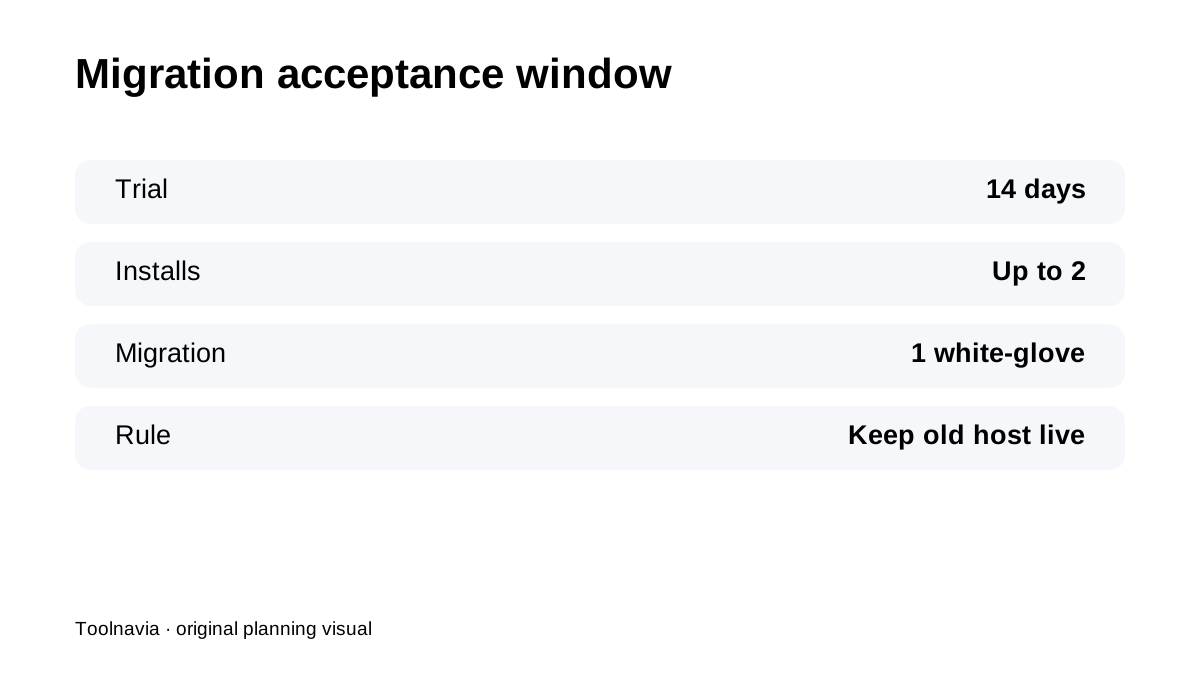
**Quick verdict:** Pressidium Starter includes **one white-glove migration**, and the 14-day trial gives you time to validate the move before committing to the current **$299/year** plan. The safe workflow is still: keep the old host live, migrate, test the copied site, then change DNS only after acceptance.
At a glance
- Best for
- One-site WordPress owners who can keep the source host live and use the 14-day trial as a real migration acceptance window.
- Price model
- $299/year current Starter; validate migration during 14-day trial
- Check first
- One migration; trial has restrictions such as no SSH; buyer still validates DNS, application and rollback.
Use the trial as a migration workspace, not just a demo
Pressidium's trial gives up to two WordPress installs plus migration, staging, backups and cloning. That makes it useful for comparing the migrated copy with a clean install or staging environment before you pay. The point is to test your real plugins, forms, login, cron jobs and checkout—not only the homepage.
Submit migration with complete source access
Pressidium's migration request workflow requires the information needed to access the current host/site. Before submitting, collect WordPress admin, hosting/control-panel and any special authentication details. Missing credentials can consume more of the evaluation window than the transfer itself.
Keep the old host online until DNS cutover is accepted
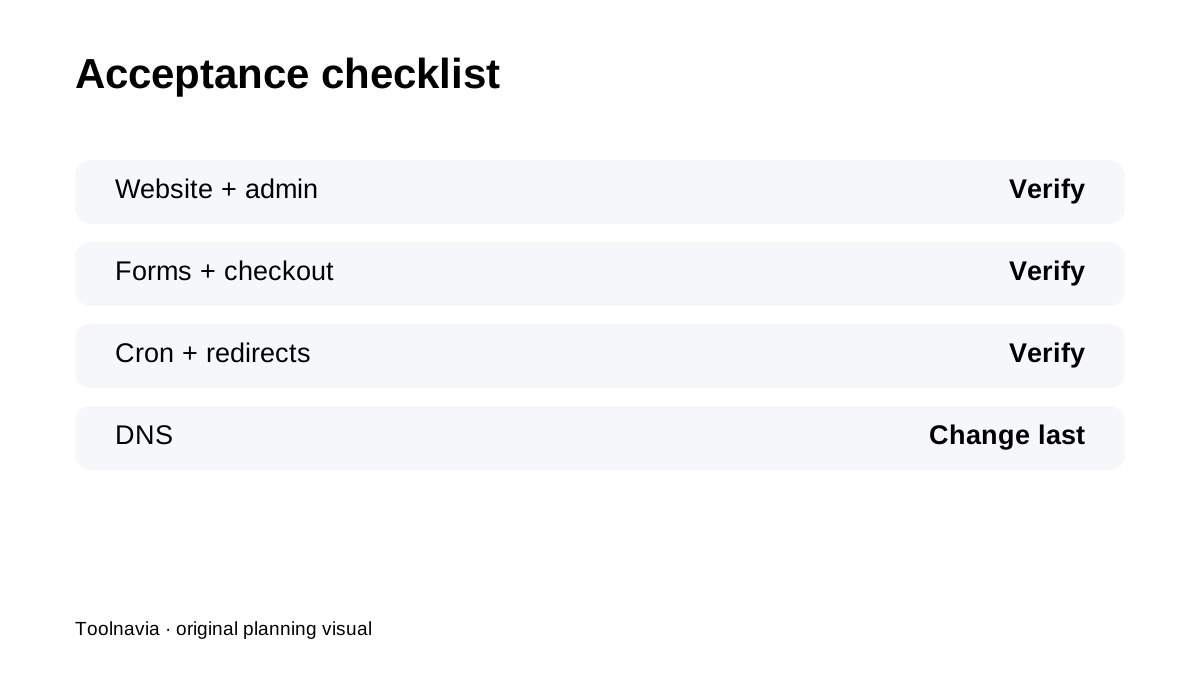
Assisted migration does not eliminate buyer validation. Keep the source active while you test the destination through a temporary URL/hosts-file or trial environment. Check front end, wp-admin, forms, ecommerce, membership, cron, redirects, SSL and email dependencies before changing DNS.
Backups create a safer cutover point
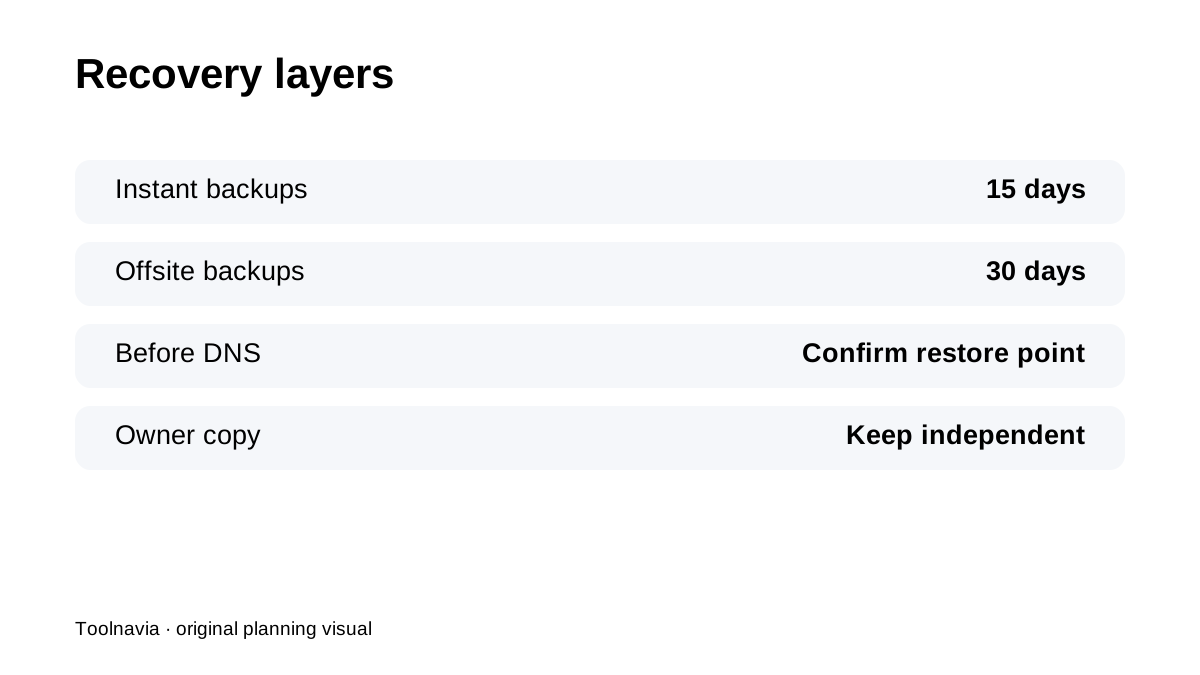
Pressidium keeps daily automated backups with **15-day Instant** and **30-day offsite** retention. After the migrated site is stable, create/confirm a current recovery point before major DNS or staging-to-production changes. The provider backup is useful, but keep your own business-critical copy too.
Staging can separate code changes from migration validation
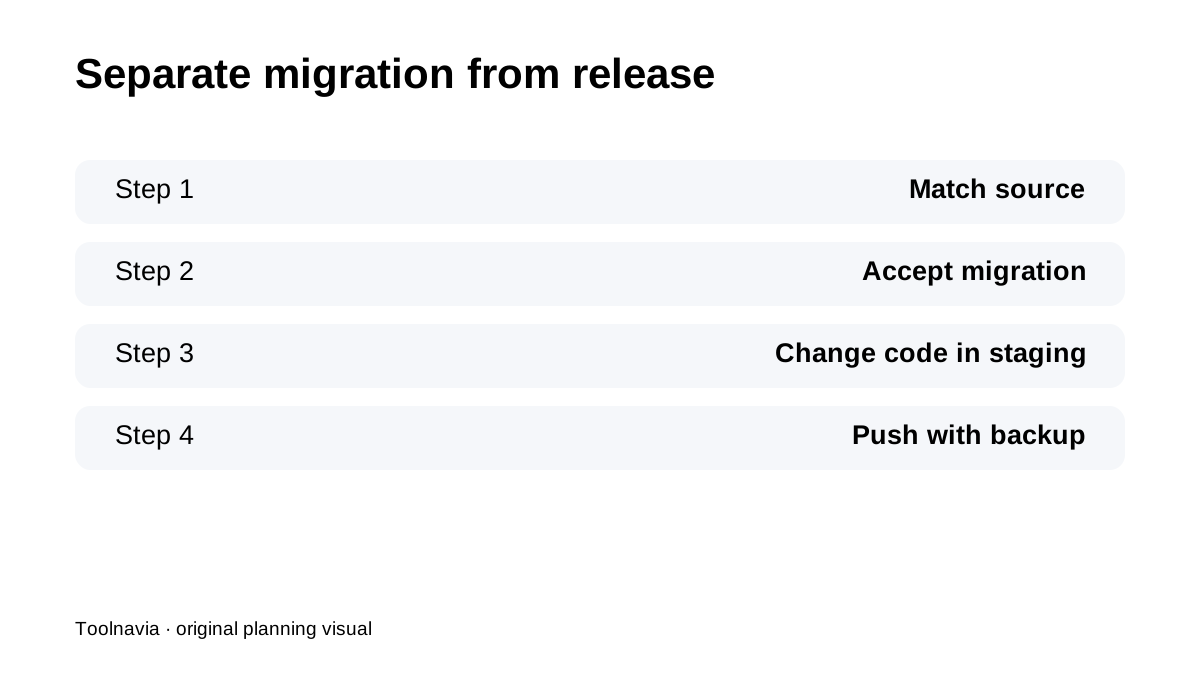
Pressidium supports file-only, database-only or combined staging deployments and automatically backs up production before the push. Do not mix “migration worked” with “new theme/plugin release worked.” First prove the migrated copy matches the source; then use staging for application changes.
Know the trial boundaries
Trial environments have restrictions, including no SSH access, and certain load/security tests require coordination. If SSH or a synthetic load test is a required acceptance criterion, ask support before assuming the free window covers it.
What current reviews reinforce
iTechGuides, G2 and WHTop all reinforce that Pressidium's value is assisted WordPress operations and support, not the cheapest raw hosting. Third-party price snippets can lag; current official Starter pricing should control.
**Bottom line:** Pressidium migration is strongest when the **14-day trial becomes a formal acceptance period**. Keep the old host live, validate the migrated site, separate migration from code changes, confirm a recovery point and only then move DNS.