TOOLNAVIA / BUYING GUIDE
Namecheap Spam Box vs Auto-Delete: Two Thresholds, Different Consequences
The short answer
At a glance
- Best for
- Bundled mail with owned spam review and deliberate retention.
- Price model
- Stellar: confirm billing term, limited trial, post-trial charge and renewal in cart.
- Check first
- Auto-Delete permanently removes matching mail; two score thresholds are independent.
Verdict: preserve a review path before making deletion aggressive
Namecheap Stellar can suit a small team using bundled cPanel email when someone owns false-positive review. Spam Box and Auto-Delete solve different problems: one retains suspected spam in a folder, while the other permanently removes messages meeting its separate threshold. Changing the deletion threshold does not change the classification threshold. Do not judge the policy only by how clean the Inbox looks.
This is documentation analysis, not a mail-filter experiment. No mailbox, SMTP delivery, filter, allowlist or deletion was operated.
Review current Stellar terms. Toolnavia may earn a commission on an eligible purchase.
Separate the score from the action
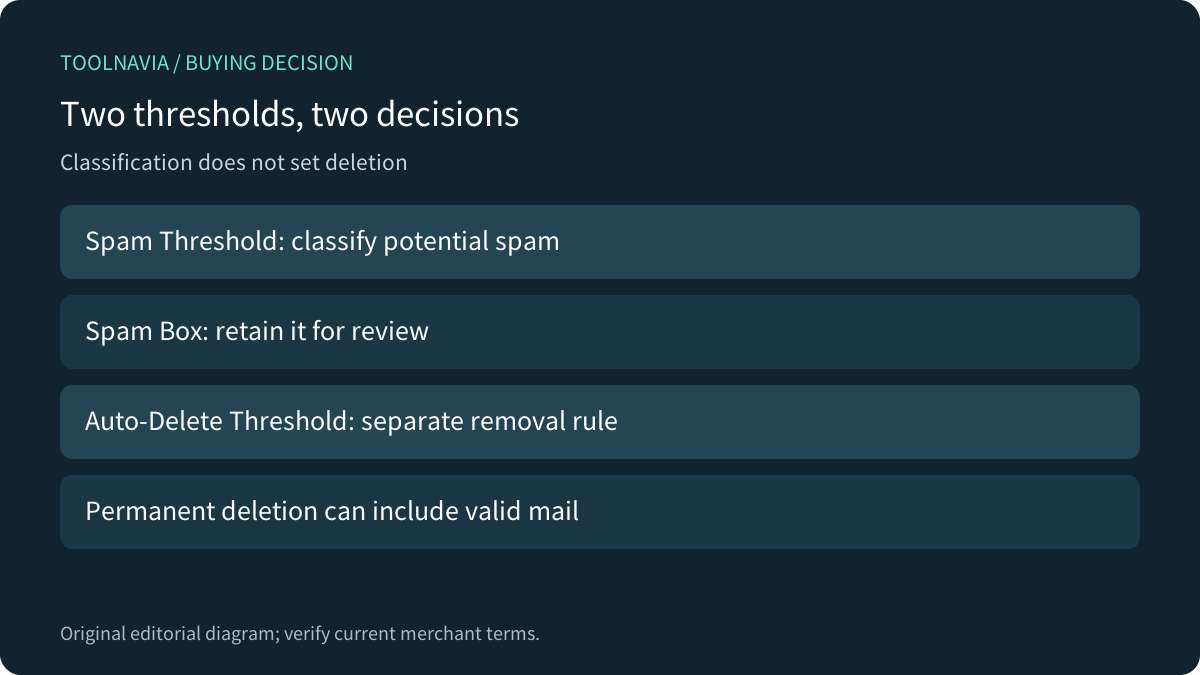
The host's configuration guide describes incoming messages receiving a calculated spam score. Its Spam Threshold determines classification, and Spam Box places marked messages in a separate folder. Auto-Delete has its own threshold. cPanel warns that qualifying messages are permanently deleted, including legitimate messages misclassified by the scoring process. Both features require SpamAssassin to be enabled.
Treat the two settings as separate policy decisions. Record their current values and enabled states before considering a change. A high classification threshold does not establish a safe deletion threshold, and a retained spam folder does not prove every suspect message will remain available if automatic deletion is enabled.
A retained folder needs visibility and a reviewer
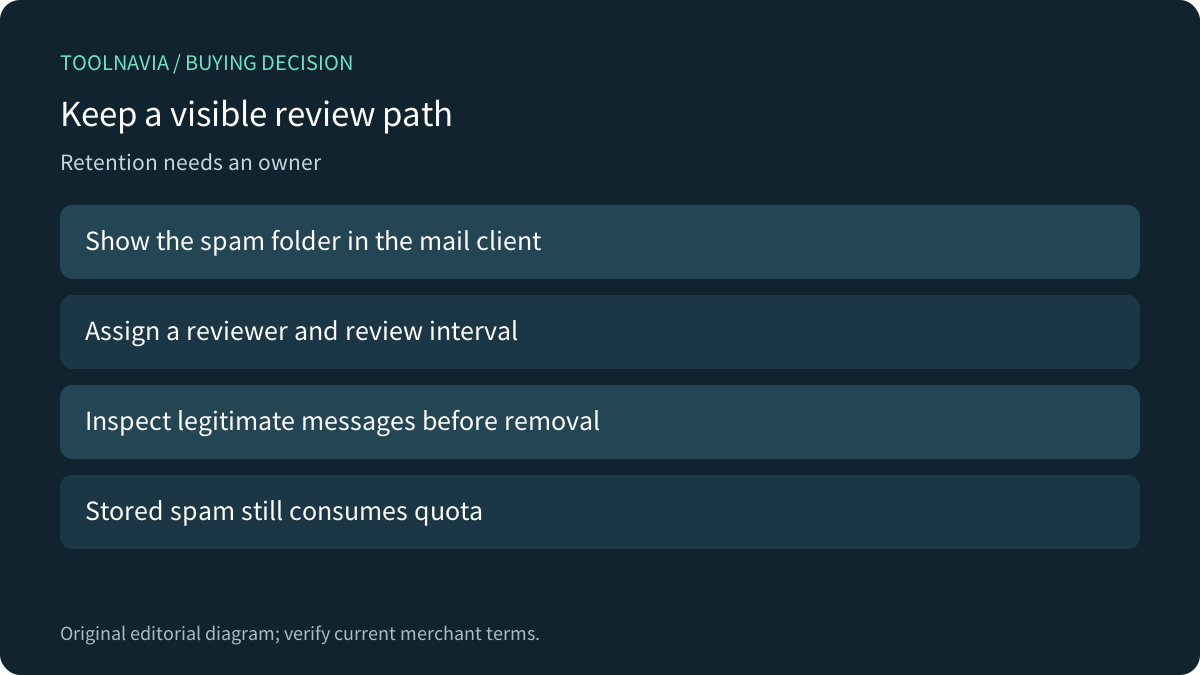
Namecheap notes that the spam folder may need to be displayed in the Webmail client. Its older FAQ describes IMAP as a way to inspect that folder from a desktop client. cPanel also warns that retained spam counts toward quota. A folder nobody sees is a weak recovery process, even when the mail still exists.
Assign a reviewer, a reasonable review interval and a route for escalating missing customer inquiries. Keep review separate from emptying the folder: cPanel distinguishes deleting one user's spam contents from emptying every Spam Box on the account. Do not turn a routine clean-up into an account-wide removal without understanding the scope.
Lower thresholds are not automatically better
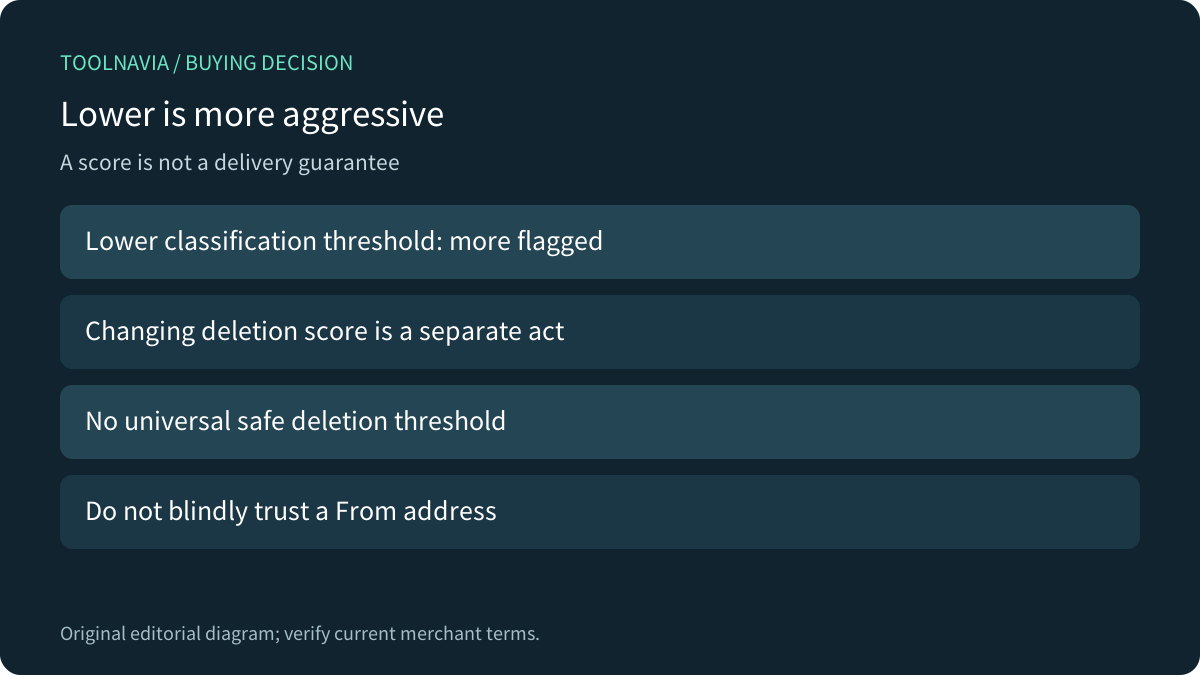
cPanel explains that lower classification thresholds are more aggressive and can flag more legitimate mail. Apache's upstream configuration documentation likewise treats required_score as a classification control and discourages automatic discard. Its defaults and examples are guidance, not proof of the version or effective settings in a particular Stellar account.
Allowlisting is also not a universal delivery guarantee. Namecheap documents sender entries, but Apache warns that blindly trusting a From address is vulnerable to forgery. Ask the host about an appropriate authenticated or narrowly scoped remedy for a reproducible false positive rather than applying a broad domain exception. The dated FAQ's discussion of tagging versus bouncing should not be extrapolated into a current global RBL guarantee.
Compare recoverability, not matching button names
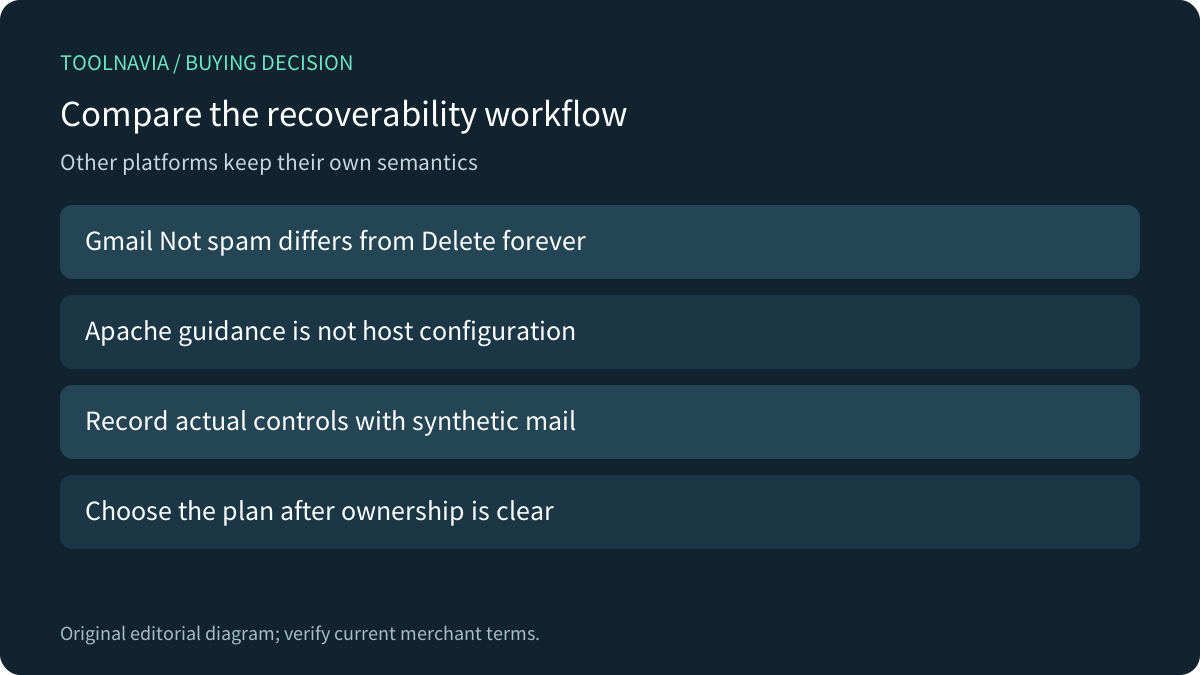
Gmail documents removing an incorrectly classified message with Not spam separately from Delete forever. That distinction is useful when comparing workflows, but Gmail's learning, retention and controls do not establish how Namecheap's deployment works. Ask which messages can still be inspected, who reviews them and what deletion removes.
A proposed authorized evaluation would use disposable mailboxes and benign synthetic messages. Record the actual interface, folder visibility, classification and any permitted recovery exercise, while preserving current settings and avoiding real customer mail. No such evaluation was performed here; there is no measured false-positive rate or delivery improvement to report.
Buy after the mailbox workflow fits
Four documented capabilities matter together: a separate review folder, independent deletion threshold, explicit scoring controls and a client-folder inspection route. None replaces an owner. If the team cannot maintain review and escalation, compare a dedicated mailbox service on its actual administrative and recovery workflow rather than assuming a hosting upgrade fixes classification.
The current Stellar card lists three websites, 20GB SSD and 30 mailboxes, with term choices and a limited 30-day trial. Confirm region, selected billing term, post-trial total, renewal and email-specific policies in the cart. More website capacity does not prove safer spam handling. Choose bundled email when both its limits and ongoing review responsibilities fit.