TOOLNAVIA / BUYING GUIDE
Namecheap No Indexing: Hide a Directory List, Then Check File Access
The short answer
At a glance
- Best for
- Owned directory-list settings and separately verified file access.
- Price model
- Stellar: confirm billing term, limited trial, post-trial charge and renewal in cart.
- Check first
- No Indexing hides a directory list; authentication and search noindex are different controls.
Verdict: treat No Indexing as a directory-list control
Namecheap Stellar can fit a modest website with a maintained asset directory, but cPanel No Indexing should not be the sole basis for a private client handoff. Its documented job is to stop the server listing a directory's contents. A directory URL, a known file URL and Google Search inclusion are different outcomes. Verify the access requirement separately instead of inferring it from a forbidden folder view.
This is documentation analysis. No hosted directory, file request, cPanel setting or search submission was operated.
Review current Stellar terms. Toolnavia may earn a commission on an eligible purchase.
Identify the directory before choosing its display policy
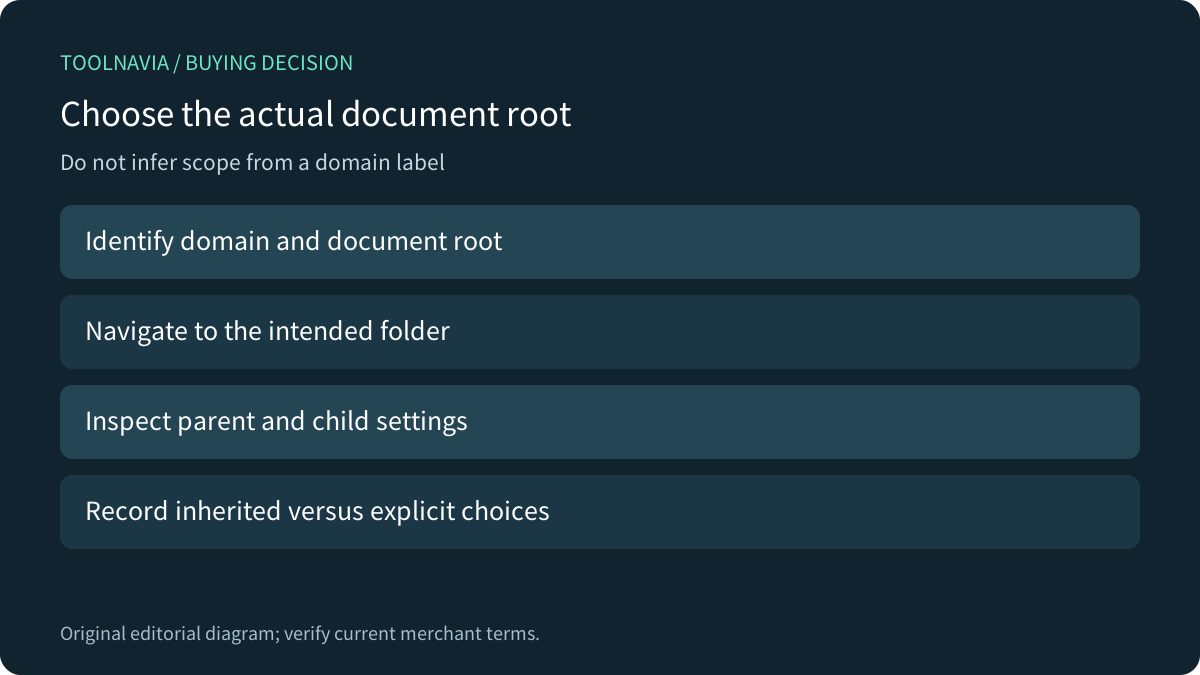
Namecheap's current cPanel overview places Indexes under Advanced and describes customizing how visitors view a directory. cPanel's own interface documentation lets operators begin at Home, Web Root or a selected domain's Document Root, then navigate to the intended folder. Match the actual path to the domain before changing anything.
An account can contain multiple websites and folders. A familiar domain label alone does not establish which directory serves a resource, whether another hostname reaches it or whether the child folder has an explicit setting. Record the intended scope and inspect parent and child choices rather than assuming one visible toggle describes every route.
Understand inheritance and the generated list
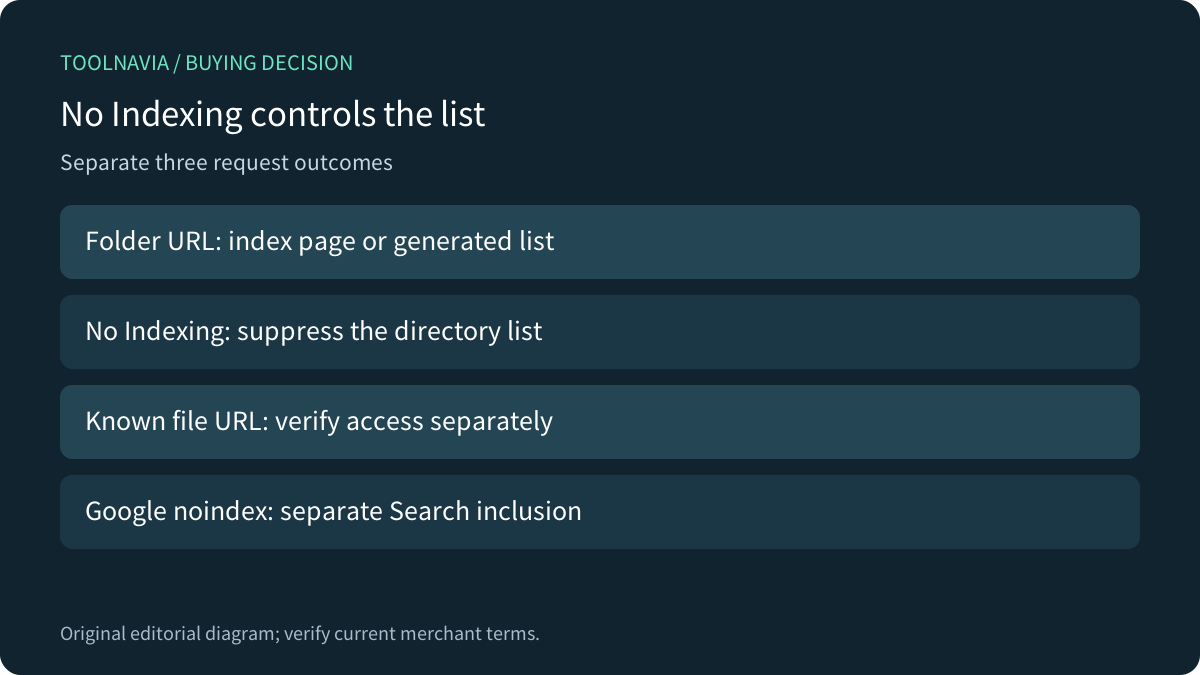
cPanel documents four choices: Inherit, No Indexing, Show Filename Only, and Show Filename and Description. Inherit uses the parent's setting, or the system default when no parent setting exists. No Indexing suppresses the directory list and produces a forbidden message; the display choices instead expose filenames, with optional extra details.
Use an explicit choice when the folder's policy must be understood independently, and record any intentional inheritance. These controls manage listing behavior. They do not document a user login, per-person entitlement or a complete authorization policy for every file inside the folder. If the requirement is restricted delivery, evaluate a suitable access mechanism separately.
An index file changes the folder view
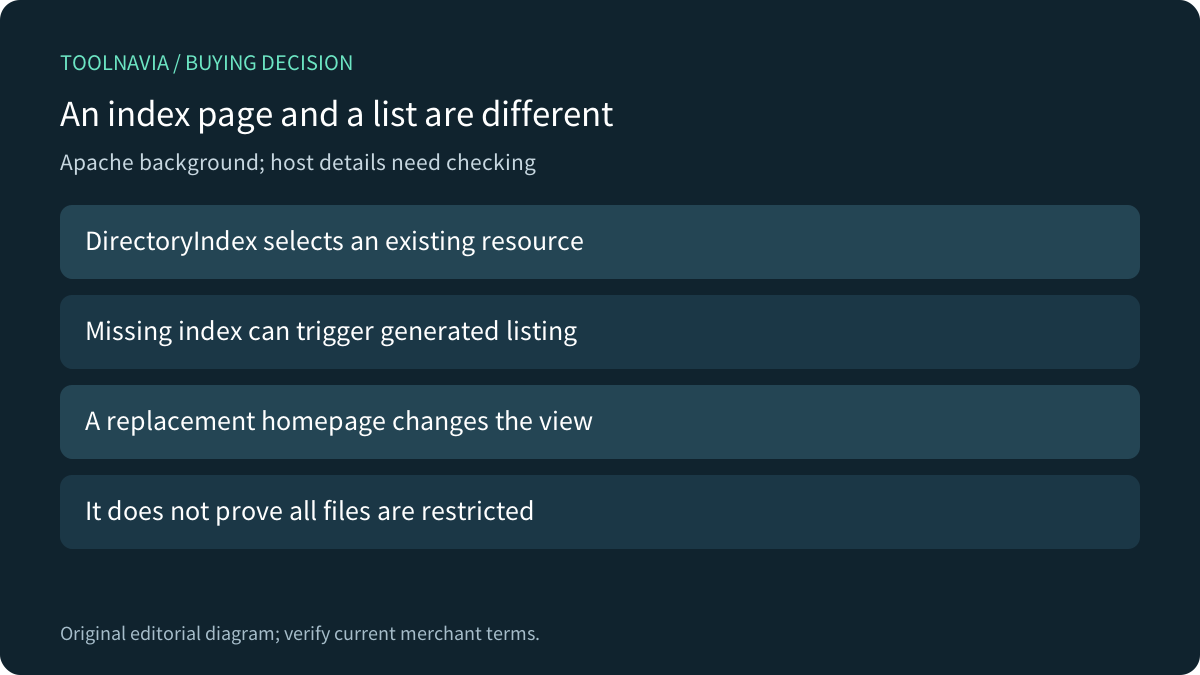
Apache explains that a directory index can be a user-provided file or a generated listing. Its DirectoryIndex directive selects the first existing configured resource; if none exists and Indexes is enabled, the server can generate a list. These are separate functions. This is upstream background, not proof of a particular provider's modules or permission to edit every server directive.
An uploaded homepage can therefore explain why a folder no longer shows a file list. It does not establish what happens to a direct URL for a PDF or image already known to a visitor. Inspect those outcomes separately. Do not use a prettier index page as evidence that an access boundary has been added.
Google noindex is a different instruction
Google documents noindex as a meta tag or HTTP response header controlling inclusion in supported search engines. Googlebot must be able to access the resource to see it; blocking crawling with robots.txt can prevent detection. A cPanel directory-display choice is not the same instruction, and a search instruction does not authenticate a visitor.
Keep the requirements explicit: public listing, permitted direct access and search inclusion may need different settings. Do not promise immediate search removal or recall of copies already shared. The practical purchasing question is whether the hosting and application workflow supports each required outcome with an owner who can maintain it.
Verify the workflow before paying for more capacity
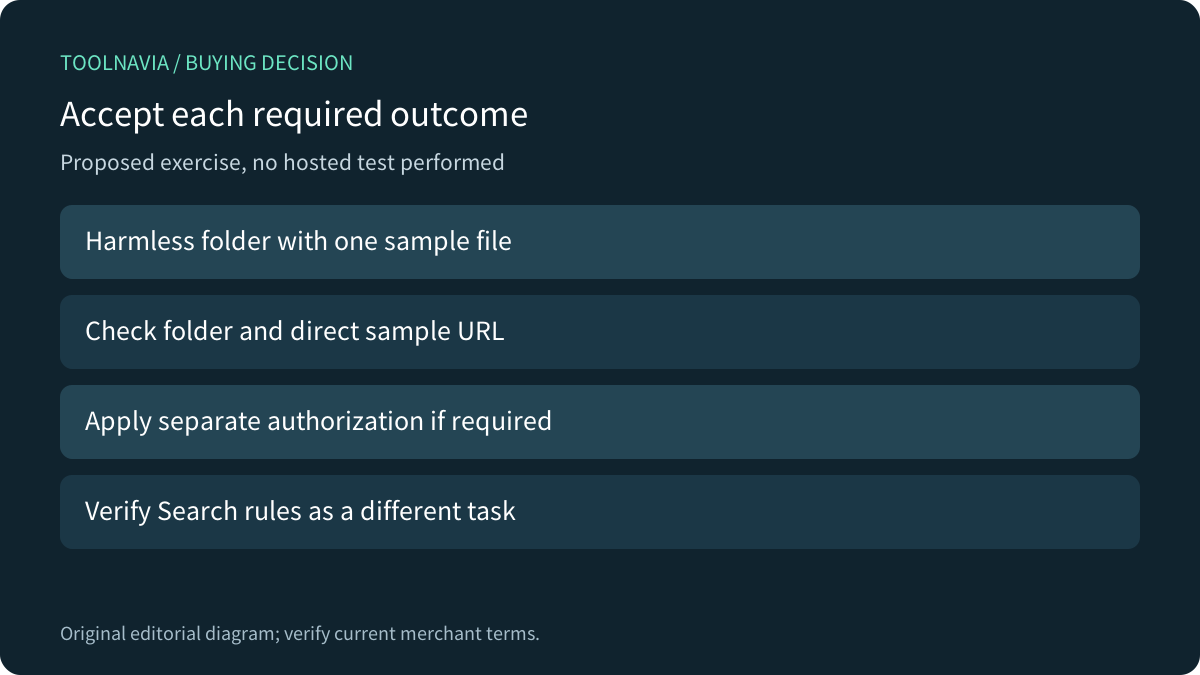
A proposed authorized exercise would use a disposable directory containing a harmless index page and sample download. Record folder and direct-file behavior in a fresh visitor session, inspect the exact listing policy and separately evaluate any required authentication. Repeat after a deliberate configuration change and a save/reopen of the relevant management view. No exercise was performed here.
Four useful controls are root-aware navigation, listing suppression, explicit inheritance and alternative listing formats. cPanel notes that providers can enable or disable the interface, so confirm current account availability. A storage upgrade alone does not prove better access control.
Stellar currently lists three websites, 20GB SSD and 30 mailboxes with a limited 30-day trial and different term choices. Confirm region, term, post-trial total, renewal and the wider hosting fit. Choose it when the actual directory and delivery workflow meets the requirement, not merely because a setting contains the word indexing.