TOOLNAVIA / BUYING GUIDE
Namecheap Stellar Cron Limits: 5 Minutes, 5 Jobs—and No Daemons
The short answer
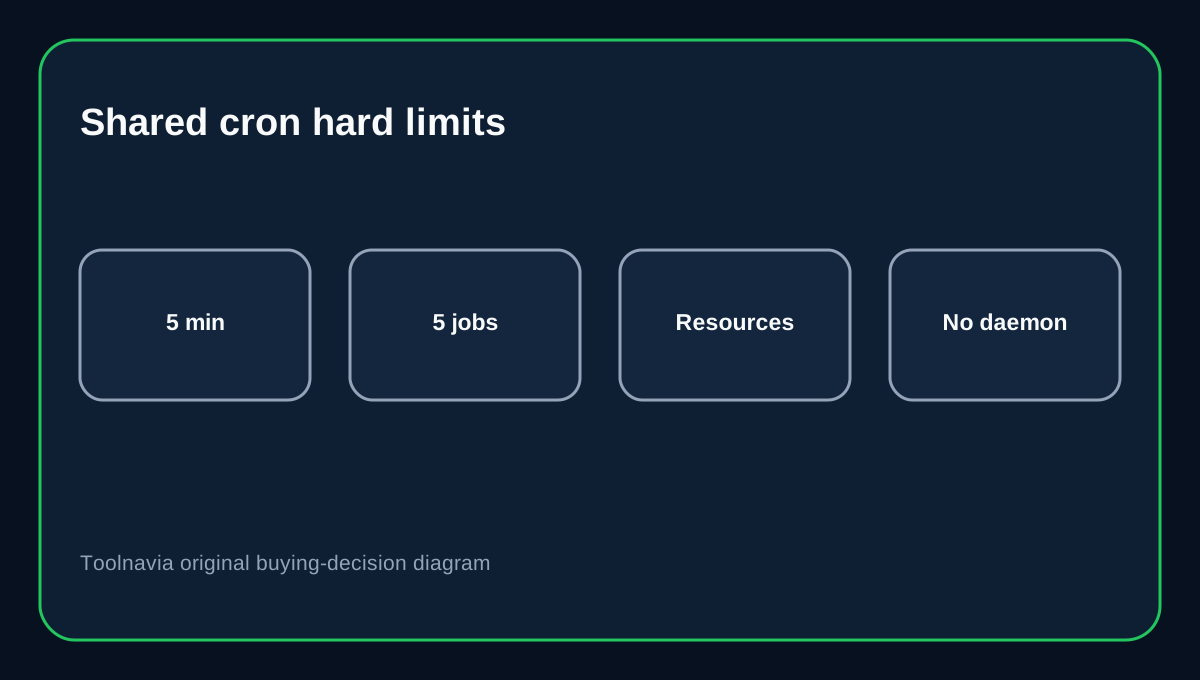
Namecheap Stellar allows **real cPanel cron jobs**, but shared hosting has two hard scheduling boundaries: **no interval shorter than 5 minutes and no more than 5 simultaneous cron jobs**. Stellar currently starts with a 30-day trial, then $26.88 for the first paid year; the current annual renewal reference is $55.88.
That makes Stellar suitable for normal WordPress maintenance and moderate automation, but not for workloads that need always-on workers or second-by-second scheduling.
At a glance
- Best for
- Sites with bounded scheduled tasks at five-minute-or-longer intervals.
- Price model
- 30-day trial, then $26.88 first paid year; current annual renewal $55.88.
- Check first
- No sub-five-minute cron, more than five simultaneous cron jobs or persistent daemons on shared hosting.
Five minutes is the minimum cron interval
Namecheap's shared-hosting policy explicitly disallows cron intervals shorter than 5 minutes. Its setup guide also says the schedule runs on server time. cPanel's own Cron Jobs documentation confirms that cron only schedules commands; those commands still run inside the account's normal limits.
For cache cleanup, sitemap generation, low-frequency imports and normal maintenance, five minutes is usually fine. For real-time queues or polling every few seconds, shared hosting is the wrong execution model.
Five simultaneous jobs is another hard boundary
Namecheap also limits shared servers to no more than five simultaneous cron jobs.
If one job runs slowly and the next scheduled copy starts before the first finishes, overlapping executions can consume the concurrency budget. Add lock files or application-level mutexes to prevent duplicate runs when possible.
Cron email can quietly create inode pressure
Namecheap notes that a cron command that produces output can send an email every time it runs unless output is redirected. Those messages can accumulate in a cPanel mailbox and consume inodes.
During testing, email output is useful. In production, redirect normal output to logs or /dev/null when you have another monitoring path, while still preserving errors you actually need.
WordPress WP-Cron and system cron solve different problems
WordPress WP-Cron is triggered by site requests, so scheduled events can run late on low-traffic sites. A cPanel system cron can call wp-cron.php on a predictable schedule and reduce dependence on visitor traffic.
But moving WP-Cron to cPanel does not remove Namecheap's 5-minute and resource rules.
WooCommerce queues still need application monitoring
WooCommerce relies heavily on Action Scheduler for subscriptions, webhooks and background work. Action Scheduler guidance shows that pending work can accumulate when incoming tasks outpace the runner.
Check WooCommerce Scheduled Actions for failed or stuck jobs. Increasing cron frequency cannot solve an application queue that is too heavy for the account.
Shared hosting is not a daemon platform
Namecheap's resource rules prohibit standalone/unattached server processes and scripts that monopolize system resources for too long.
If your application needs a persistent worker, long-running queue consumer, sub-five-minute polling or many concurrent background jobs, move that component to a VPS, managed application platform or external queue service.
Buying decision
Choose Stellar when your automation can run in short, bounded jobs at five-minute-or-longer intervals. It is a poor fit when background processing is a core always-on service.
Affiliate disclosure: Toolnavia may earn a commission from an eligible Namecheap purchase. That does not change the cron-limit analysis.