TOOLNAVIA / BUYING GUIDE
Namecheap Stellar Composer: Who Maintains the Toolchain?
The short answer
Stellar can support a PHP project that uses Composer, provided someone owns the toolchain. Namecheap's documented route enables SSH, installs a project-local `composer.phar` and invokes it with PHP. That is a useful account-level workflow, but it is not a managed dependency-build service.
At a glance
- Best for
- Small PHP projects with an owner for local Composer and PHP configuration.
- Price model
- Check current Stellar term, initial charge and renewal; no numeric invoice quoted here.
- Check first
- Self-maintained toolchain; tutorial settings do not guarantee build resources.
Decide who maintains the Composer file
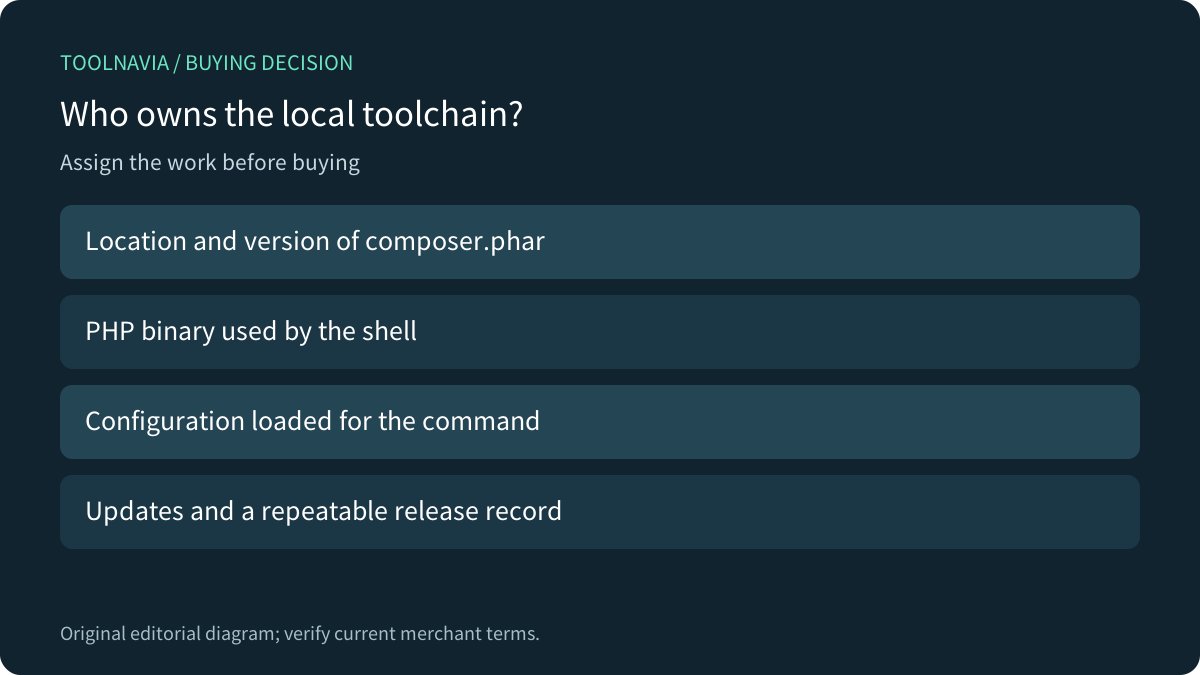
Namecheap describes Composer as a per-project dependency manager and demonstrates installing it in a chosen directory. Its usage example is `php composer.phar`, with an alternative that explicitly loads a local `php.ini`. A buyer should therefore assign responsibility for the tool's location, version and invocation instead of assuming a global `composer` command will exist.
For one modest application, keeping that setup explicit can be an advantage: the release notes can identify exactly which tool and configuration were used. For several projects, the same responsibility becomes recurring maintenance. A working shell login alone does not settle it.

Confirm the shell and the configuration it loads
SSH is disabled by default on Namecheap shared accounts. The Manage Shell control enables it and makes cPanel Terminal available; the Composer guide specifies shared-hosting port21098. Confirm those prerequisites on the actual account before scheduling a release.
The guide checks CLI PHP with `php -v`, requires a supported PHP branch and notes that `allow_url_fopen` is needed. It also shows `php -c php.ini composer.phar` when a local configuration must be loaded. Record the selected PHP and configuration rather than assuming a file created beside the project automatically governs every invocation.
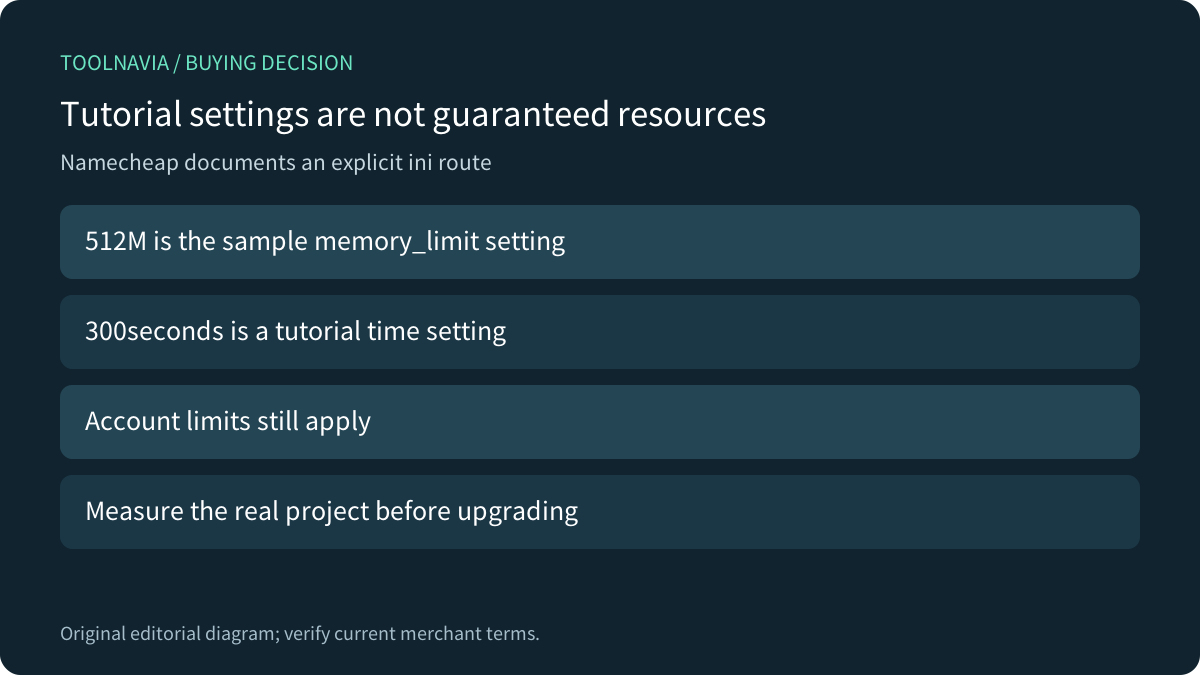
Its sample sets memory_limit to512M and execution/input time to300seconds. Those are tutorial configuration values, not a promise of dedicated memory, CPU or unlimited builds. They do not replace the shared account's applicable resource rules.
Use current upstream installer verification
Namecheap's example pipes a downloaded installer into PHP. Composer's current download page instead includes a SHA-384 verification step before execution and warns that its installation code changes; it asks readers to link to the current page rather than redistribute the block. Follow the [current upstream verification instructions](https://getcomposer.org/download/) while preserving the provider's required PHP configuration.
Do not copy an old checksum into a permanent deployment script or disable certificate validation when a download fails. Have the operator establish a trusted, repeatable installation route. This guide did not download or execute an installer on a hosting account.

Compare maintenance work across providers
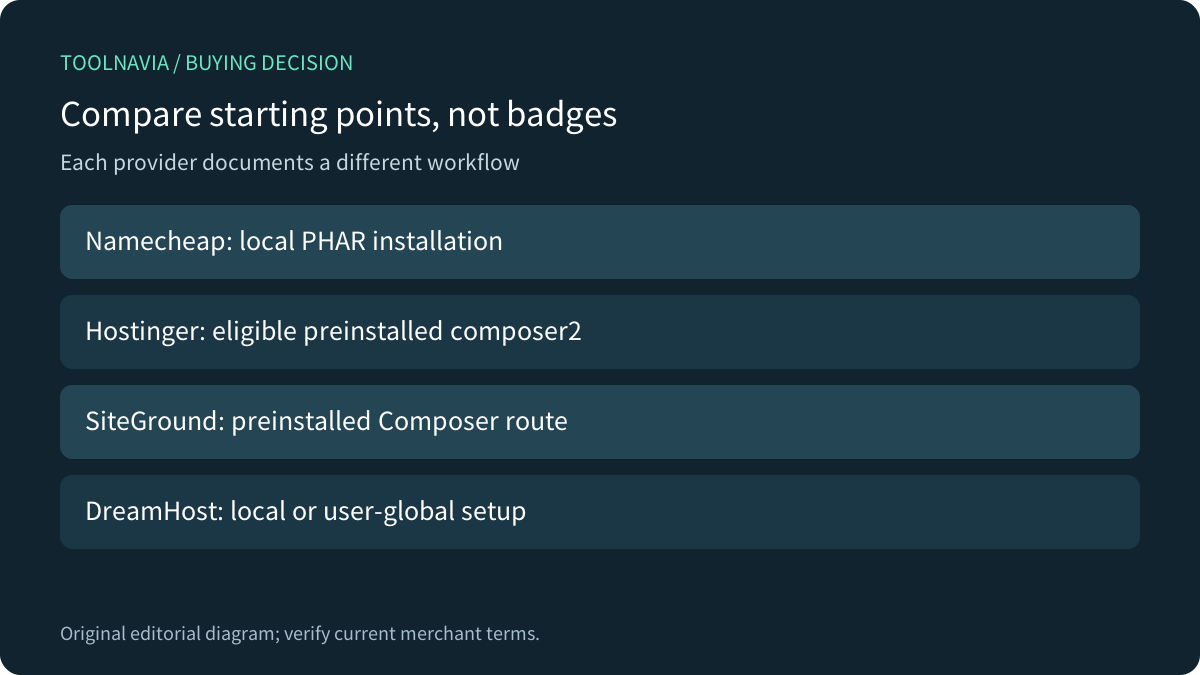
Hostinger documents preinstalled Composer1 and2 on eligible Premium, Business and Cloud plans, using `composer2` for current PHP workflows. SiteGround likewise says Composer is preinstalled in its Laravel installation guide. These are different starting points from Namecheap's documented project-local installation—not evidence that Stellar cannot use Composer.
DreamHost documents both local installation for a single project and a user-level global route for multiple projects, with CLI PHP selection and Phar troubleshooting. That comparison helps a team decide whether managing its own tool location is acceptable. It does not transfer DreamHost paths or defaults to Stellar.
cPanel's current documentation says version130and later no longer ships its former Composer package. This is platform context, not proof that Namecheap runs that version or grants the server-wide permissions shown in a generic administrator guide. Follow the host's supported account route.

Choose where dependencies are built
Decide whether the shared account will perform dependency installation or receive a release artifact built elsewhere. An off-server build can reduce work done on the host, but it must match the target PHP and extension requirements and include everything the application needs. Confirm the permitted deployment route with Namecheap and test the result; uploading a `vendor` directory is not automatic compatibility proof.
Keep the project's dependency definition, reviewed lock file, tool version and configuration with its release record. Include any project-defined installation scripts in the review. Avoid modifying a production dependency tree without a recoverable previous release and an appropriate data rollback plan.
A failed installation should first lead to the actual PHP/configuration error and provider support boundaries. Paying for a larger shared plan does not by itself prove that a missing module, privileged package or incompatible application will work. The current canonical page supplies plan context, not a universal PHP application guarantee.
Budget the owner work before buying
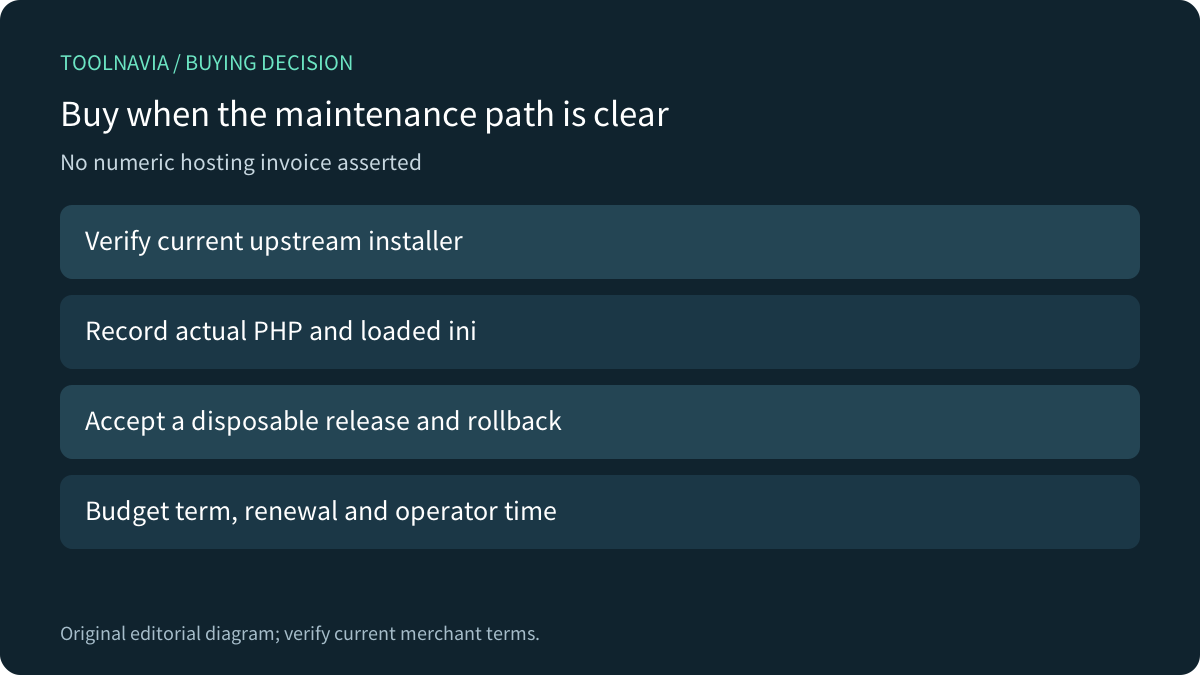
The current Stellar term, first charge and renewal must be checked on the canonical offer; this article makes no numeric invoice claim. Include the time needed to maintain the local tool, verify installer changes and rehearse releases. A competitor's preinstalled command may remove one task while leaving application compatibility and deployment responsibility with you.

Before committing, have an authorized operator demonstrate the required shell access, record CLI PHP and the loaded configuration, establish the verified installer route and deploy a disposable representative release. Confirm an ordinary application action and a rollback. These are proposed acceptance steps, not measured results.
Consider Stellar when a small project fits the actual account and someone can maintain this workflow. Compare a more managed build route when that responsibility is the real gap. After confirming fit, [review the current Namecheap Stellar offer](https://namecheap.pxf.io/c/7883429/1632743/5618). Toolnavia may earn a commission from eligible purchases; no hosting build or paid order was performed.