TOOLNAVIA / BUYING GUIDE
Namecheap Stellar SSH & SFTP: Port 21098, Jailed Shell, No Root
The short answer
Namecheap Stellar can handle **SFTP and SSH**, but the two paths do not start in the same state. Namecheap says SFTP is enabled by default on shared servers, while shell access is disabled until you switch on **Manage Shell** in cPanel. Both use the shared-hosting connection port **21098**. What you receive is a jailed, account-level environment—not root access and not a substitute for a VPS.
At a glance
- Best for
- Up to three small sites that need user-level SFTP/SSH without root.
- Price model
- Live checkout controls price, term, location and renewal; no fixed claim.
- Check first
- SSH is disabled by default, uses port 21098 and remains jailed user-level access.
What Stellar buyers actually receive
Namecheap’s current documentation covers Stellar, Stellar Plus and Stellar Business on its shared-server stack. Jailshell SSH is disabled by default but can be enabled from cPanel. The Manage Shell plugin is specifically for Shared Hosting accounts and turns the shell on or off without a support ticket. Once enabled, cPanel also exposes its browser-based Terminal.
This is useful for a small WordPress or PHP site that needs encrypted transfers, Git-related file work, WP-CLI or ordinary account maintenance. It is not evidence that every binary, background process or package installation is allowed. Shared CPU, memory and account policies still apply.
SFTP first, shell only when needed
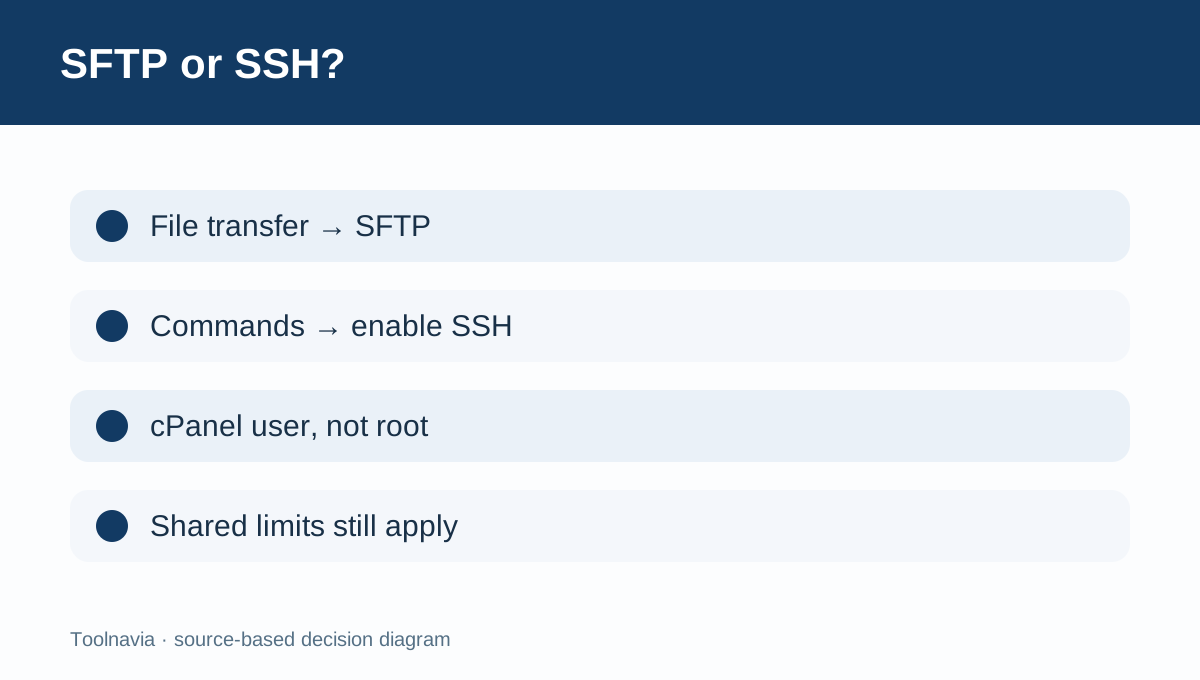
If the job is uploading a theme, downloading a backup or moving a configuration file, SFTP is the narrower and safer fit. Namecheap says SFTP is enabled by default and available on port 21098. Buyers should not enable an interactive shell merely to avoid plain FTP.
SSH adds command-line access. Namecheap’s connection guide says to enable SSH first, then connect with the cPanel username and port 21098. The same guide distinguishes shared-hosting users from VPS or Dedicated users who may log in as root. Stellar therefore offers account commands, not server administration.
Port 21098 is part of the setup
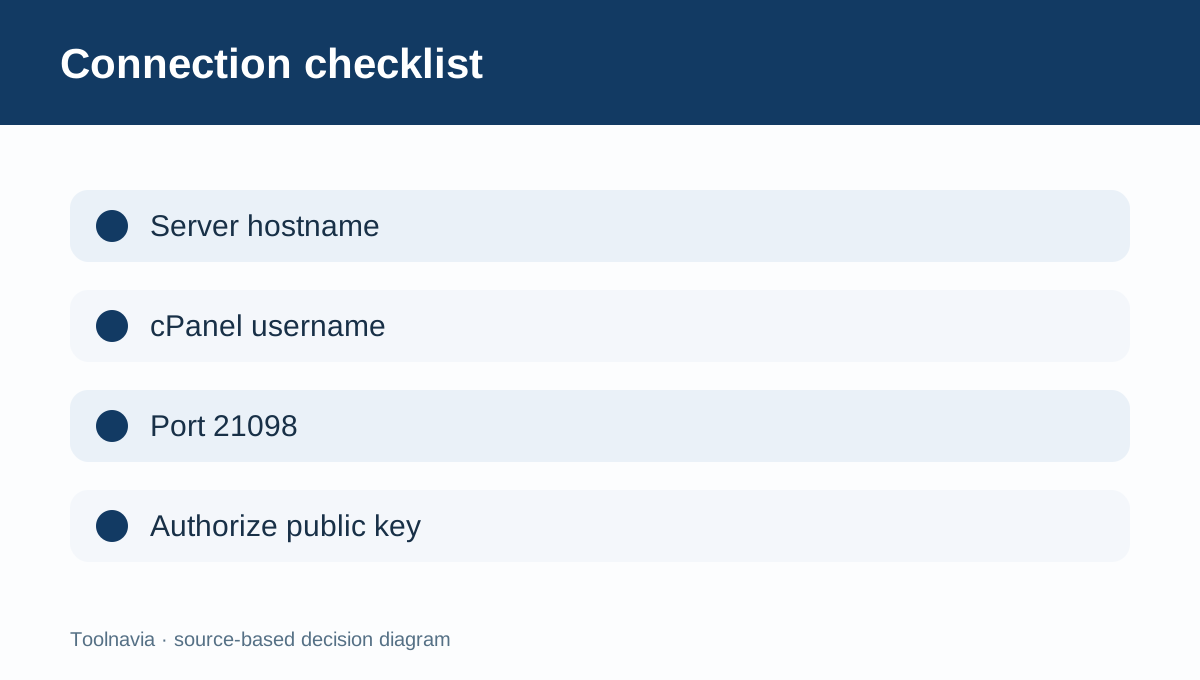
Many generic SSH guides assume port 22. Namecheap Shared Hosting instead documents port 21098 for SSH and SFTP. A connection test should use the server hostname from the Welcome Email, the cPanel username and port 21098.
Do not treat a failed port-22 test as proof that SSH is absent. First confirm that Manage Shell is on, then verify hostname, username, port and authentication. A corporate firewall may block a nonstandard outbound port, so test from the network that will actually perform deployments.
Passwords work, but keys are the better workflow
Namecheap’s basic access guide describes cPanel password login, while its separate key guide shows how to create or import a key, authorize the public key and connect on port 21098. For repeat deployments, keys reduce reliance on a reusable account password and make automation easier to control.
Keep the private key off the server and out of shared chat or contractor folders. Authorize only the public key in cPanel, protect the private key with a passphrase where practical, and remove access when the workflow ends.
Jailed shell is not root
Namecheap labels the default shared-server option **Jailshell SSH**. cPanel explains that VirtFS isolates the user and prevents access to other customers’ home directories. This boundary protects a shared server, but it also means the user cannot manage the operating system, global firewall, system services or other accounts.
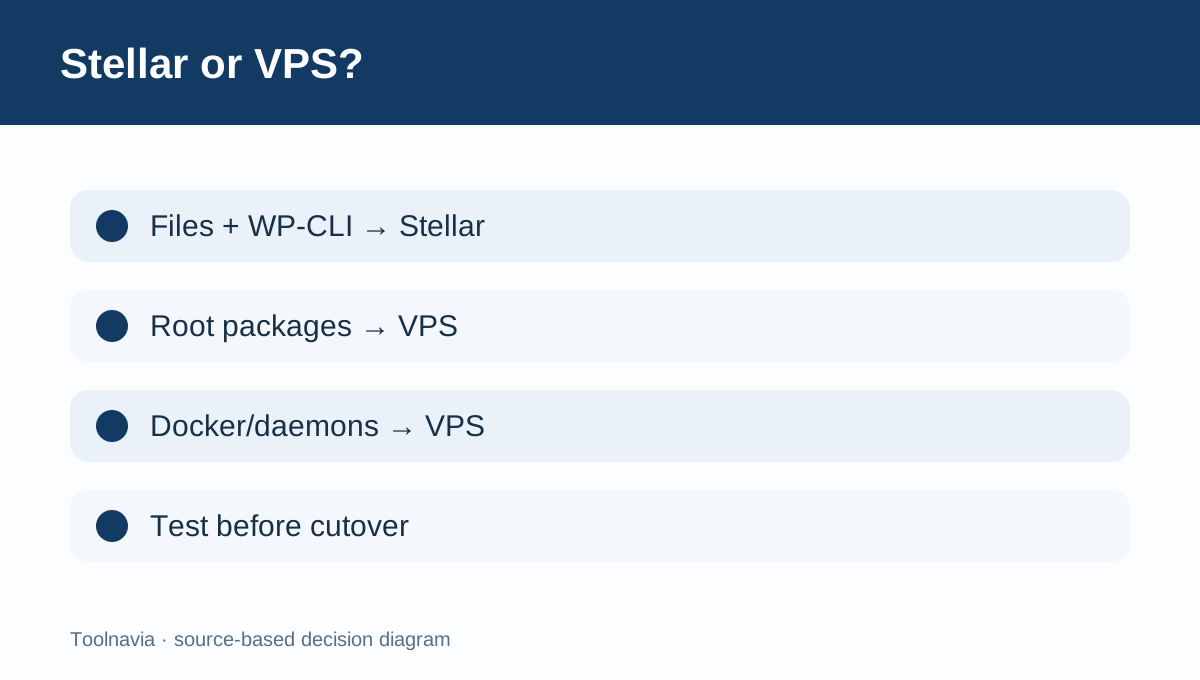
Independent same-intent guides reach the same buying conclusion: shared SSH can be valuable for site maintenance while remaining limited, and real-world transfer performance may vary by server. If the project requires Docker, custom daemons, root package installation or unrestricted networking, buy a VPS rather than stretching Stellar beyond its design.
A five-minute acceptance test
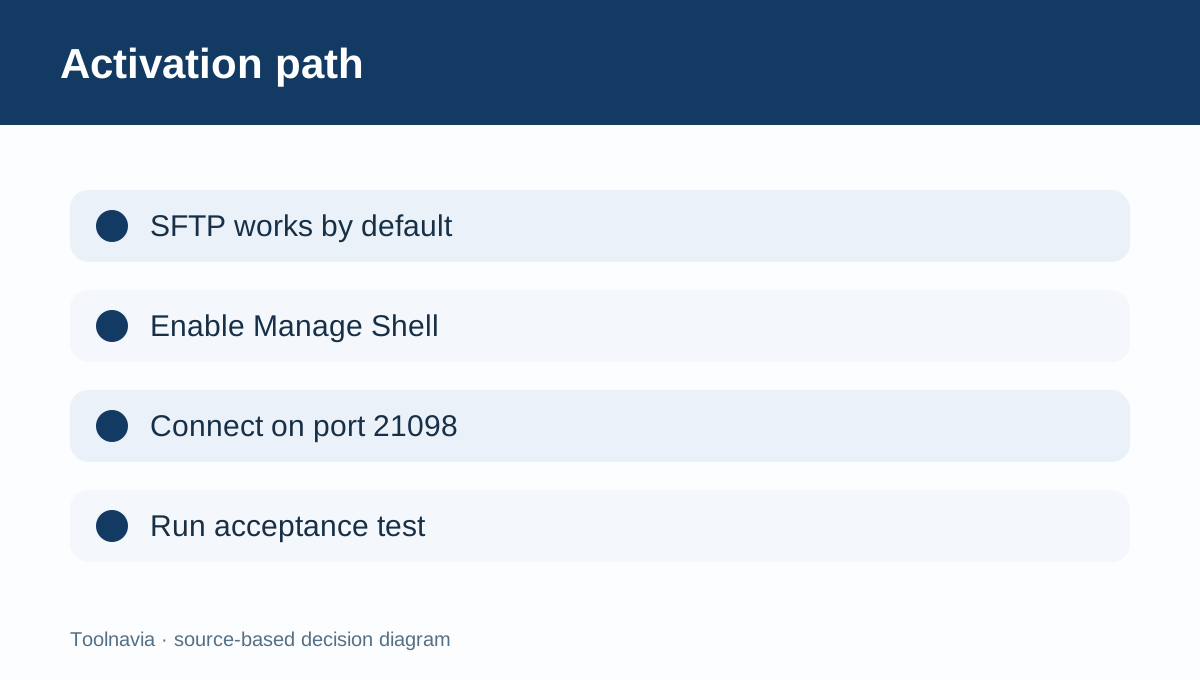
After provisioning, open cPanel and confirm that SFTP works first. Then enable Manage Shell, open Terminal, and test an external SSH login on port 21098. Verify the working directory, file ownership after upload, key authentication, the exact commands required by the deployment, and logout/revocation.
Run this test before canceling the old host. Namecheap’s low-cost Stellar plan is aimed at compact sites, and an independent hands-on review treats it as shared hosting with finite storage and control rather than a private server.
Verdict
Choose Stellar when up to three small sites need encrypted transfers and occasional user-level command access. Its advantage is self-service activation: SFTP is ready by default, SSH can be enabled in cPanel, and keys are supported. Its limit is equally clear: port 21098 and jailed account access do not provide root. [Check the approved Stellar offer](/go/namecheap-shared-hosting-stellar-official-usd).