TOOLNAVIA / BUYING GUIDE
Namecheap Stellar Cancellation & Refund: Export Before You Close
The short answer
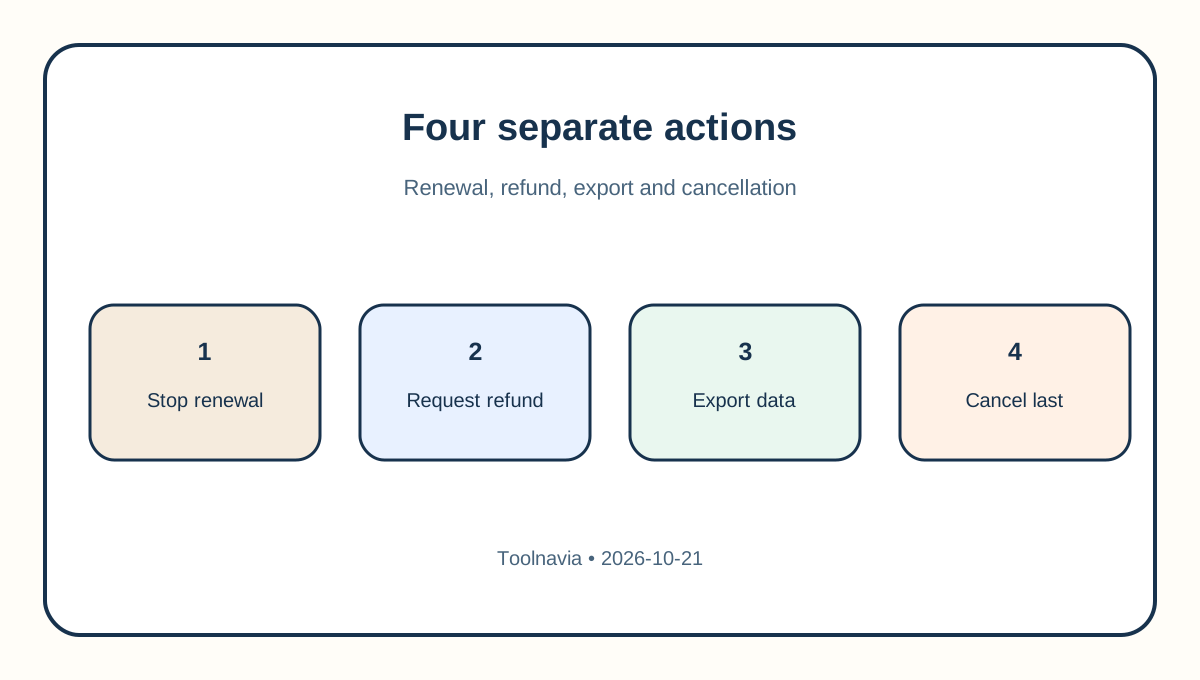
Namecheap Stellar buyers should treat four actions as separate: turning off auto-renew, cancelling the hosting package, asking for a refund, and closing the entire Namecheap account. The distinction matters because cancelling hosting suspends and eventually terminates every site, subdomain and cPanel mailbox inside that package, while the related domain registration remains separate. Refunds are a second decision governed by eligibility, timing, exclusions and Namecheap's account-specific approval. The current Stellar page identifies three websites, 20 GB SSD and 30 mailboxes, so a cancellation can affect more than a single WordPress install.
Affiliate disclosure: Toolnavia may earn a commission from qualifying purchases made through the verified product route in this guide. Namecheap approved Toolnavia through Impact. Namecheap controls availability, pricing, refund eligibility and the final checkout terms.
At a glance
- Best for
- Namecheap Stellar buyers who require a tested site-and-mail exit plan and written refund confirmation.
- Price model
- No universal refund promise; first purchase, renewal timing and exclusions control
- Check first
- Only Namecheap can approve a specific refund; Roundcube lacks convenient bulk export and post-termination recovery is not guaranteed.
Separate auto-renew, cancellation and refund
If the goal is only to prevent the next charge, turn off auto-renew and record the next billing date. Do not use a destructive hosting cancellation simply to stop a future renewal. Save the confirmation screen and email because they establish what setting changed and when, but they do not establish a refund.
A refund request has another workflow. Namecheap's help page says you must cancel the hosting package and contact Billing/Sales, while the legal policy makes eligibility discretionary and product-specific. Ask for a written answer that identifies the transaction, amount, refund destination and effective service-end time. Until you have it, “cancelled” and “refunded” remain different states.
Read the refund boundary before acting
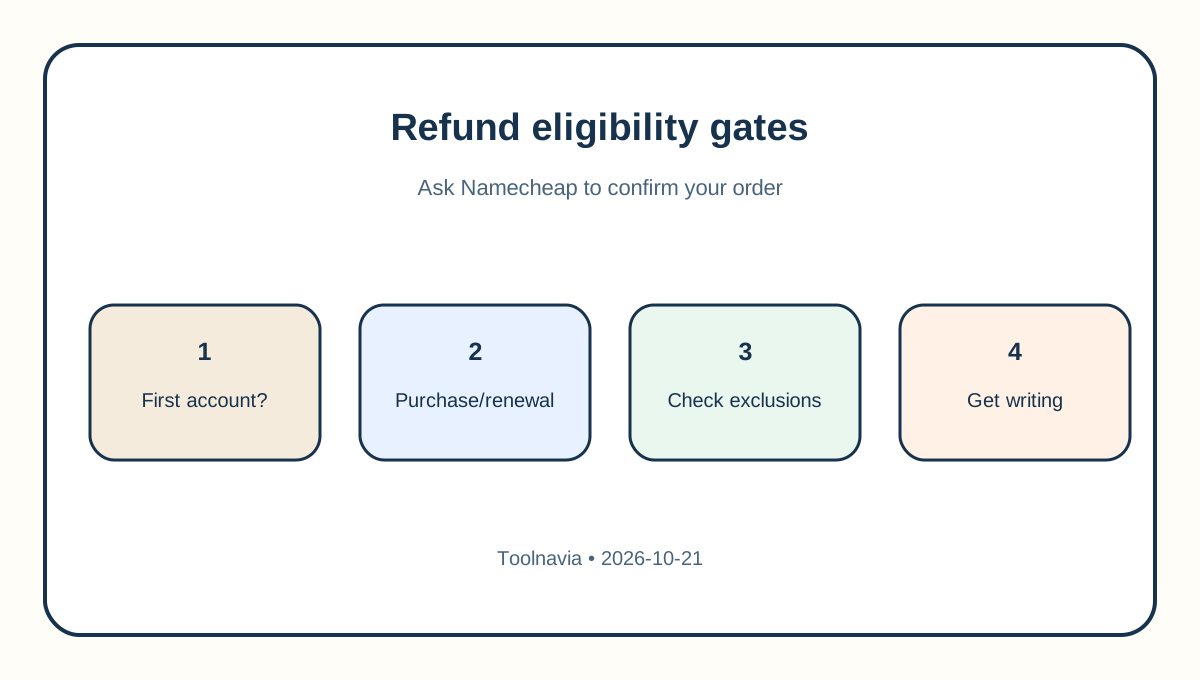
The headline 30-day guarantee applies only to first-time eligible hosting accounts. The legal policy says eligible Stellar package fees may be refundable at Namecheap's sole discretion if the account holder cancels within 30 days of purchase. The hosting terms repeat the first-account limitation. A second hosting purchase or an ineligible account should not borrow that promise. TechRadar independently describes Namecheap's refund policy as unusually complex, which supports reading the provider clauses rather than relying on a headline.
Renewals follow a different path. Namecheap's money-back article says hosting renewals may be refundable when the package is cancelled within 48 hours after renewal; outside that window, a prorated refund may be considered. That wording is not an automatic entitlement. Treat the 48-hour statement as a reason to contact Billing immediately, not as a guarantee that a credit will be issued.
Fees can split. Domain registrations associated with hosting, paid add-ons, upgrades and third-party licenses may be excluded. Private Email has its own seven-day language in the legal policy. Ask support to itemize the refundable and non-refundable components instead of applying the hosting headline to the whole cart.
Know what cancellation removes
Namecheap's cancellation guide is unusually explicit: every website on add-on domains and subdomains, plus cPanel email accounts, will be suspended and terminated with the main hosting service. Cancelling the hosting account does not cancel the related domain registration. That separation protects the domain only if you continue to manage and renew it.
Do not close the entire Namecheap account while it still holds a domain, support case, refund balance or another subscription. Account closure is broader than hosting cancellation. A direct same-intent Namecheap guide likewise separates hosting, domains and full account closure, but the first-party Namecheap pages remain controlling. List every active service first, mark it keep, transfer or cancel, and verify that the retained products remain reachable through a working login and email address.
Build a portable exit archive
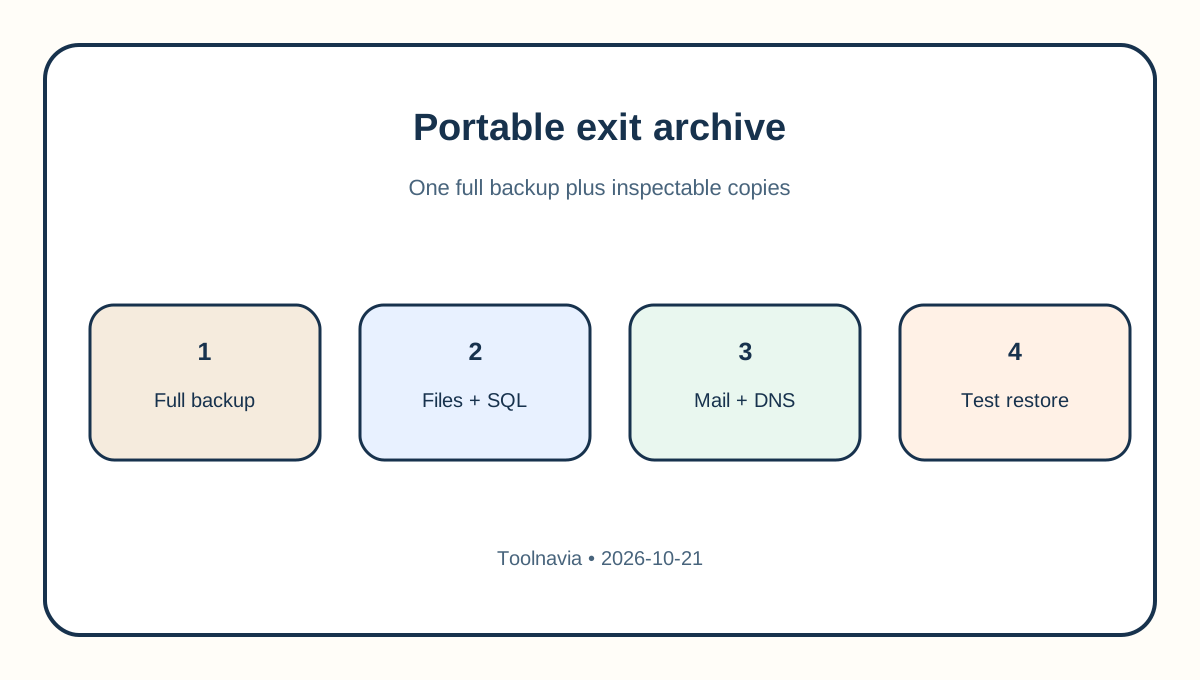
Generate a full cPanel backup, but also download component copies you can inspect: the complete home directory, each database export, DNS records, cron jobs, redirects, PHP version, SSL details and a list of mailboxes. Namecheap says a full cPanel backup contains files, databases, email accounts and settings. Store the archive outside the hosting account. Independent cancellation and cPanel guides converge on the same operational rule: save files, databases and mail before the service is removed.
Basic Stellar has an important recovery boundary. Namecheap says a Stellar customer cannot automatically restore a full cPanel backup through the cPanel interface; support must help with that full restore. Self-service full restore through AutoBackup is described for Stellar Plus and Stellar Business. For portability, keep ordinary file and SQL exports as well as the full account archive.
Provider backups are not an exit plan. Namecheap says its server copies are for restoration purposes and customers remain responsible for local copies. A post-termination recovery attempt may carry a fee and depends on a usable archive still existing. That is an emergency possibility, not a substitute for a tested independent backup. Two independent exit guides also recommend downloading and testing the copy before cancellation and treating mail and the domain as separate workstreams.
Prove the website and mail restore
Restore the files and database to a staging destination before cancellation. Test the home page, admin login, forms, uploads, redirects, scheduled jobs and representative database-driven pages. Record archive checksums, file counts and database table counts so you can distinguish a successful download from a complete restore.
Mail needs its own plan. Namecheap documents Roundcube export to .eml but says the interface does not offer a convenient bulk download. For a few critical messages, export them directly. For a real mailbox, synchronize it to a local mail client or copy folders to a new IMAP account before cancellation, then compare folder and message counts. Preserve contacts, calendars, aliases and forwarding rules separately.
Change DNS only after the replacement site and mailboxes are ready. Keep Stellar active through the propagation and validation window. Check web, mail sending, mail receiving, SPF/DKIM/DMARC, forms and any external service that still points to the old host.
Separate the domain, email and paid extras
The domain may remain active after hosting cancellation, but that does not mean its nameservers or DNS records will continue to serve the replacement correctly. Confirm where DNS is hosted, export the zone, lower TTL in advance when appropriate, and make sure registrant email and two-factor authentication still work.
Private Email, SSL certificates, PremiumDNS and marketplace apps can have separate cancellation and refund rules. Do not infer their status from the Stellar line item. A clean support request should list each order number and ask whether it will remain active, end at term, cancel immediately or be billed again.
Follow a safe Stellar exit sequence
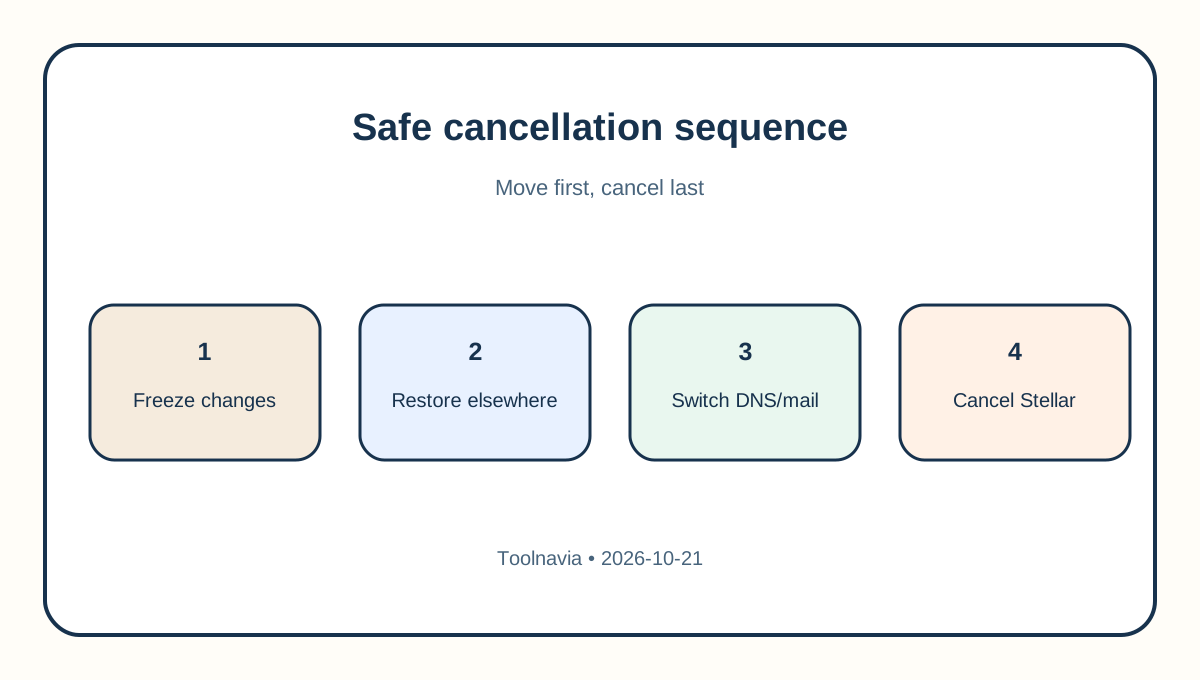
First, stop the next renewal if that is the objective. Second, create external file, database, configuration and mail copies. Third, restore them elsewhere and verify web and mail independently. Fourth, ask Billing to confirm the exact refund decision, exclusions, amount, destination and service-end time. Fifth, cancel Stellar only after the replacement passes those tests. Close the whole Namecheap account only after every retained product and refund case is resolved.
For a prospective buyer, the purchase question is not simply “Does Stellar have a 30-day guarantee?” It is “Can I leave with working site and mail copies, and which charges would remain outside a refund?” Review Stellar through [Toolnavia's verified exact route](/go/namecheap-shared-hosting-stellar-official-usd), then save the checkout term and the policy shown on the purchase date.