TOOLNAVIA / BUYING GUIDE
Leaving Namecheap Quasar: Refund Rules, cPanel Export and DNS Cutover
The short answer
Canceling Namecheap Quasar Complete is a server-exit project, not a billing click. The safe order is to inventory every workload, create copies you control, prove that the destination works, move DNS and mail, then cancel the VPS and any separately billed cPanel or add-on services. Complete management includes provider-operated backups, but Quasar's 100 GB allocation, one retained copy and reseller-level access do not equal a portable whole-server archive.
Namecheap's current VPS page anchors this guide to Quasar with Complete management and says cPanel-to-cPanel transfers are the fully supported migration path, while other paths need technical review. Record the SolusVM control-plane access, server IPs and account-panel details before the exit begins. A current independent review also warns that the refund clauses and paid management/control-panel extras make the apparent base-server decision more complex.
At a glance
- Best for
- Namecheap Quasar Complete buyers who need a tested cPanel, mail and DNS exit plan before cancellation.
- Price model
- No universal refund promise; transaction timing and exclusions control
- Check first
- Only Namecheap can approve a specific refund; a provider backup does not prove portable recovery.
First decide what “cancel” means
Turning off auto-renew lets the current term expire; immediate cancellation starts a destructive service-close workflow. Namecheap says customers should back up first and sends a confirmation email after cancellation. The hosting terms also call for a Billing Issues ticket at least three working days before renewal. Use both controls: disable renewal early, but do not request final cancellation until the migration owner has signed off.
Keep domains, PremiumDNS, SSL, Private Email, cPanel and other add-ons on a separate checklist. A hosting cancellation does not automatically give every related product the same refund or end date.
What Complete management actually preserves
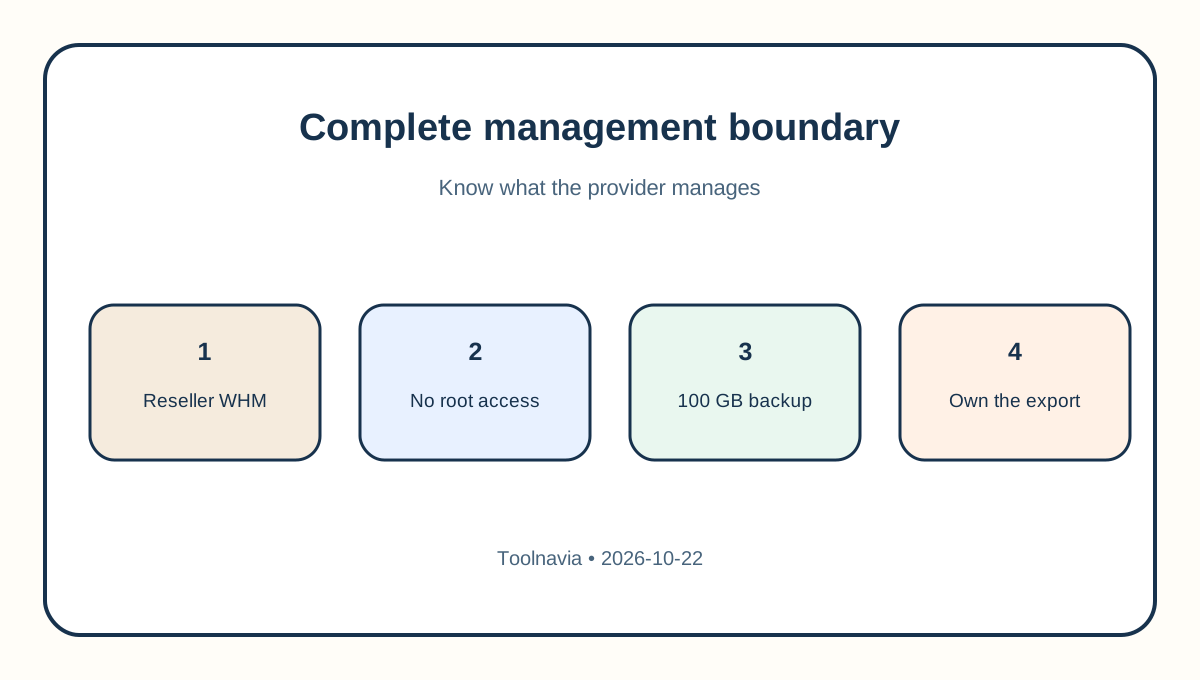
Namecheap says Complete management supports core services such as Apache, Exim, MySQL, FTP, cPanel and DNS, while access is WHM/cPanel reseller level rather than root. For Quasar, it provides 100 GB of offsite backup storage. Another official page says backups run three times a week but only one copy is retained, with databases stored as SQL.
That is useful disaster recovery, but it creates three limits. First, a 120 GB server can exceed a 100 GB backup allocation. Second, one retained copy does not provide a long version history. Third, a provider backup may omit custom state outside the supported cPanel stack. Treat it as a recovery layer, not your exit package.
Build a portable exit package
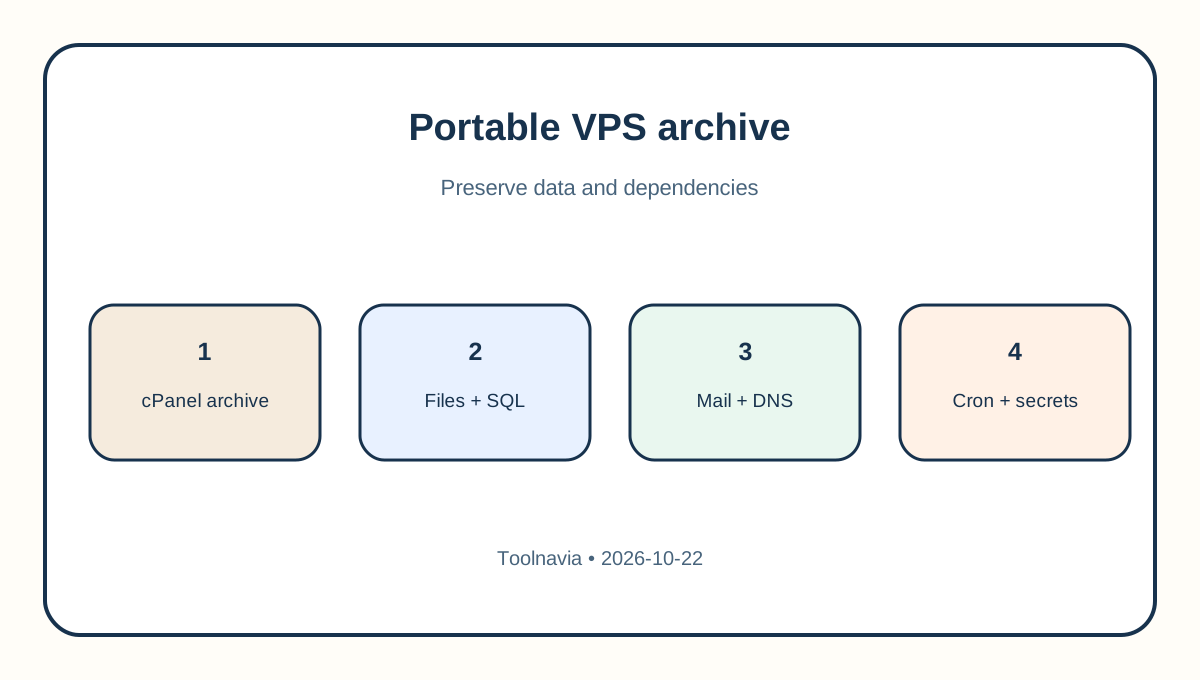
Create a dated inventory of every cPanel account, domain, database, mailbox, cron job, SSL certificate, DNS zone, application secret, firewall rule, external integration and IP dependency. Generate full cPanel account archives where available, export databases separately, copy mail with an IMAP or mailbox-specific method, and save DNS records as text.
Download everything off the VPS and record file sizes or checksums. Complete management removes root, so confirm with Namecheap which WHM transfer or restore path your reseller-level access supports. The official cPanel guide describes self-service full restore for root-enabled VPS servers; that should not be assumed for this Complete configuration.
Test before the DNS switch
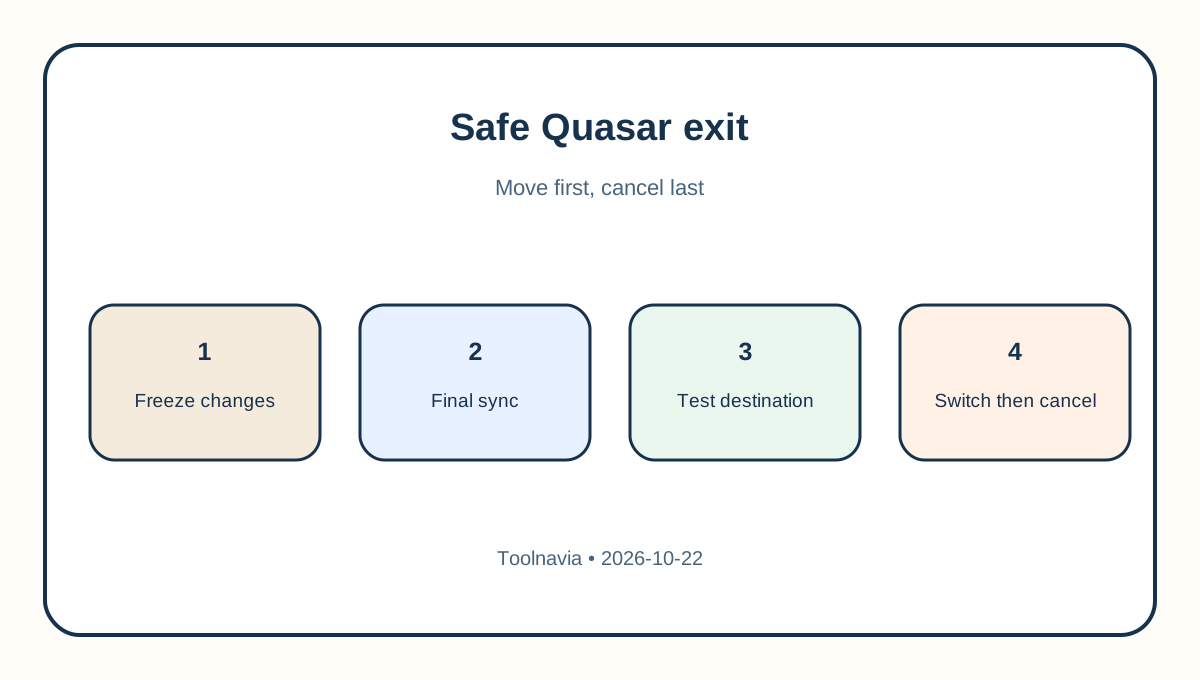
Prepare the destination first, restore one representative account and test through a hosts-file override or temporary hostname. Verify pages, logins, writes, uploads, scheduled jobs, outbound and inbound mail, HTTPS, background workers and external APIs. Then lower DNS TTL, freeze or control writes, run a final database and mail sync, change DNS and monitor both servers.
Do not cancel when the new homepage merely loads. A migration is complete only after the destination passes application, database, email, DNS and backup checks. Independent VPS exit guidance likewise keeps the source active until the new service is proven.
Refund boundaries are narrower than the headline
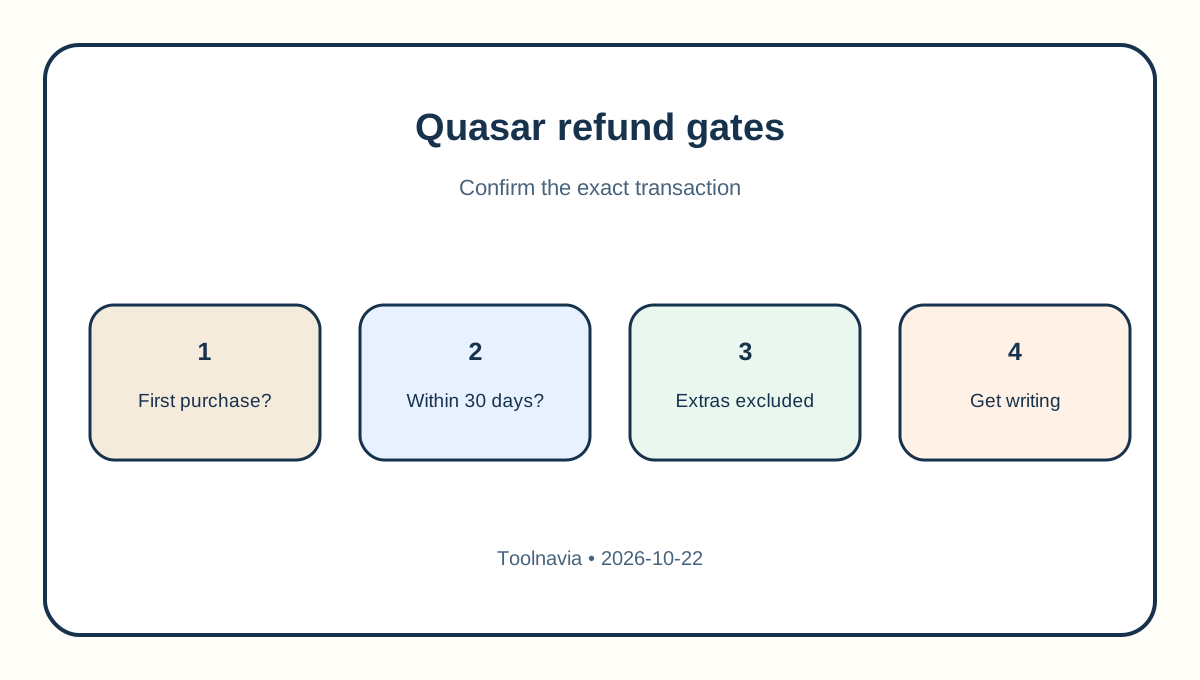
The current refund policy says Quasar package fees may be refundable, at Namecheap's sole discretion, when cancelled within 30 days of purchase. It excludes paid add-ons, upgrades, domains and separate third-party products. The hosting terms limit the guarantee to eligible initial purchases and explicitly exclude renewals and separately purchased cPanel or other third-party products.
The general refund page also says prorated treatment may sometimes be considered, while the hosting terms say renewals are excluded. Treat this as a policy conflict, not a promise. Ask Billing in writing about the exact Quasar invoice before cancelling, and do not count management, license or add-on charges as refundable unless the reply names them.
Final cancellation checklist
Save the cancellation request, confirmation email, invoice, refund decision and support transcript. Confirm whether the cPanel license, extra IPs, backup add-ons and other recurring items end separately. Keep the old server through a monitoring window when billing allows, and preserve at least two independent copies outside both providers.
Toolnavia's exact Quasar Complete/Solo offer is approved, market-confirmed and enabled. The commercial link uses only the matching [Namecheap Quasar route](/go/namecheap-vps-quasar-complete-solo-official-usd-monthly); no coupon or guaranteed-refund claim is made.
Decision rule
If you need a reversible exit, do not cancel yet. Proceed only when the destination is live, files and databases are independently restorable, mail and DNS are verified, secrets and jobs are documented, and Billing has answered the transaction-specific refund question.