TOOLNAVIA / BUYING GUIDE
Liquid Web Spark–Launch WordPress: $5/Month Annually, 7-Day Backups
The short answer
Liquid Web Spark–Launch is a budget managed WordPress shortlist for one modest site, provided a seven-day backup history fits your recovery routine. The current annual display is $5 per month, paid upfront. This document-based guide recommends checking renewal and exact feature entitlements before paying; it does not claim a hands-on hosting test.
At a glance
- Best for
- One modest content site with independent backups and a confirmed acceptable renewal.
- Price model
- $5/month annual display; arithmetic $60 upfront before tax/extras; renewal unconfirmed
- Check first
- Transaction-critical workloads or buyers whose essential staging, migration or security requirements remain unconfirmed.
The $5 headline is an annual commitment
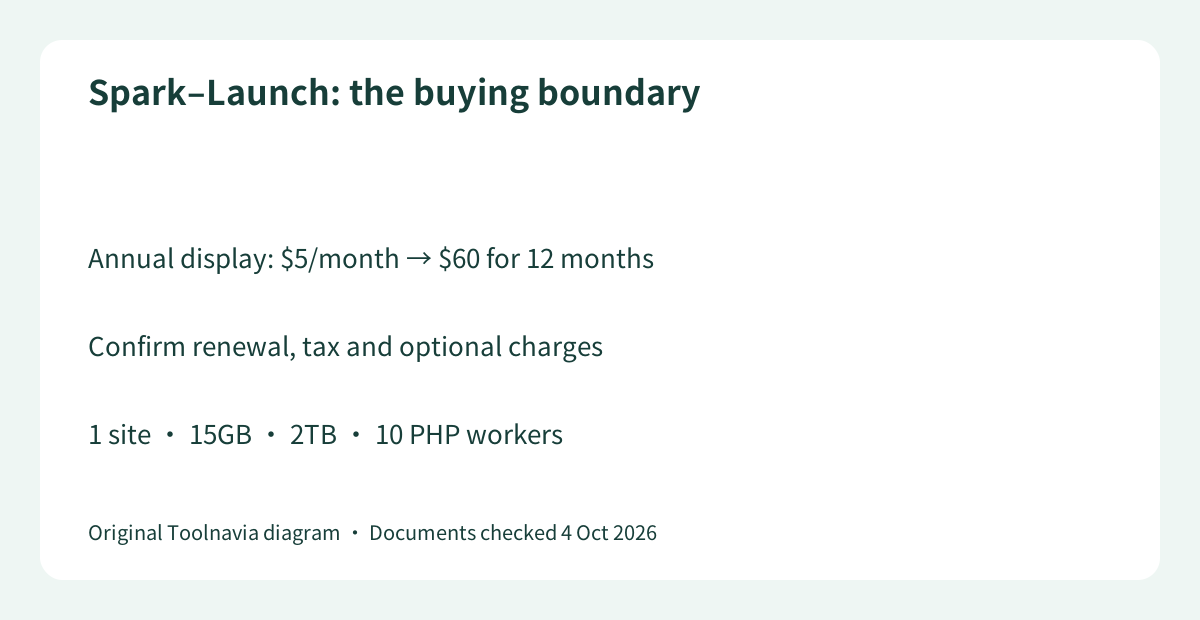
At the displayed rate, twelve months comes to $60 before tax or extras. This is arithmetic from the public annual selection, not a captured final invoice. The separate agency page says the discount applies to new plans only. The checkout opened, but its dynamic order summary was unavailable to this review, so the next renewal, tax and optional charges remain unconfirmed.
Do not infer a permanent $5 rate or calculate a monthly contract by reversing a rounded discount percentage. Ask for the first payable total and the next renewal in writing. A small first invoice is useful only when the ongoing bill and cancellation terms still fit your budget.
Four benefits you can actually plan around
Launch combines a one-site managed WordPress service with 15GB storage, a 2TB bandwidth allowance and ten PHP workers per site. PHP workers handle uncached requests; that number is a capacity clue, not a promise that ten customers will always see fast checkout.
First, managed WordPress reduces the server-administration work compared with building an operating-system stack yourself. Second, the explicit storage and worker figures let you screen an existing site's needs before migration. Third, unmetered visits remove a per-visitor counting variable, but do not turn the 2TB allowance or processing resources into infinity. Fourth, automatic daily backups provide a recovery starting point after a bad update. Self-service migration is also listed; do not budget on an included technician-led transfer without confirmation.
Seven days can be a short recovery window
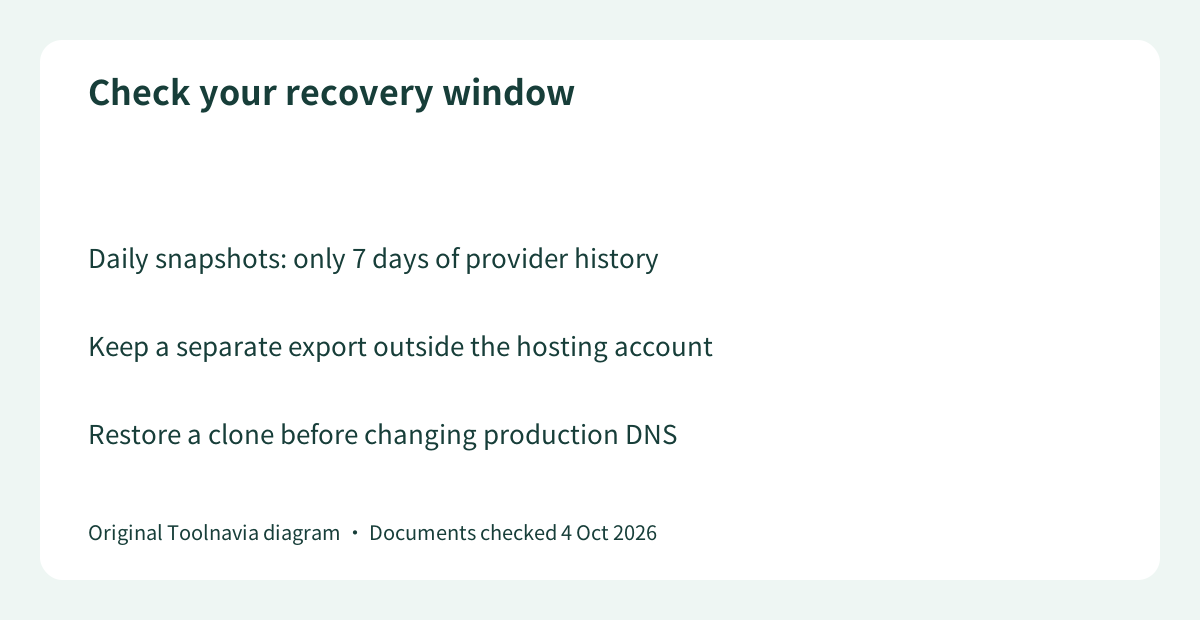
Launch lists seven-day retention, while the same one-site Thrive selection shows thirty days. The practical question is how quickly you detect a problem. If a corrupted page goes unnoticed for more than a week, the last clean provider copy might no longer be available on Launch.
An independent export retained outside the hosting account is therefore part of the buying decision, not an optional afterthought. Daily snapshots also leave a gap between backups: a transactional site may need more frequent database protection. Neither a longer history nor the word “managed” establishes zero data loss.
Do not borrow higher-tier review results
Hostingstep explicitly tests Spark Thrive; Sayan Samanta tests Elevate. Their measurements and bundled features are not Launch benchmarks. TechRadar's older review discusses a $21 Spark plan and tests the provider's own site, making it unsuitable as current Launch pricing or performance evidence.
Staging, Cloudflare and firewall entitlement are especially important. Feature names appear in the extracted official comparison, but inclusion indicators were not reliably captured. The two current reviews describe staging as restricted to a higher tier. This guide does not count staging, Cloudflare Enterprise, a web application firewall or burst scaling as confirmed Launch benefits. Obtain the exact plan's entitlement list before relying on any of them.
When Launch is enough—and when to skip it
Shortlist Launch for a compact brochure site or uncomplicated blog when the verified basic resources fit, you maintain independent backups and the written renewal is acceptable. Skip it when frequent orders, essential staging, a promised migration service or particular security features are purchase requirements that remain unconfirmed.
This is a managed WordPress product, not the Liquid Web 1GB Cloud VPS already covered by Toolnavia. Similar entry prices do not make their management duties or resources interchangeable.
Test the recovery route before moving production
Before ordering, confirm renewal, taxes, domain costs, refund eligibility and the actual server region. Keep the old host active; migrate a disposable copy, compare forms and login, restore a backup, and check the site from your audience's location. Move only after those checks pass. Liquid Web has a public cash affiliate program, but Toolnavia has no approved tracking record for this offer; this guide does not imply a partnership.