TOOLNAVIA / BUYING GUIDE
InterServer Multisite: Confirm Wildcard DNS Before You Buy
The short answer
InterServer publishes a WordPress Multisite setup guide, so Standard is a plausible candidate for a small related-site network. That is not a promise that every shared account can create the server alias required by a subdomain network, or that an unspecified number of busy subsites will fit shared resources. Treat Multisite as a routing, capacity and recovery decision—not as a checkbox.
At a glance
- Best for
- A small related-site Multisite network with confirmed routing and measured workload.
- Price model
- No numeric price stated; verify the current official order after confirming Multisite fit.
- Check first
- No shared-account wildcard alias or tested network capacity is established without written host confirmation and workload evidence.
Decide whether the sites should share one network
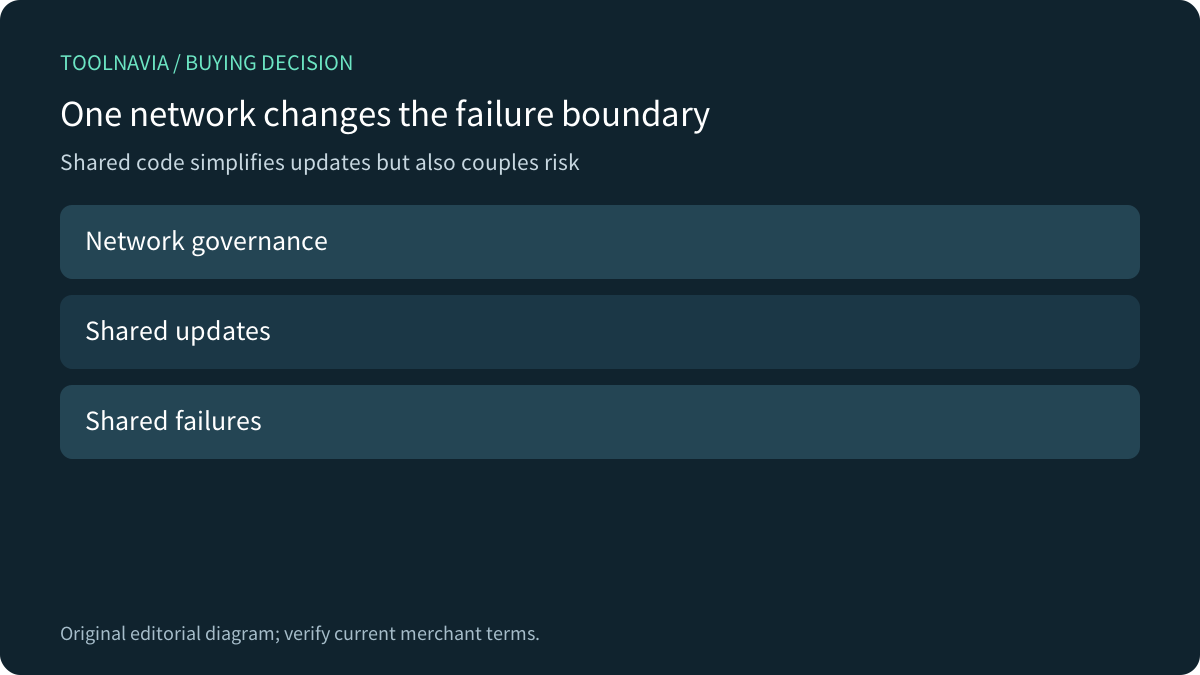
WordPress Multisite puts multiple virtual sites inside one WordPress installation. The sites share core files, plugins and themes while using separate site tables and upload areas. This can simplify updates for a controlled family of related sites, such as regional offices using the same stack. It also creates a common failure and governance boundary: a bad network-wide plugin update, super-admin mistake or database problem can affect the whole network.
Do not choose Multisite merely because a plan advertises multiple or unlimited websites. Separate installations are easier to isolate, hand off and restore independently. WP Engine's same-intent guidance advises against Multisite for unrelated sites or sites with strongly different custom behavior. Its product rules do not apply to InterServer, but the architectural warning does.

Choose subdirectory or subdomain routing first
A subdirectory network uses addresses such as example.com/site-a. WordPress says a path-based network does not need wildcard DNS, removing one hosting dependency. It does not remove shared resource, plugin, database or recovery risks. Existing installations can face restrictions when changing network type, so make the routing choice before committing production data.
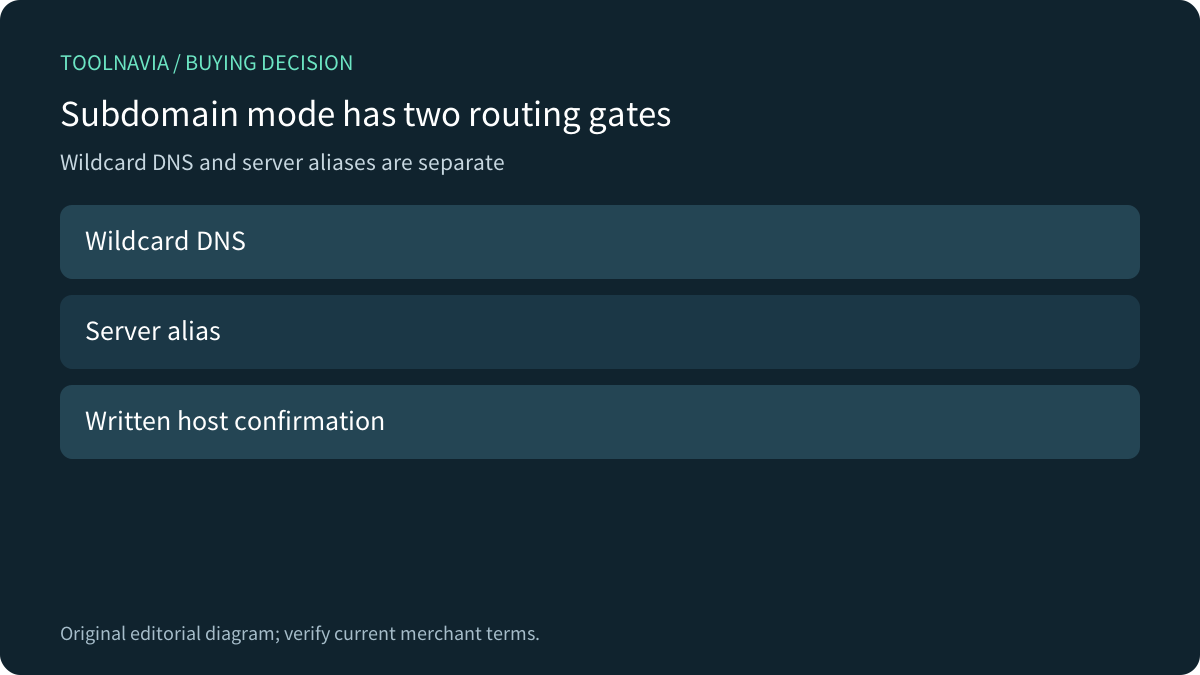
A subdomain network uses site-a.example.com. WordPress says wildcard DNS is needed for on-demand domain-based sites, and InterServer's tutorial makes the same point. A DNS record alone may not complete the route: the web server must accept those hostnames and send them to the Multisite document root.
Get written confirmation for the DirectAdmin wildcard gate
Canonical WordPress guidance for DirectAdmin shows two layers: add a wildcard DNS record and add a server alias through the DirectAdmin Admin Panel. It explicitly says to ask the host when Admin Panel is unavailable. A shared-hosting customer normally operates at user level; do not assume the server-level step is exposed just because DirectAdmin is included.
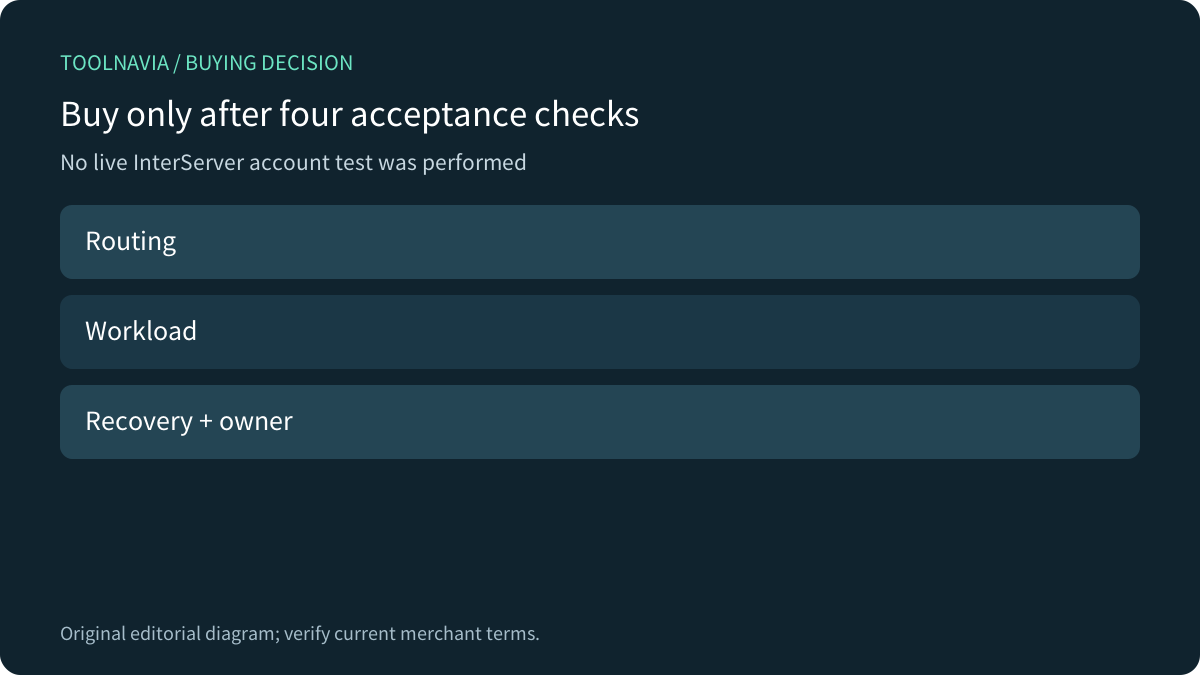
Before buying for subdomain mode, ask support one precise question: “On Standard shared hosting, will you enable the wildcard virtual-host/server alias for a WordPress Multisite rooted at this domain?” Record the answer and whether wildcard SSL is provisioned for the same hostnames. This is a proposed purchase check; we did not open an InterServer account or test wildcard routing.

Size the network by shared work, not the site count
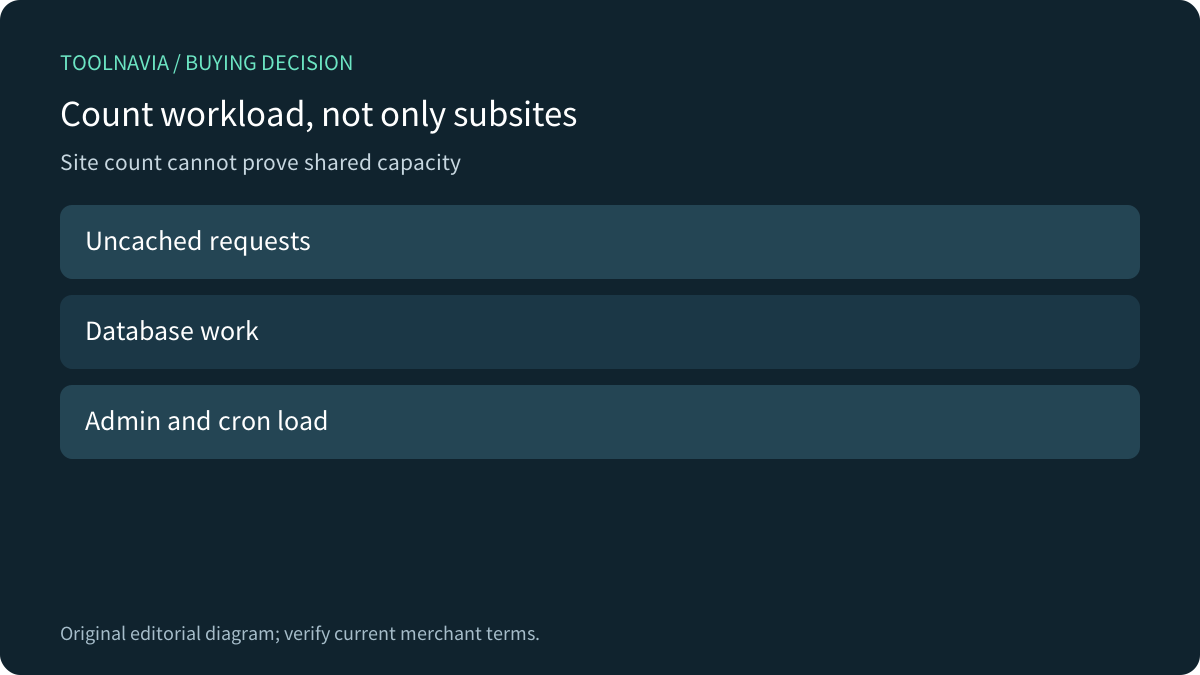
Multisite reuses code, but each request still executes PHP, reads the database, may bypass cache and can trigger cron, login or administrative work. Ten brochure subsites with full-page caching are not equivalent to ten stores or membership sites. A headline site count cannot predict simultaneous uncached work, database contention or storage growth.
Write an acceptance budget: expected peak uncached requests, heaviest administrative task, media growth, database size and rollback window. Start with representative subsites, measure actual behavior and ask support what evidence triggers a shared-resource intervention. No source reviewed establishes a tested InterServer Standard Multisite capacity, so this article does not invent one.

Prove backup and restore at network scope
WordPress tells operators to back up files and the database before converting an existing installation. In Multisite, a database restore can affect the network rather than one isolated site. Confirm what the host backup contains, who can restore it, whether one subsite can be recovered separately and how long a full-network rollback takes.
Keep an independent export matching the recovery method. Stage a harmless network-level change and prove the restore path before onboarding critical sites. A backup file, weekly schedule or successful single-site restore does not establish Multisite recovery. These are acceptance checks, not results from a test we performed.
Compare managed Multisite convenience with shared control
Kinsta can provision wildcard routing for supported Multisite plans, while WP Engine requires an eligible plan and platform conversion or extension. Those are not InterServer entitlements; they are useful comparisons because they make routing and product eligibility explicit. Standard shared hosting can be attractive when the owner accepts more setup and operational responsibility.
The practical comparison is whether your team can own wildcard routing, network updates, performance evidence and a network-level restore. If those responsibilities are unassigned, a platform with explicit Multisite controls—or separate installations—may cost less than a fragile shared network.

InterServer Standard is worth considering for a small related-site network when subdirectory routing fits, or when support confirms the complete subdomain wildcard route in writing. Pause if the purchase relies on “unlimited sites,” assumes DirectAdmin user access includes server aliases, or lacks a network restore owner. [Check the current Standard offer](https://www.interserver.net/r/1208224) only after documenting routing, workload and recovery. This article contains an affiliate link; we may earn a commission from an eligible purchase.