TOOLNAVIA / BUYING GUIDE
InterServer Standard Cancellation: 30-Day Refund vs Future Billing Stop
The short answer
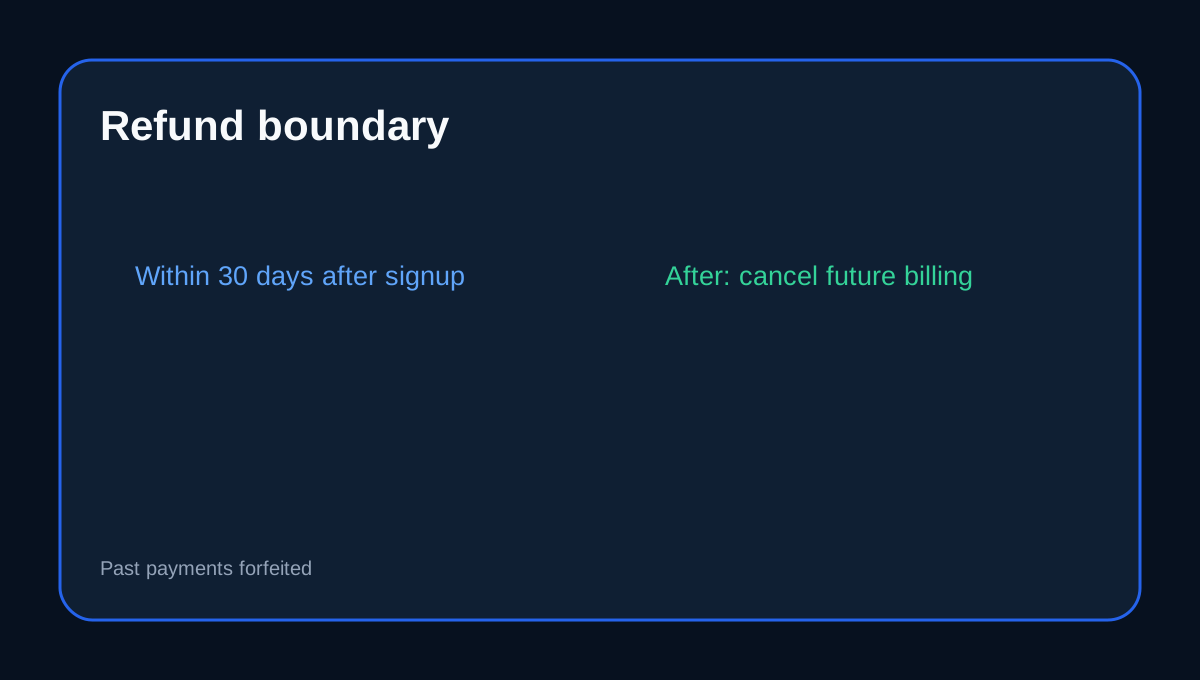
InterServer Standard buyers should separate three things: the **30-day signup refund window**, the act of stopping future billing, and the technical work of exporting a DirectAdmin account. Standard is the exact DirectAdmin shared-hosting offer here; InterServer's terms say qualifying Web Hosting refunds are available within 30 days after signup, while after that the service can still be canceled and removed from future billing but paid amounts are forfeited.
At a glance
- Best for
- Standard users planning a DirectAdmin export and safe billing stop.
- Price model
- 30-day qualifying web-hosting refund window; later cancellation stops future billing
- Check first
- Past payments are forfeited after the refund window; backups must be tested independently.
Canceling billing is not the same as exporting data
The terms give a clear billing boundary: after the refund window, cancellation can stop future charges even though prior payments are not returned. Do not wait until the cancellation step to discover whether your site, mail or DNS data is portable.
Use DirectAdmin backup tools before you leave
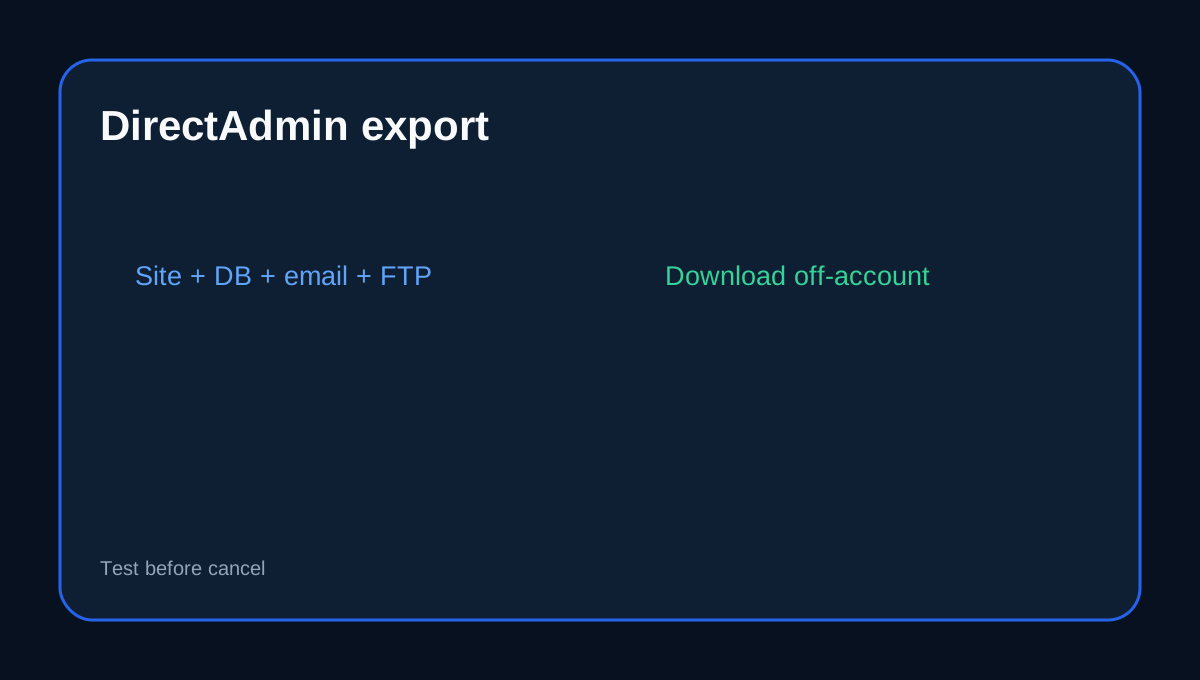
InterServer documents DirectAdmin's Create/Restore Backups workflow for website data, email, FTP and databases, and lets users download the generated backup to their computer. Keep the archive outside the hosting account before canceling.
Understand the provider backup layer
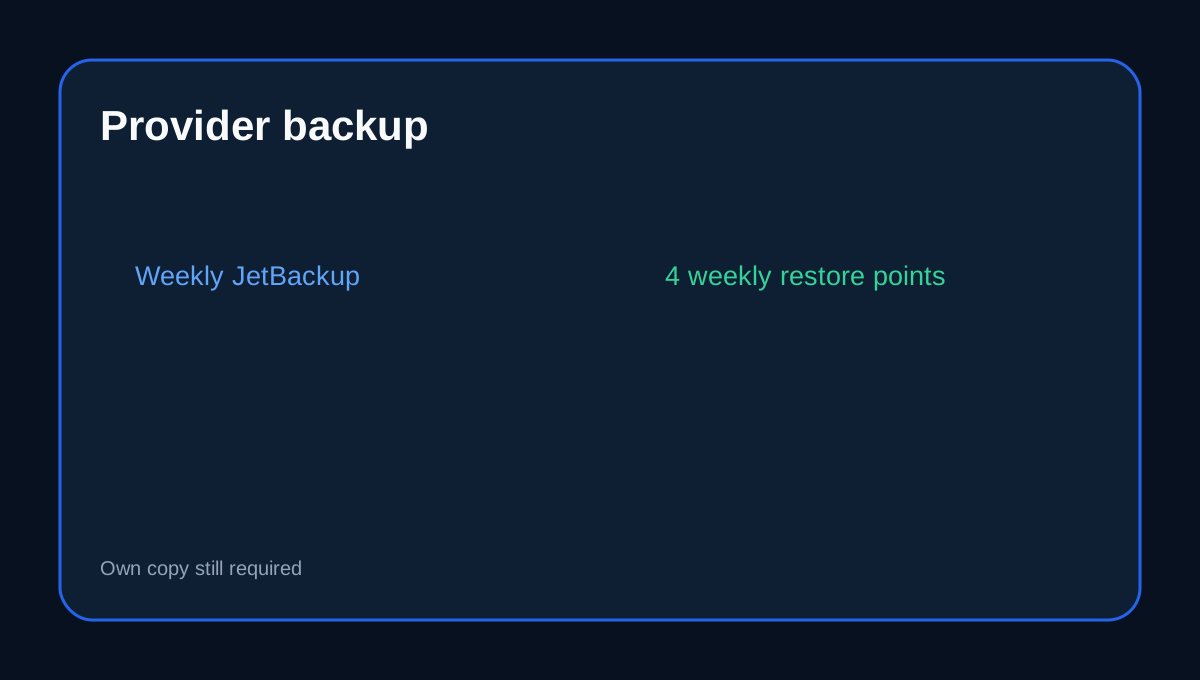
Basic shared hosting uses JetBackup with weekly backups and four weekly restore points. That is useful recovery history, but it is still provider-side storage. An exit plan should include your own downloaded copy that survives account termination.
Migration needs more than files
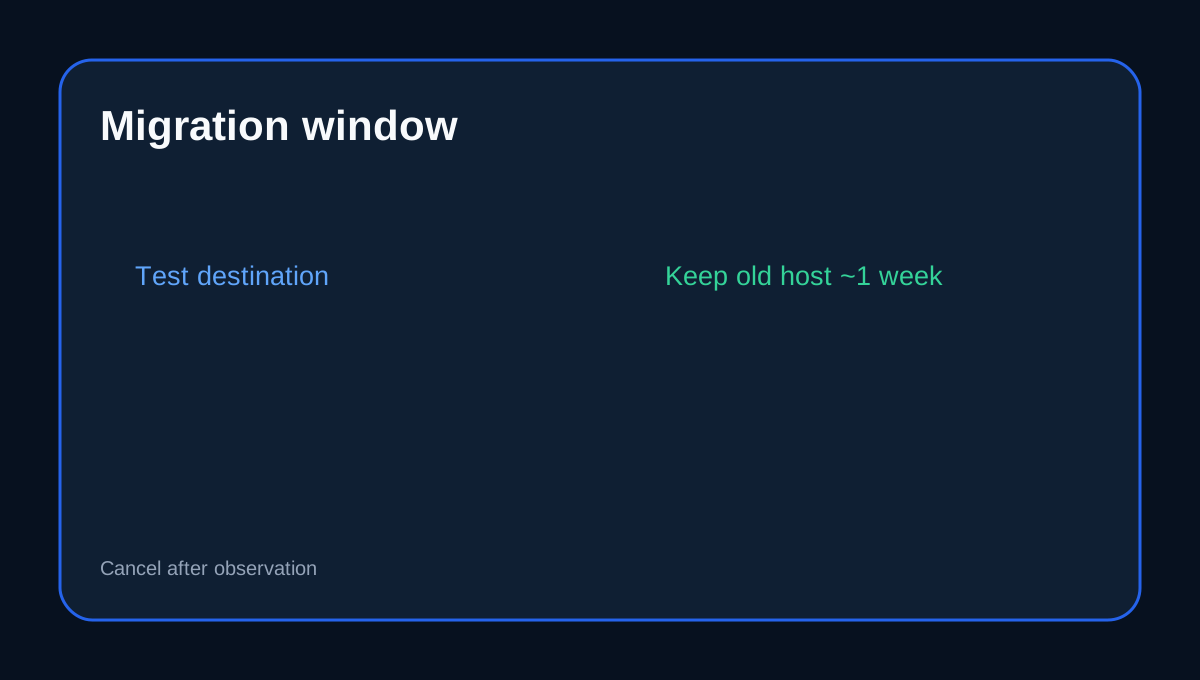
InterServer's current migration guidance says to back up files, databases, mail, DNS, certificates, cron and configuration; test the destination; switch DNS only after validation; keep the old host alive for at least a week; and retain backups for at least 30 days.
For support-assisted migrations, InterServer also says panel compatibility matters: DirectAdmin-to-DirectAdmin is supported under the stated matching-panel workflow, while cross-panel cases need separate planning.
Refund rules differ by provider
HostPapa, Verpex and Cloudways use different refund and billing-stop mechanics. Their rules do not lengthen InterServer's 30-day signup refund period and do not change the fact that an InterServer cancellation after that point can stop future billing without returning prior payments.
Exit checklist
Before canceling Standard: download a DirectAdmin backup; separately verify database/mail/DNS/SSL/cron; restore or inspect the archive; build the destination; test site and mail; switch DNS; keep the old host available during the observation period; then cancel billing once you no longer need fallback access.
Affiliate disclosure: Toolnavia may earn a commission from an eligible InterServer purchase; that does not change the refund or exit analysis.