TOOLNAVIA / BUYING GUIDE
HostPapa Essentials Cancellation: Keep, Transfer, or Expire the Domain?
The short answer
HostPapa Essentials cancellation is not one switch: hosting, refund timing, domain status and data migration are separate decisions. Essentials is the exact one-site shared plan in this guide, while HostPapa's current cancellation policy makes refund eligibility depend on the transaction, billing frequency and product.
At a glance
- Best for
- Essentials users planning safe cancellation and domain/data migration.
- Price model
- Transaction-specific refund policy; domain fees excluded
- Check first
- Refund timing varies; domain fees are separate; backup remains customer responsibility.
Immediate or end-of-term cancellation
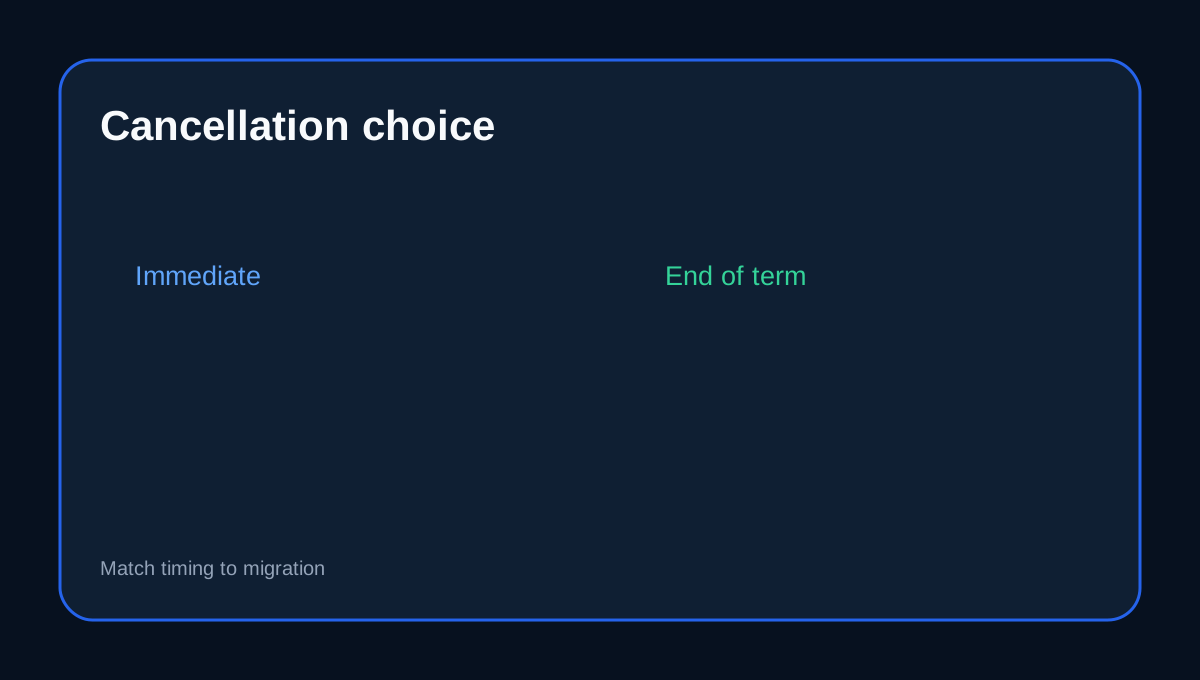
HostPapa's Dashboard cancellation flow offers **Immediately** or **At the end of the term**. The same form separately asks what should happen to the domain. If you still need the old service for migration or mail continuity, end-of-term is safer than destroying access immediately.
Refund eligibility is transaction-specific
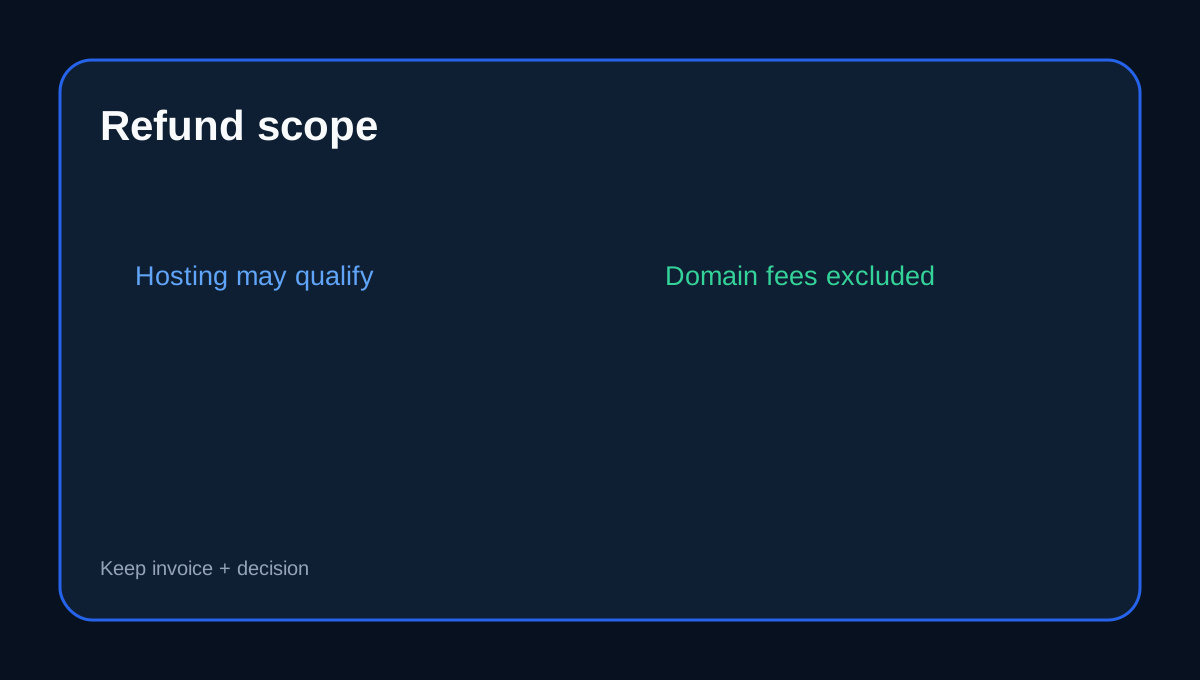
HostPapa lists Web Hosting among services eligible under its standard terms, but timing differs by billing frequency and excluded fees remain excluded. The hosting guarantee is 30 days, while domain registrations and related domain fees are non-refundable. Save the invoice, purchase/renewal date and written refund decision.
Keep the domain separate from the hosting decision
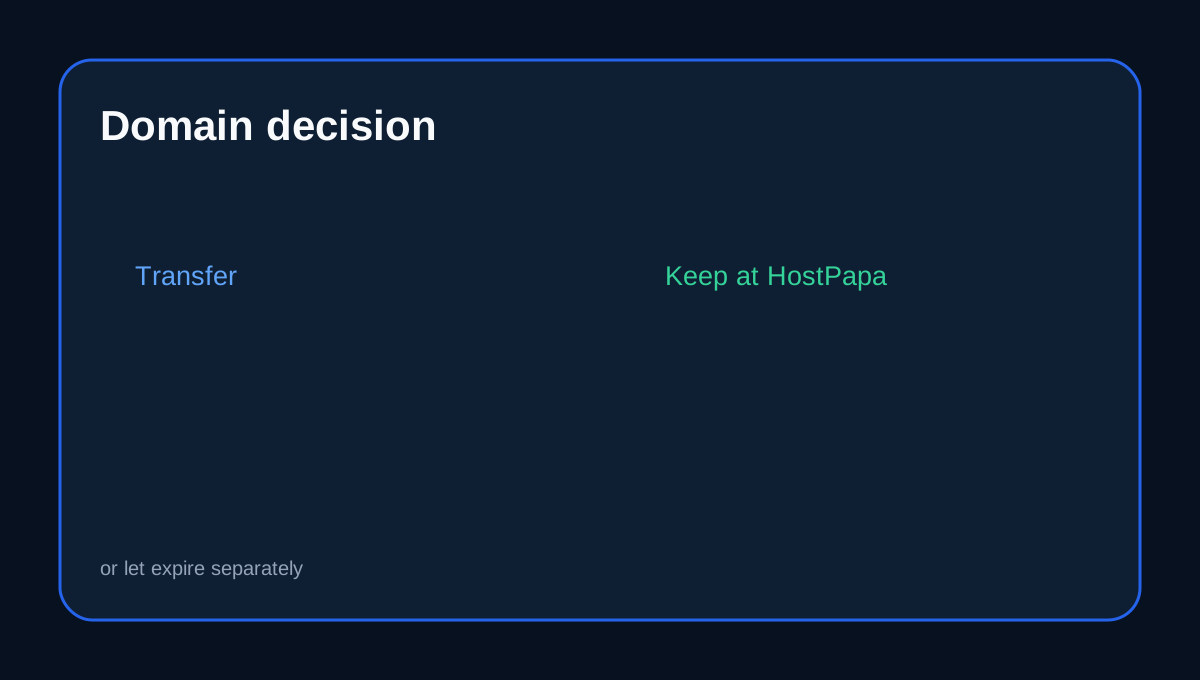
The cancellation flow lets you transfer the domain, leave it registered with HostPapa, or let it expire. A hosting refund does not automatically refund the domain, and ending hosting does not require giving up domain ownership.
Migrate before cancellation
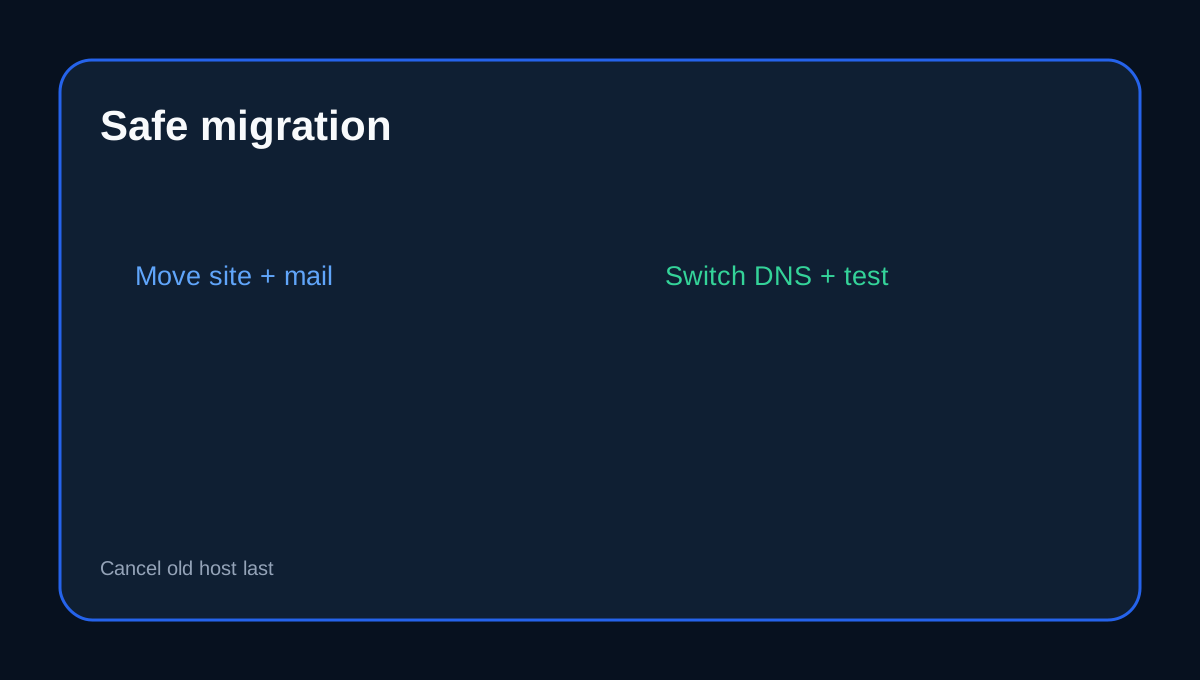
HostPapa's own migration checklist says not to cancel the old hosting account immediately. Recreate mailboxes, move site files/database, verify the destination, update DNS and keep the old copy alive until propagation and functionality are confirmed.
Backups remain your responsibility
HostPapa's terms keep responsibility for customer content backups with the customer unless an independent backup service is expressly included. Before cancellation, keep a portable copy outside the HostPapa account and verify that it can be restored.
Do not import another host's rules
HostArmada, Verpex and Cloudways use different timing, refund and account-deletion mechanics. Those policies cannot expand HostPapa's guarantee or convert a non-refundable domain fee into a hosting refund.
Exit checklist
Before canceling Essentials: save site/database/mail; verify the destination; record DNS/MX/SPF/DKIM; decide what happens to the domain; choose Immediate or End of Term; confirm the exact refundable line items; switch DNS; test HTTPS and mail; then end the old hosting.
Affiliate disclosure: Toolnavia may earn a commission from an eligible HostPapa purchase; that does not change the policy analysis.