TOOLNAVIA / BUYING GUIDE
HostPapa Growth Staging: Storage, New Orders and Push-to-Live Risks
The short answer
HostPapa Growth can suit a small website portfolio that needs a place to test changes before publishing. The exact plan lists five websites, 100GB NVMe storage and staging. The important buying question is whether you can accommodate copies and deploy without overwriting newer production data. This is a documentation-based guide, not a paid-account staging test.
At a glance
- Best for
- Modest independent sites with capacity headroom and a controlled release process.
- Price model
- Three-year intro display arithmetic $214.20; current three-year renewal $503.64, before tax.
- Check first
- Full database push is not order merging; staging quota treatment needs confirmation.
What Growth actually includes
Four useful capabilities are the included staging feature, Softaculous copy creation, a documented push-to-live path and configurable publication scope. Together they can reduce the need to test directly on the public website. They do not constitute a promise of unlimited copies or automatic transaction merging.
There is a public-document inconsistency: the Apps FAQ calls Growth unlimited, while the exact plan row specifies five websites. Budget against the exact five-site offer and ask how staging domains count toward that limit. Do not assume the FAQ grants unlimited staging sites.
Also distinguish products. HostPapa's newer Managed WordPress staging guide describes a separate dashboard and an initially fresh WordPress environment. Those instructions are not proof that shared Growth has the same interface.
Measure storage before making a copy
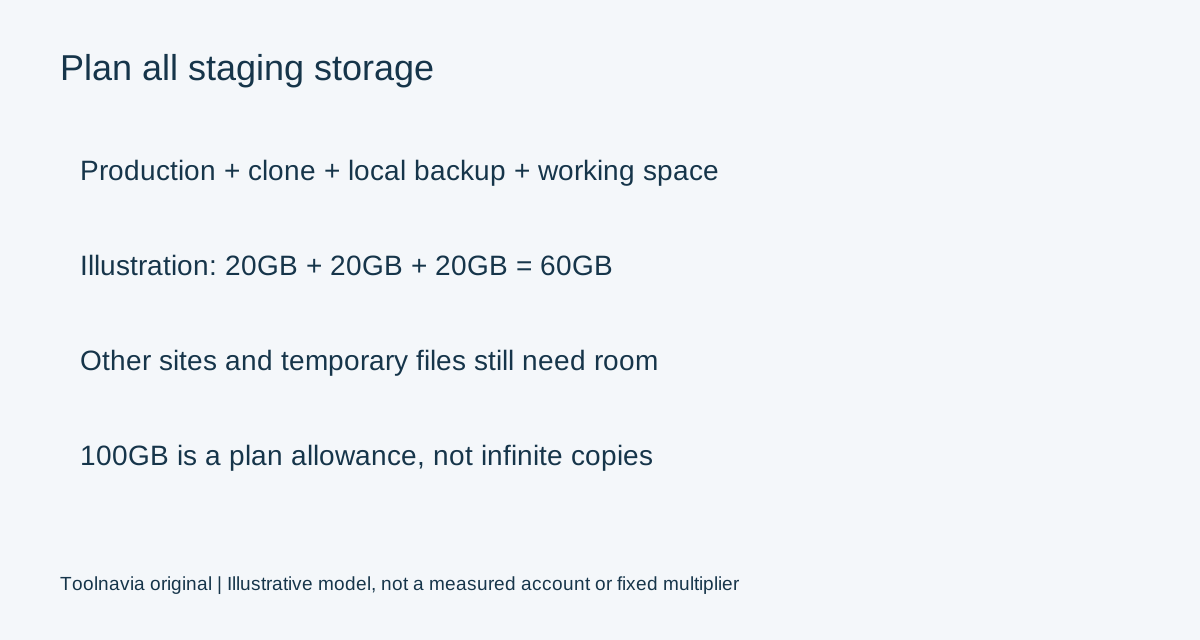
A practical planning model is production files and databases, plus the staging copy, retained local backups and temporary working space. This is an editorial capacity model, not a fixed provider multiplier.
For illustration, 20GB of production data, a 20GB copy and a 20GB local backup would already use 60GB before other sites and temporary files. Actual copy and backup sizes vary. Measure the account instead of assuming that 100GB always accommodates five production sites plus five complete clones.
Disk capacity is not the only boundary: the plan also has shared processing and database constraints. Review the separate [Growth resource guide](/en/hosting/hostpapa-growth-resource-limits), and confirm the current account limits before a large import or clone. An off-account backup should remain available even if the hosting account becomes inaccessible.
Create the correct copy and restrict access
HostPapa's older shared-hosting tutorial uses My cPanel, Softaculous, Installations and the staging action, with a folder or subdomain as the target. Its indexed instructions date from 2022, so treat the exact interface as something to confirm in your current account.
Softaculous says manually installed applications must first be imported, and its staging feature does not support WordPress Multisite. Five independent WordPress sites are not the same as one Multisite network; confirm which architecture you have.
Protect the copy before testing. WordPress's search-engine visibility setting requests non-indexing but does not block visitors. Our recommendation is authenticated access as well as non-indexing, with sensitive data minimized. Use documented test-payment modes and controlled email addresses, rather than allowing a test copy to send real customer messages.
A database push is not an order merge
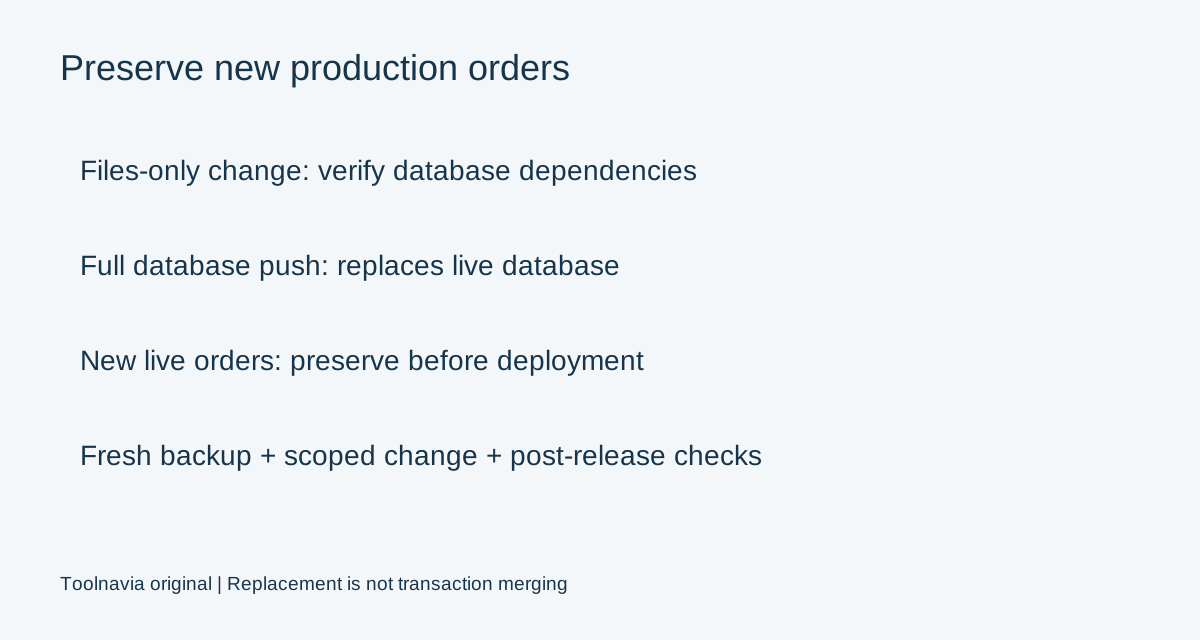
HostPapa documents a Push to Live action in Softaculous. The upstream API documentation separately describes file replacement, full database replacement and selected table operations; its full database option erases the live database and imports staging data.
That is the critical distinction for an active store. Orders created after the staging copy was taken are newer production data. Replacing that database with the older copy can remove them. WooCommerce explicitly instructs operators to preserve intervening orders and customer activity.
For a presentation-only change, investigate a controlled files-only deployment. Do not assume it is always sufficient: themes and plugins may also store settings or change database structures. For a database-changing release, obtain an application-aware migration plan. Selective table controls do not themselves prove that all related order data will be preserved.
Define acceptance and rollback before publishing
Our suggested gate is a fresh production backup, a written change scope and a way to verify the newest production data afterward. Test representative product pages, Cart, Checkout and My Account, including shipping, tax, payment test mode and expected messages.
After deployment, repeat the important checks on production and verify that recent orders remain. Record which files and settings changed. A rollback of files and a rollback of transactional data are different operations; blindly restoring an older database can introduce another data-loss event. These are proposed checks, not claimed test results.
Price and buying decision
On November 2, 2026, Growth displays $5.95 per month on a three-year initial term: $214.20 by multiplying the displayed rate. The current three-year renewal table lists $13.99 per month, billed $503.64, before tax. Confirm actual checkout charges and any optional services.
Choose Growth when the site's architecture supports this workflow, copies fit with headroom and the owner can control deployment scope. Do not buy it expecting automatic merging of live orders, guaranteed unlimited staging or the separate Managed WordPress dashboard.
Affiliate disclosure: Toolnavia may receive a commission from a qualifying HostPapa purchase through its referral link.