TOOLNAVIA / BUYING GUIDE
HostPapa Essentials SSH & SFTP: Do Shared Plans Actually Include Them?
The short answer
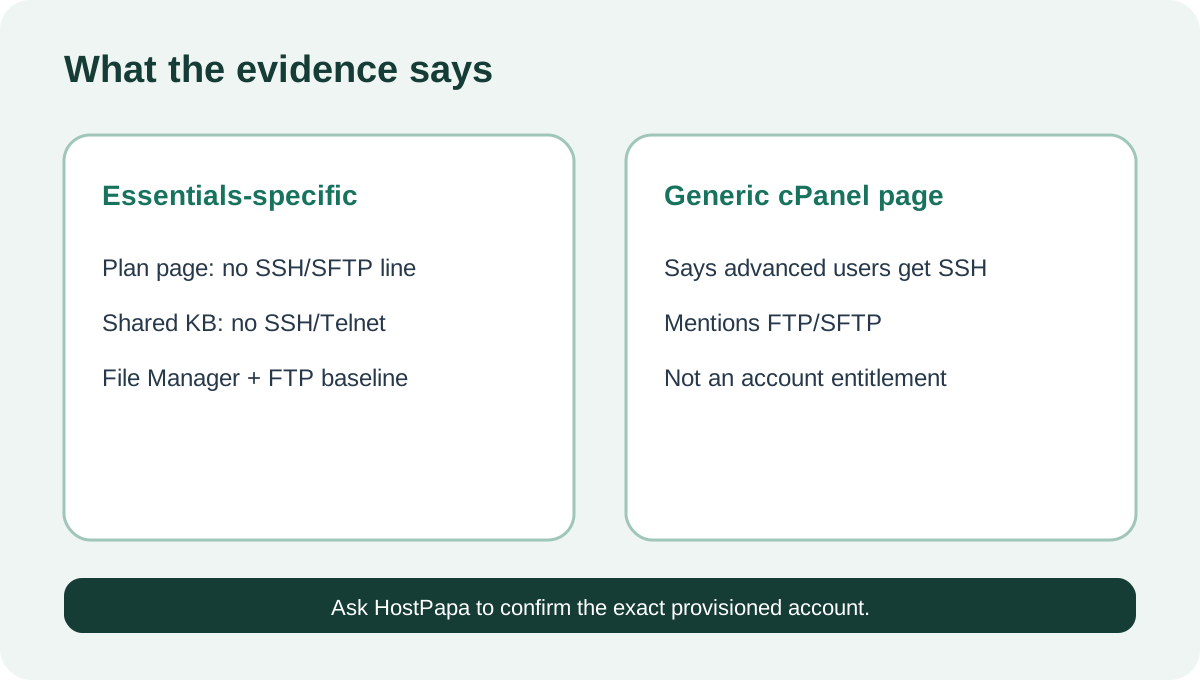
**Quick answer:** do not buy HostPapa Essentials on the assumption that SSH or SFTP is guaranteed. The exact Essentials page does not list either feature. An older HostPapa shared-hosting article says SSH/Telnet are unavailable and recommends FTP, while a newer generic cPanel page says advanced users can access SSH and manage files with FTP/SFTP. Until HostPapa confirms the exact provisioned account in writing, treat **cPanel File Manager and FTP as the documented baseline**.
At a glance
- Best for
- Buyers who can use cPanel/File Manager while verifying exact SSH/SFTP entitlement.
- Price model
- $2.95/mo three-year intro; renewal $8.99–$12.99/mo by term, checked 2026-10-26
- Check first
- Current official pages conflict; exact account confirmation is required before relying on SSH/SFTP.
Why the official pages conflict
The product-specific shared-hosting article says HostPapa removed SSH/Telnet from shared servers and reserves SSH for VPS users. It was last modified in 2021, so its age matters.
The current cPanel marketing page points the other way. It says cPanel comes with all Web Hosting plans, that advanced users can access SSH and Terminal, and that files can be managed through FTP/SFTP. Yet the current Essentials feature list does not name SSH, SFTP, Terminal, Git or WP-CLI.
That is a purchase-changing conflict, not a wording detail. The generic cPanel page proves the control panel can expose those capabilities somewhere in HostPapa’s portfolio; it does not prove that every new Essentials account receives them.
What Essentials clearly provides
The current Essentials page presents a beginner shared-hosting plan with one website, 25GB NVMe storage, cPanel-related tools, staging and other bundled services. It showed **$2.95/month on a three-year discounted term** when checked.
For file work, HostPapa documents cPanel File Manager. A buyer can open My cPanel, choose File Manager and upload files; folders should be compressed into ZIP archives first. HostPapa’s shared-hosting SSH article also recommends FTP as the alternative.
Those are useful fallbacks, but they are not equivalent to a shell. File Manager cannot run WP-CLI, Git commands, Composer, deployment scripts or server-side maintenance commands.
FTP, FTPS and SFTP are different
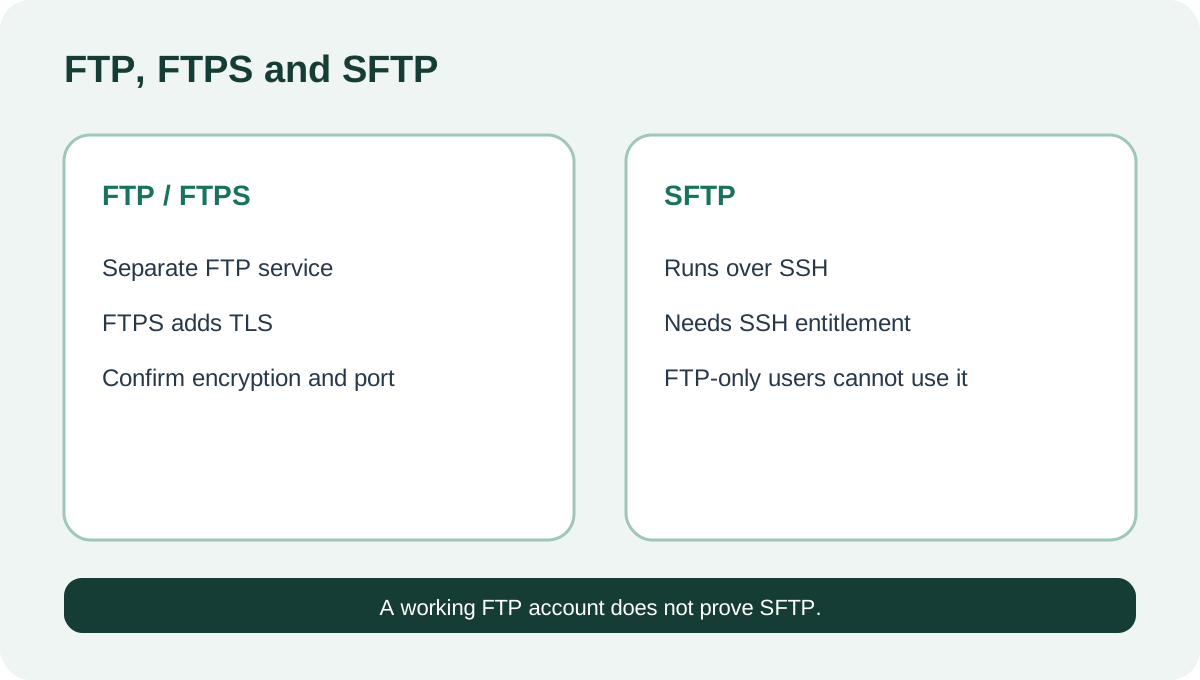
Plain FTP normally uses a separate FTP service. SFTP is file transfer over SSH. cPanel’s own support page says SFTP depends on the SSH daemon and that FTP-only accounts created in cPanel cannot use SFTP.
Therefore, “FTP account available” does not prove SFTP. It also does not prove that plain FTP is encrypted. Before transferring credentials or private files, ask HostPapa whether the exact Essentials account supports FTPS/TLS, SFTP, or only ordinary FTP, and request the required hostname, port and authentication method.
A current DeployHQ guide reaches the conservative conclusion: HostPapa shared hosting uses FTP and does not support SSH/SFTP, while VPS does. Two independent HostPapa reviews likewise warn developer-focused buyers not to expect SSH on the basic shared tier. These pages support caution, but the final entitlement must still come from HostPapa for the account sold today.
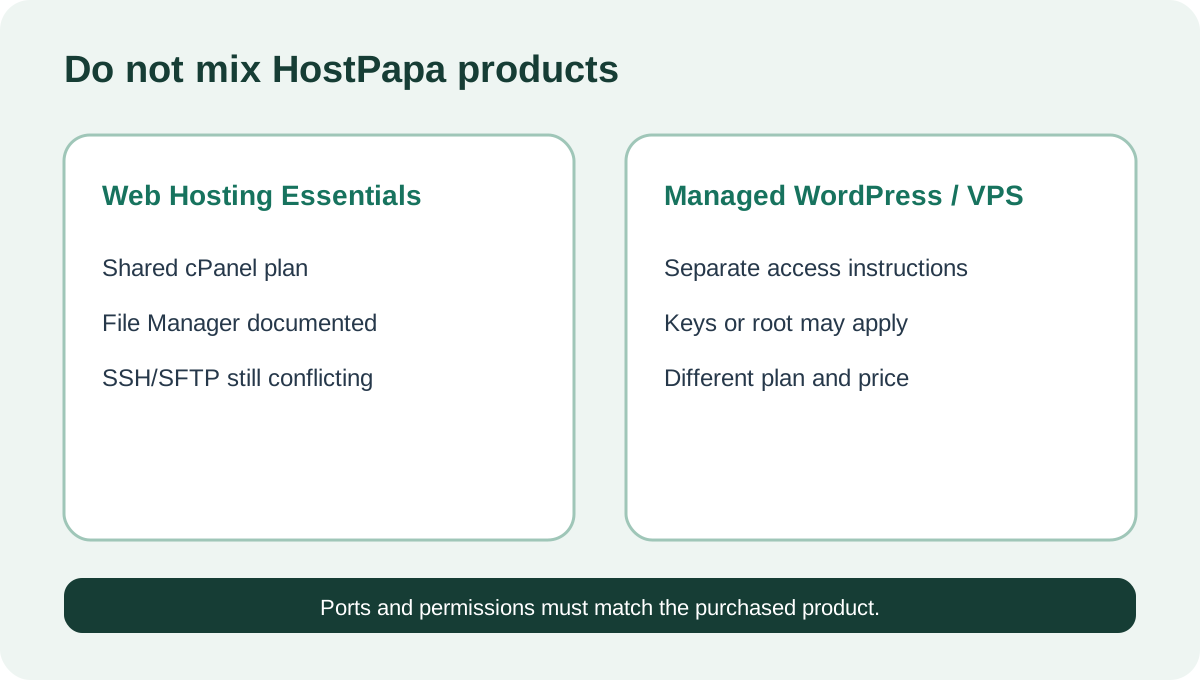
Do not copy Managed WordPress instructions
HostPapa has current SSH and SFTP instructions for Managed WordPress. Its SSH workflow uses keys and a restricted command model. Those instructions belong to a separate product family.
Do not copy its ports, keys or dashboard steps into an Essentials setup. “HostPapa supports SSH” can be true for Managed WordPress or VPS while remaining unproven for Web Hosting Essentials. Product, plan and account type control the answer.
The pre-purchase acceptance test
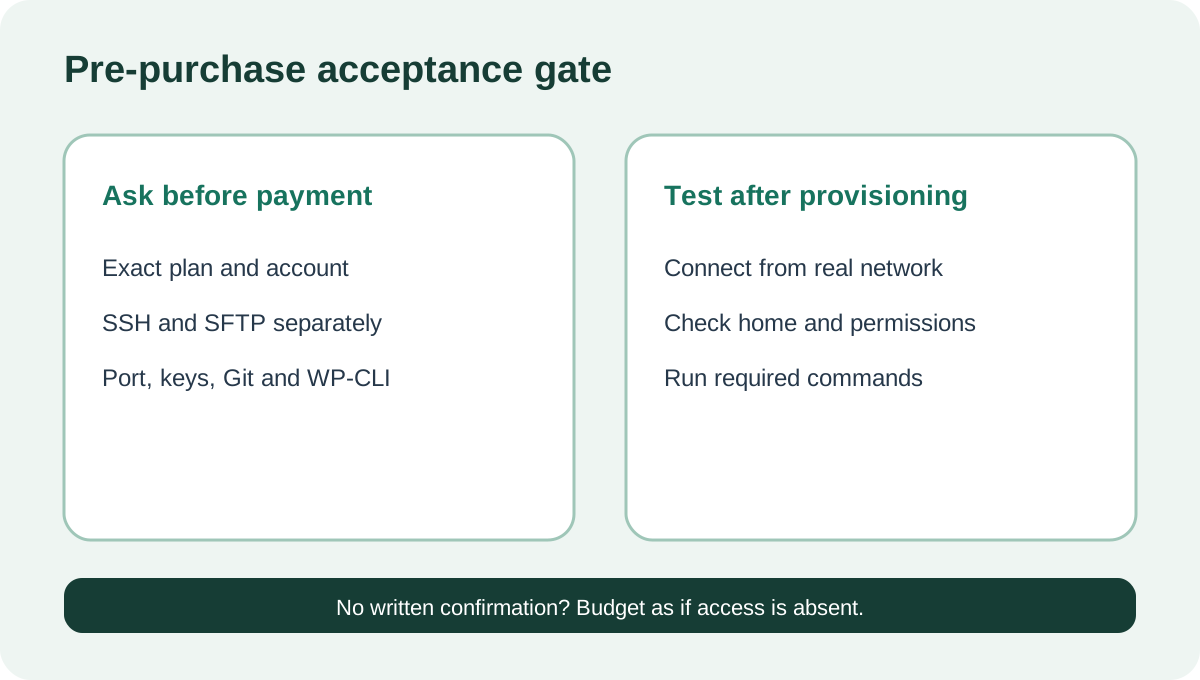
If SSH or SFTP is mandatory, ask pre-sales support four exact questions:
1. Does a new **Web Hosting Essentials** account include interactive SSH? 2. Does that same account include SFTP, and what port/authentication does it use? 3. Is access enabled automatically, through cPanel, or only by support? 4. Are Git, WP-CLI and key authentication allowed?
Save the transcript or ticket. After provisioning, test the exact workflow before canceling the old host: connect from the real deployment network, confirm the home directory and permissions, upload a harmless file, verify key or password authentication, and check whether required commands run.
If support cannot confirm the feature, buy on the assumption that it is absent. A generic cPanel capability page is not a service-level promise.
Price does not compensate for a missing requirement
The low introductory price is meaningful only if the plan can do the job. HostPapa’s official renewal table currently lists Essentials at **$12.99 monthly**, **$10.99/month on one year**, **$9.99/month on two years**, or **$8.99/month on three years**, before tax.
A developer who later discovers that SSH is unavailable may pay migration time, a managed WordPress premium or a VPS upgrade. Compare that switching cost with the renewal total, not just the $2.95 headline.
Verdict
Choose Essentials when one beginner site can be managed through cPanel File Manager and a transfer method that HostPapa confirms for the exact account. Do not choose it for a workflow that requires guaranteed SSH, SFTP, Git or WP-CLI unless support supplies written confirmation.
The current evidence does not justify claiming that all Essentials accounts include SSH/SFTP. The safest buying decision is to verify first—or select a separately validated product whose access rights are explicit. [Check the approved HostPapa Essentials offer](/go/hostpapa-web-hosting-essentials-official-usd).