TOOLNAVIA / BUYING GUIDE
Hostinger File Permissions: Reset Defaults or Fix the Owner?
The short answer
At a glance
- Best for
- Eligible custom sites with owned permission exceptions and clear support escalation.
- Price model
- US Premium: US$95.52 prepaid for48months; shown renewal US$10.99/month for the same term.
- Check first
- Reset replaces defaults across files/folders; owner mismatch has a separate support route.
Verdict: choose the correction before buying for convenience
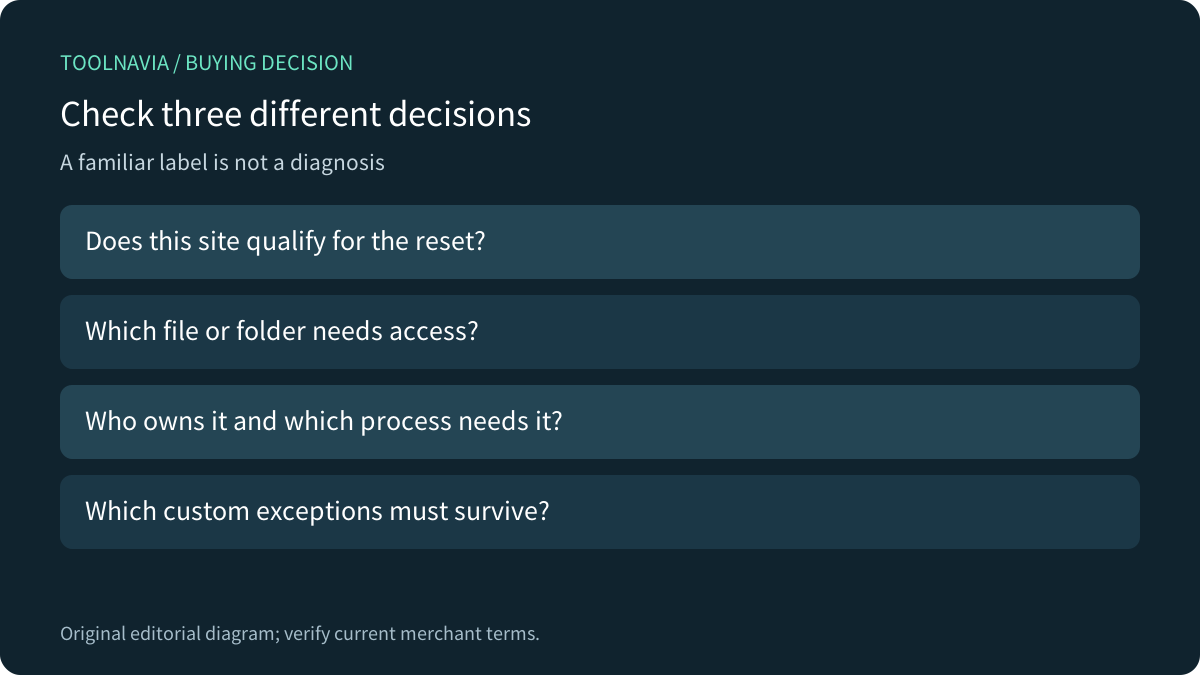
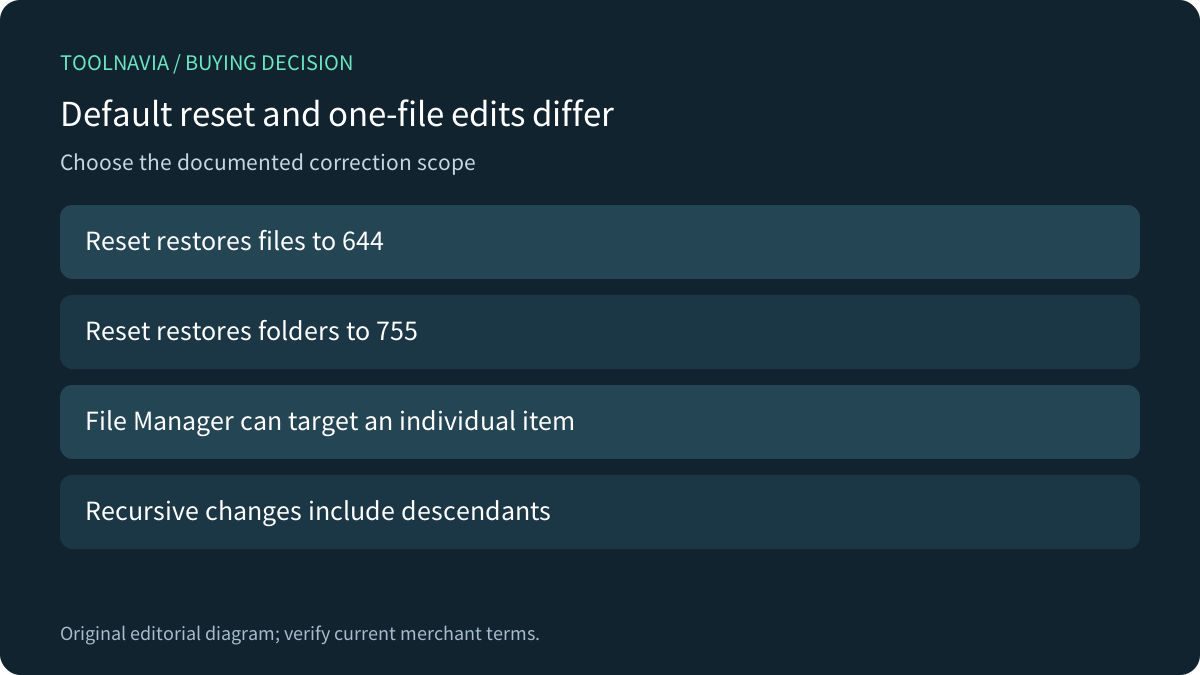
Hostinger Premium can fit a modest custom PHP or HTML site with an owned maintenance process. Its current Fix File Ownership guide describes resetting file permissions to 644 and folders to 755. Do not treat that label as proof that every access failure has the same cause, or that a broad reset preserves intentional custom modes.
This is documentation analysis. No SSH connection, hosting account, file or permission was operated.
Confirm the site is eligible for this reset
The current dedicated guide limits the dashboard reset method to custom PHP or HTML websites on web/cloud hosting and excludes AI Builder. It gives agency hosting a File Manager route, with restrictions on certain WordPress system files. This article does not infer a WordPress dashboard-reset entitlement from the shared Premium name.
Four relevant controls are an eligible default reset, individual File Manager modes, FTP permission attributes and documented owner-mismatch escalation. Confirm the exact site type and interface before choosing one. A feature being convenient does not make its scope correct.
Preserve custom exceptions before restoring defaults
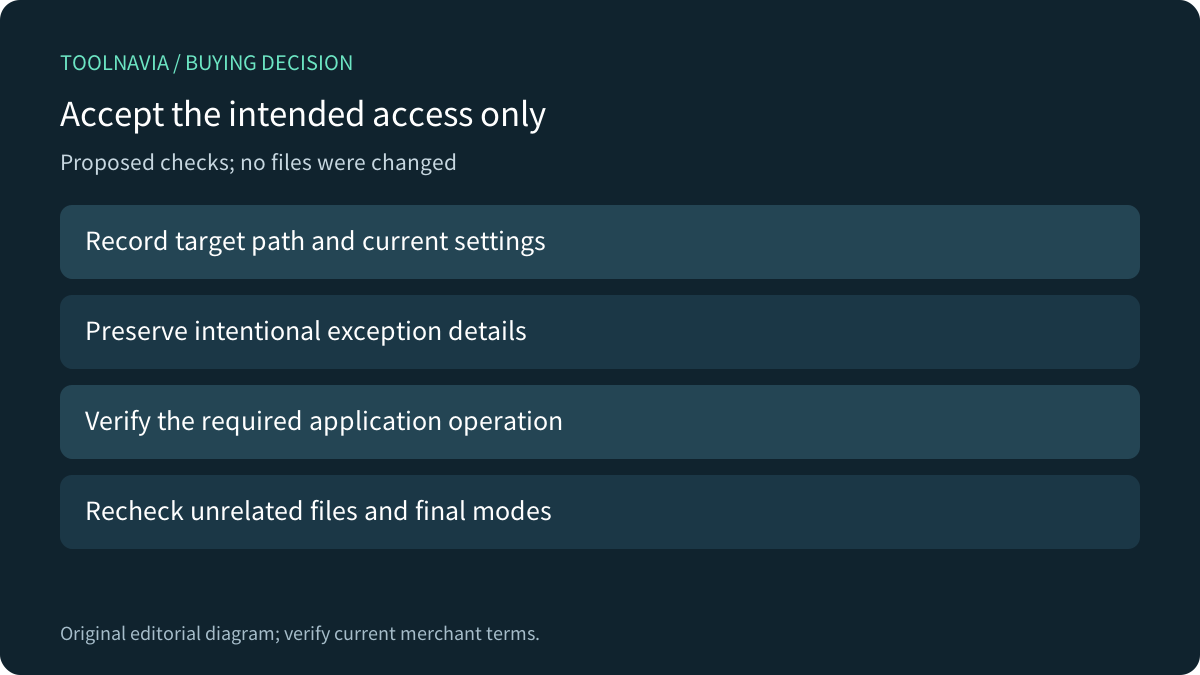
Hostinger's reset confirms that all files and folders will return to default permissions. Its individual File Manager route instead changes the selected target. Record the path, current mode and reason for any deliberate exception before an authorized correction; a uniform reset can replace both accidental changes and intentional restrictions.
The FTP guide also offers recursive changes. GNU's chmod documentation explains recursion as affecting directories and their contents, with separate link-traversal considerations. That is general operation semantics, not proof of Hostinger's reset implementation. A copied recursive command is a broader decision than changing one known item.
Read the owner and the required process identity
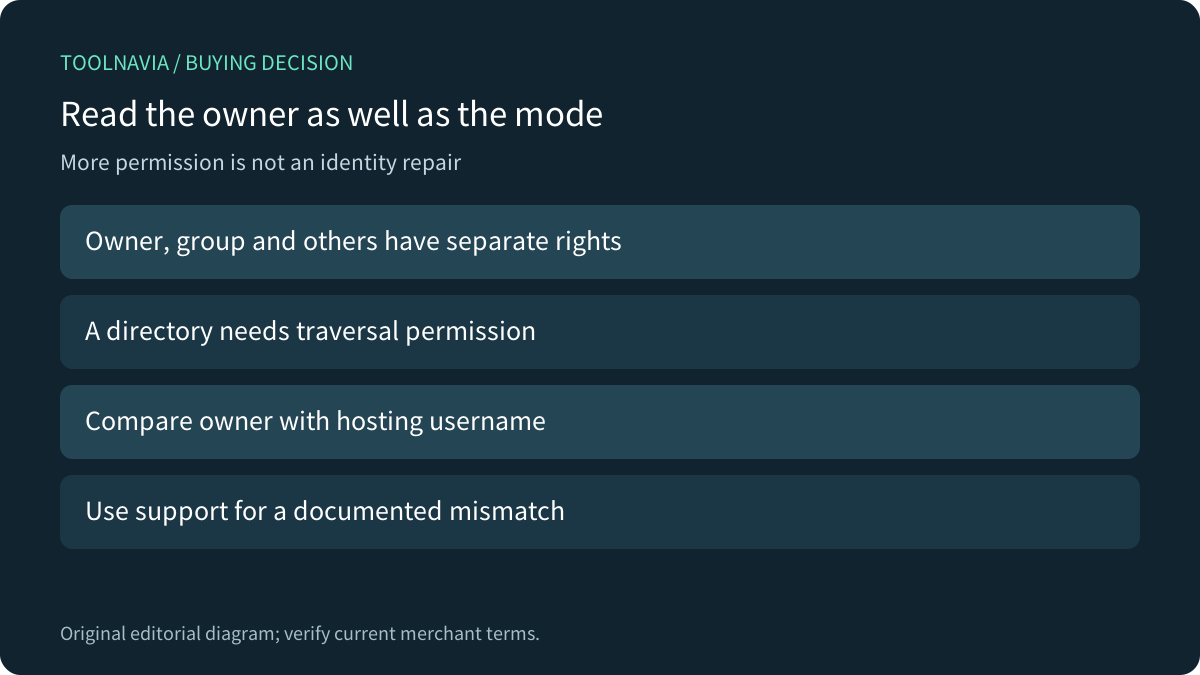
Hostinger separately documents inspecting ownership with ls -l and comparing the owner with the hosting username. When it differs, the stated correction route is Customer Success. Do not assume shared hosting grants root ownership-changing privileges, or confuse changing access bits with changing who owns the file.
Owner, group and others receive different rights. Red Hat's Linux documentation also distinguishes executing a regular file from traversing a directory. These concepts help interpret access, but do not establish Hostinger uses RHEL, SELinux or any particular application process identity.
A correct owner alone does not prove that a requested HTTP action should succeed. Review the application's actual read/write requirement and ask support when the supported identity relationship is unclear.
Use application-specific advice in its context
WordPress's permissions handbook describes different server arrangements and contains legacy, configuration-specific examples. Its world-writable warnings and examples are not a universal numeric recipe for a different Hostinger site type. Do not widen a whole tree to 777 merely because an unrelated guide's example permits a write. Obtain the supported configuration for the actual application.
Likewise, a filesystem read mode does not by itself establish whether a URL is served, blocked by application authentication or denied by another layer. Keep filesystem permissions and website access policy distinct. A higher-capacity plan does not resolve that diagnostic question.
Accept the intended operation and final permissions
For a proposed authorized exercise, use a disposable eligible custom site. Record a harmless target's current owner/mode, the required read/write operation and one exception that should remain intact. Evaluate the narrow supported correction, then verify the application result, final modes and unrelated files. No exercise was performed here.
Choose Premium when supported maintenance, exception ownership and escalation fit the workload; retain a suitable existing host when they already do. The current US card shows US$95.52 prepaid for 48 months, equivalent to US$1.99/month, with same-term renewal US$10.99/month before VAT. Confirm the selected cart and complete cost.
Hostinger has a public cash affiliate program, but Toolnavia's exact Premium offer remains not applied with tracking disabled. This guide uses ordinary official sources and makes no publisher-approval claim.