TOOLNAVIA / BUYING GUIDE
Hostinger SSL and CAA: Keep the Defaults or Remove the Records?
The short answer
At a glance
- Best for
- Owners reconciling managed SSL with deliberate CA restrictions.
- Price model
- US$95.52 prepaid for 48 months; displayed same-term renewal US$10.99/mo.
- Check first
- Official keep-default and remove-CAA instructions conflict; exact issuer and approved policy need confirmation.
Verdict: settle the CAA policy before relying on SSL automation
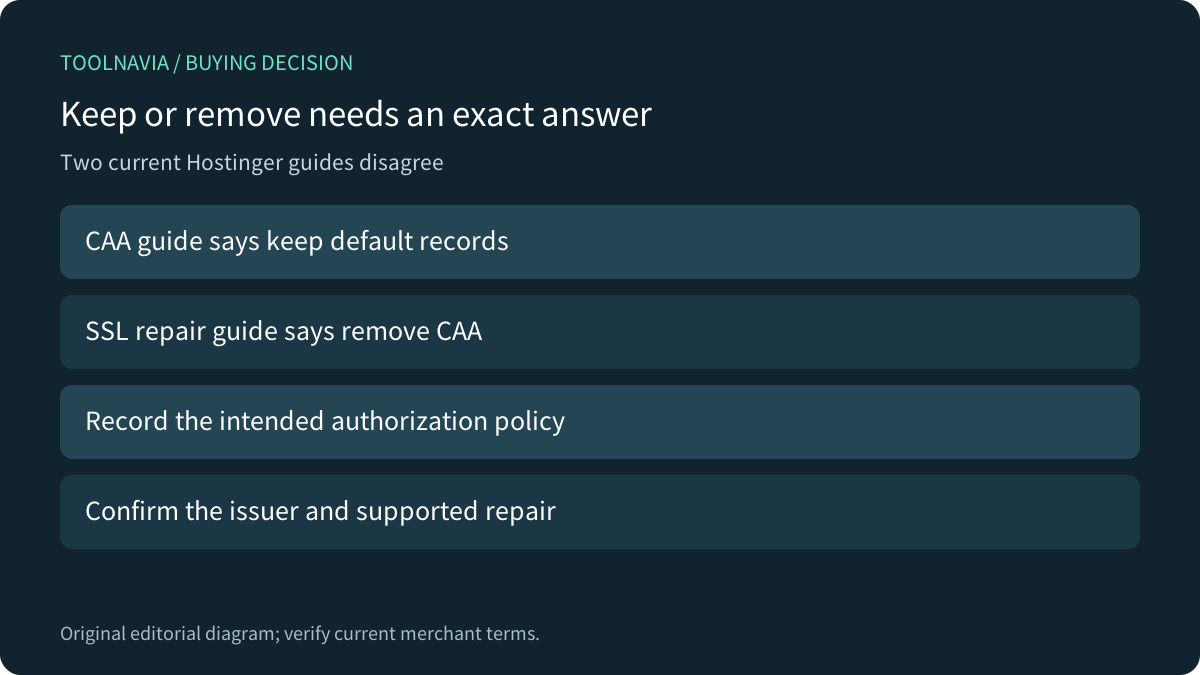
Hostinger Premium can fit owners who want managed SSL while maintaining their DNS policy. But two current help pages give materially different instructions: the CAA guide says to keep default records, while the failed Lifetime SSL guide says to remove CAA records if any exist. That conflict remains unresolved here. Obtain guidance for the exact certificate and policy before changing production DNS.
This is documentation analysis. No DNS record, certificate, hosting account or issuance request was changed or tested.
Know which result each control establishes
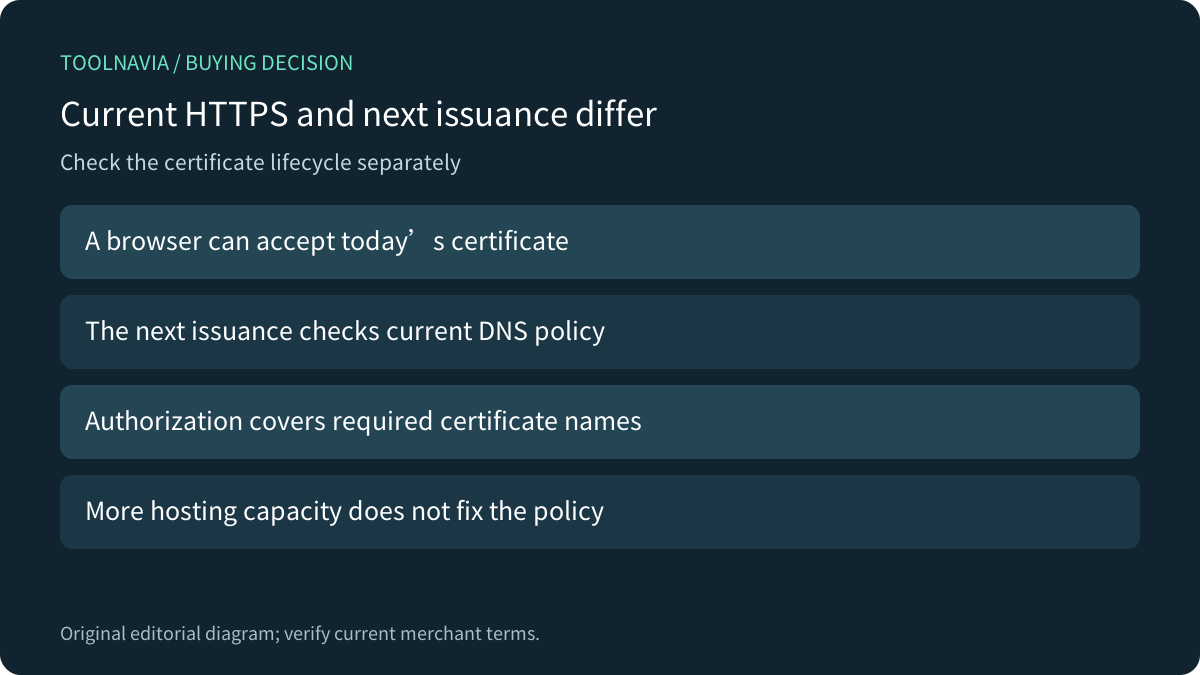
CAA restricts which certificate authorities may issue for a name. Let's Encrypt checks it before each issuance; a working HTTPS connection today does not prove that the current policy will permit the next certificate. Increasing hosting storage or memory does not change that authorization.
Hostinger's SSL guide separates Active, Installing and failed/inactive states. Its custom-site workflow also requires correct domain pointing. First identify the actual state and hostname instead of treating every warning as a CAA failure. The guide has different handling for AI Builder, whose SSL controls are managed in the background.
Reconcile the two instructions without deleting the policy blindly
Keep a record of the current DNS entries, their owner and the reason for restricting issuers. Ask Hostinger or the certificate issuer which CA, hostname set and validation route the intended workflow uses. Explain that the CAA guide and Lifetime SSL repair page differ. A generic instruction is insufficient when it would remove an intentional policy.
Removing restrictive CAA can widen issuance permission. Conversely, retaining a stale allowlist can block a legitimate replacement. The goal is an authorized policy that permits the required workflow, not the largest record count or an empty DNS zone. Domain validation and CA authorization are separate checks.
Review every certificate name and the effective DNS answer
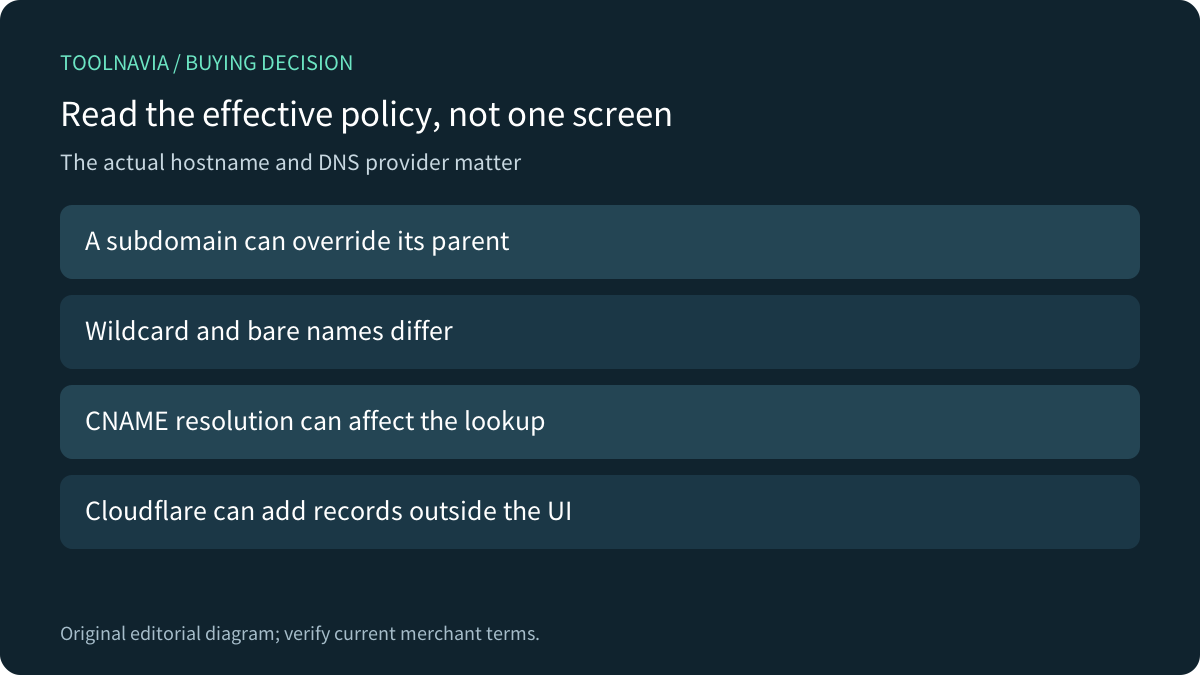
Let's Encrypt documents using the closest applicable CAA record, with subdomains able to override parent policy and CNAME resolution affecting the lookup. Its issuewild permission controls wildcard issuance when present; without it, issue also governs wildcard issuance. Review the actual requested names rather than inferring permission from one apex screenshot.
DNSimple gives a concrete example: a certificate covering both a wildcard and the bare domain can require authorization for both categories. That does not establish Hostinger wildcard entitlement. It explains why approving only one part of a certificate's name set can be insufficient.
Compare provider behavior before trusting a dashboard
Cloudflare says Universal SSL can add CAA records automatically when a zone has CAA, and those added records may not appear in the dashboard. They can appear in DNS queries. Its Advanced Certificate Manager has a different rule. Do not assume the visible list is the complete effective policy for every service.
DNSimple separately documents checking CAA during its Let's Encrypt auto-renewals, plus its own failed-renewal notification and manual-retry rules. Those operational details belong to DNSimple, not Hostinger. Confirm who observes and recovers a failed renewal in the chosen hosting arrangement.
Accept the supported workflow before choosing the term
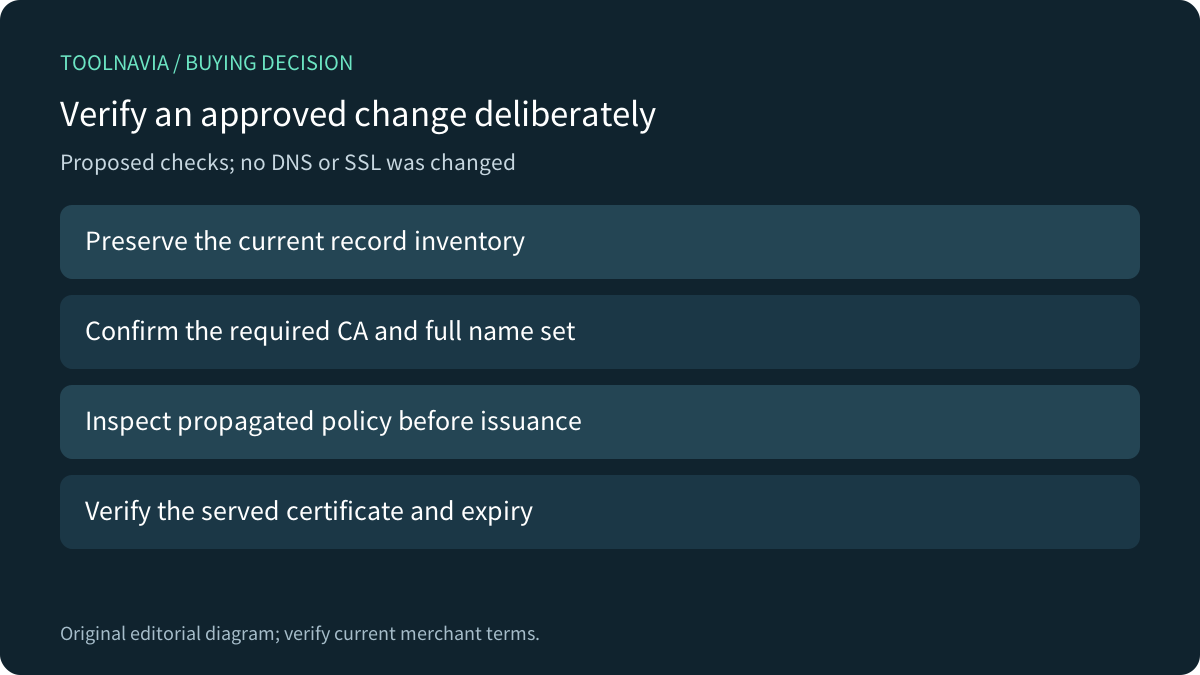
Four useful Hostinger controls are automatic SSL installation, visible status, CAA editing and issuer-specific authorization fields. Their value depends on a coherent policy. For a proposed authorized exercise, preserve the record inventory, use a disposable hostname, confirm the required CA and names, inspect propagated DNS, then verify the actually served certificate and expiry. No exercise was performed here.
The current US Premium card shows US$95.52 prepaid for 48 months, equivalent to US$1.99/month, with same-term renewal at US$10.99/month before applicable tax. Confirm the cart and ownership effort; do not buy an upgrade merely to repair a policy block.
Hostinger's public cash affiliate program is open, but Toolnavia's exact Premium offer remains not applied with tracking disabled. This article uses ordinary official sources. Choose a maintained SSL/DNS arrangement when the responsibilities and supported policy are clear.