TOOLNAVIA / BUYING GUIDE
HostArmada Web Warp Security: What WAF & Malware Removal Still Leave to You
The short answer
HostArmada Web Warp includes Malware Scan, Malware Removal, WAF & IP Firewall, SSL, 14 daily backups, account isolation and extra security layers. Those controls reduce risk, but they do not make the site owner security-free.
At a glance
- Best for
- Multi-site owners wanting layered shared-hosting security plus daily recovery.
- Price model
- Billing-cycle dependent current Web Warp pricing; security feature set verified
- Check first
- WAF/malware tooling cannot make vulnerable plugins or weak credentials safe automatically.
What the host is protecting
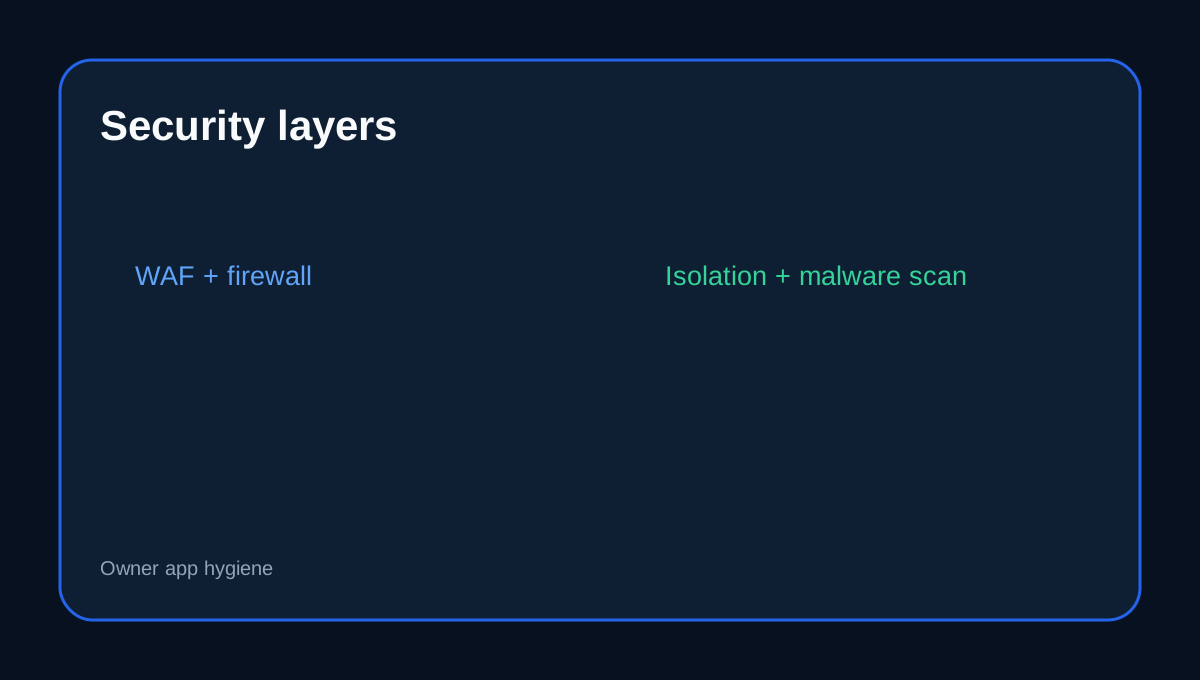
HostArmada documents server patching, ModSecurity, brute-force protection, IP firewalling, antivirus, backups and SSL. Web Warp adds account isolation, CageFS, an advanced WAF, IPS/IDS and extra ModSecurity rules. These layers reduce server and application attack exposure before requests reach vulnerable code.
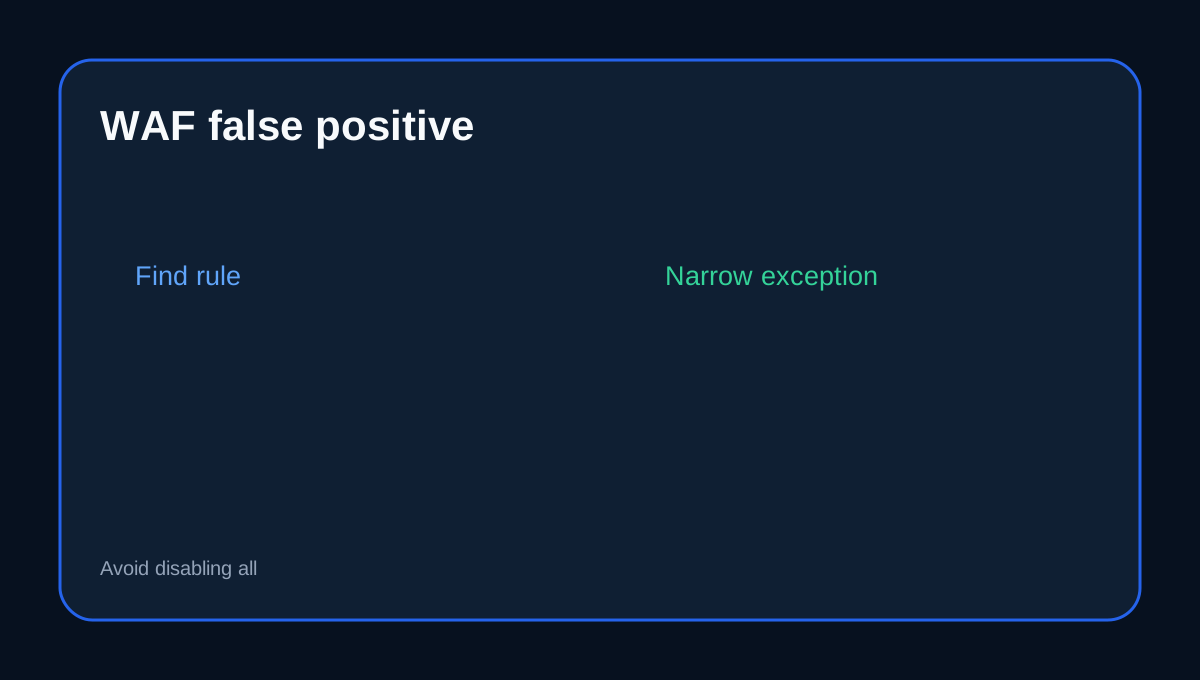
WAF false positives need narrow fixes
HostArmada enables ModSecurity by default, but legitimate scripts or plugins can trigger rules. Customers can disable ModSecurity for a domain, which also reduces protection. When a false positive occurs, reproduce the blocked request, record the time/URL/error and ask which rule fired. If an exception is necessary, scope it to the smallest rule/domain/path possible rather than disabling the whole WAF indefinitely. Cloudflare's current WAF guidance recommends the same narrow-exception approach.
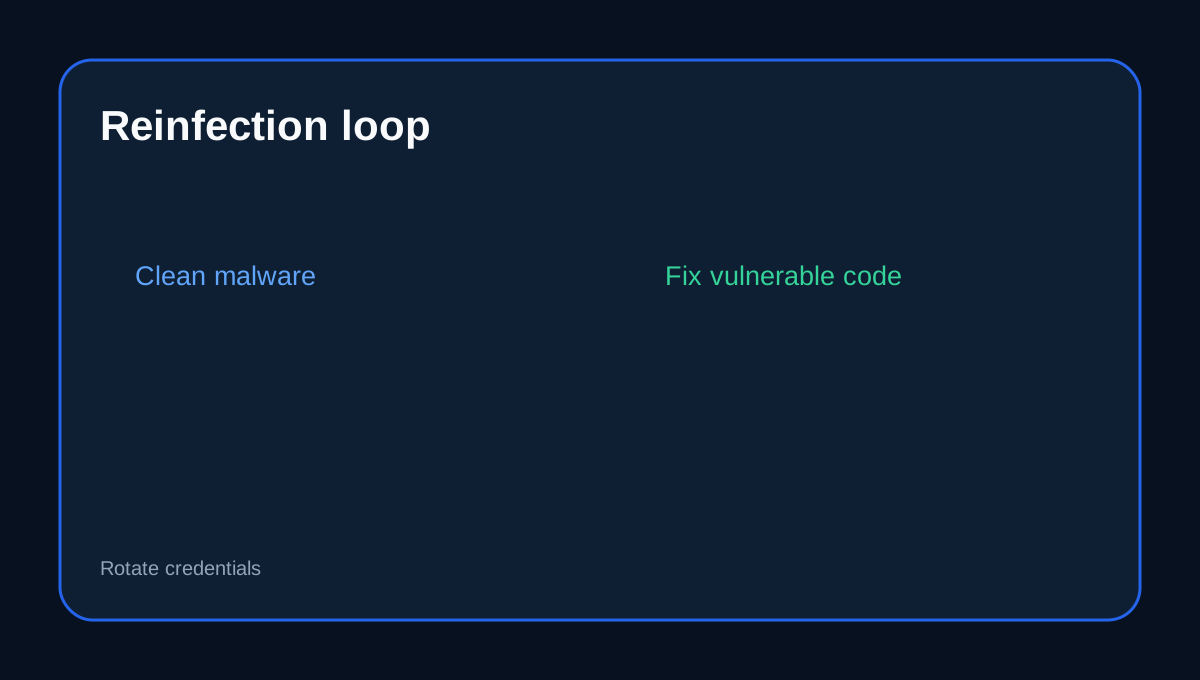
Malware removal does not fix the root cause
Cleanup can remove infected files, but if a vulnerable plugin, stolen password or backdoor remains, reinfection can follow. HostArmada says compromised applications are often tied to vulnerable or outdated scripts, themes, plugins and credentials.
The site owner still owns application hygiene
Keep WordPress/core/plugins/themes updated, remove abandoned extensions, use unique strong admin credentials, restrict unnecessary administrator accounts and review new code sources. WAF and malware scanning reduce risk, but no host can make unsafe custom code harmless.
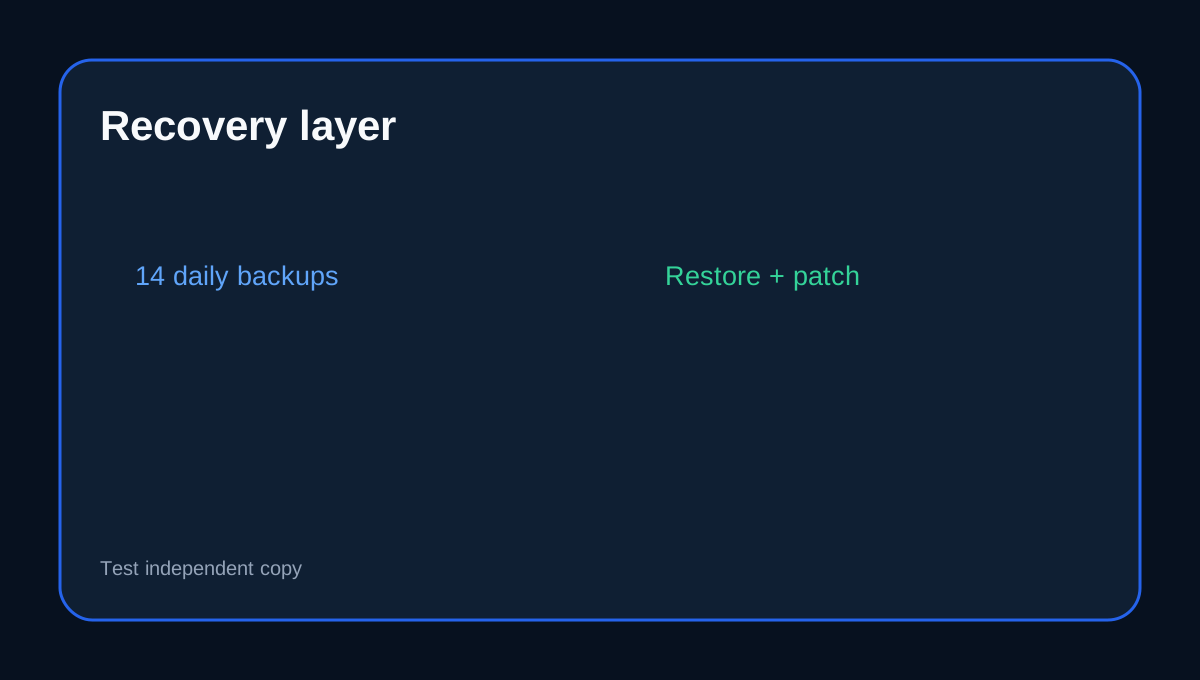
Backups are recovery, not prevention
Web Warp includes 14 daily backups. That gives useful recent restore points, but a restore should be paired with vulnerability remediation; otherwise a restored copy can be compromised again. Keep an independent backup before major changes and test the restore process.
Buyer fit
Web Warp fits buyers who want a strong shared-hosting security baseline with malware scanning/removal, WAF, isolation and daily recovery, while still maintaining the WordPress/application layer. It is not a substitute for secure plugin choices, credential discipline or incident root-cause analysis.
Checkout checklist
Confirm the current billing term, 30GB/4CPU/4GB envelope, 14 daily backups, Malware Scan/Removal, WAF/IP Firewall, how false-positive exceptions are handled and what cleanup/support includes after a compromise.
Affiliate disclosure: Toolnavia may earn a commission from an eligible HostArmada purchase; that does not change this shared-responsibility analysis.