TOOLNAVIA / BUYING GUIDE
GreenGeeks Lite SitePad vs WordPress: Which Builder Fits One Site?
The short answer
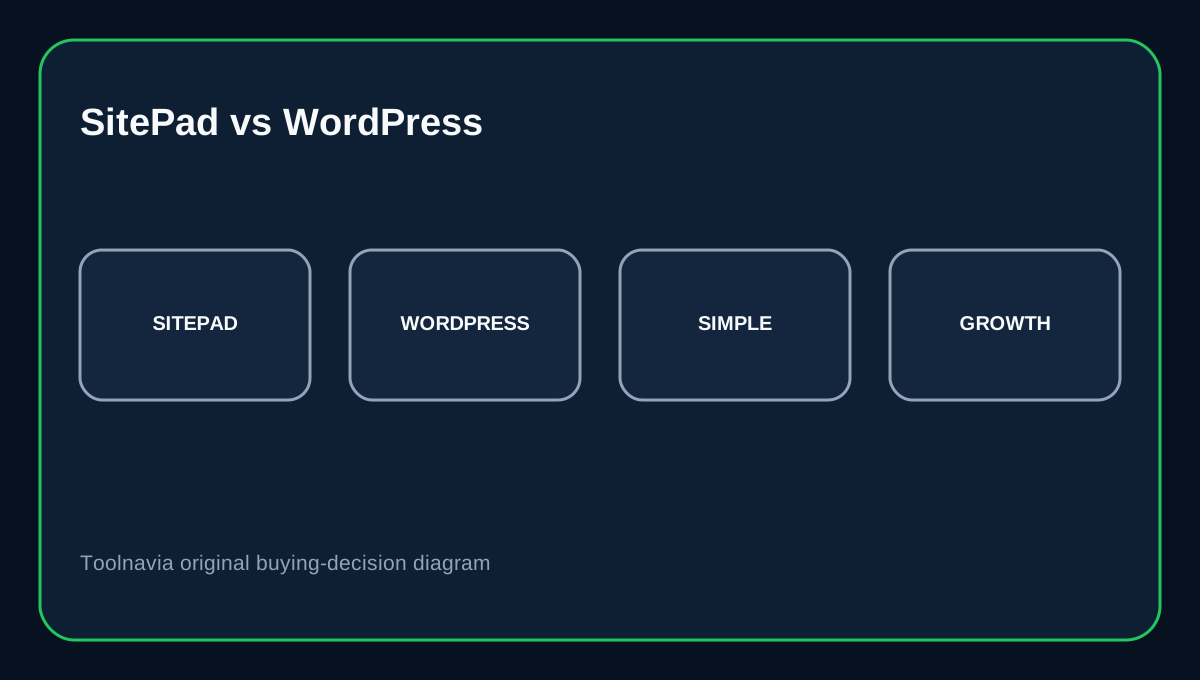
For a small brochure site, landing page or placeholder, GreenGeeks’ bundled SitePad can get you publishing without learning WordPress first. If the site will grow into a content-heavy business, plugin-driven service or store with custom workflows, WordPress is usually more flexible. The important catch is plan scope: GreenGeeks lists Lite as one website, while its SitePad guide also describes publishing multiple projects in different directories on a domain. Do not treat that wording as proof that Lite includes extra hosted domains or site quotas; confirm your intended layout before buying.
At a glance
- Best for
- Small visual sites that fit confirmed Lite entitlements.
- Price model
- $35.40 first 12 months; $167.40 annual renewal equivalent.
- Check first
- The exact SitePad license tier and one-site versus multiple-directory entitlement are not fully confirmed.
What Lite costs
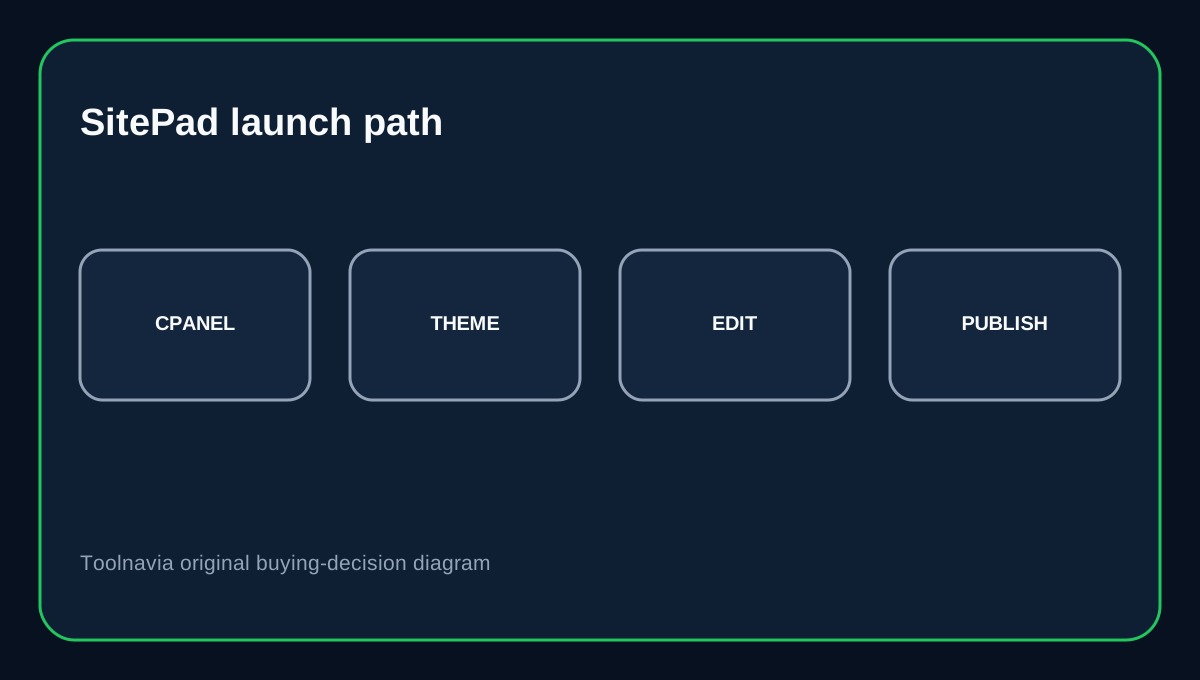
GreenGeeks currently lists Lite at $2.95/month prepaid for 12 months, or $35.40 for year one, and says it renews at $13.95/month—$167.40 for a renewal year before taxes or checkout changes. Lite lists one website, 25GB space, unmetered traffic and a 30-day money-back guarantee. GreenGeeks says SitePad is included with its service. Its current guide lists 450+ themes and 40+ widgets, with publishing, upgrades and cloning available through cPanel. The exact license tier assigned to GreenGeeks customers is not public, so do not apply SitePad’s direct-to-customer Free license limits to this hosting bundle.
Choose SitePad for a simple launch
SitePad is a WYSIWYG drag-and-drop builder. GreenGeeks’ tutorial says it is a good fit for a simple one- or two-page site and notes that deeper sites can be harder to build visually. It suits a service brochure, campaign page, coming-soon page or small portfolio where the design can stay within available templates and widgets. You can edit visually and publish through cPanel instead of maintaining a WordPress theme and plugin stack.
Choose WordPress for growth
WordPress offers a broader ecosystem of themes, plugins, structured content and integrations. That flexibility brings more responsibility: plan core, theme and plugin updates, check compatibility and keep recoverable backups. WordPress documents separate update workflows for core and extensions, so it is not a zero-maintenance alternative. For a growing blog, membership site, complex forms, custom integrations or a store with non-standard workflows, that extra control is often worth the operational effort.
Understand the one-website boundary
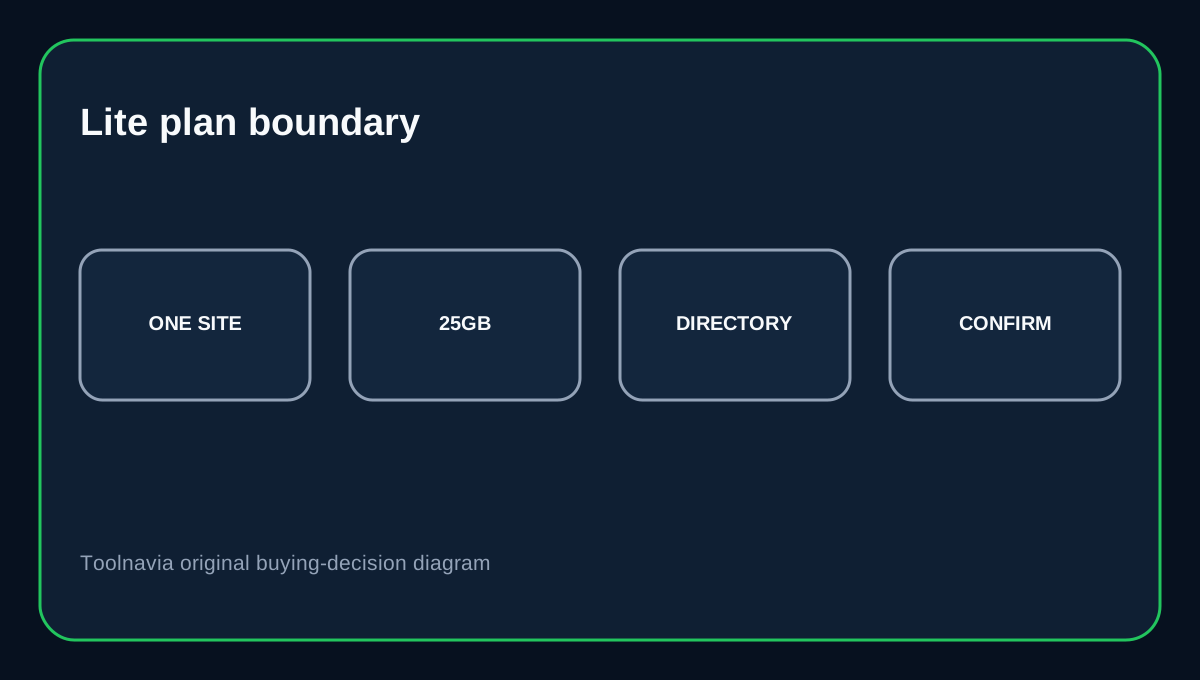
GreenGeeks’ builder comparison says SitePad can publish multiple projects in different directories on a domain, but the Lite plan page says one website. Those statements do not establish whether your subdirectory projects count as separate websites under your plan, or prove that extra hosted domains and independent site quotas are included. If you plan example.com/site-a and example.com/site-b, ask support to confirm that exact layout before committing. Do not assume a directory is equivalent to an extra hosted domain or that a SitePad button overrides plan entitlements.
Consider portability
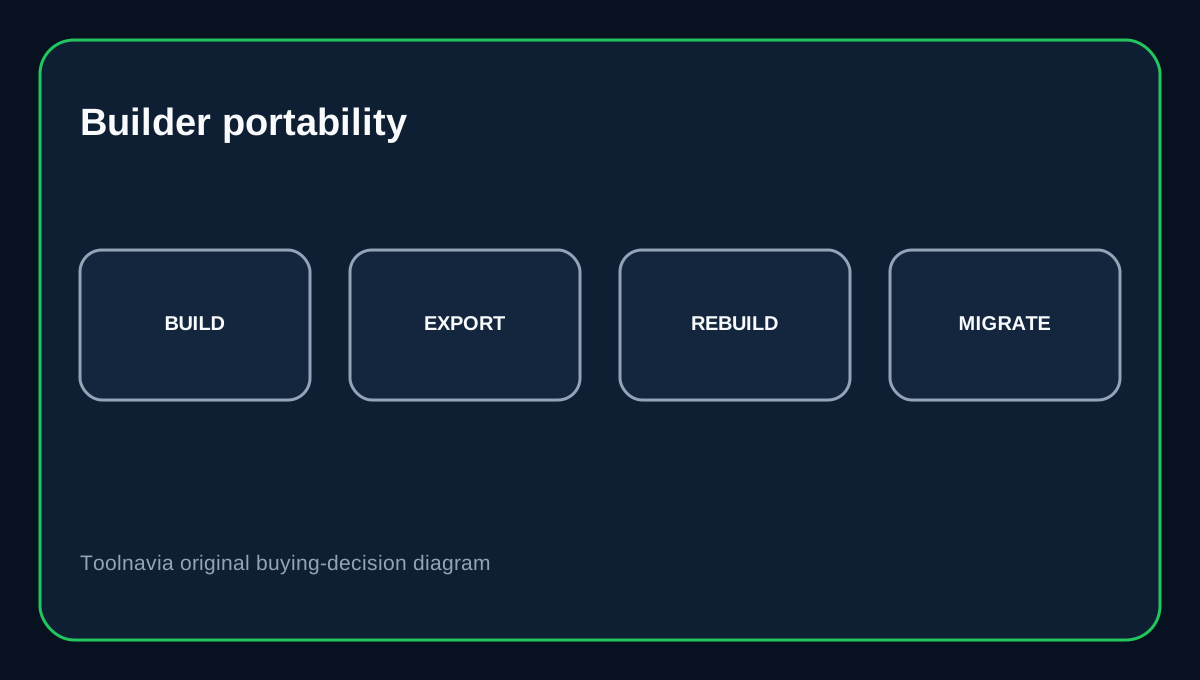
A SitePad design is quick to launch, but switching builders later may mean rebuilding the layout rather than exporting an equivalent WordPress theme. GreenGeeks says moving from Weebly to SitePad requires manual rebuilding or copying, not a one-click transfer of the old builder backend. WordPress migrations can move files and a database, but URLs and configuration still need care.
Buying decision
Choose SitePad on GreenGeeks Lite for a small visual site that stays within confirmed plan entitlements. Choose WordPress when you expect growth, need a broader plugin ecosystem or want more control over content structure and migration. Before checkout, confirm the one-website rule for directory-based SitePad projects. The included builder is useful; the unresolved plan wording means you should not assume it replaces a multi-site tier.
Affiliate disclosure: Toolnavia may earn a commission from an eligible GreenGeeks purchase.