TOOLNAVIA / BUYING GUIDE
GreenGeeks Lite Remote MySQL: Is the 200-Connection Limit Enough?
The short answer
GreenGeeks Lite can accept remote database clients, but its published boundary is not “unlimited MySQL.” The provider lists 200 MySQL user connections for Lite and Pro, 500 for Premium, and identifies the shared server as MariaDB 11.4.10. That 200 figure is a per-user connection ceiling—not 200 visitors, 200 requests per second, or a promise that every application will stay fast.
At a glance
- Best for
- Small remote database workloads with a bounded pool and stable allowlisted client IP.
- Price model
- Lite currently $2.95/month for 12 months, renews $13.95/month; verify live checkout.
- Check first
- The 200 figure is per database user and not a visitor, throughput or shared-resource guarantee.
Start with the exact buying decision
Lite is a reasonable choice when one small site or private tool needs occasional remote administration, migrations, reporting or a modest application connection pool. It is a poor fit when many app workers hold long-lived connections, traffic spikes create connection storms, or the workload needs server-level database tuning. In those cases, Premium's 500 published user connections may provide more headroom, but it still remains shared hosting; a managed VPS is the cleaner boundary when you need isolated compute or database control.
Lite currently shows $2.95/month prepaid for 12 months and $13.95/month at renewal. Pro and Premium cost more and add resources, but price and a higher connection ceiling do not guarantee query throughput. Verify the live checkout and current limits before purchase.
“Unlimited databases” and “200 connections” answer different questions
GreenGeeks lists unlimited databases on shared hosting. That describes how many database objects you may create under normal use. It does not mean unlimited concurrent sessions, unlimited CPU time, or unlimited storage and I/O.
The practical capacity model has at least four separate layers:
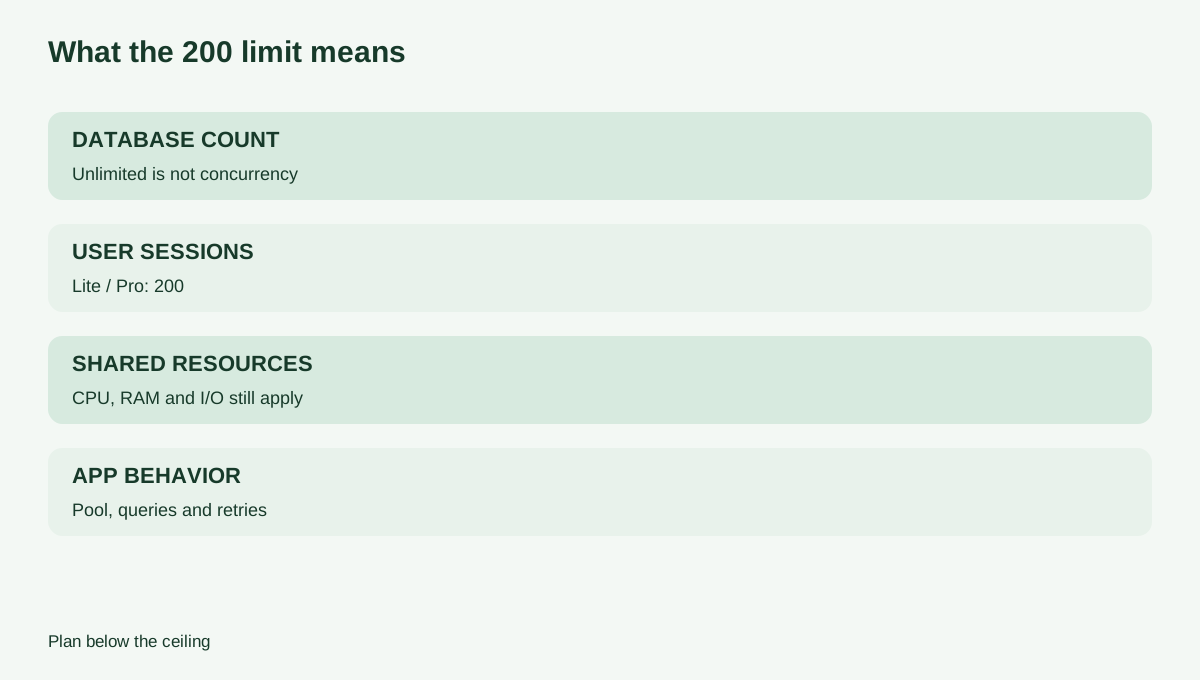
1. **Database count:** how many named databases the account may create. 2. **Per-user connections:** how many concurrent sessions one database user may hold; GreenGeeks publishes 200 for Lite and Pro. 3. **Shared-hosting resources:** CPU, RAM, I/O and entry-process limits that can slow or stop work before a connection ceiling is reached. 4. **Application behavior:** query duration, pool size, timeouts, retries and worker concurrency.
A site with ten connections running slow queries can perform worse than one with one hundred short, indexed queries. Treat 200 as a safety boundary to design below, not a capacity target. Competing shared hosts also publish per-user and server-wide counters separately, which is why the label on the exact GreenGeeks counter matters.
The server is MariaDB even when the panel says MySQL
GreenGeeks' table uses familiar “MySQL” labels, but the current supported-software page names MariaDB 11.4.10. Most WordPress and common PHP applications work through MySQL-compatible drivers, yet edge behavior, SQL modes and version-specific features can differ. Check the application's supported database versions rather than assuming “MySQL 8 compatible” means every MariaDB feature behaves identically.
This distinction matters for imports, JSON behavior, collations, authentication plugins and diagnostics. Record the actual server version from the account before a production migration, test a copy of the workload, and keep a rollback path.
How remote access works
Remote access is not open by default. GreenGeeks instructs the account owner to add the client's public IP address or domain to cPanel's Remote MySQL access list. Keep the localhost entry if the website itself also connects locally. A competing cPanel host documents the same narrow-host workflow, supporting the operational pattern without changing the GreenGeeks entitlement.
A safe setup sequence is:
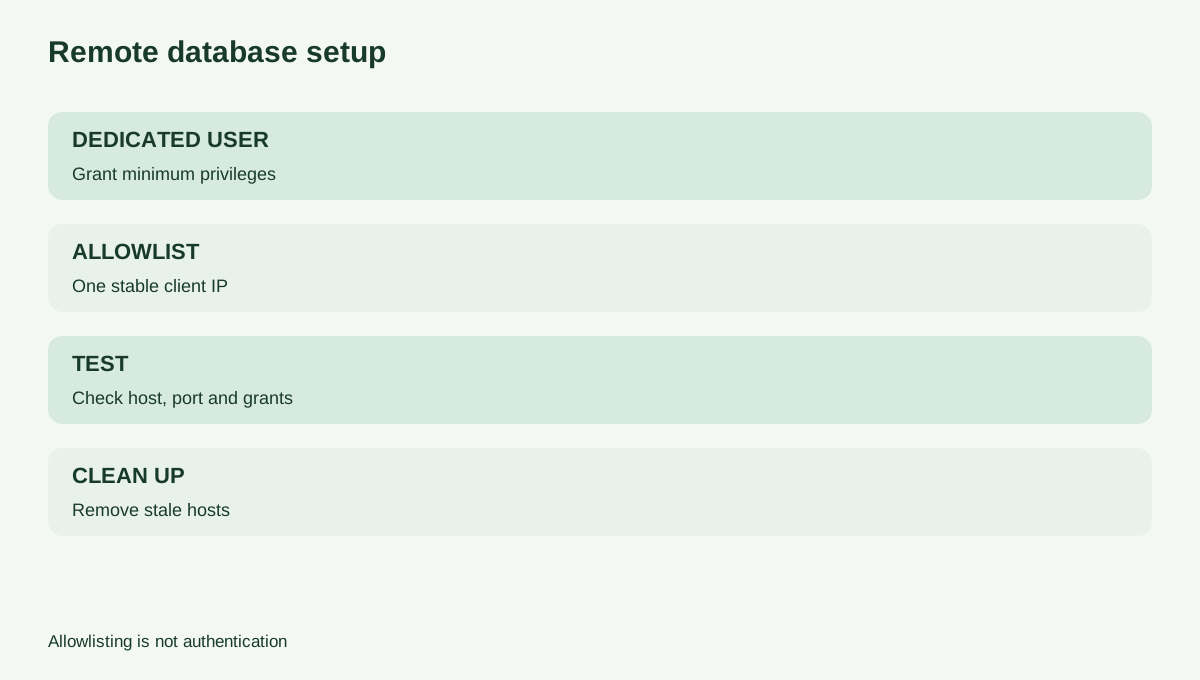
1. Create a dedicated database and user with only the privileges the remote application needs. 2. Add one stable client IP, or the narrowest practical host pattern, rather than a broad wildcard. 3. Use the correct database hostname, port, username and password. 4. Test from the intended network. 5. If the test fails, check allowlisting, grants, credentials, network reachability and the server setting separately. 6. Remove stale hosts and rotate credentials after a migration or contractor engagement.
Allowlisting is only one control. It does not replace a strong password, least privilege, secure transport where supported, or application-level secret management.
Size the connection pool below the ceiling
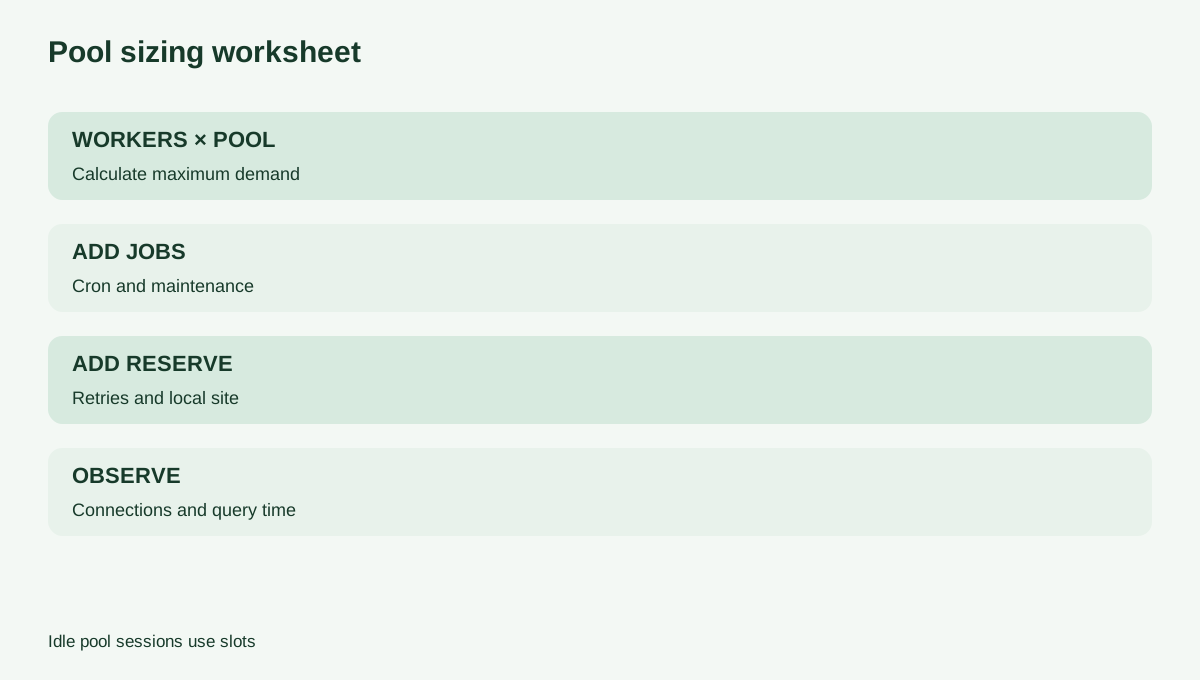
A pool prevents each request from repeatedly opening a new session, but a pool is not free capacity. Idle pooled sessions still occupy slots. If one application runs 8 workers and each worker can keep 10 connections, its theoretical pool demand is 80. Two such deployments could reach 160 before admin tools, cron jobs or retries are counted.
Use a worksheet instead of guessing:
- maximum workers × maximum pool size; - plus scheduled jobs and maintenance clients; - plus a retry margin; - plus a reserve for the site itself.
Start conservatively, instrument active connections and query time, and raise the pool only when evidence supports it. Avoid retry loops that reconnect immediately during an outage; exponential backoff prevents a failure from becoming a connection storm.
Shared resources can become the real bottleneck
The 200 per-user number is not a promise that Lite can run 200 expensive queries simultaneously. GreenGeeks separately explains CPU, memory, I/O and entry-process constraints, and its acceptable-use policy applies to excessive database load. A remote analytics job that scans large tables can be inappropriate even if it uses only a few connections.
Watch for repeated “too many connections” errors, increasing query latency, CPU or I/O throttling, failed cron work and timeouts during backups or imports. Large imports may be safer through SSH or a terminal workflow than a browser-based tool, but that changes the transport—not the account's resource boundary.
Lite, Premium or VPS?
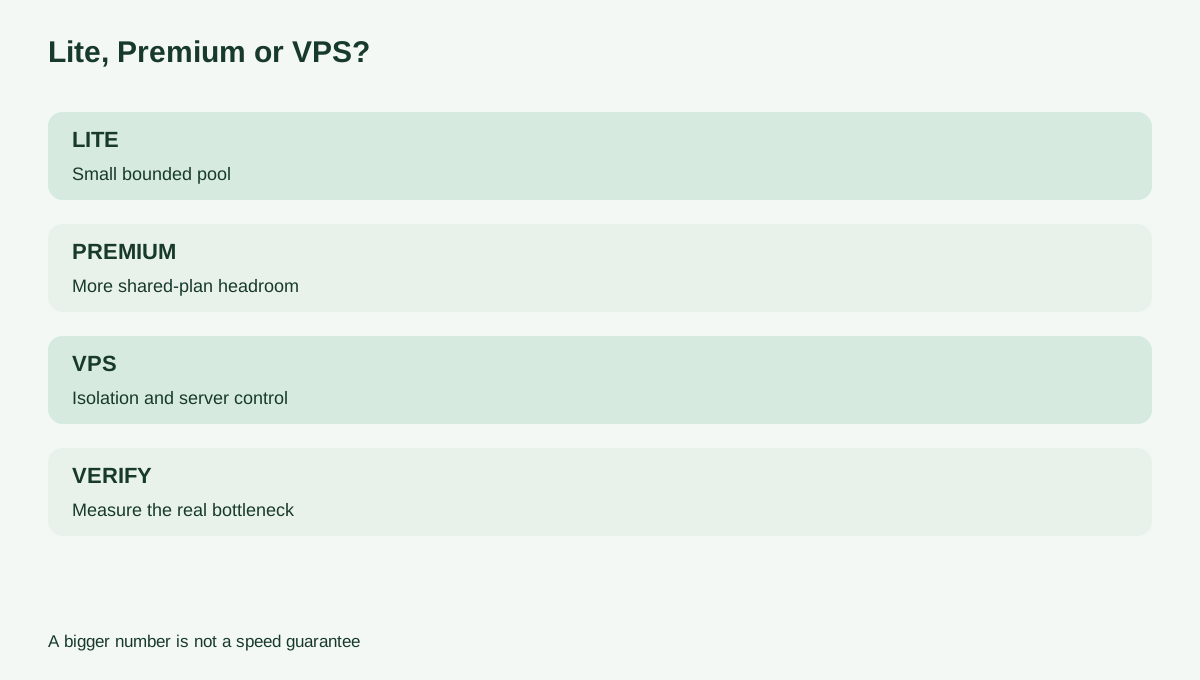
Choose **Lite** when the site count, 25 GB storage, current renewal price, occasional remote access and a deliberately small pool all fit.
Consider **Premium** when the same shared-hosting model is acceptable but the published 500 user connections and higher account resources provide justified headroom. Do not upgrade solely because “500 sounds faster”; validate the actual bottleneck first.
Move to a **managed VPS or database service** when you need predictable isolation, server configuration, private networking, database observability, high-availability design or sustained workloads that are uncomfortable under shared-hosting fair use. A VPS requires more operational responsibility, so the upgrade decision should weigh control against administration.
Pre-purchase checklist
Before buying Lite for remote database use, confirm the live plan price and renewal, the actual MariaDB version, the application's compatibility, the expected worker and pool counts, the client's stable IP strategy, backup/restore steps, and the point at which you will upgrade. Test with production-like data before changing DNS or moving the only copy.
The decision rule is simple: Lite works for bounded remote access when you design well below 200 per database user and the shared CPU/RAM/I/O envelope is also comfortable. If either the pool math or the workload cannot be bounded, buy more isolation rather than treating “unlimited databases” as unlimited database capacity.
Affiliate disclosure: Toolnavia may earn a commission if you buy GreenGeeks through the approved personal tracking link, at no extra cost to you.