TOOLNAVIA / BUYING GUIDE
DreamPress 1 Managed WordPress Hosting: first-year price vs renewal
The short answer
DreamPress 1 is a managed WordPress hosting option for one important site when you want staging, backups, CDN and migration help in the hosting workflow. The main buying question is not the first-year discount: the current one-year offer is $14.99 per month equivalent, then auto-renews at $19.99 per month after year one.
At a glance
- Best for
- One WordPress site that will repeatedly use managed migration, staging, backups and included CDN.
- Price model
- Paid managed WordPress hosting · first-year offer then higher renewal
- Check first
- Compare the $14.99 first-year equivalent with $19.99 renewal, 15GB storage, one-site scope and paid security extras.
Four managed features that can justify the premium
Test changes in staging before touching production
DreamPress provides a staging copy so you can test themes, plugins or PHP changes while the live site remains online. For a store or lead-generation site, that creates a safer review step before publishing. The boundary matters: staging needs at least 5GB of free space, the uploads folder is not copied, and staging content is not included in DreamPress daily backups.
Use a professional migration instead of planning every transfer step yourself
DreamPress includes one professional site migration on DreamPress 1, and DreamHost also offers its automated migration plugin and manual alternatives. This can reduce the work of moving a conventional WordPress site from another host. Migration help does not remove the need to verify forms, DNS, email and fresh content after the move.
Start with an included CDN
Bunny Essential CDN is included with DreamPress. A content site can therefore evaluate managed hosting with a CDN already available rather than buying a separate default CDN plan. DreamHost requires the domain’s DNS to be hosted there, and Bunny CDN is not available for staging, temporary or dreamhosters.com domains.
Keep short-term recovery points in the hosting workflow
DreamPress 1 currently lists 14 days of backup retention and includes on-demand and locked backup controls. This gives routine WordPress updates a practical rollback path. Fourteen days is still a finite recovery window, so longer retention or off-platform copies remain a separate requirement.
First-year price versus renewal
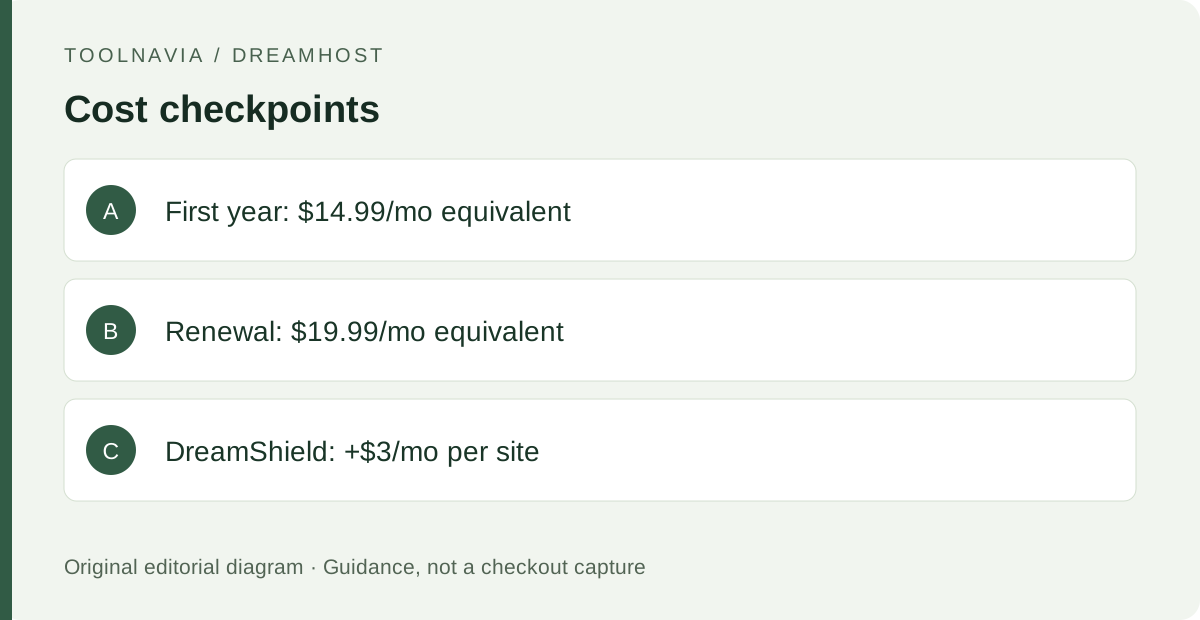
The current one-year DreamPress 1 offer is shown at $14.99 per month equivalent and auto-renews at $19.99 per month after the first year. DreamHost describes the annual option as prepaid. Multiplying the displayed monthly equivalents by 12 gives $179.88 for the promotional year and $239.88 for the following annual term before tax; confirm the actual checkout total before paying.
The base price is not every possible cost. DreamShield malware scanning is a separate paid add-on currently advertised at $3 per month per website. If that protection is part of your requirement, include it in the comparison rather than treating it as standard DreamPress 1 coverage.
Who DreamPress 1 fits—and who should skip it
DreamPress 1 is built for one WordPress site with 15GB of NVMe storage and a published 40k-monthly-visit planning figure. DreamHost says traffic is not cut off with visitor overage fees, but plan traffic figures can affect upgrade or downgrade choices. This is therefore a fit question, not simply a “40,001 visits means extra billing” rule.
It is less suitable when you need several production sites, WordPress Multisite, root-level server control or non-WordPress applications. DreamHost documents those boundaries for DreamPress and points more customized server needs toward other hosting types.
Avoid a double-billing mistake when upgrading
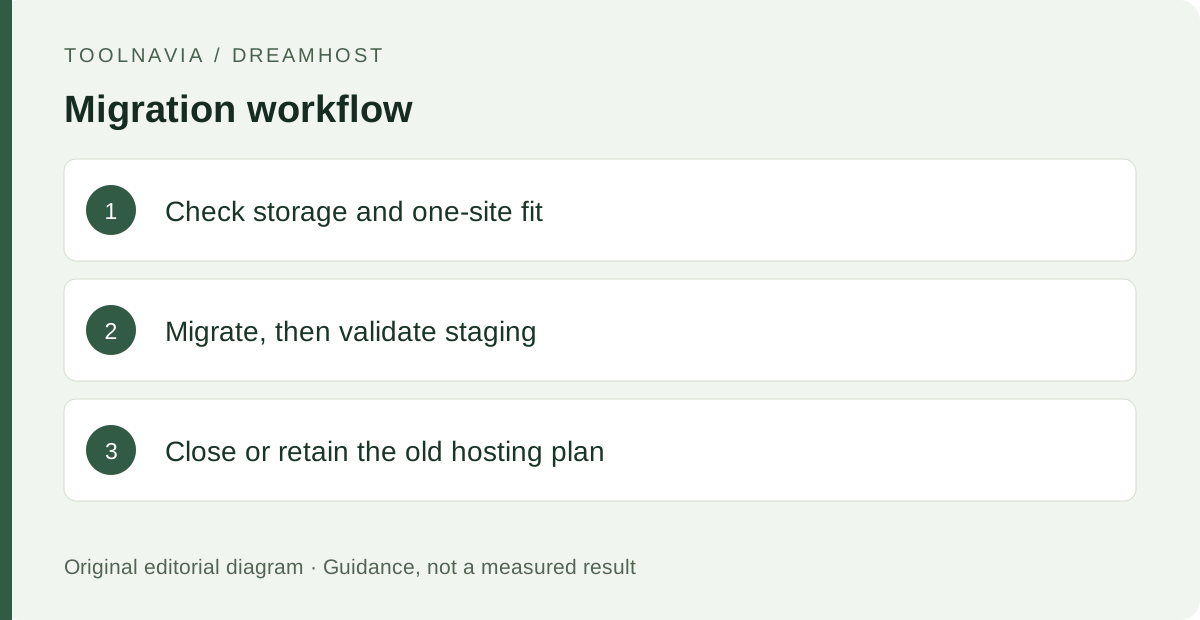
If an existing DreamHost customer upgrades a WordPress site from another DreamHost hosting plan to DreamPress, the upgrade adds DreamPress but does not automatically remove the old hosting plan. A one-site owner can close the old plan after the move; owners with other sites may need to keep it. That makes the post-migration cleanup step part of the real cost decision.
DreamPress also offers a 30-day money-back period for new monthly or annual DreamPress hosting, with specific rules for renewed annual plans. Treat that as a cancellation condition to verify, not as permission to skip migration preparation.
A practical migration and acceptance checklist
Before ordering, record the live site’s storage size, active domains, email dependencies and whether 15GB leaves enough staging headroom. Choose the professional migration, automated plugin or manual path, then schedule a low-risk validation window.
After the copy, check representative pages, forms, login, media and DNS. Create staging only after confirming the free-space requirement, test one harmless change there, and keep a separate copy of anything created only on staging because it is outside the daily backup set. If you upgraded from another DreamHost plan, close or retain the old plan deliberately.
What to do next
Compare the full first-year and renewal totals with the value of migration help, staging, 14-day backups and the included CDN. DreamPress 1 makes the strongest case when those managed WordPress tasks will be used repeatedly and one site plus 15GB is enough; otherwise, keep the lower-cost or more flexible hosting option in the shortlist.