TOOLNAVIA / BUYING GUIDE
Cloudways vs SiteGround for WordPress: $24 Pay-as-You-Go or $4.99 Intro?
The short answer
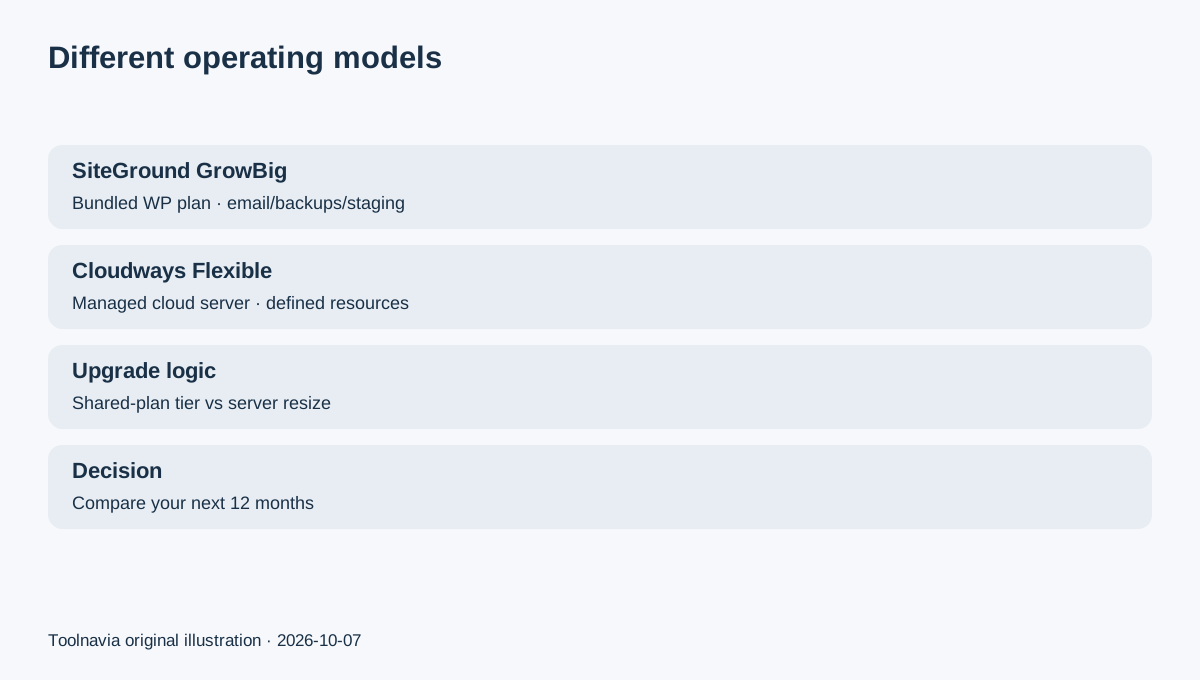
Cloudways Flexible and SiteGround GrowBig can both run WordPress well, but they ask you to buy hosting in different ways. GrowBig currently starts at $4.99/month on a 12-month prepaid introductory term and renews at $29.99/month. A matched Cloudways DigitalOcean Standard 2GB server is $24/month on the current dedicated pricing page and uses pay-as-you-go billing. The decision is therefore not “cheap host versus expensive host”; it is prepaid managed WordPress convenience versus a managed cloud server you size and scale yourself.
Affiliate disclosure: Toolnavia may earn a commission from qualifying Cloudways purchases through links on this page. SiteGround is compared editorially; this article does not invent a SiteGround affiliate relationship.
At a glance
- Best for
- WordPress buyers comparing SiteGround GrowBig's bundled intro/renewal economics with Cloudways managed-cloud scaling.
- Price model
- Cloudways DO 2GB $24/mo; SiteGround GrowBig $4.99 intro, $29.99 renewal
- Check first
- No performance winner is claimed; Cloudways add-ons and SiteGround renewal/promo can change total cost.
Year one favors SiteGround; renewal changes the math
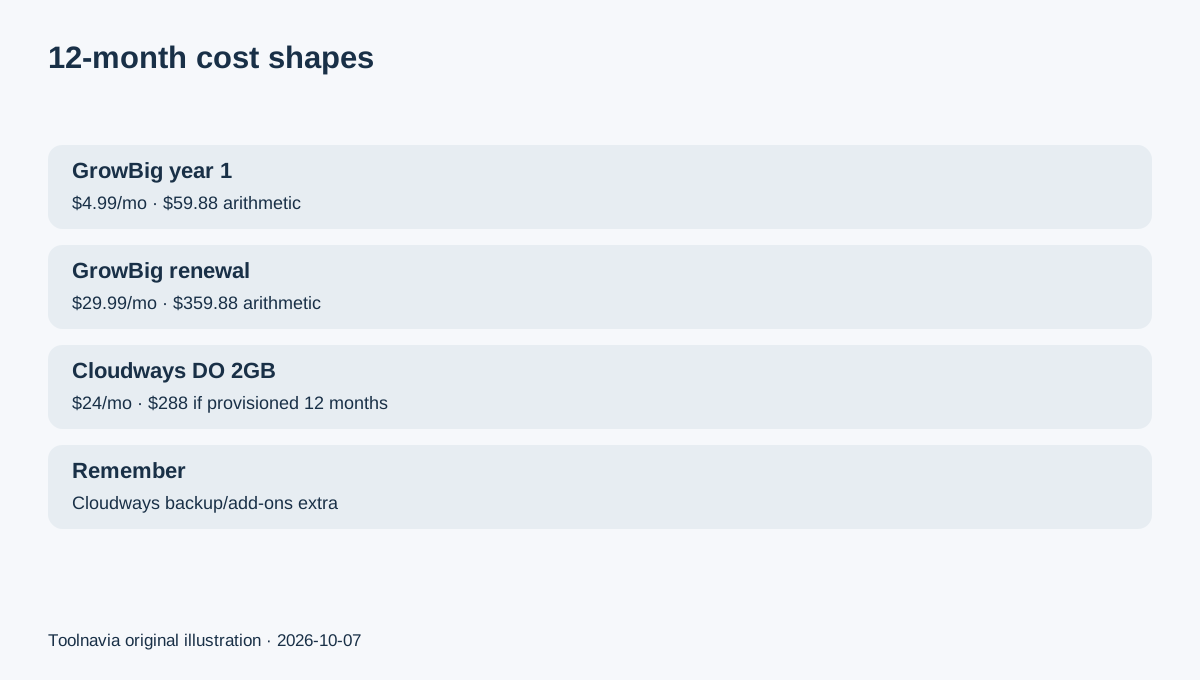
At the current displayed rate, GrowBig's first 12 months calculate to $59.88 before tax and extras. The current 12-month renewal is $29.99/month, or $359.88 for another year if that published renewal rate applies when your invoice is issued.
Cloudways DigitalOcean Standard 2GB is $24/month, which is $288 over 12 continuously provisioned months before backups, tax and paid add-ons. Cloudways bills server usage hourly and invoices monthly rather than requiring the same 12-month prepayment shape.
So a new small site can save substantially on SiteGround's first term. A buyer comparing year two should compare the renewal line against the Cloudways server plus backup/add-on bill instead of repeating the introductory price.
GrowBig bundles more website-owner conveniences into one plan
SiteGround currently lists unlimited websites within plan resource limits, 50GB storage, unmetered traffic, email, free SSL/CDN, daily backups with up to 30 days of history, on-demand backups, staging, collaborators and managed WordPress updates on GrowBig.
That bundle is attractive if you want a conventional WordPress dashboard and fewer separate infrastructure choices. The trade-off is that “unlimited websites” is not unlimited resources; SiteGround explicitly ties the number of sites to the plan's resource limits.
For a small business that values one prepaid bundle and included email/backups more than server-level sizing, GrowBig is easier to budget in the first year.
Cloudways gives you a server model instead of a shared-plan envelope
Cloudways Flexible makes you choose the underlying provider and server size. On the current DigitalOcean table, the 2GB Standard server lists 1 vCPU, 2GB RAM, 50GB storage and 2TB transfer at $24/month. Multiple applications can share that server as long as the resources remain sufficient.
That is useful for developers, agencies or growing sites that want to see and change the server resource envelope directly. Vertical scaling is part of the Cloudways operating model, so the upgrade decision is based on the server rather than moving from a shared-plan label to another shared-plan label.
But Cloudways is not automatically an all-inclusive bill. Off-site backup storage is separately charged at $0.033/GB, rounded in $0.50 increments, and other paid add-ons can also increase the invoice.
Staging exists on both, but the operating workflow differs
GrowBig includes SiteGround staging for WordPress, plus on-demand backups. That can be enough for a small team whose main maintenance pattern is “clone, test, publish.”
Cloudways Flexible also provides staging and cloning in its managed application workflow, but it keeps server and application management as separate layers. That can be useful when you operate several apps, need server monitoring or want to change infrastructure size without re-platforming the account.
Neither workflow is inherently better. During a trial or migration, test the task you perform most often: plugin update, PHP change, restore, staging push or client handoff.
Backups should be compared as recovery workflows, not checkmarks
SiteGround's GrowBig page currently includes daily backups and on-demand backups. Cloudways Flexible makes off-site backup storage a separate usage charge.
For SiteGround, verify that the retention and restore workflow cover the files, database and email data you care about. For Cloudways, estimate the amount of backup storage and confirm how often you need recovery points. A “backup included” label or a low per-GB rate is not enough if you have never tested a restore.
Which buyer should pick which?
Choose SiteGround GrowBig when the priority is a low first-year price, bundled email/backups/CDN, familiar managed WordPress tooling and a 12-month prepaid plan you are comfortable renewing or revisiting later.
Choose Cloudways Flexible when the site has outgrown a simple shared-plan decision, you want a defined cloud-server resource envelope, pay-as-you-go billing and a clearer path to vertical scaling or multiple applications on one server.
For a new brochure site, GrowBig's first-year economics are hard to ignore. For a site already approaching a growth or renewal decision, compare the next 12 months rather than the first 12.