TOOLNAVIA / BUYING GUIDE
Cloudways WP-CLI Search-Replace: A Dry Run Is Not a Migration Test
The short answer
At a glance
- Best for
- Developers owning a scoped,backed-up WordPress replacement workflow.
- Price model
- Use currentDigitalOceanPremium2GB configuration;serverusage,backups andadd-ons affect total.
- Check first
- Dryrun doesnot prove all URLs,files,DNS,SSL orbusinessfunctions are correct.
Verdict: buy for a maintained change process
Cloudways Flexible can fit WordPress developers who want a supported WP-CLI maintenance path and are prepared to own backup, scope and acceptance. Do not buy a larger server merely because a domain replacement produced an unexpected count. First determine whether the right application and data were selected.
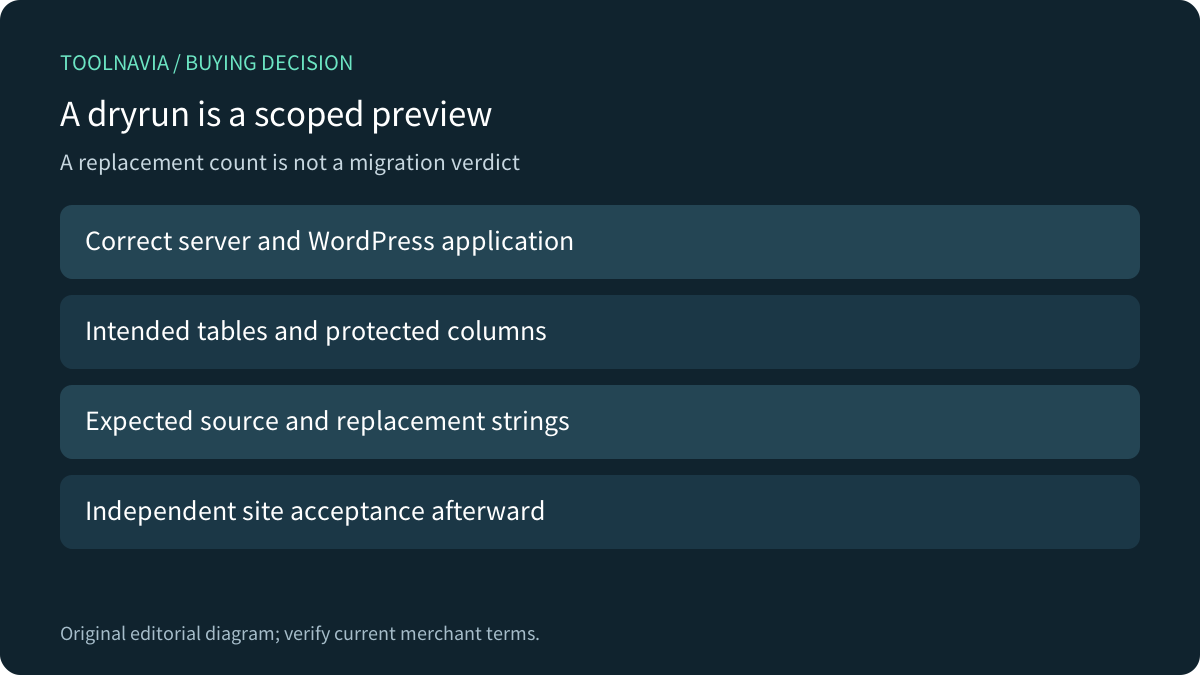
A dry run previews the replacement operation without saving its database replacements. It does not establish that the migration is complete or the business workflow works. This is documentation analysis; no SSH session, database, command, backup or website was operated.
Review the exact Cloudways DigitalOcean Premium 2GB offer. Toolnavia may earn a commission through this approved direct link.
Identify the application before reviewing the count
Cloudways documents preinstalled WP-CLI and working in the intended application's WordPress directory. It also documents table-restricted replacement and recommends a backup before changes. These are useful controls, not a substitute for confirming the server, application and database identity.
Write down the intended old and new strings and what must remain unchanged. A domain appears in more contexts than website navigation: addresses, references or identifiers may need a different decision. Review representative records before deciding that every match should be replaced.
Serialization and table scope answer different questions
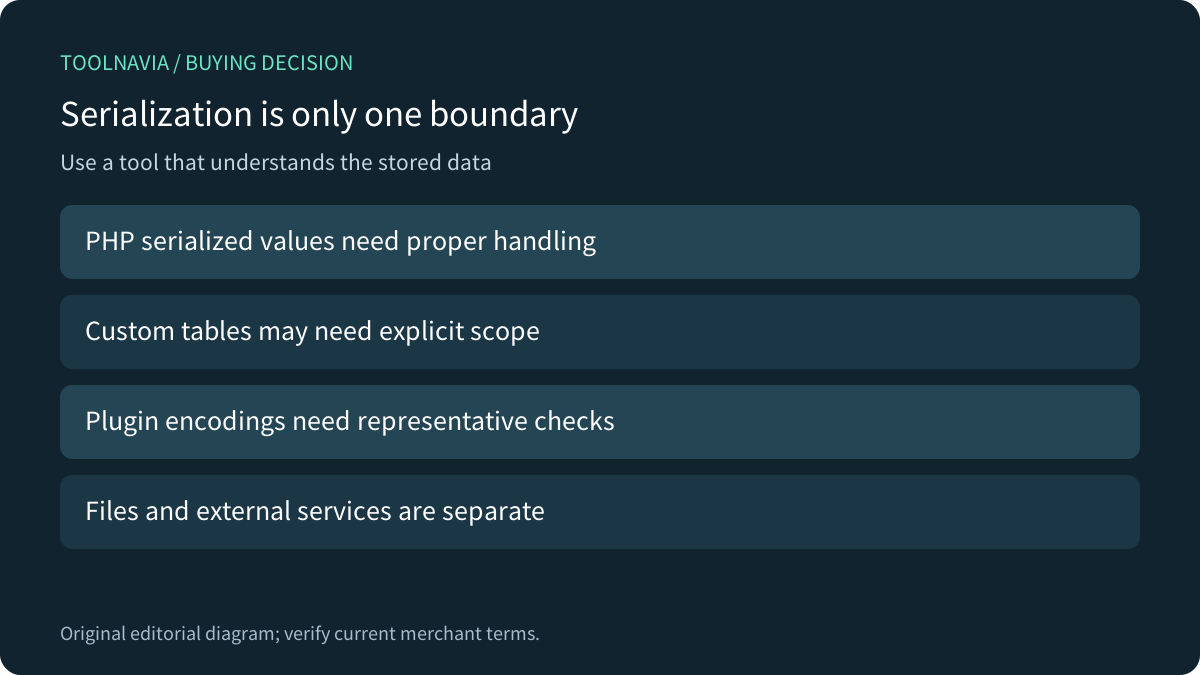
Upstream WP-CLI handles PHP serialized data. That helps avoid treating structured WordPress settings as arbitrary SQL text, but it does not establish that every plugin-specific encoding, file or external service was covered. Test representative settings rather than extrapolating from the phrase serialized support.
The default scope uses registered WordPress tables, and multisite defaults to the current site unless expanded. Prefix-wide and all-table options broaden that scope in different ways. A missing custom table and an unrelated table accidentally included are opposite failures; neither is resolved by blindly asking for more replacements.
A dry run is not a code-isolation boundary
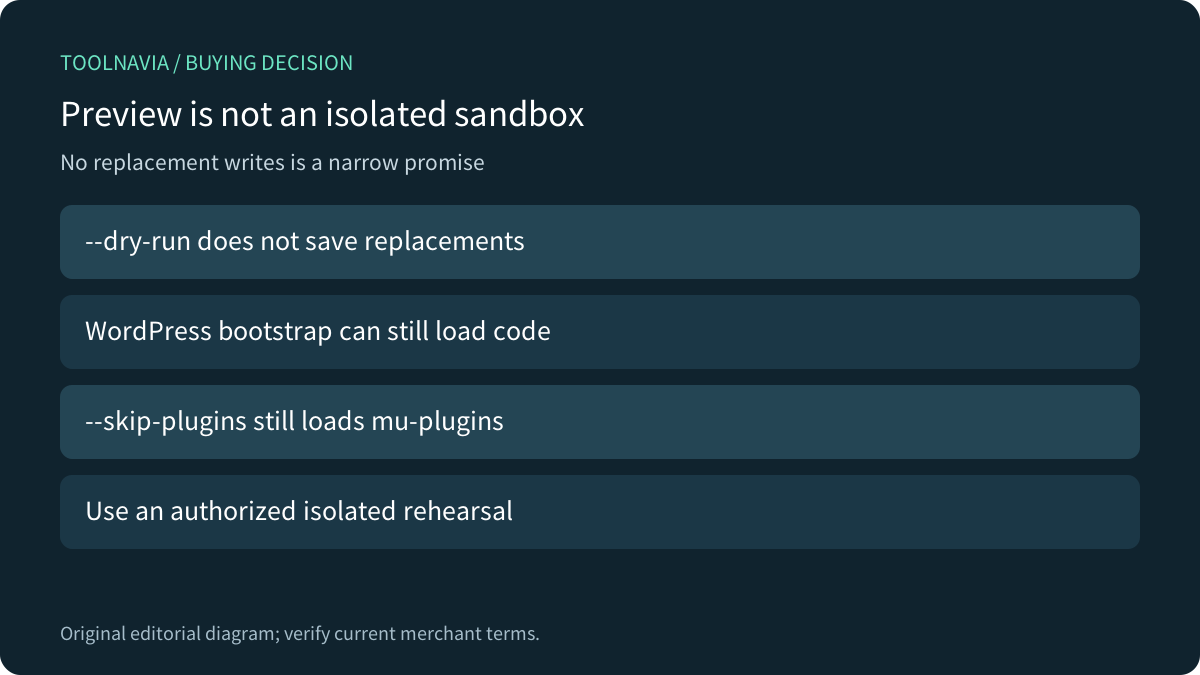
The four relevant strengths are preinstalled WP-CLI, table-scoped operation, a preview report, and serialization-aware handling. The preview's precise promise is about saving replacement changes. It does not turn WordPress into an isolated sandbox.
Upstream notes that even --skip-plugins still loads must-use plugins. Use an authorized isolated rehearsal and understand what the installation loads. We are not claiming a dry run prevents every possible side effect of application startup. Also check the installed version: the current upstream page marks the newer --old and --new argument forms as not yet part of a stable release; this guide does not require them.
Compare the recovery and exclusion decisions
Kinsta documents its own search/replace tool with automatic backup, plus case sensitivity, column-length failures and cache considerations. WP Engine gives examples excluding GUID and email columns. Those are useful questions for your scope review, not automatic Cloudways backup entitlements or a universal exclusion list for every project.
Cloudways also has a documented domain-launch workflow. A database replacement alone does not configure DNS, certificates or all application routing. Choose the provider-supported route for the actual migration, and avoid duplicating a change simply because another tutorial demonstrates a manual command.
Accept the resulting site independently
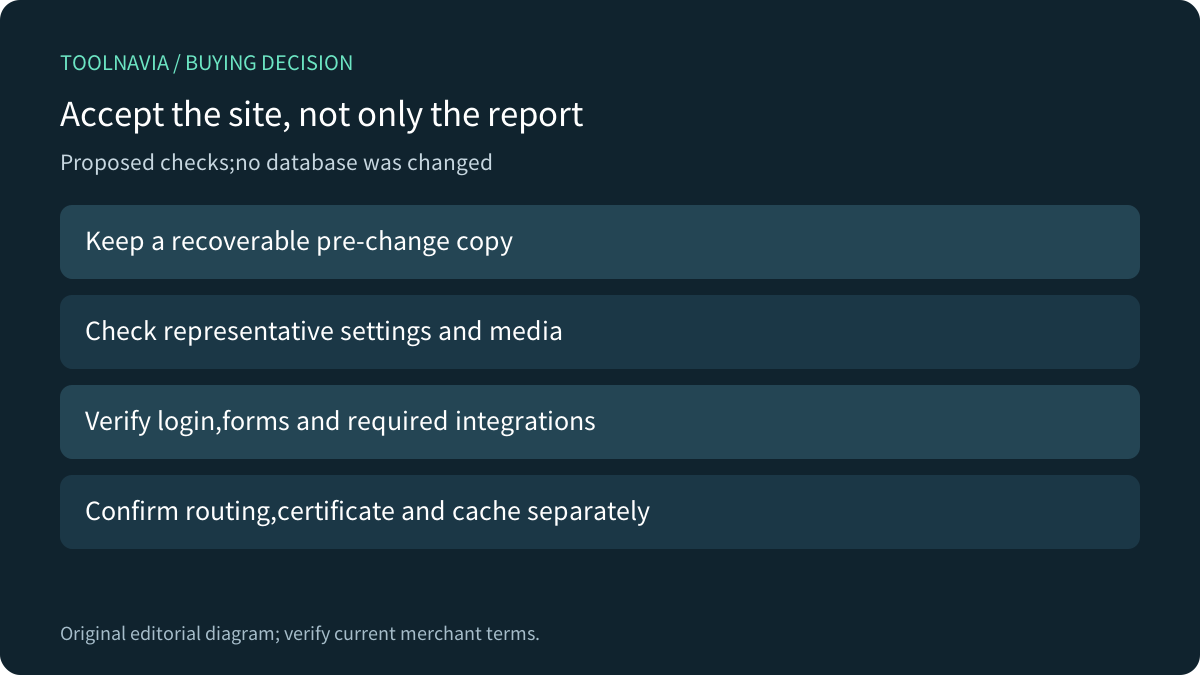
For a proposed rehearsal, use a synthetic clone with identifiable serialized settings, a selected content URL and a field intended to remain unchanged. Keep a recoverable pre-change copy, inspect the preview, and verify the intended table and column boundaries before any separately authorized write.
After the planned change, check representative settings, media, login, forms and required integrations. Confirm routing, certificate and caches separately. A report with the expected count can still accompany a broken application setting. No such rehearsal was performed for this article, and a backup is useful only when its restore path is understood.
Confirm the exact configuration and maintenance cost
The current official DigitalOcean page contains multiple tiers and a temporary campaign. Confirm the exact Premium 2GB configuration and invoice rather than treating one DO2GB row or a promotion banner as a universal price. Include server usage, offsite backup storage, selected add-ons and developer acceptance effort.
Choose Flexible when its documented access and your maintenance process fit. Stay with an existing suitable host when it already supports the workflow. WP-CLI availability is useful, but a dependable migration requires a controlled change and independent application evidence.