TOOLNAVIA / BUYING GUIDE
Cloudways Object Cache Pro for WooCommerce: Safe Checkout Setup
The short answer
**Quick answer:** Cloudways Object Cache Pro can reduce repeated WordPress database work on supported WooCommerce applications when Redis is enabled, but it does **not** make Cart, Checkout or My Account safe to page-cache. Buy Cloudways Flexible for the managed stack and workflow only after a staging test proves faster uncached requests without cart, coupon, tax or session errors.
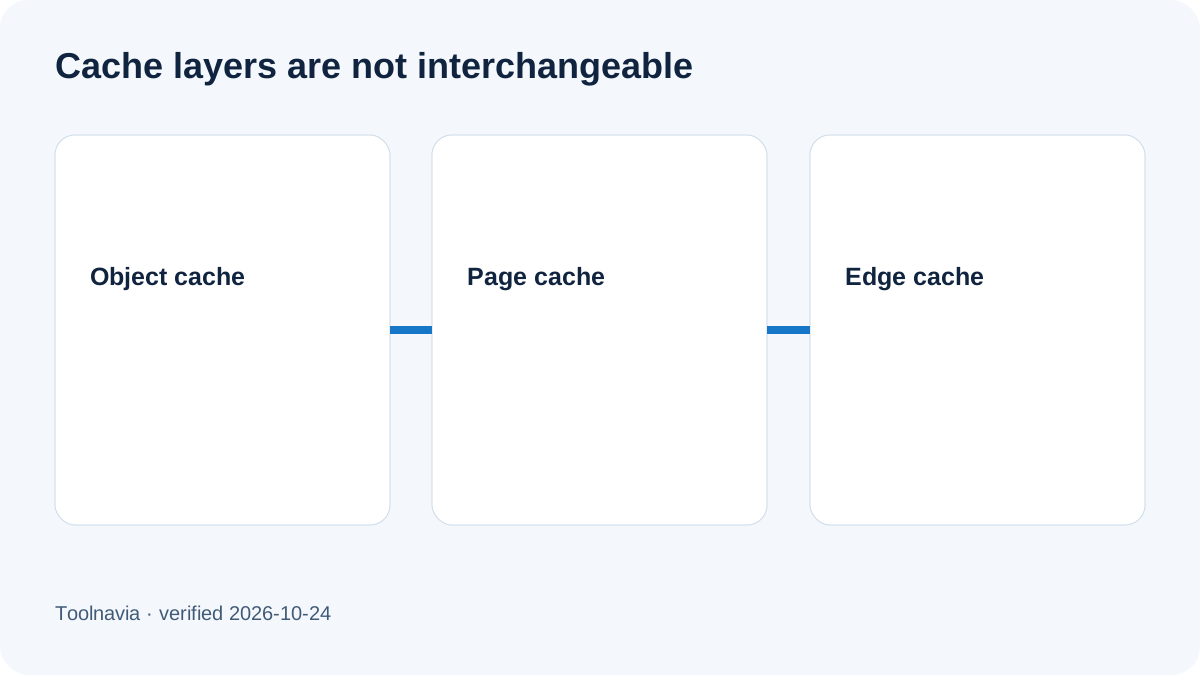
The important distinction is the cache layer. Object Cache Pro stores reusable WordPress objects and query results in Redis. Breeze or Varnish can cache whole HTML pages, while a CDN can cache at the edge. Those layers solve different problems. A healthy object cache can help a product catalog and admin requests while checkout must still remain dynamic.
At a glance
- Best for
- WooCommerce teams that can prove a repeated database bottleneck and validate checkout safety on staging.
- Price model
- Flexible Micro is displayed from $11/month; configured provider, region, server, backup, transfer, tax, support and add-ons vary.
- Check first
- No guaranteed speed gain or universal $11 quote; custom routes, server capacity and invoice variables matter.
What is included—and what is not
Cloudways says its optimized WordPress, WooCommerce, Multisite and Astra application images include Object Cache Pro at no additional plugin surcharge when Redis is enabled. The plugin still has to be active for the application. Clean WordPress is an exception: compatibility does not mean it arrives configured in the same way.
Redis is a server service, not merely a per-page switch. Cloudways says new servers normally have Redis enabled, and disabling Redis deactivates Object Cache Pro across WordPress applications on that server. That creates a shared operational boundary: before changing the service, inventory every application using it and schedule a rollback window.
Do not transfer Cloudways Autonomous documentation to Flexible. Cloudways documents Relay for Autonomous, but that does not prove a Flexible buyer receives Relay by default. This article evaluates the approved Flexible offer and treats Redis plus Object Cache Pro as the verified stack.
The three cache layers buyers must separate
1. **Object cache:** Redis can reuse WordPress objects and database query results inside PHP requests. 2. **Page cache:** Breeze or Varnish can return a complete HTML response and therefore needs route and cookie exclusions. 3. **Edge cache:** A CDN can serve cached content before the request reaches WordPress and must also respect session-specific paths and cookies.
The purchase mistake is assuming that “Object Cache Pro included” means every WooCommerce URL may be cached aggressively. It does not. Object caching can accelerate reusable data while checkout HTML, Store API calls, AJAX, nonces and logged-in account pages remain dynamic.
Checkout-safe exclusions
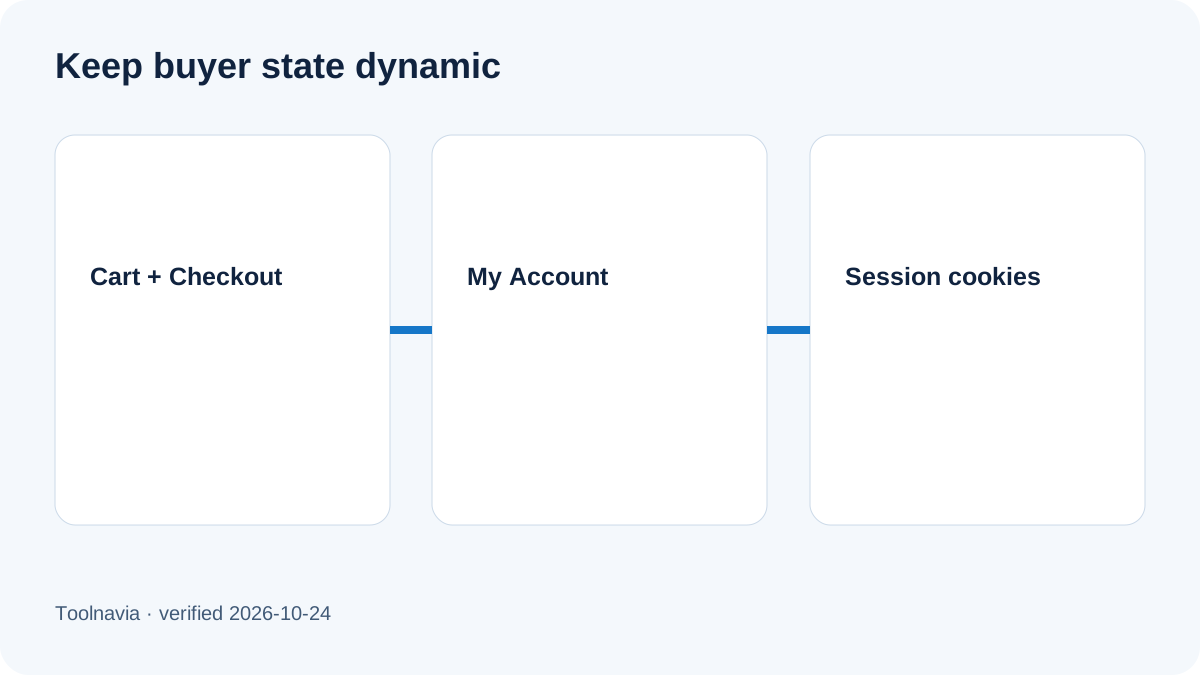
WooCommerce's official guidance says Cart, Checkout and My Account should bypass page caching. Caching layers should also respect WooCommerce buyer-state cookies such as woocommerce_cart_hash, woocommerce_items_in_cart and wp_woocommerce_session_. A store using custom cart, payment, membership or multilingual plugins may have additional dynamic endpoints.
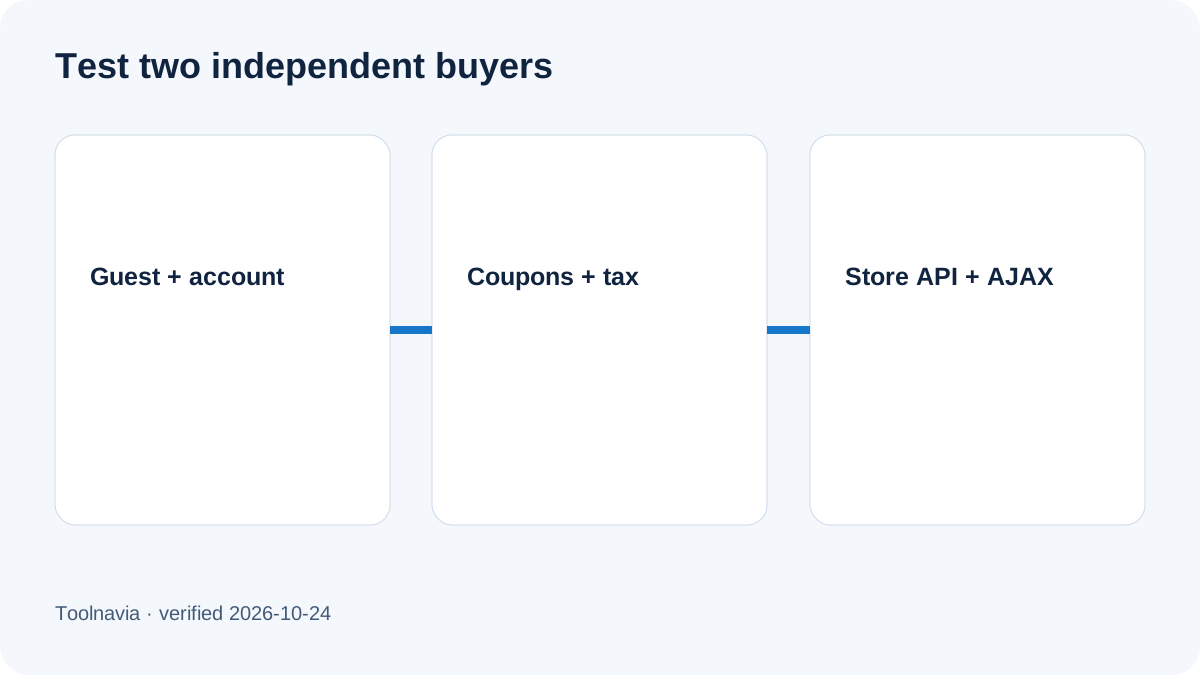
Test more than a successful anonymous checkout. Use two separate browsers with different carts and coupons; test a logged-in customer, guest checkout, variable products, shipping changes, tax recalculation, password reset and account pages. Confirm that Store API, AJAX and nonce requests do not receive stale responses. A spinner that never finishes can be a caching symptom, but plugin conflicts, security rules and JavaScript errors remain alternative causes.
Do not solve uncertainty with a destructive shared-server flush. Object Cache Pro warns that prefixes alone do not protect other sites from FLUSHDB, and FLUSHALL can erase unrelated caches. Verify whether each application has an isolated Redis database and use the provider's supported controls.
What performance claim is defensible
A lower query count or faster uncached p95 response on your staging clone is useful evidence. “Object Cache Pro makes WooCommerce fast” is not. Themes, extensions, catalog size, search, background jobs, external APIs, PHP workers, database contention and geography can dominate performance.
A recent independent Cloudways review helps explain the managed platform and modular billing, but it is not a matched test of this store. One owner anecdote reports slow uncached WooCommerce requests even with several cache layers active. That anecdote cannot establish typical performance; it only reinforces the need to measure uncached paths.
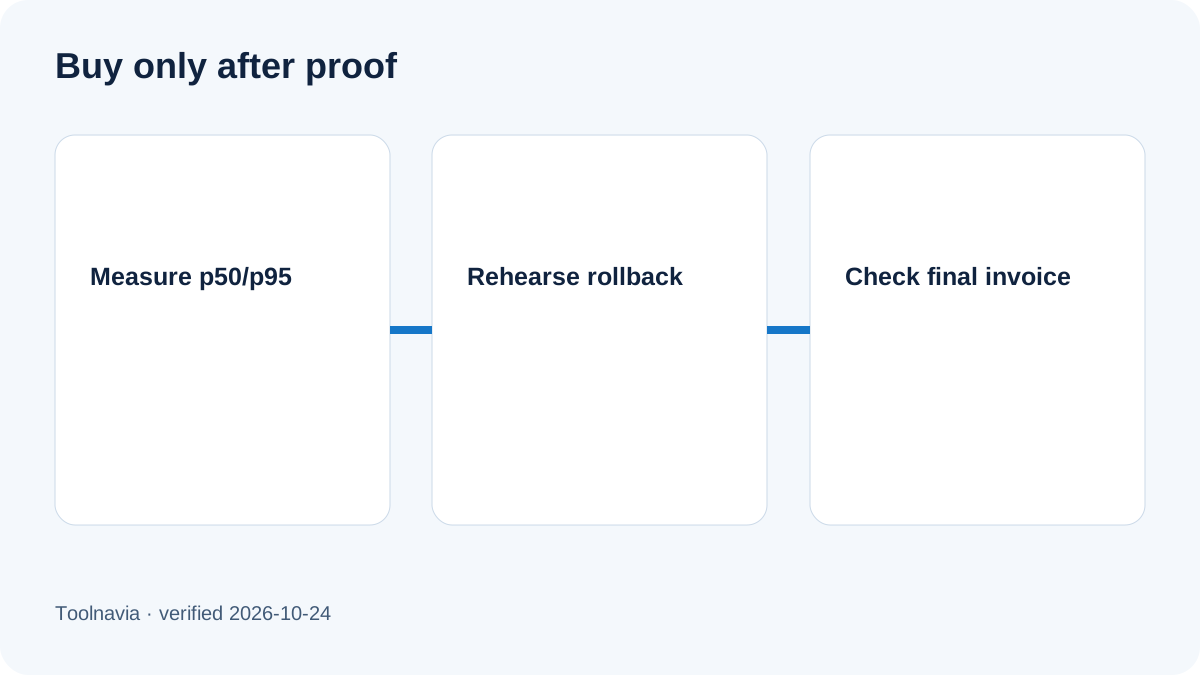
Use a before-and-after test with the same code, database, sample orders, traffic pattern and region. Record uncached p50 and p95 TTFB, slow queries, Redis memory, evictions, errors and checkout correctness. Reject the change if speed improves but buyer isolation or totals fail.
The cost boundary
Cloudways currently displays a Flexible Micro reference at $11 per month. It is not a universal WooCommerce quote. Provider, region, server size, backup storage, outgoing transfer, tax and paid add-ons can change the invoice. The separate $25 Advanced Support promotion is an add-on offer, not a $25 base hosting plan.
Object Cache Pro being included removes a separate plugin surcharge for eligible optimized applications; it does not make the server, backups, transfer or support free. Size the server for uncached checkout, admin work, imports and background tasks—not only a warm product page.
Before buying, save the configured checkout summary and ask which Redis controls, application image and support boundaries apply to the selected server. Recheck the final cart on the purchase date.
A staging acceptance plan
1. Clone production to staging and disable live payment capture, outgoing customer email and destructive webhooks. 2. Record a baseline with Redis/Object Cache Pro inactive using representative anonymous and logged-in flows. 3. Enable the supported stack, remove any competing object-cache drop-in, and confirm application health. 4. Apply page-cache and edge-cache exclusions for Cart, Checkout, My Account and buyer-state cookies. 5. Run two simultaneous sessions with different carts, coupons, shipping and taxes; verify no cross-account leakage. 6. Compare uncached p50/p95, query count, Redis memory/evictions and error logs. 7. Purge through supported controls, repeat the test, then rehearse rollback. 8. Move to production only if measured improvement is repeatable and checkout correctness is unchanged.
Avoid redis-cli FLUSHALL on shared production. If a rollback temporarily disables the object cache, coordinate re-enable and cache invalidation so transactional data does not remain stale.
Who should buy Cloudways Flexible for this use case
It fits a team that wants managed cloud infrastructure, already knows how its WooCommerce application image is configured, and can maintain staging, monitoring and regression tests. It is especially plausible when repeated database work is visible in profiling and the team values an included supported object-cache layer.
It is a weaker fit when the buyer expects one switch to fix slow payment gateways, third-party APIs or insufficient PHP capacity; needs a guaranteed benchmark; or cannot test session isolation. In those cases, solve the actual bottleneck first or choose a provider whose support scope matches the team's operational needs.
Treat Object Cache Pro as a **data-layer optimization**, not permission to cache personalized checkout pages. Keep Cart, Checkout and My Account dynamic; respect WooCommerce cookies; measure uncached paths; and verify every invoice component.
Cloudways Flexible is worth considering when the included stack reduces a measured bottleneck and the team can prove checkout safety on staging. It is not a performance guarantee, a substitute for capacity planning, or evidence that every WooCommerce request should be cached. Facts and pricing were checked on 2026-10-24.