TOOLNAVIA / BUYING GUIDE
Cloudways Flexible Deleted Server Recovery: The 14-Day Window
The short answer
Cloudways Flexible gives you a recovery path after an accidental server or application deletion—but it is a **14-day window, not permanent storage**. If a usable backup exists, Cloudways may recover the resource; after 14 days, Cloudways says the deleted backup data is permanently gone.
The current Flexible DigitalOcean entry display starts at $11/month, with offsite backups billed separately at $0.033/GB per server. That backup bill is easy to think of as simple insurance, but recovery has operational consequences: the restored server can have a new IP, the application can have a new Cloudways URL, and DNS, SSL, email or add-ons may need to be rebuilt.
At a glance
- Best for
- Teams that want managed cloud recovery and can handle the cutover after a rebuild.
- Price model
- Flexible currently starts at $11/mo on the displayed entry server; backups $0.033/GB; live config controls.
- Check first
- Recovery requires an available backup and expires after 14 days; staging deletion is not recoverable.
The 14-day timer starts after deletion
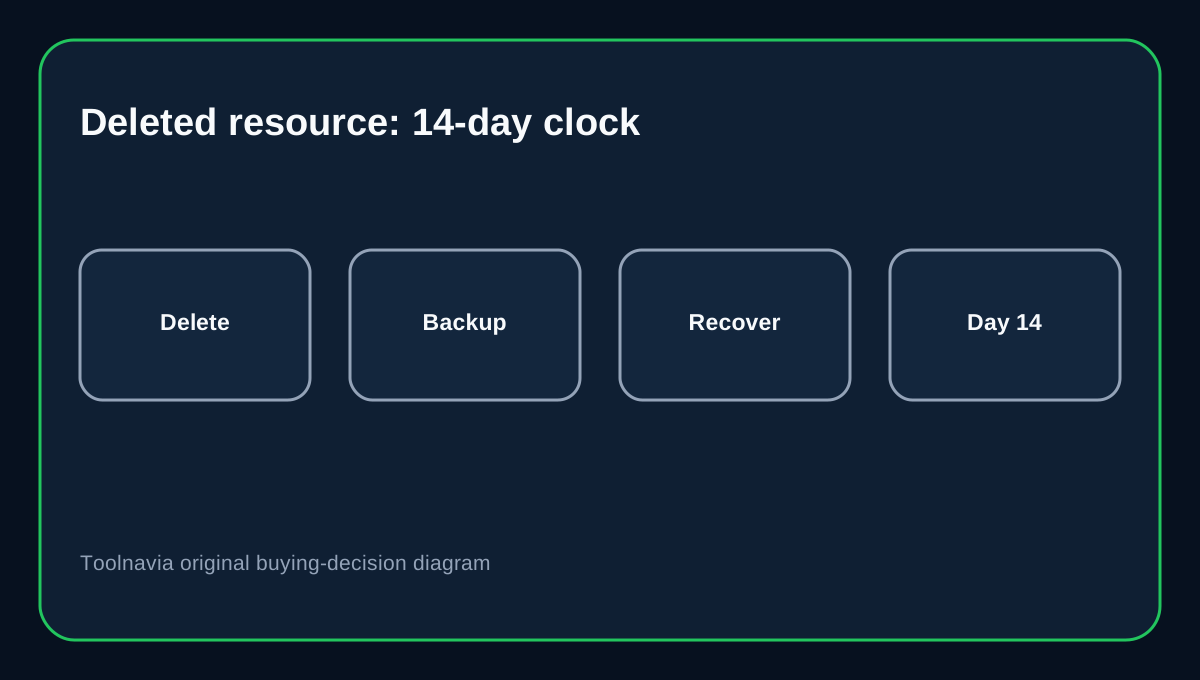
Cloudways retains Flexible server and application backups for 14 days after deletion. Once that retention period expires, Cloudways says recovery is no longer possible through the platform.
That makes accidental deletion a time-sensitive incident. Do not wait until a weekly maintenance window. Confirm whether the deleted resource appears in the recovery list, verify that at least one backup exists, and open support immediately if the expected backup is missing.
Deleted server recovery is not the same as point-in-time restore
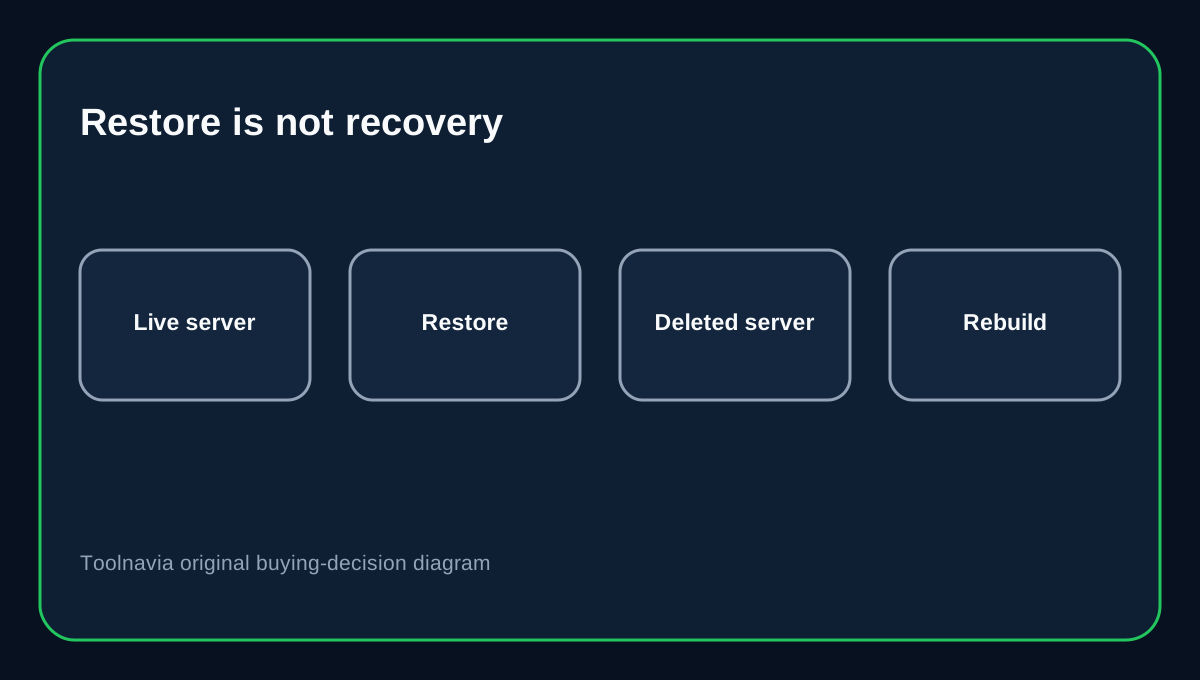
If the server still exists, Cloudways Flexible can restore an application to an earlier backup through its point-in-time restore workflow.
If the **server itself was deleted**, recovery means recreating infrastructure from backup. Cloudways treats the recovered resource as a new server/application. The latest available backup is used for recovery, and previous restore points are not preserved in the same way after recovery.
The distinction matters because a normal restore is a rollback; deleted-server recovery is closer to a rebuild.
Your IP can change, so DNS becomes part of recovery
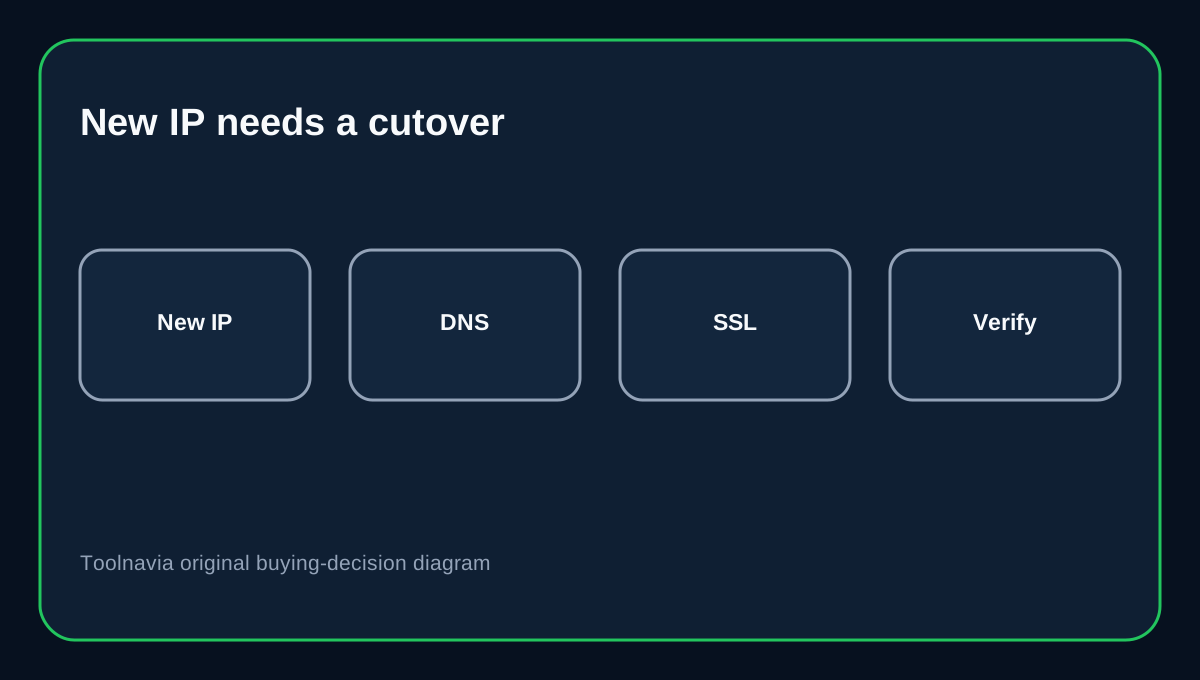
Cloudways warns that a recovered server may receive a different IP address. DigitalOcean likewise documents that recreated Droplets do not automatically inherit the old Droplet IP. That means the domain can stay pointed at the dead server until you update its A/AAAA record.
DNS providers such as Cloudflare also document that an origin IP change requires updating those address records, and old answers can remain cached until TTL expires. Record the old and new IPs, update every relevant hostname, and test both proxied and direct records before declaring recovery complete.
SSL, email, cron and add-ons need a second pass
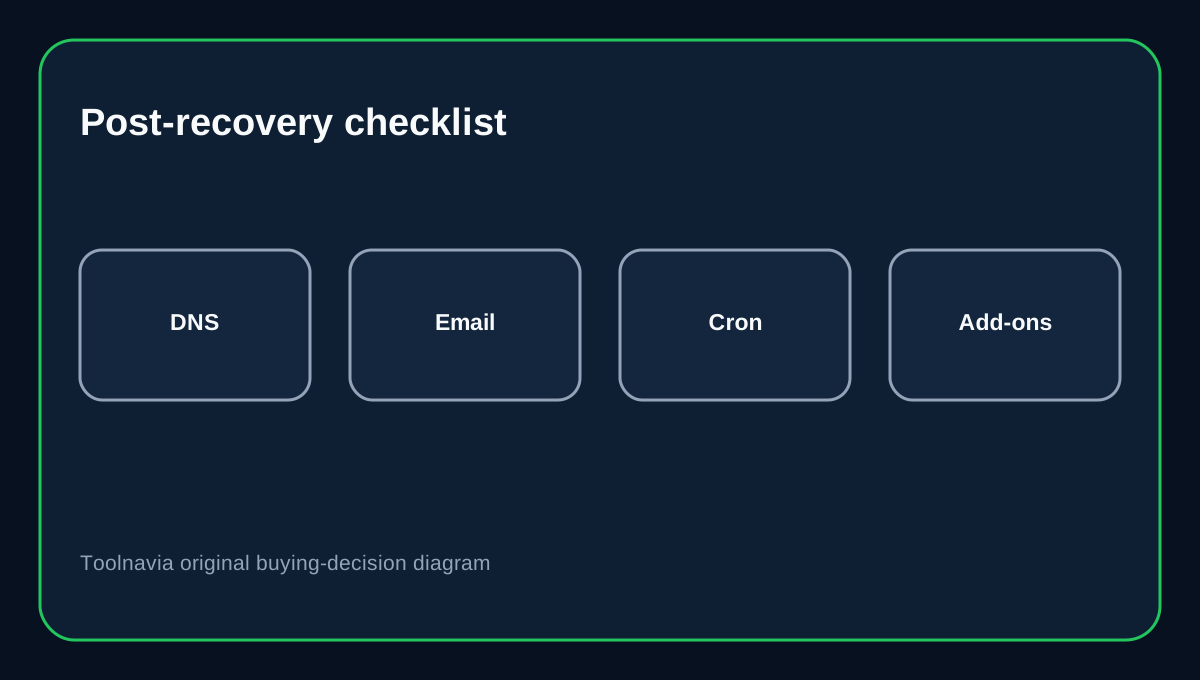
A recovered application/server may require SSL certificates, SMTP or transactional email, cron jobs, monitoring and platform add-ons to be verified again. Cloudways explicitly calls these out in its post-recovery checklist.
Do not stop when the homepage loads. Test HTTPS, login, forms, password-reset email, checkout/webhooks, cron-driven jobs, DNS records and any Cloudways add-ons. A website can look "back" while business-critical background functions are still broken.
Deleted staging sites are a special loss case
Cloudways says deleted staging applications cannot be recovered through this feature. If the live site still exists, the staging environment can be recreated—but its unique unpushed changes are gone unless you kept them elsewhere.
For development teams, source control and independent database/file exports are therefore more important than relying only on provider recovery. Treat staging changes like production code: commit code, export important test data when necessary, and do not assume the provider can resurrect every deleted environment.
Provider backups should not be your only copy
Flexible offsite backups cost $0.033/GB and are designed to recover Cloudways-hosted data. They are valuable, but the 14-day deletion rule means they are not an archive.
WordPress recommends keeping several recent backups in different locations and treating files plus database as a complete backup set. Keep at least one independent copy you control, especially before deleting servers, changing providers, or performing high-risk migrations.
Buying decision
Cloudways Flexible is a good fit when you want managed cloud operations plus automated backup/recovery, and you are prepared to own the final cutover steps after a disaster. The key tradeoff is that recovery is time-limited and a restored server may behave like a new origin.
Before deleting anything, take an on-demand backup and export anything you cannot recreate. If deletion happens accidentally, treat **14 days as the hard recovery deadline**, then verify DNS, SSL, email, cron and application behavior after restore.
Affiliate disclosure: Toolnavia may earn a commission from an eligible Cloudways purchase. That does not change the recovery-window analysis.