TOOLNAVIA / BUYING GUIDE
ChemiCloud Starter SSL: Why One Parked Domain Can Block Let’s Encrypt
The short answer
ChemiCloud Starter includes free Let’s Encrypt SSL, but the important buying detail is **certificate validation, not the word “free.”** ChemiCloud says the target domain and its www hostname must point to the cPanel account IP, and its installer can include parked domains with the primary domain. A parked domain that points somewhere else can make issuance fail. If you manage several old aliases, that dependency is worth checking before migration.
At a glance
- Best for
- One-site cPanel users who can keep primary, www and parked-domain DNS clean.
- Price model
- Current page displays $1.95 promotional and $11.95 regular references; live availability and checkout control.
- Check first
- Free SSL does not bypass DNS control, DNSSEC, CAA or stale alias problems.
What Starter includes—and what it does not guarantee
ChemiCloud's current Starter page displays a $1.95/month promotional reference alongside a $11.95 regular reference and lists free SSL certificates, cPanel access and one website. The same page says promotions apply to the initial term and renewal uses the regular rate shown in the account/control panel.
Free SSL means the certificate itself is included; it does not mean every hostname is automatically valid for issuance. DNS must prove control of the names you ask the certificate authority to cover.
The parked-domain trap happens before HTTPS
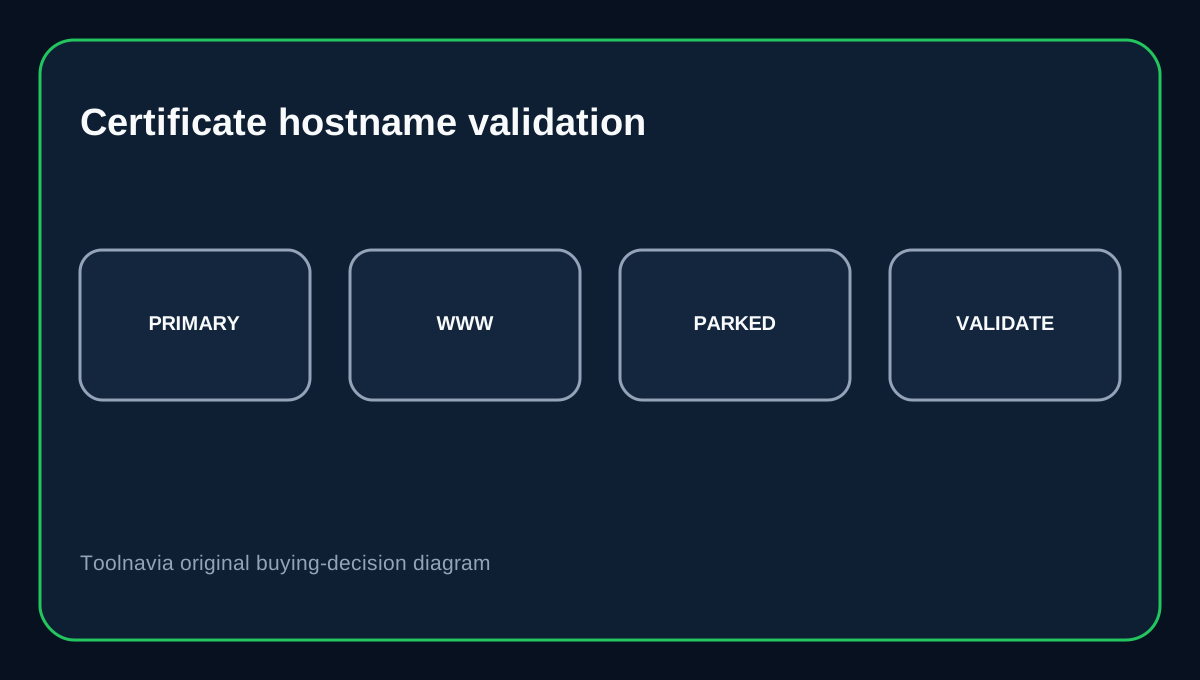
ChemiCloud's own Let’s Encrypt guide requires the domain and www subdomain to point to the cPanel account IP. It also warns that parked domains may be included when issuing for the primary domain, and an included parked domain that does not point to the account IP can make installation fail.
That creates a practical migration checklist: list the primary domain, www, parked aliases and any hostname included in the request; verify where each one resolves; temporarily remove an obsolete parked alias if necessary; then retry issuance. Do not start by adding redirect rules—the certificate must be valid first.
DNS edits only help when you control the authoritative zone
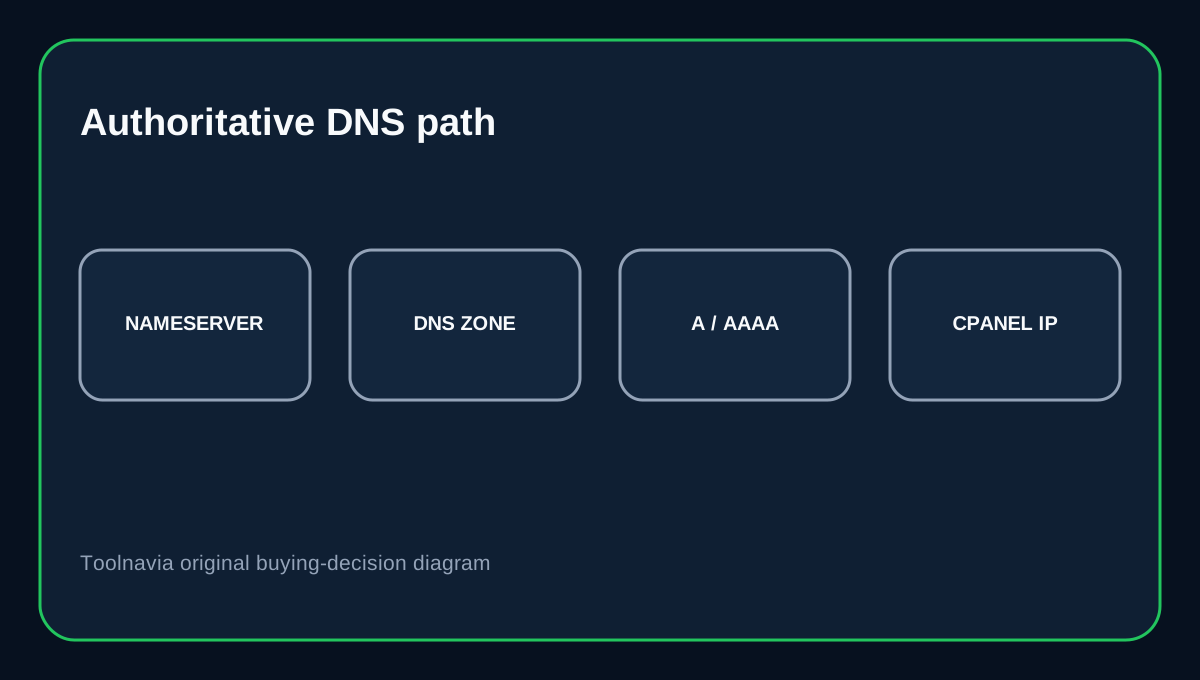
ChemiCloud documents cPanel Zone Editor for A, CNAME and MX changes, but also notes that changes there only take effect when ChemiCloud nameservers or compatible private nameservers are actually authoritative for the domain. It also warns that DNS propagation can take time.
So if the domain uses Cloudflare or another external DNS provider, editing the cPanel zone may not change public DNS at all. Check the nameservers first, then edit records at the authoritative provider.
CAA and DNSSEC can block certificate validation too
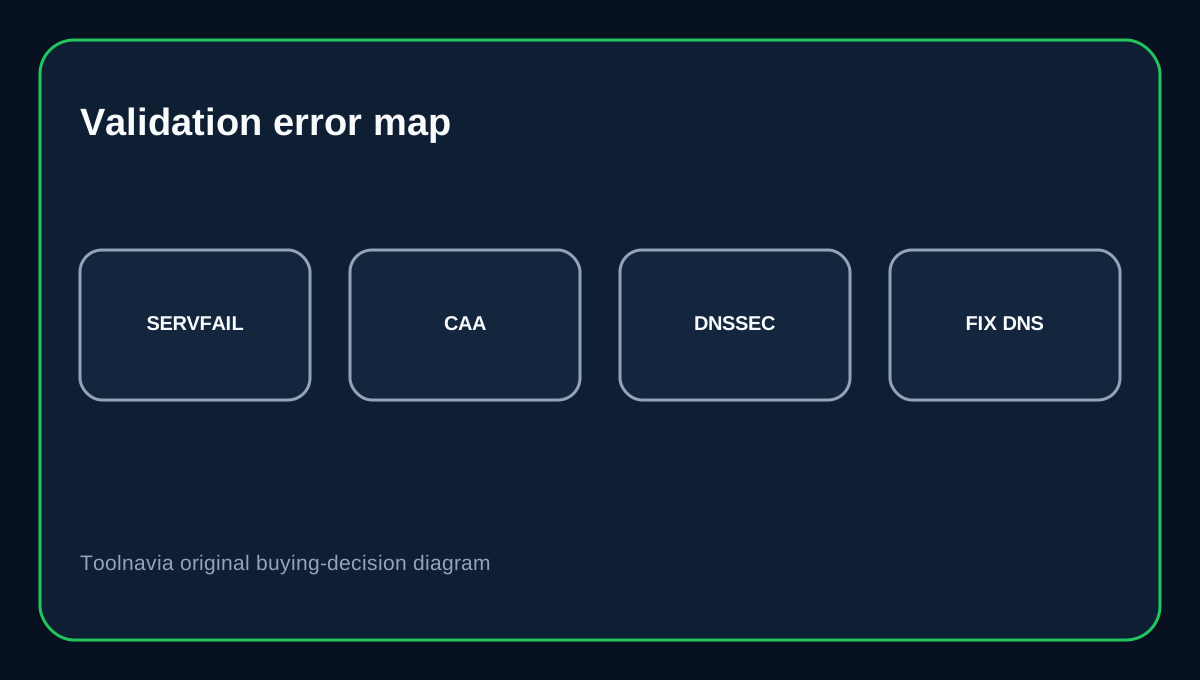
Let’s Encrypt checks CAA before issuing. Its documentation says repeated CAA SERVFAIL errors can come from DNSSEC validation problems, broken authoritative DNS behavior or timeouts. Cloudflare's domain-control troubleshooting similarly points to SERVFAIL, NXDOMAIN, DNSSEC and mismatched AAAA/HTTP validation paths as certificate-validation causes.
These are not ChemiCloud plan defects by themselves. They are DNS-control problems that can prevent any certificate authority from proving the hostname is eligible. Fix the authoritative DNS path instead of repeatedly clicking “Issue.”
Turn on Force HTTPS only after the certificate works
After a valid certificate is installed, ChemiCloud documents cPanel Domains → Force HTTPS Redirect as the normal redirect switch. cPanel's own account SSL API says secure redirects require AutoSSL or another valid SSL certificate on the domain.
That order matters. If HTTP-to-HTTPS redirect is enabled before HTTPS is actually healthy, visitors can be pushed straight into a certificate error. After the redirect is enabled, check both the apex and www hostname and watch for mixed-content warnings from hard-coded HTTP assets.
Buying decision
Choose ChemiCloud Starter if you want a one-site cPanel plan with included SSL and you can keep DNS ownership tidy. It is especially straightforward when the primary domain, www and parked aliases all point where the certificate request expects.
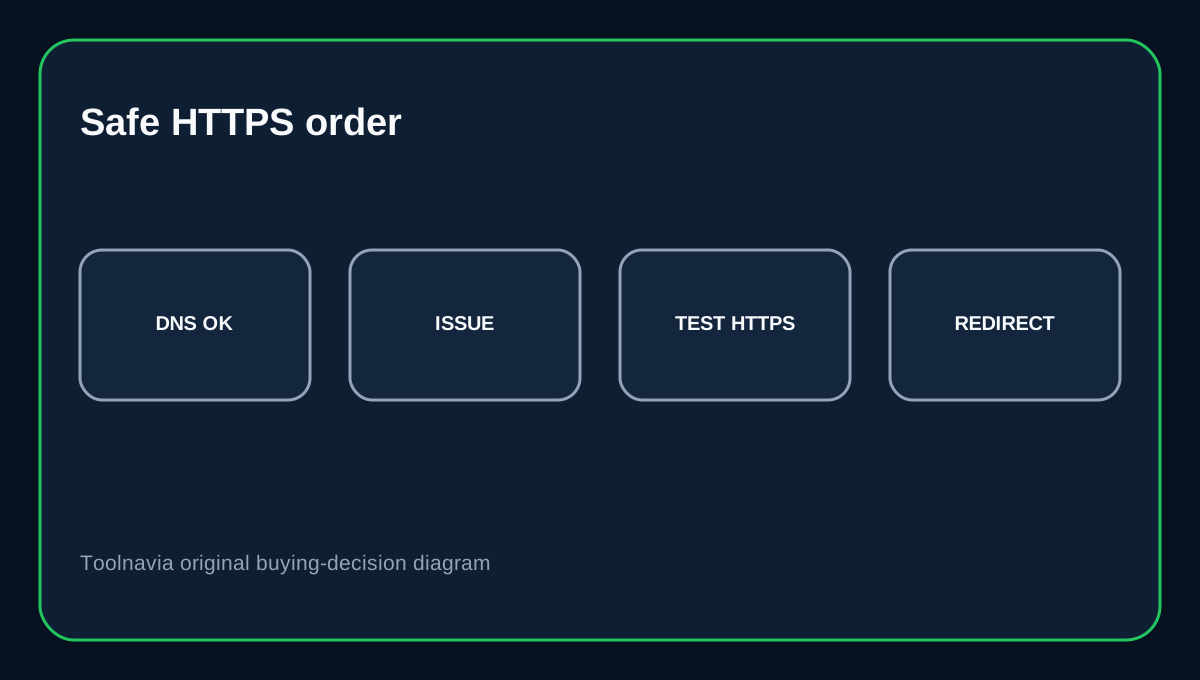
Do not buy it expecting SSL to bypass DNS mistakes. If you have many legacy aliases, external DNS, DNSSEC, CAA restrictions or old parked domains, audit those records before migration. The strongest workflow is: verify authoritative DNS → issue the certificate → confirm HTTPS directly → enable Force HTTPS Redirect → test every important hostname.
Affiliate disclosure: Toolnavia may earn a commission from an eligible ChemiCloud purchase. That does not change the DNS and certificate-validation cautions above.