TOOLNAVIA / BUYING GUIDE
ChemiCloud Starter Backups: 10 Restore Days, but Keep Your Own Copy
The short answer
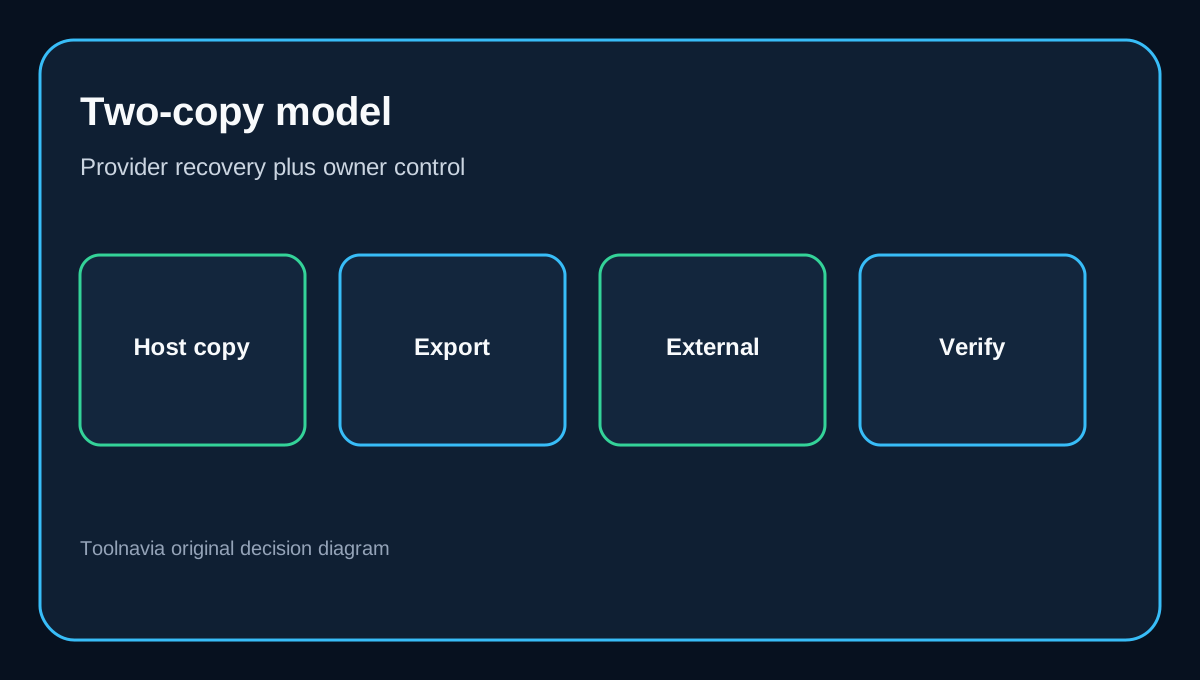
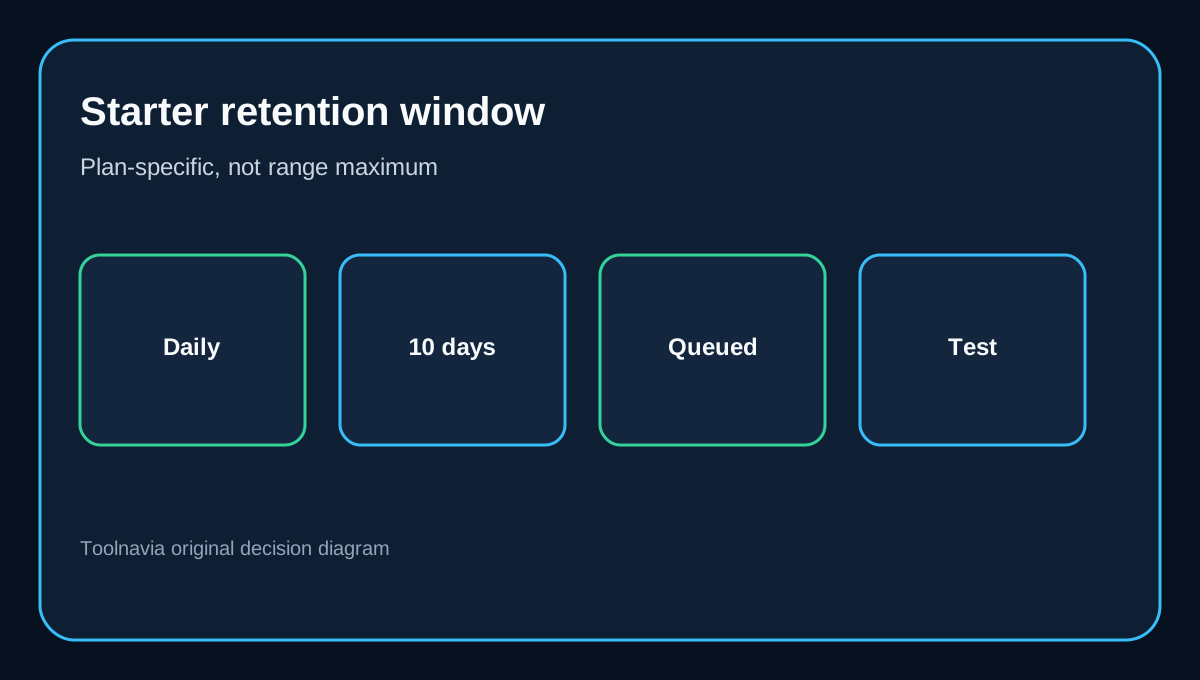
ChemiCloud Starter includes daily off-site backups, but the plan-specific buying number is **10 restore days**, not the generic “up to 30 days” stated elsewhere on the shared-hosting page. More importantly, ChemiCloud’s terms say provider backups are not guaranteed available, complete, or restorable. Treat JetBackup as a convenient recovery layer—not your only copy.
At a glance
- Best for
- Small sites using ten daily points plus an external backup.
- Price model
- Current checkout controls; selected promotional timeframe may be unavailable
- Check first
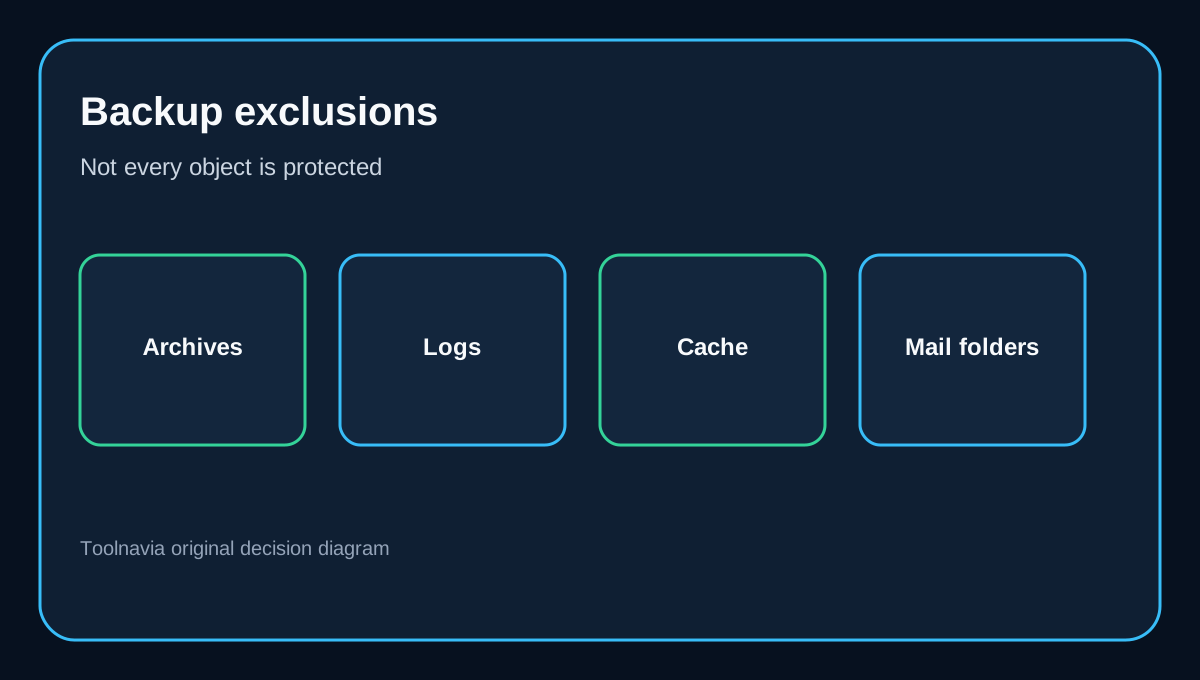
- Backups are not guaranteed, processing is queued and some archives, caches and mail folders are excluded.
What Starter actually includes
The current plan matrix lists one website, 20 GB NVMe storage, 2 GB memory and 10 Daily Backups for Starter. Pro shows 20 days and Turbo 30 days. The same page also has range-level copy promising storage for “up to 30 days,” so Starter buyers should use the tier row, not the maximum across the range. The displayed promotional term is currently marked unavailable for the selected timeframe, so checkout controls price and availability.
This is a useful inclusion for routine mistakes: a broken plugin update, an overwritten file, an accidental database change or a deleted mailbox item that is actually covered. It is not a 30-day archive and not an insurance policy against every data-loss event.
What JetBackup can restore
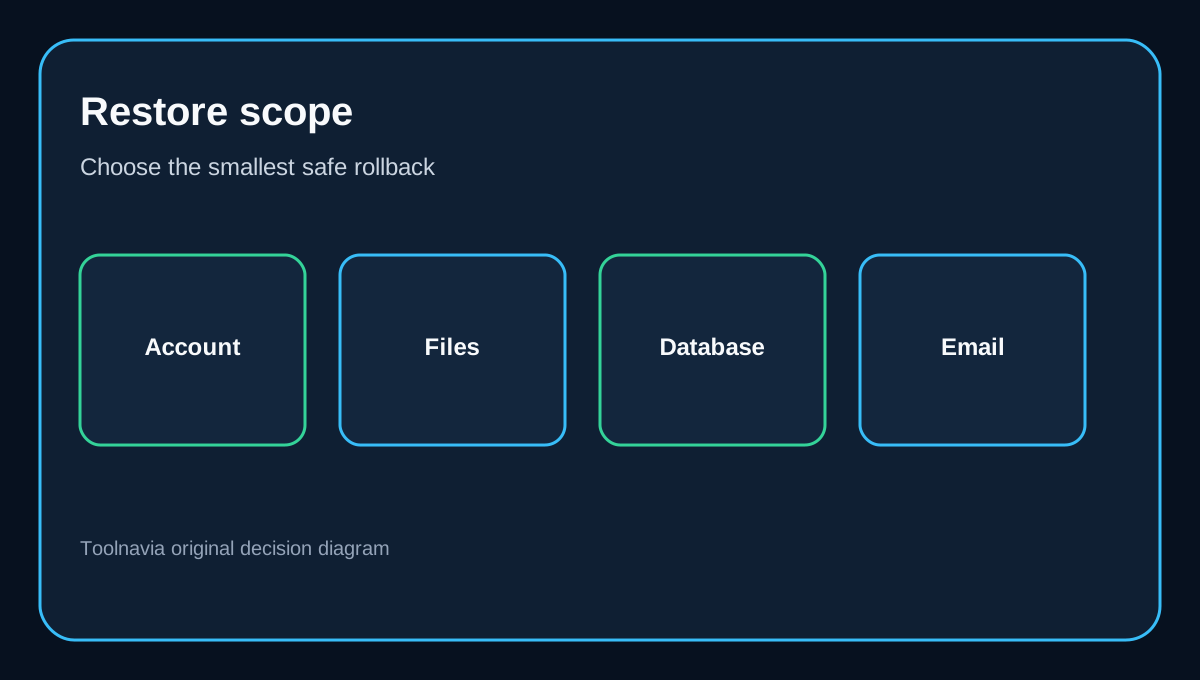
ChemiCloud’s JetBackup 5 interface offers full-account, home-directory/file, database and email recovery. You choose an available date, select items, then send the restore to a queue. Downloads also enter a queue because the off-site system must retrieve and package the data. A full-account export is therefore a process, not an instant local file.
Granular recovery is valuable. If one WordPress plugin corrupts a database, restoring only that database may avoid rolling back newer files or email. If the whole account is damaged, a full-account restore is broader. The safest choice depends on what changed after the selected restore point.
The exclusions buyers can miss
JetBackup does not cover every object in the account. ChemiCloud’s exclusion list includes common archive and backup formats such as ZIP, SQL, TAR and GZ patterns, plus logs, temporary files and several cache folders. Trash, Spam, Junk and Draft email folders are excluded as well.
This matters if you upload a manual SQL dump or WordPress backup archive and assume the host’s nightly job will back up that backup. It may not. Keep irreplaceable exports on a computer or independent cloud destination, and move important mail out of excluded folders.
Why “included backup” is not a guarantee
ChemiCloud’s terms are explicit: nightly backups are for administrative purposes, the company makes no warranty that they will be available, complete or restorable, and customers remain responsible for independent backups. Suspended accounts are excluded from scheduled backup retention. Server-side cPanel backup archives can be removed after 14 days, and the hosting account cannot be used as a general backup repository.
This is not unusual. Independent JetBackup guidance also treats provider copies as courtesy recovery and recommends separate storage. Panel comparisons show that granular restore is a tooling advantage, while retention, destination and reliability still depend on the host’s configuration.
How third-party reviews can overstate Starter
Several reviews correctly mention daily backups as part of ChemiCloud’s shared-hosting value. Some, however, repeat a blanket 30-day claim or describe restoration as one click without separating plan tiers, queue time, exclusions or the contractual no-guarantee clause.
For Starter, the defensible reading is: daily off-site backups, a 10-day plan-specific window, self-service JetBackup options, queued processing, exclusions, and no guarantee of successful recovery. That is still useful—but materially narrower than “30 days and always restorable.”
Is Starter enough for your recovery needs?
Starter fits a small site when ten daily points cover the likely detection window and the owner also maintains an independent copy. It is weaker for stores, membership sites or frequently changing databases where one day of lost orders or user activity is expensive. Those workloads need shorter backup intervals, tested restores and an external copy under the owner’s control.
The exact approved Starter route is /go/chemicloud-shared-hosting-starter-official-usd. Buy for the hosting package as a whole; do not justify the purchase solely on backups unless you have accepted the ten-day window and built a second-copy routine.
A practical recovery checklist
1. Confirm the Starter row still shows 10 Daily Backups at checkout. 2. Download a full-account backup after setup and after major changes. 3. Store that export outside the hosting account. 4. Test a file or database restore before an emergency. 5. Check whether important archives or mail folders match exclusion rules. 6. Record the oldest restore date visible in JetBackup each month. 7. Export again before cancellation, suspension risk or a major migration.
The right expectation is simple: JetBackup helps you recover faster, while your independent copy protects you when the provider copy is missing, excluded or unusable.