TOOLNAVIA / BUYING GUIDE
Bluehost Starter Inode Limits: 50K, 200K or 1M Files?
The short answer
At a glance
- Best for
- Lean WordPress sites that measure Files Count and remain comfortably below the 50K soft planning line.
- Price model
- Inode limits are resource boundaries; verify the exact Starter checkout and account terms.
- Check first
- Current Bluehost pages conflict; 50K is conservative planning, 200K is the published maximum, and 1M is not safe headroom.
Quick verdict
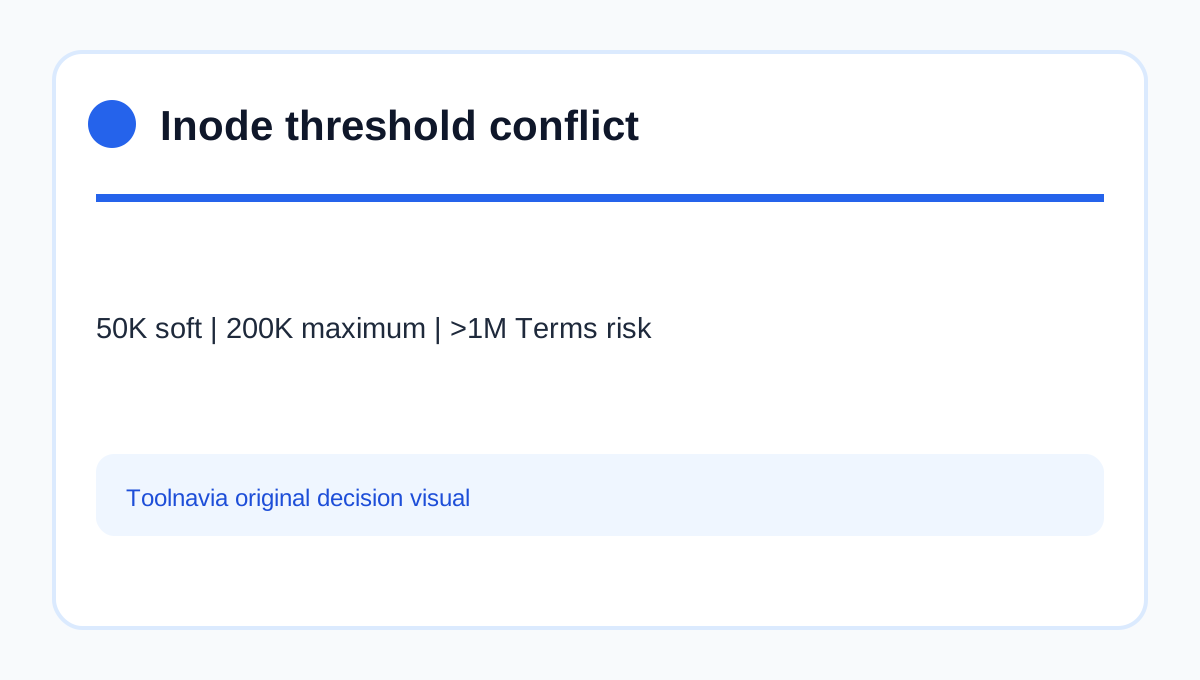
Bluehost publishes **three different inode numbers** for shared/cPanel hosting: 50,000 as a soft recommended level, 200,000 as a separately stated account maximum, and more than 1,000,000 as a point that may violate its Terms and risk suspension. Those numbers are not interchangeable. For a Bluehost Starter purchase, plan around **50,000**, treat **200,000** as a boundary, and never present 1 million as safe headroom.
That conservative rule matters because the current pricing and shared WordPress pages checked for this article do not publish a Starter-only hard inode guarantee. If your migration is already near 50,000 files, ask Bluehost to confirm the exact checkout SKU in writing before moving.
What an inode actually counts
An inode is effectively a file-system object. WordPress core, plugins, themes, uploaded images, generated thumbnails, cache files, logs, mailboxes, directories, staging copies and local backups all add entries. Storage can therefore look adequate while file count becomes the real constraint.
A 20 GB site is not automatically “lighter” than a 5 GB site. Ten large video files use fewer inodes than hundreds of thousands of tiny cache, email or thumbnail files. Independent hosting guides make the same buyer-side distinction: disk space and file count measure different risks.
Why Bluehost's three thresholds conflict
Bluehost's inode guide, updated July 6, 2026, calls 50,000 a soft recommended level, references 200,000 in its policy discussion, and warns that accounts above 1 million may face Terms-of-Service action. Its resource-limit page, updated July 9, 2026, states a maximum of 200,000 inodes per hosting account.
This conflict is **not resolved for every Starter billing SKU**. Our treatment is deliberately cautious: 50K is the planning line; 200K is the published maximum/AUP boundary; above 1M is an additional enforcement warning, not permission to operate between 200K and 1M. Save a written support answer for your exact account type.
Where file count grows fastest
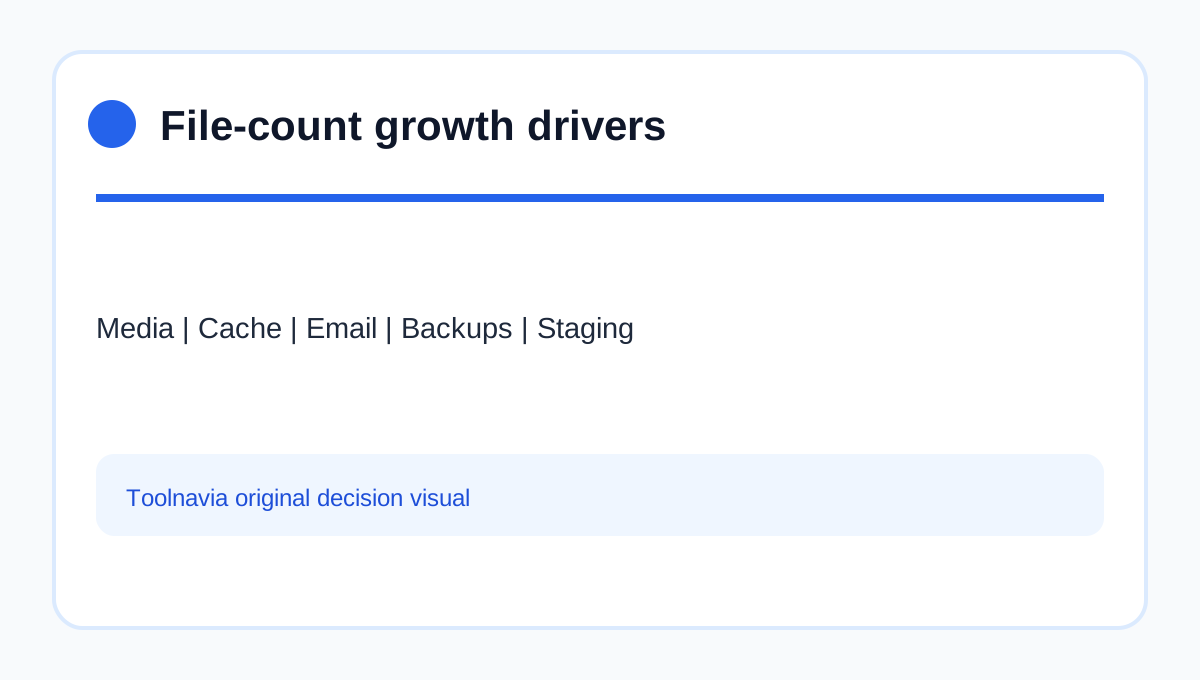
Image-heavy stores create several thumbnail sizes for every upload. Security and performance plugins may write logs, scans, cache objects and temporary files. Email stored inside the hosting account can add thousands of messages and attachments. Staging copies duplicate much of the site, while local backup archives and extracted backup folders may duplicate it again.
The dangerous pattern is not one large file. It is repeated automatic creation with no retention plan. Before purchase, inventory media, mailbox retention, staging copies, local backups and cache directories separately.
Measure before you migrate
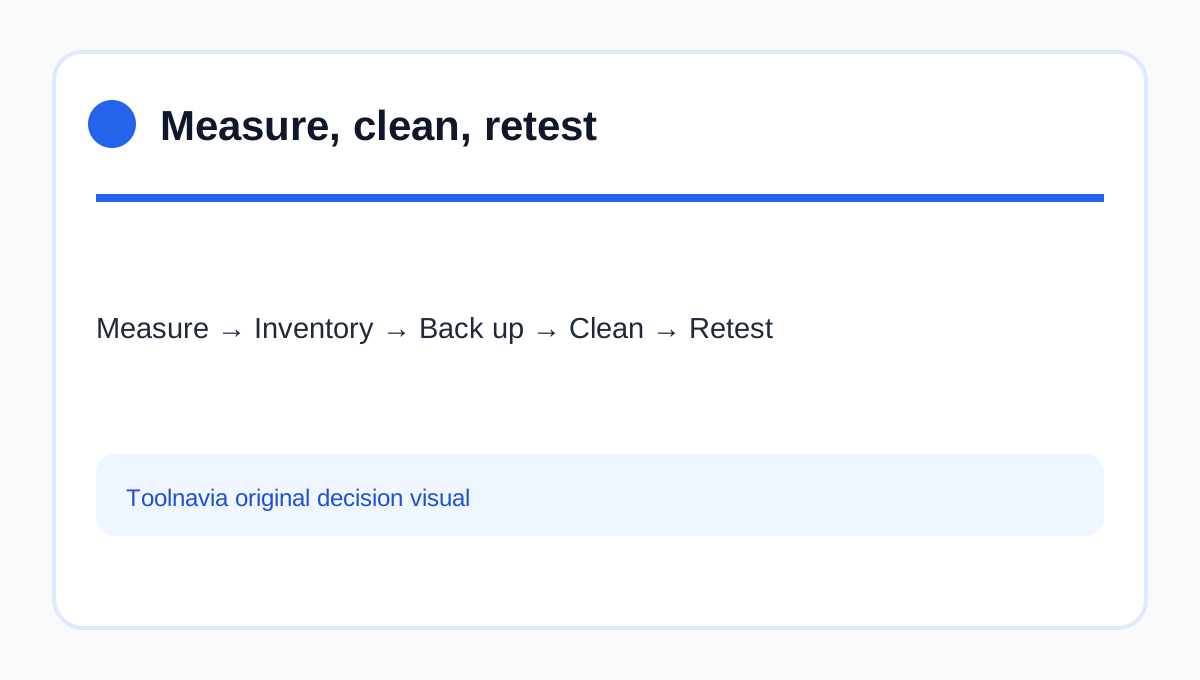
Bluehost documents a cPanel path through Hosting, My Plans, cPanel and Statistics to view **Files Count**. Record that number on the source host, then estimate what the destination will add: new thumbnails, a staging clone, migration leftovers, security scans and mail.
If the source is already above 50K, do not assume Starter's marketing page overrides the help documentation. Ask support whether the exact Starter account uses the same cPanel-wide count, what happens at 50K and 200K, and whether backups or email are included. Keep the reply with the purchase record.
Clean safely, then retest
Start with an inventory, not a mass deletion. Confirm that an external backup exists and can restore, identify obsolete staging sites and old archives, apply sensible log/cache retention, and archive mail outside the hosting account when appropriate. Then recheck Files Count and watch the weekly growth rate.
Do not delete active WordPress media, plugin directories or the only backup merely to make a dashboard number smaller. If ordinary operation recreates the same files, cleanup has not solved the capacity problem.
When Starter fits—and when to upgrade
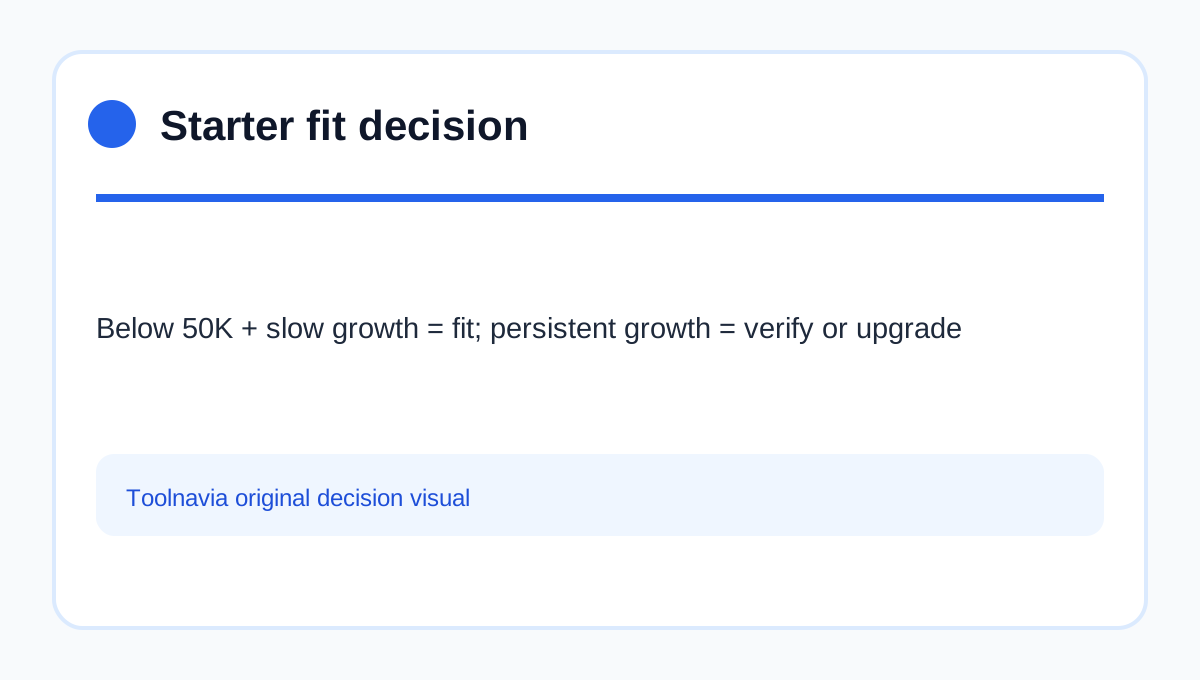
Starter is defensible when one lean site stays comfortably below 50K, growth is slow, and backups, staging and mail do not accumulate inside the account. It is a poor fit when the source already approaches 50K, a store generates many derivatives, or multiple operational copies are essential.
Upgrade only after identifying which limit changes. A larger shared plan may still use an account-wide inode policy; a VPS can offer more control but also more operational responsibility. The purchase decision is therefore not “Can I reach 1 million?” It is “Can my normal workflow stay well below the conservative line, with measured growth and a safe retention plan?”