TOOLNAVIA / BUYING GUIDE
Bluehost Starter Cron Jobs: View Last Run, Test Commands & Replace WP-Cron Safely
The short answer
Bluehost Starter now has a Portal cron manager that can create, edit, delete and show the last recorded run time for a job. That makes system cron more useful for scheduled publishing, cleanup scripts and WordPress task triggering—but “Last Run” only proves the scheduler attempted the command at that time, not that the application finished successfully. Pair the timestamp with script output, logs or the expected business result.
At a glance
- Best for
- Shared-host automation and WordPress jobs that need a real scheduler with basic visibility.
- Price model
- $3.99/mo current 36-month term; $9.99/mo 36-month renewal reference.
- Check first
- Last Run is scheduler-level evidence only; critical tasks still need logs/result monitoring.
What Starter costs
Bluehost currently lists Starter at $3.99/month on a 36-month term and $9.99/month for the 36-month renewal reference, with 10 websites and 10GB NVMe storage. Cron support is part of the hosting control flow rather than a separately priced add-on.
Portal cron is easier to audit than a forgotten crontab
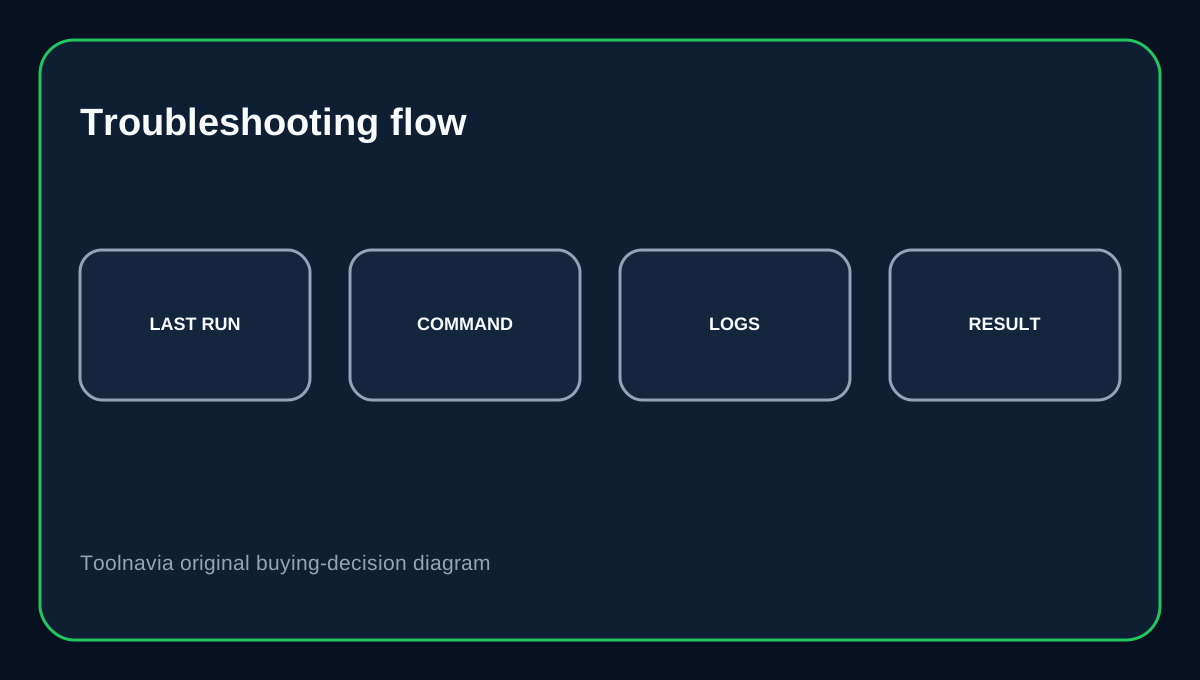
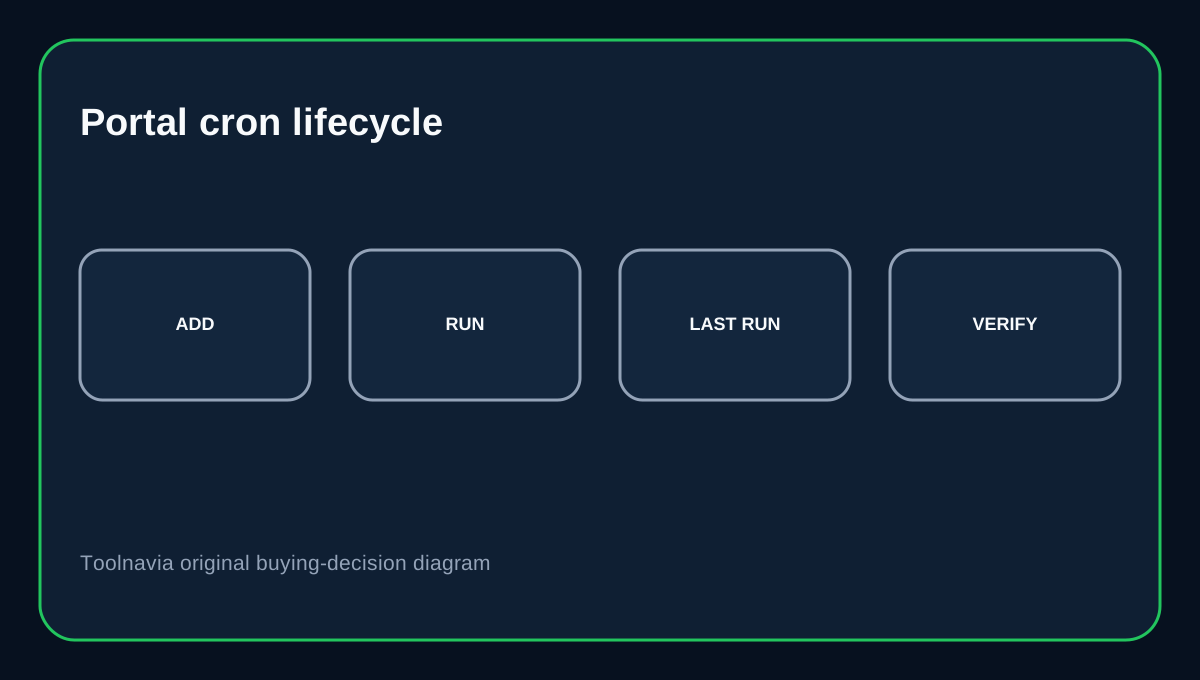
Bluehost's August 2026 Portal guide places Cron Jobs under Websites → Manage Site → Advanced. You can add a job, edit it, delete it and choose View Last Run from the job menu. That Last Run view is useful when a client says “the scheduler stopped.” Check whether the timestamp advanced, then compare the command's own output or application logs. A fresh timestamp with no expected result usually means the job executed but the command, path, permissions or application logic failed.
The “every 15 minutes” option is a preset, not a published hard minimum
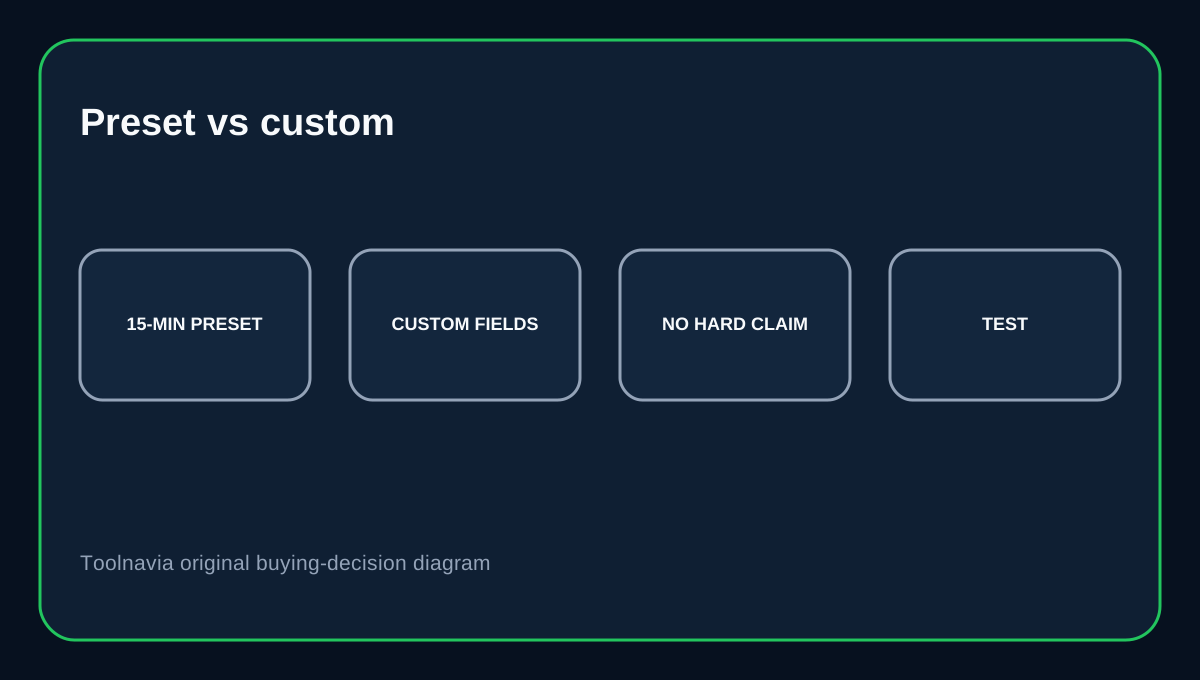
Bluehost's Common Settings menu includes intervals from every 15 minutes through yearly schedules, but the same form also exposes minute/hour/day/month/weekday fields for custom values. Do not turn the preset list into a claim that Starter has a documented 15-minute minimum. If you need unusually frequent execution, test the real account, watch resource usage and make sure one run finishes before the next begins. cPanel explicitly warns that overlapping cron jobs can degrade performance.
Test the exact command before scheduling it
Bluehost's Portal example uses an explicit PHP binary and script path. Its longer cPanel guide also recommends testing the command manually and checking syntax, permissions and paths when a job fails. Use absolute paths where practical. If the job sends email, charges customers, imports orders or mutates a database, test against a safe environment first so a bad schedule does not duplicate side effects.
When system cron is better than WP-Cron
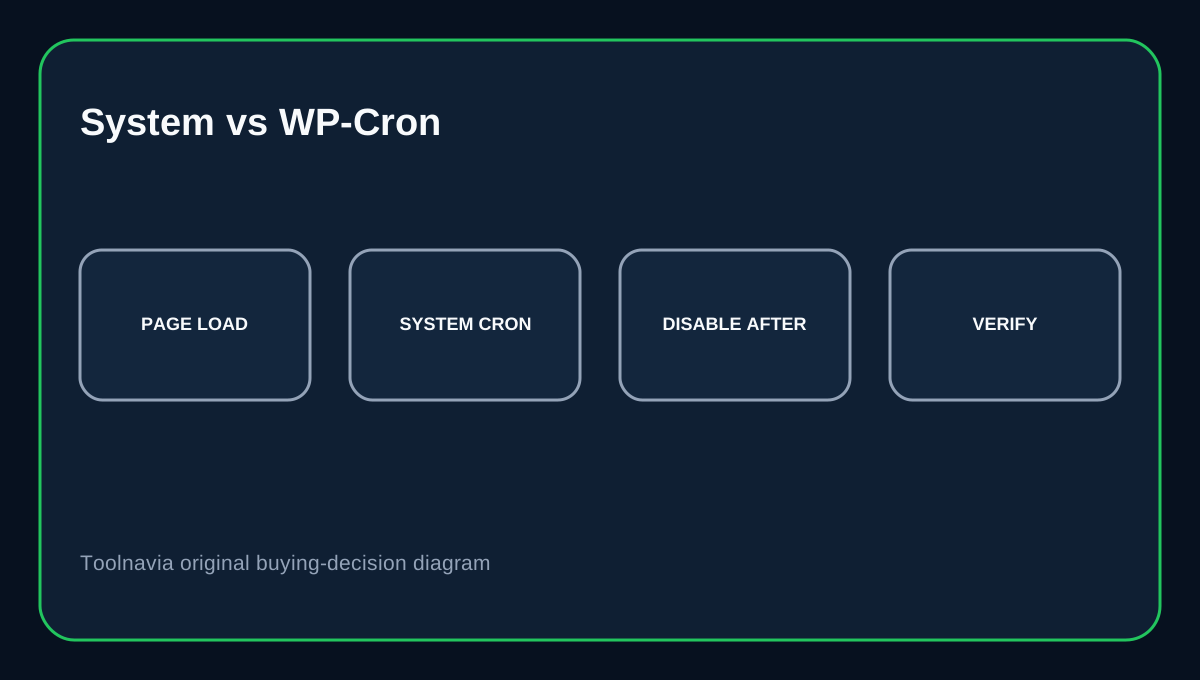
WordPress WP-Cron checks scheduled events on page loads; it is not a continuously running system scheduler. Low-traffic sites can therefore run due events late. If timing matters, WordPress documents using the system task scheduler to call wp-cron.php and then disabling page-load WP-Cron to avoid duplicate triggering. Create and test the system job first; only then disable the default trigger.
Verify WordPress scheduling separately
Bluehost's Last Run timestamp tells you about the hosting cron entry, while WP-CLI can test WP-Cron spawning and list or run scheduled events. For a WordPress site, a stronger verification loop is: confirm Portal Last Run → run wp cron test → inspect important events → confirm the expected application result. That separates “scheduler ran” from “WordPress task succeeded.”
Buying decision
Choose Bluehost Starter if you want entry shared hosting with a Portal-managed cron interface and basic execution visibility without moving to a VPS. It is a good fit for short scripts and WordPress tasks that can run inside shared-host resource limits. Do not treat View Last Run as a success certificate, and do not assume the 15-minute preset is a guaranteed minimum or maximum. Test the real workload, prevent overlap and keep application-level monitoring for critical jobs.
Affiliate disclosure: Toolnavia may earn a commission from an eligible Bluehost purchase.