TOOLNAVIA / BUYING GUIDE
Bluehost Starter Remote MySQL: Access Hosts, Dynamic IPs & Privileges
The short answer
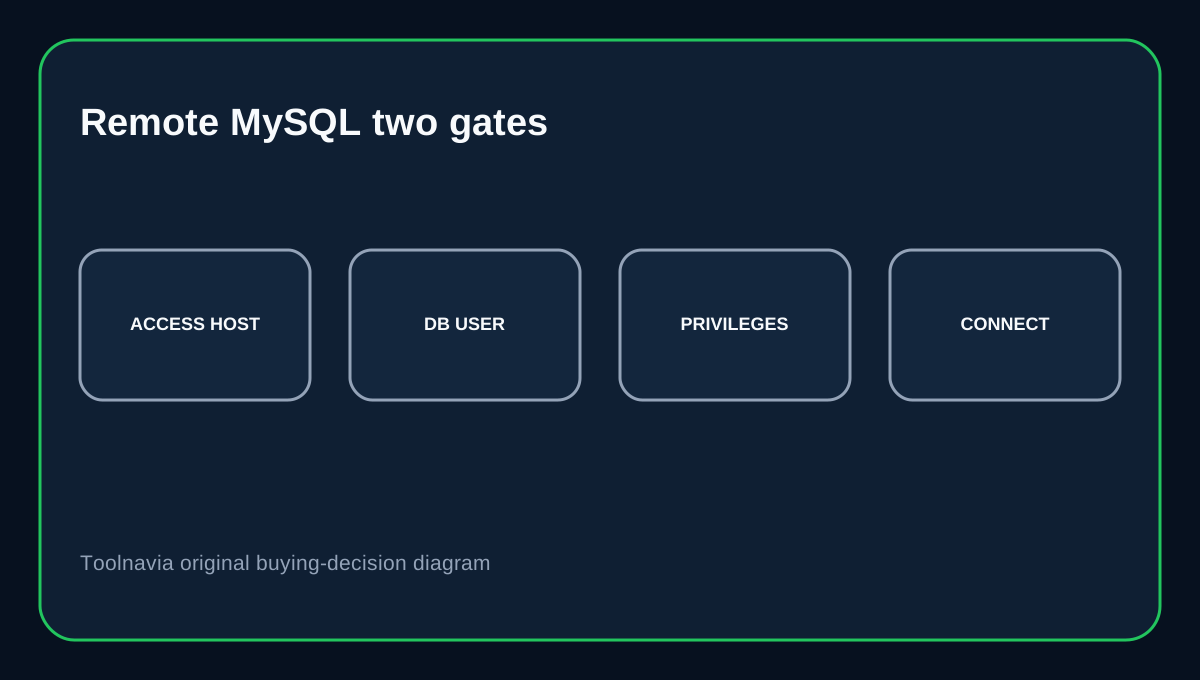
Bluehost Starter supports Remote MySQL, but the safe developer workflow has two separate gates: the external machine must be allowed as an Access Host, and the database user still needs valid credentials and privileges. Bluehost's July 2026 Portal guide makes the network rule explicit, while its current Database Manager separately controls users and phpMyAdmin access.
At a glance
- Best for
- Occasional external database development from known, manageable source IPs.
- Price model
- $3.99/mo current 36-month term; $9.99/mo 36-month renewal reference.
- Check first
- Dynamic IPs require whitelist updates and shared hosting is not a dedicated database architecture.
Starter price and the developer use case
Bluehost Starter currently shows $3.99/month on the 36-month term, with a $9.99/month 36-month renewal reference, up to 10 websites and 10GB storage. Remote MySQL is useful when a developer, reporting tool or another server must reach a hosted database from outside Bluehost. It should not be enabled just because the option exists.
Remote access starts with an Access Host
Bluehost's current Portal workflow goes to Websites → Manage Site → Databases → Remote, then adds the connecting computer's IP as an allowed host. Without that network permission, valid database credentials alone are not enough for a direct external connection. Use the narrowest practical IP. When the external machine changes, update or remove the old Access Host instead of leaving forgotten entries behind.
Dynamic IPs create maintenance work
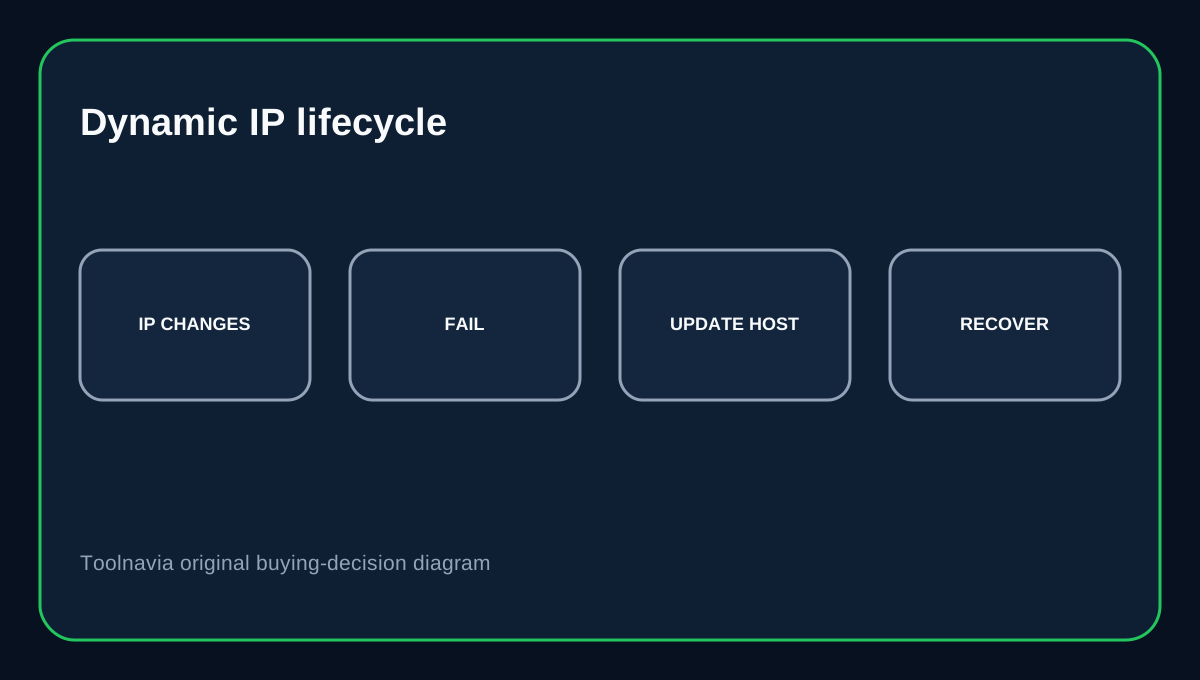
Bluehost explicitly warns that if the connecting public IP is dynamic, the Remote MySQL settings must be updated whenever that IP changes. This matters for home broadband, mobile networks or temporary offices. If a connection suddenly fails after an ISP changes the address, check the current public IP before resetting database passwords or changing application code.
Database users and privileges are a second layer
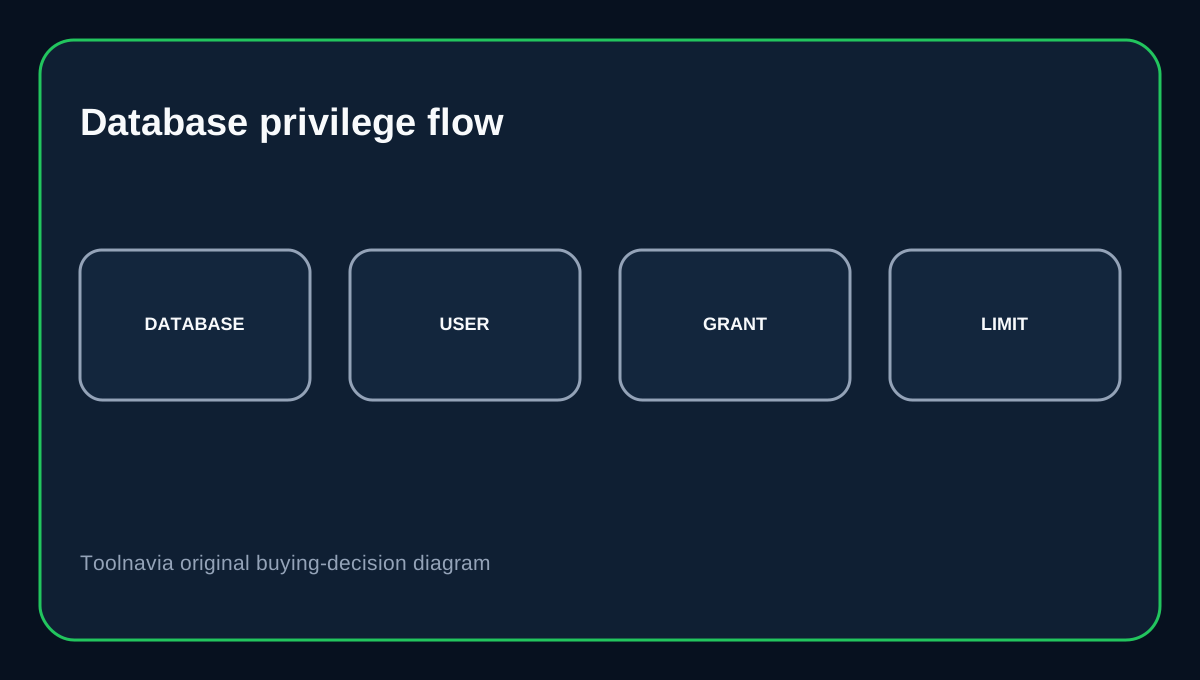
Bluehost Database Manager lets the owner create database users, assign them to a database and manage privileges. It also opens phpMyAdmin from the database menu. An Access Host answers which external source can reach MySQL. A database user answers what the authenticated identity can do after connecting. Keep those controls separate and grant only the database privileges a contractor or integration needs.
phpMyAdmin and Workbench are different paths
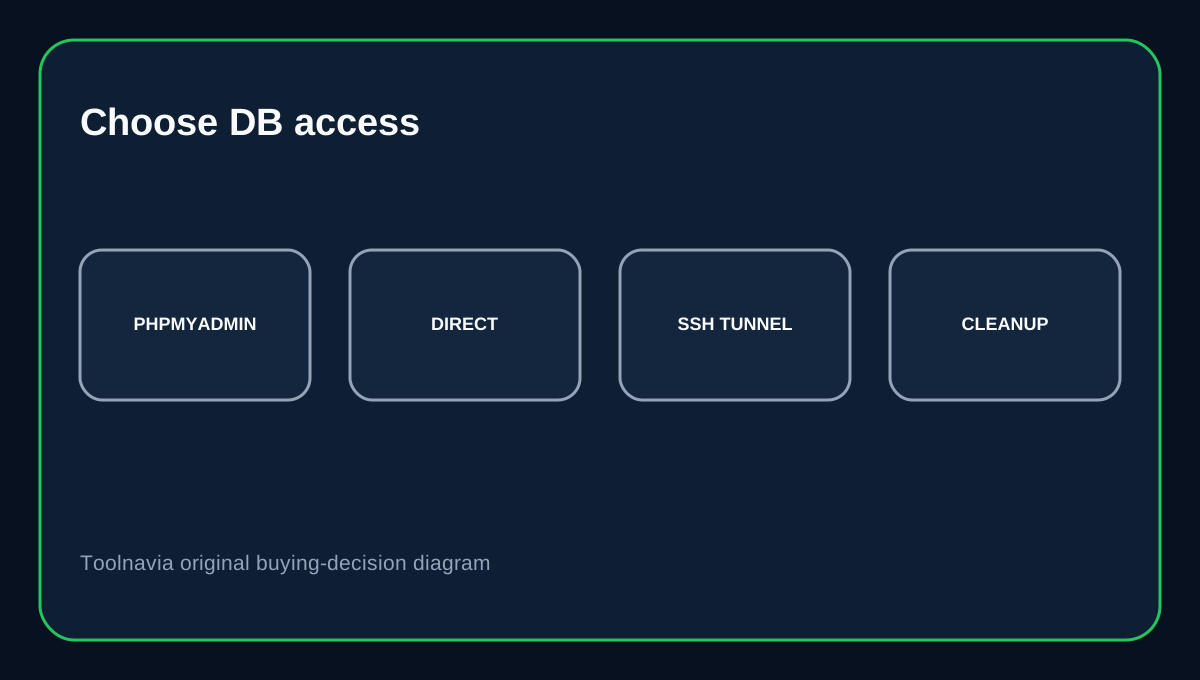
phpMyAdmin is convenient for browser-based database administration from the Bluehost environment. A desktop client such as MySQL Workbench is useful when a developer needs an external SQL client; Bluehost's Remote MySQL guide lists Workbench and other clients as examples. Workbench also supports SSH-tunneled database connections as a separate method. If a direct remote listener is not required, a tunnel can reduce dependence on a direct database access rule.
Clean up after the job ends
Remote access should have an end date. Delete old Access Hosts, remove unused database users and rotate credentials that were shared with temporary integrations. Bluehost provides edit and delete controls for allowed remote hosts in the same Portal interface. Stale network permissions and stale database identities can remain useful to an attacker long after the original project finishes.
Buying decision
Choose Bluehost Starter if you want entry shared hosting with Portal-managed Remote MySQL, browser phpMyAdmin and separate database-user controls. It works well for occasional external development when the connecting IP is known and manageable. If your system requires permanent connections from many changing locations, broad network exposure or database-server root tuning, a shared-host Remote MySQL feature is not the same thing as a dedicated database architecture.
Affiliate disclosure: Toolnavia may earn a commission from an eligible Bluehost purchase.