TOOLNAVIA / BUYING GUIDE
Bluehost Starter Composer: Lock PHP Before You Deploy
The short answer
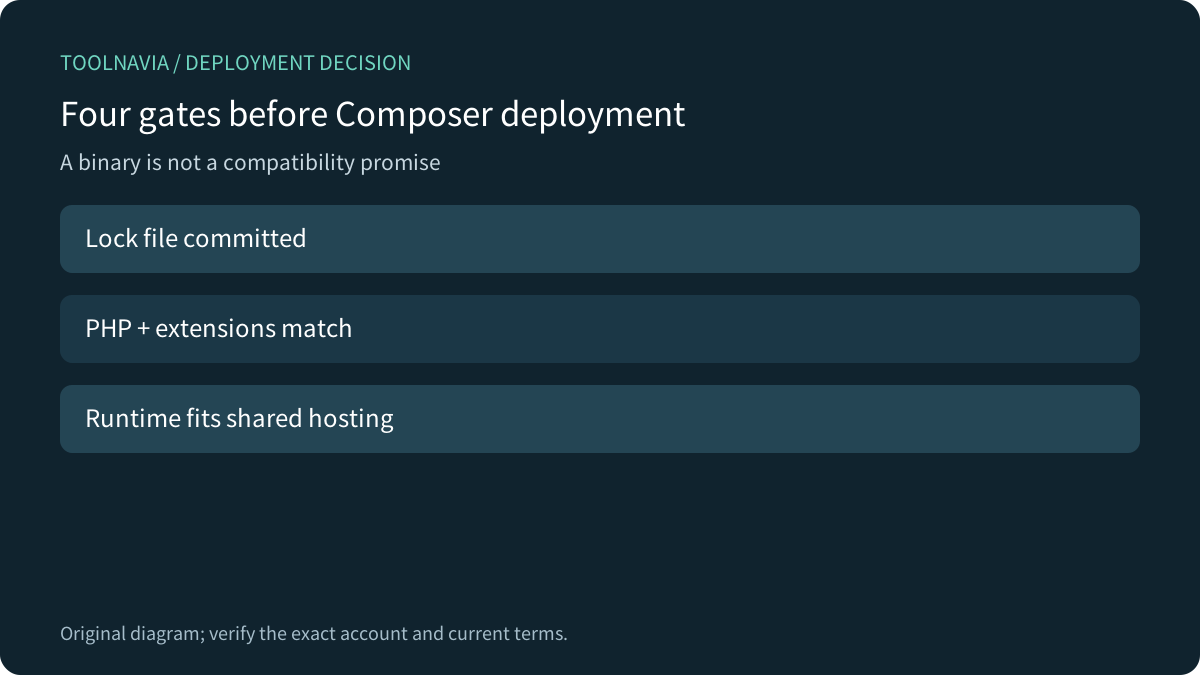
Bluehost Starter documents a Composer-ready shared environment, but “Composer is installed” is not the same as “this PHP application is safe to deploy.” The purchase decision has four gates: the exact PHP binary, required extensions, a committed lock file and a runtime model that fits shared hosting. Prove them with a disposable copy before moving a production domain.
This is a source-based deployment decision. We did not run Composer on a live Bluehost account or change a package, domain, database or bill. The current canonical Starter order was opened, but this guide makes no numeric price claim because the selected term and checkout state control the live amount.
At a glance
- Best for
- Composer-managed request-driven PHP apps with a tested lock.
- Price model
- Verify live Starter term and checkout; no numeric price asserted.
- Check first
- Composer does not add root, missing extensions or resident workers.
Start with the project contract, not the Composer badge
Bluehost says Composer is preinstalled on shared servers and shows both its path and a version-specific PHP binary. SSH must be enabled. Bluehost also says its support team does not diagnose custom Composer commands or dependency conflicts.
Before buying, collect `composer.json`, `composer.lock`, the required PHP version, the required extensions, post-install scripts and writable-directory needs. Without a lock file, deployment resolves versions again. With one, `composer install` uses the recorded versions.

Match the CLI PHP binary to the website runtime
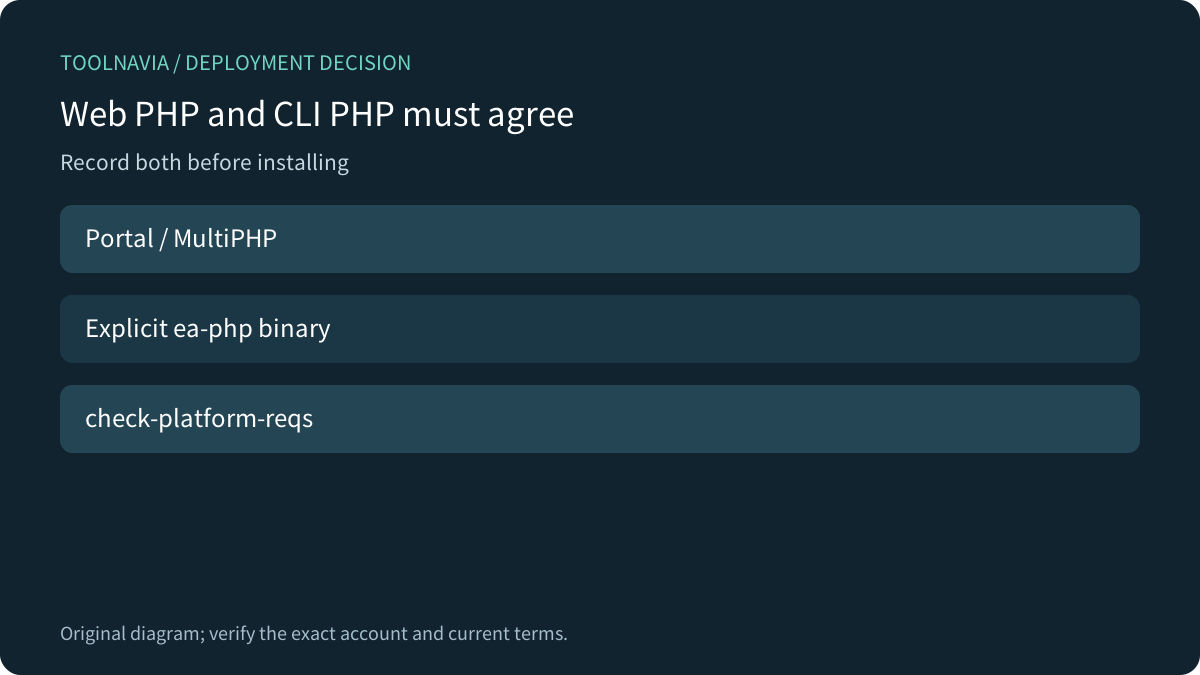
Bluehost lets a shared account select PHP through the portal or MultiPHP Manager. A shell command can still call a different binary unless the path is explicit; that is why Bluehost’s guide demonstrates a full `ea-php` path.
In a non-production copy, record the web PHP version, CLI PHP version, Composer version and `composer check-platform-reqs`. If the website runs one branch but Composer resolves with another, the install can succeed for the wrong platform. Do not hide the mismatch with `--ignore-platform-reqs`; Composer says that flag bypasses the PHP and extension checks you need.
Bluehost help pages currently conflict on the lowest shared PHP version: one mentions 7.4, while module and handler guidance point to 8.1. Use neither number as a promise. Use the versions visible on the exact account, choose a currently supported branch compatible with the application, and preserve the evidence.

Treat extensions and resources as buying gates
A package may require `ext-intl`, `ext-zip`, `ext-gd` or another extension. Bluehost says module availability depends on the selected PHP version and that support does not install arbitrary modules on shared accounts. A successful laptop install therefore proves nothing about the target server.
Test the exact lock file on the intended PHP version. If an extension is unavailable, change the application or dependency, or select hosting with the required server control. An ignore flag that downloads files is not compatibility proof.
Composer can consume memory while resolving dependencies. Bluehost shows a command-level memory setting, but the account still has resource and process limits. A temporary install is separate from the application’s ongoing CPU, memory, execution-time and worker needs.
Install the lock; update dependencies elsewhere
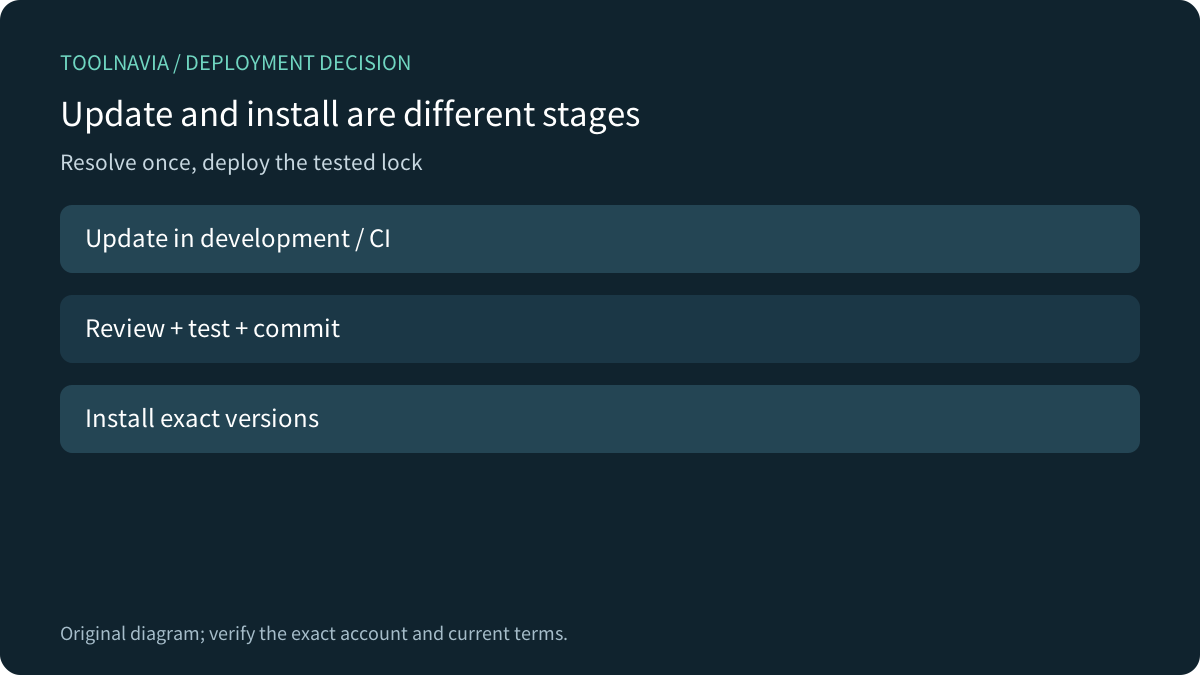
Use `composer install` with the committed lock for a release. Composer says `install` reuses locked versions, while `update` resolves newer versions and changes the lock. Run updates in development or CI, review the diff, test the app, commit the lock, then deploy that tested set.
Namecheap and SiteGround publish same-intent workflows that also connect Composer to SSH, PHP compatibility and a wider release process. They do not define Bluehost entitlements, but they reinforce the decision pattern: the tool is one gate, not a blanket application guarantee.
Do not update packages directly in `public_html` without a rollback point. Composer scripts can execute project-defined code. Back up the database and current release, review scripts, deploy to staging or a versioned directory when possible, and switch only after health checks.

Separate build success from runtime fit
A completed install proves that dependencies were placed for one checked platform. It does not prove the application fits Starter. Bluehost shared hosting has no root or sudo, excludes persistent processes and applies account limits.
A request-driven PHP site can fit when extensions, permissions, database needs and requests fit. A resident queue worker, custom service or package requiring an unavailable system component points to another platform. A scheduler can start bounded work; it does not become an always-on supervisor.
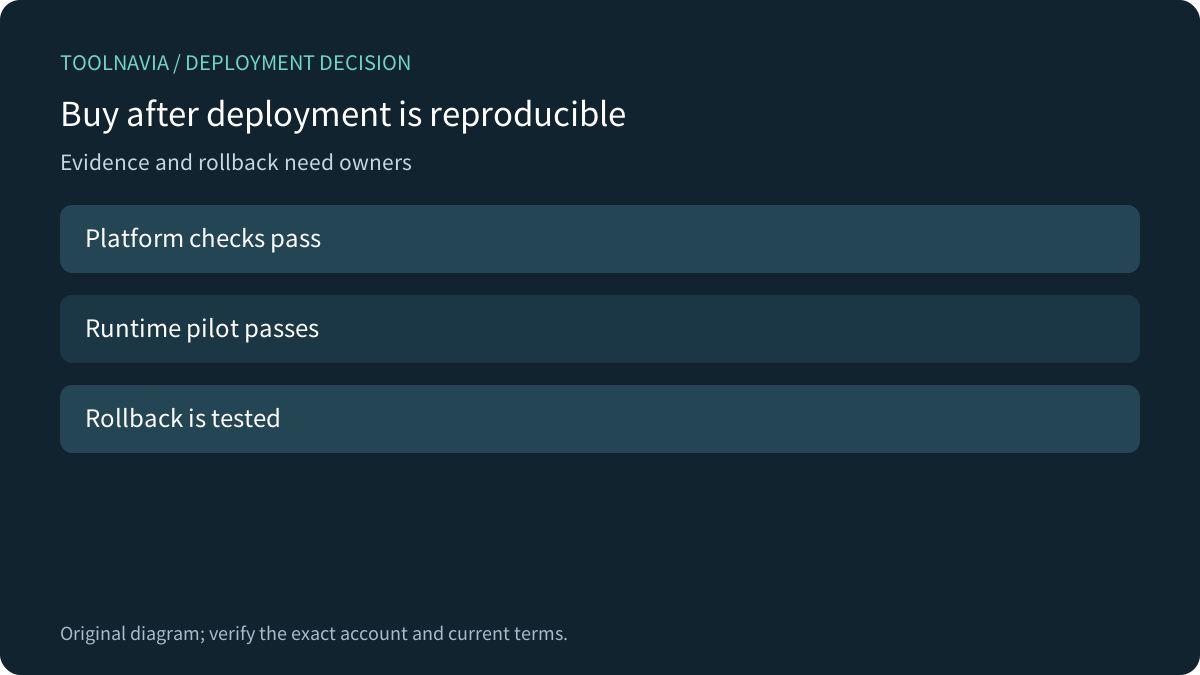
Pilot with synthetic data. Test the longest normal request, uploads, migrations, cache writes, mail integration, logs and one rollback. Passing only the homepage is not acceptance.
Use a six-step go/no-go checklist
1. Commit and validate the lock file. 2. Match web PHP, CLI PHP and the app requirement. 3. Verify extensions without ignore flags. 4. Test scripts and writable paths in a disposable copy. 5. Prove no unsupported resident process is required. 6. Keep a tested files-and-database rollback with a named owner.

Choose Starter when the application is request-driven PHP, the exact account supplies its extensions, the lock installs reproducibly and runtime stays inside shared-hosting boundaries. Choose a VPS or application platform for root packages, resident workers or custom services.
[Open the approved Bluehost Starter offer](https://bluehost.sjv.io/7XkALd) only after all six gates pass. Toolnavia may earn a commission from an eligible purchase. This is the account holder’s verified direct Bluehost tracking URL; no deployment result or numeric price is guaranteed.