TOOLNAVIA / BUYING GUIDE
Leaving Bluehost NVMe 4: No Courtesy Backup, So Export First
The short answer
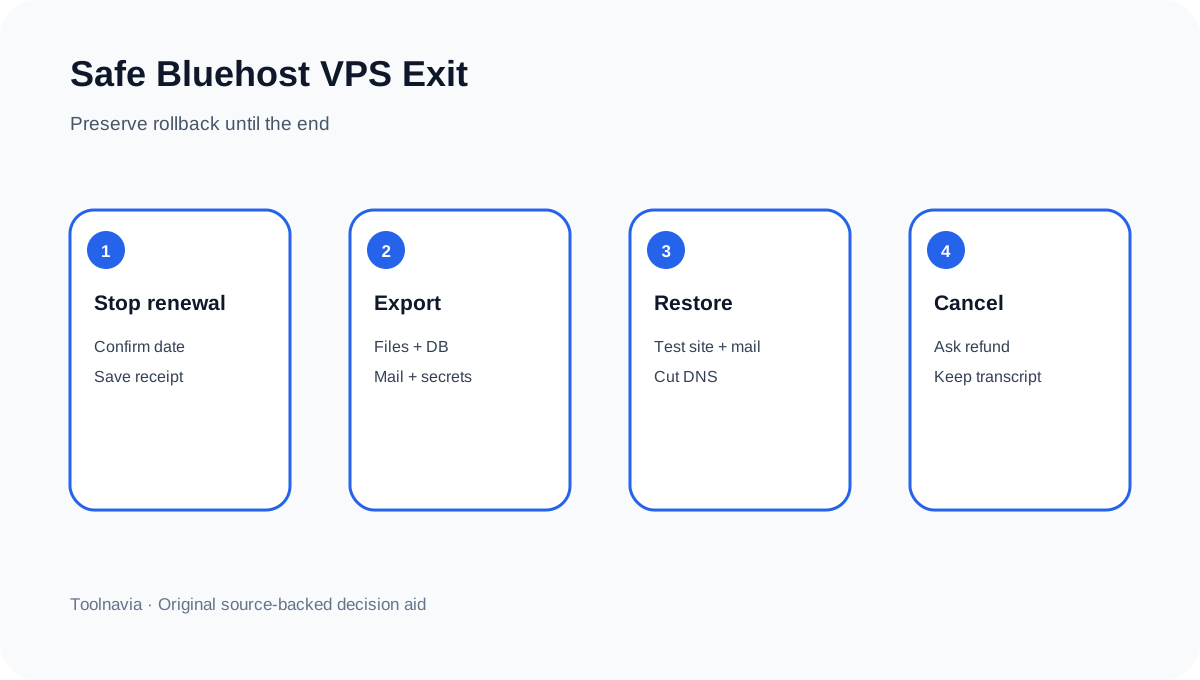
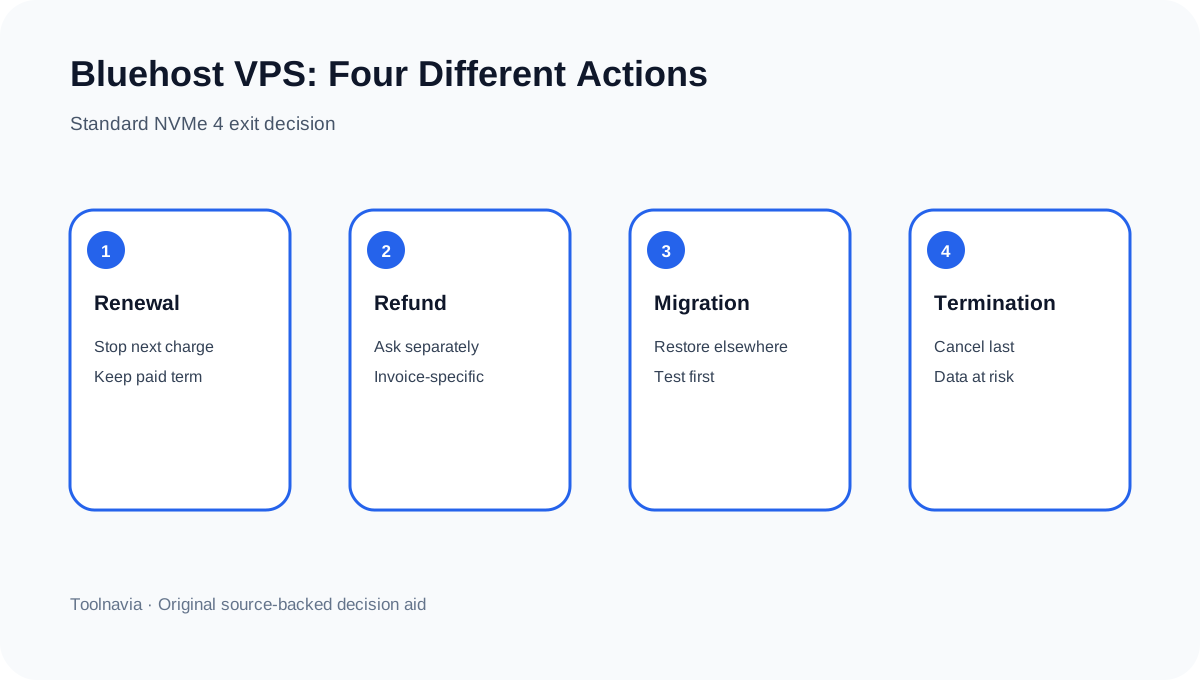
Bluehost Standard NVMe 4 is a managed VPS, but “managed” does not mean Bluehost keeps a guaranteed exit backup for you. Cancellation, a 30-day refund request and data migration are separate decisions. The safe sequence is to stop the next renewal, create an off-server cPanel backup, restore it on the destination, cut over DNS and mail, and cancel only after the replacement is proven.
At a glance
- Best for
- Managed VPS buyers who need a tested cPanel and mail exit.
- Price model
- $49.99/mo for 36 months; $68.99/mo renewal reference; eligible initial-term refund only
- Check first
- Refunds are transaction-specific; Managed support does not guarantee a provider-maintained automatic VPS backup.
Decide whether you are stopping renewal or ending service now
Turning off auto-renewal prevents the next charge and normally preserves service through the paid term. An immediate cancellation is destructive: Bluehost tells customers to save critical files first because hosted data is deleted after deactivation. Keep a dated screenshot of the renewal setting and ask support to state the effective termination time in writing.
The public Managed VPS page lists Standard NVMe 4 at $49.99 per month for a 36-month term and $68.99 per month on renewal. Those figures are a current reference, not a promise for every location or checkout. A long prepaid term makes exit sequencing important: do not trade a possible billing answer for an unverified data loss.
Treat the 30-day guarantee as a transaction test
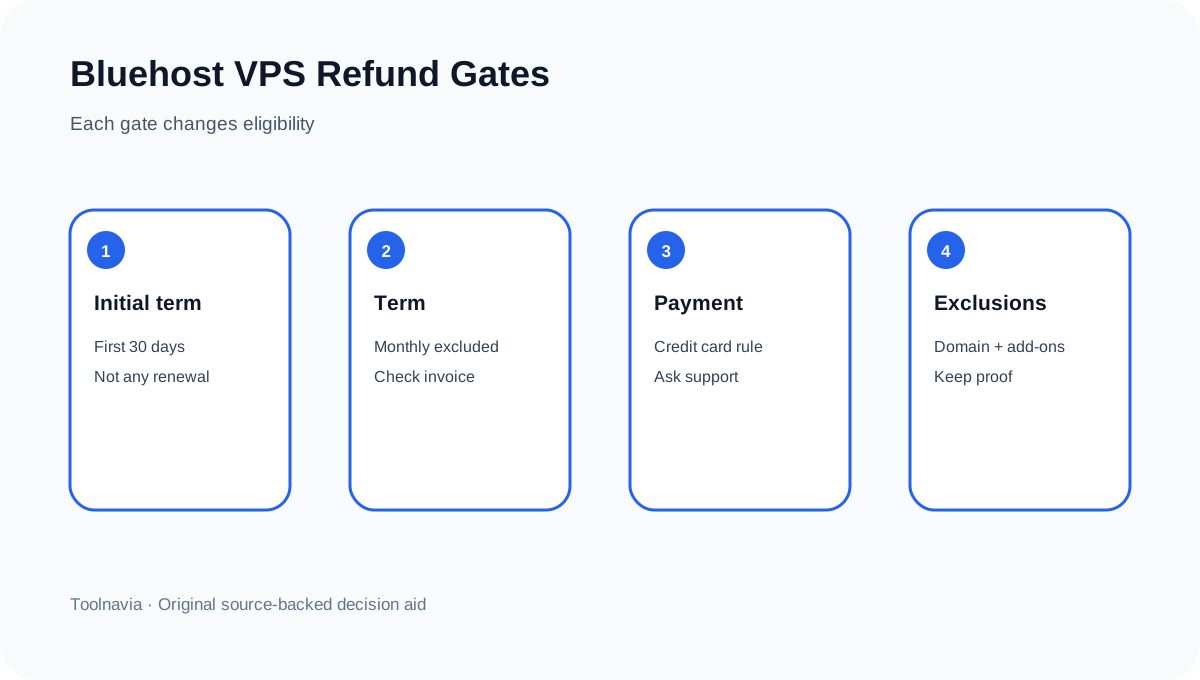
Bluehost's user agreement says shared, VPS and dedicated hosting can receive a full refund when cancellation occurs within the first 30 days of the Initial Term and the customer requests the Money-Back Guarantee through support. The same section excludes monthly terms, domains, setup fees, additional services and non-credit-card payments. The product page uses broader “30-day money-back” language and says most add-ons are excluded.
Therefore, cancellation does not automatically create a refund. Ask support to evaluate the exact invoice, payment method, initial-term status and excluded items. Save the transcript and refund amount before choosing immediate termination. After day 30, do not budget for a hosting refund unless Bluehost confirms one in writing.
Managed support is not a maintained courtesy backup
This is the decisive conflict. Bluehost's scope-of-support table says a managed cPanel VPS team can review available backups, configure server-side backups, assist site backups, provide a compressed backup and restore from one. A separate official backup-policy page says KVM VPS customers are responsible for their own backups because Bluehost courtesy backups are no longer maintained.
Both statements can be true: support can help operate a backup workflow, while Bluehost does not promise that an automatic provider copy already exists. Before cancellation, create a new full account backup, move it away from the VPS and verify that the archive is readable. A backup stored only under /home on the server being canceled is not an exit copy.
Build a portable cPanel and server package
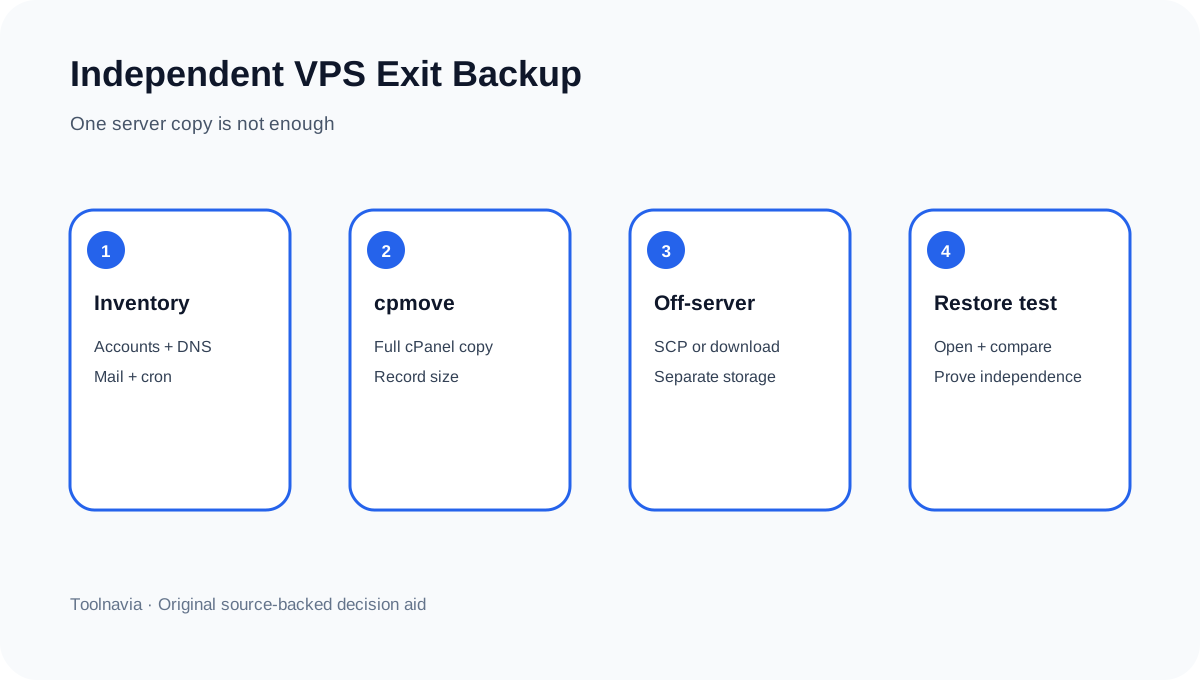
For each cPanel account, record the username, domains, document roots, PHP version, cron jobs, DNS zones, databases, database users, mailboxes, SSL dependencies and application secrets. Use WHM's Transfer or Restore a cPanel Account tools to create or restore a cpmove file, upload a backup or transfer from a remote cPanel server. If the archive is too large for local download, Bluehost documents SCP to another Linux server.
Do not stop at “backup complete.” Restore at least one representative account on the destination, open the site with a hosts-file or temporary URL, test login and forms, compare database counts, send and receive mail, and inspect scheduled jobs. Keep checksums, archive sizes and timestamps. The exit package is complete only when it works without reading from the Bluehost VPS.
Price the migration Bluehost does not bundle
A website migration and an email migration are separate services. Bluehost's current migration page says a purchased website transfer covers one site, excludes email and domain transfer, and may charge separately for each additional site. Mailbox migration is separately priced per mailbox, while contacts, calendars, autoresponders, mailing lists and filters can be excluded.
When leaving Bluehost, use that boundary as a checklist even if the destination host performs the move. Account for every site, mailbox, contact list, DNS record and registrar relationship. Lower DNS TTL before cutover, keep the old VPS online during validation, and switch traffic only after the new server and mail path pass tests.
Do not use the seven-day restriction as a recovery plan
Bluehost states that after VPS termination, cPanel access is restricted for about seven days and the customer cannot log in. That is a restriction period, not a guaranteed grace period in which you can recover forgotten files. The user agreement also describes later suspension and possible deletion stages, but none replaces a verified independent archive.
The practical rule is simple: if any required file, database, mailbox or configuration still exists only on Bluehost, you are not ready to cancel.
Independent current reviews describe Managed VPS as a logical step up from shared hosting but also warn buyers to distinguish managed and self-managed plans and to test support expectations. Same-intent cancellation guides from Hostinger and ChemiCloud reinforce the reversible sequence—stop renewal, create an off-provider backup, migrate, then cancel—while remaining commercial sources that cannot override Bluehost's terms.
Buying decision
Standard NVMe 4 makes sense for buyers who value cPanel, managed assistance and a defined 4 GB VPS package, but its exit cost includes backup ownership, restore testing, mail migration and a potentially long prepaid term. Before purchase, ask who operates backups, where independent copies live, how often restores are tested and which migration tasks are paid.
Toolnavia may earn a commission from the approved exact offer. The only commercial route in this article is the matching [Bluehost Standard NVMe 4 page](/go/bluehost-managed-vps-standard-nvme4-official-usd-36m). Checkout controls the current price, term, tax and eligibility; this article claims no coupon and no guaranteed refund.