TOOLNAVIA / BUYING GUIDE
Bluehost Managed VPS Backup Guide 2026: Managed Does Not Mean Backed Up
The short answer
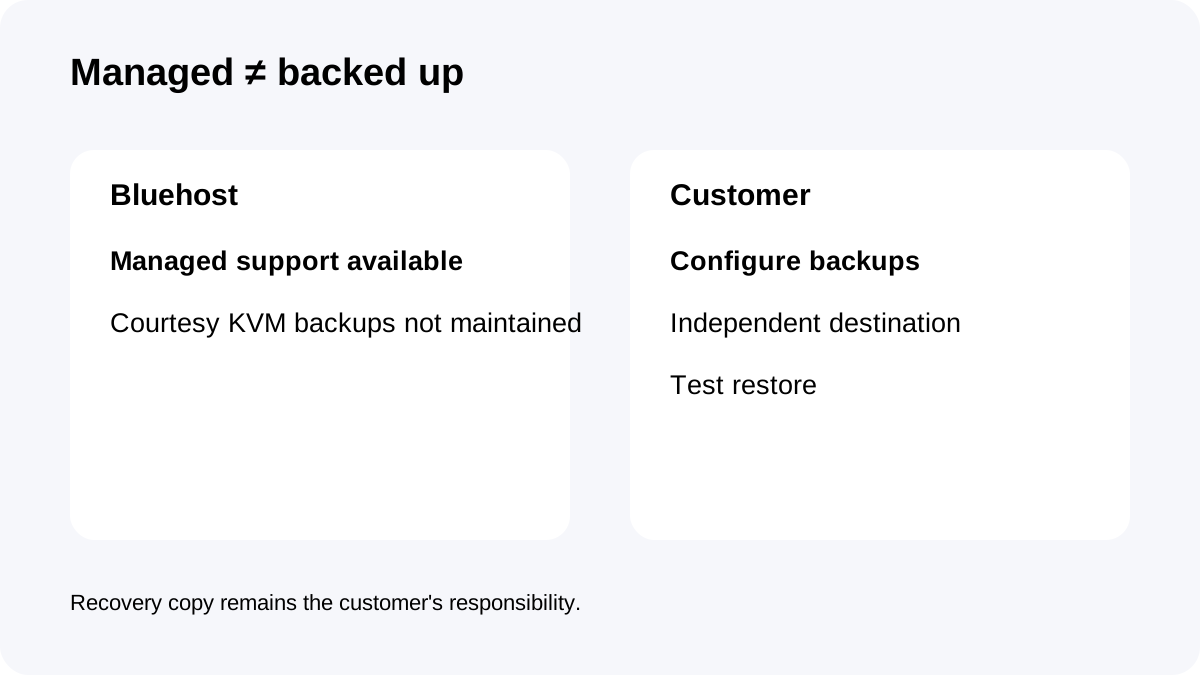
**Quick answer:** Bluehost Standard NVMe 4 is **managed**, but Bluehost's current KVM VPS policy says **you are responsible for your own backups** and courtesy backups are no longer maintained. Configure and test WHM/cPanel backups before production.
At a glance
- Best for
- Managed VPS buyers who can configure WHM/cPanel backups and test independent restores.
- Price model
- Current live signup $49.99/mo for 36 months; live renewal reference $68.99/mo, with conflicting official help figures
- Check first
- Bluehost does not maintain courtesy KVM VPS backups; customer must configure recovery. Renewal references conflict, so account terms control.
Managed support and backup responsibility are different
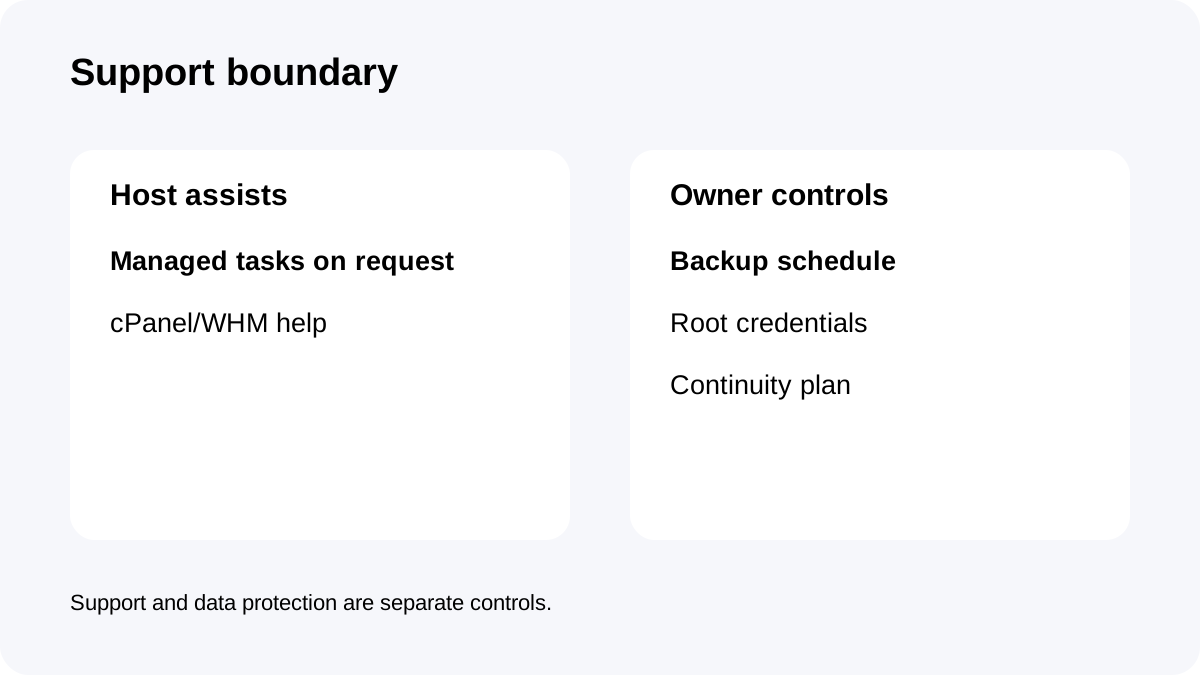
Bluehost's fully managed support documentation includes cPanel/Plesk VPS, but it also says many Managed VPS tasks are not automatically performed; support helps on request.
The backup policy is more explicit: KVM VPS customers are responsible for their own backups because Bluehost courtesy backups are no longer maintained.
That means “Managed VPS” should be read as an assistance/support model, not as a promise that Bluehost continuously keeps a restorable copy of your server.
Standard NVMe 4 still gives useful admin control
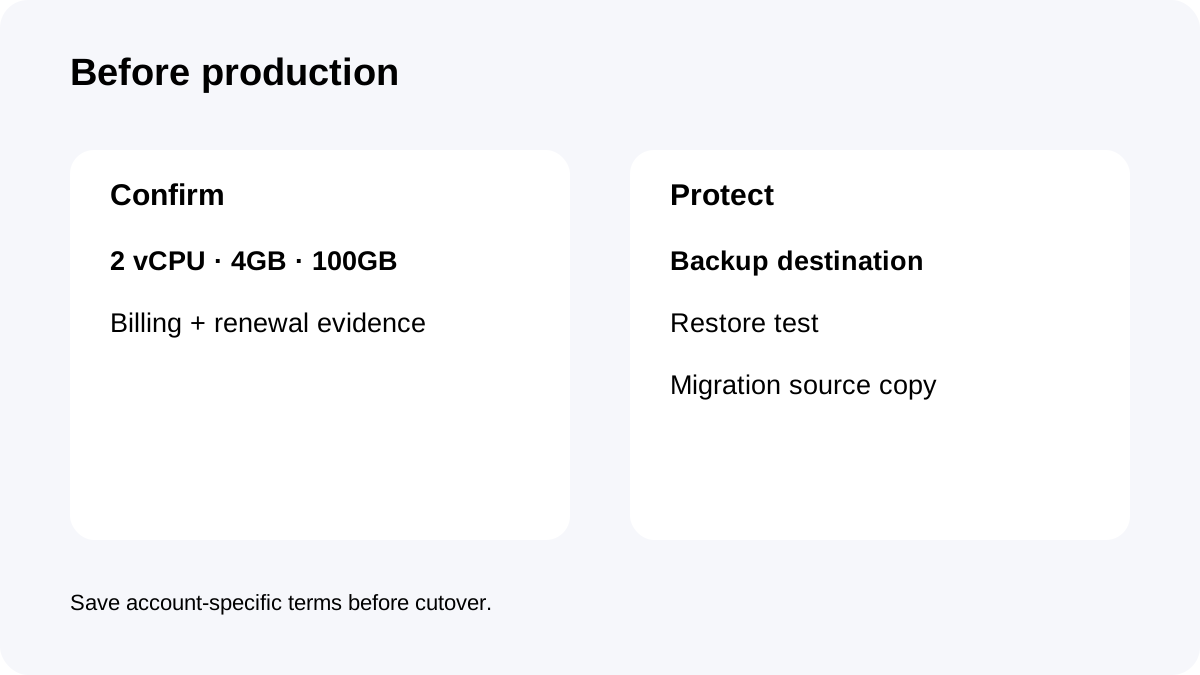
The current plan publishes **2 vCPU, 4GB DDR5 RAM, 100GB NVMe, cPanel/WHM and two dedicated IPs**.
Bluehost's VPS documentation also provides root WHM/full root access and root-password controls.
That is useful because the customer can configure the backup schedule, destination and retention appropriate for the workload. It also creates responsibility: root access means you should protect backup credentials, encryption keys and the remote destination separately from the server itself.
Build the backup plan before the first production change
Start by deciding what must be recoverable: full cPanel accounts, databases, website files, email and server-level configuration.
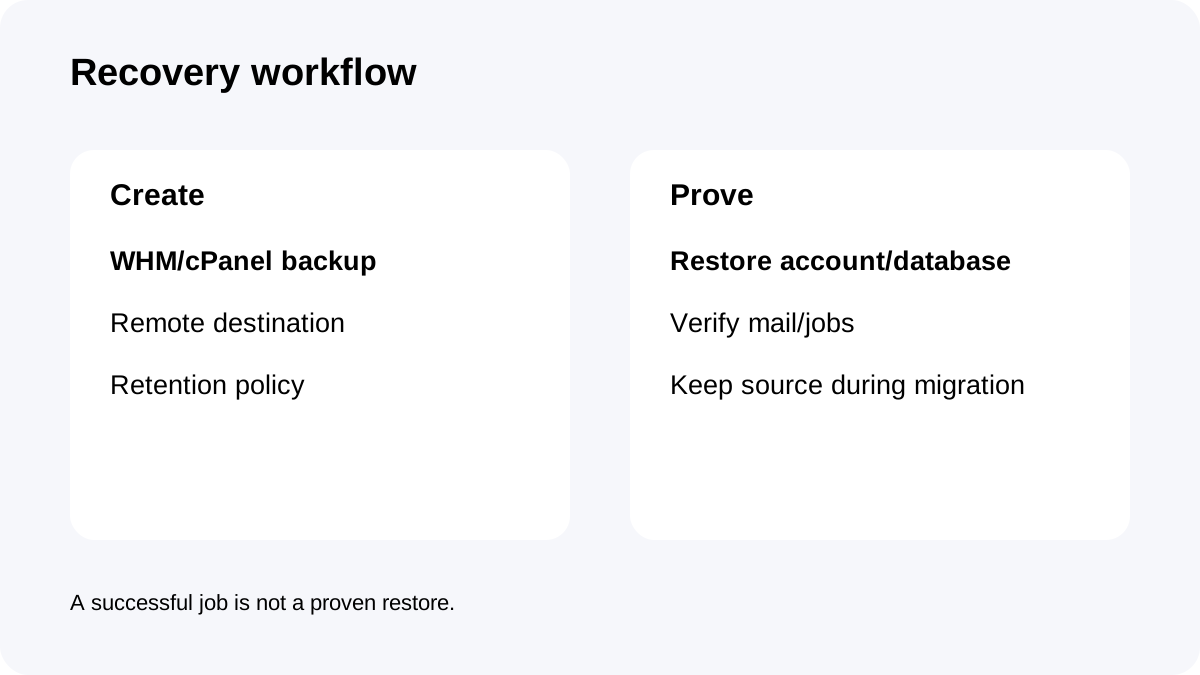
Use WHM/cPanel backup tooling to send copies to an independent destination rather than relying on the same VPS disk. Bluehost's restore/transfer documentation supports local cpmove restoration, uploaded backup files and direct transfer from a remote cPanel source.
Then test a restore. A backup job that reports success is not enough if you have never restored an account or database from it.
Migration should keep the old copy alive until recovery is proven
Bluehost documents multiple cPanel migration/restore methods.
During migration, keep the source host or a verified export until DNS has changed, forms/email work and at least one backup/restore cycle has been checked.
Do not delete the source immediately after the site loads. A migration can look successful while email, scheduled jobs, permissions or a later database rollback still need the old copy.
Pricing and renewal conflict should be saved at checkout
The live Managed VPS page currently shows Standard NVMe 4 at **$49.99/month for 36 months**, with a **$68.99/month** renewal reference.
A separate June 2026 Bluehost help table publishes different renewal figures, including other three-year/monthly values, and tells customers to use the Renewal Center for current renewal pricing.
Because both are first-party sources, do not invent a long-horizon renewal total. Save the checkout and Renewal Center terms that apply to your account.
Refund policy is not a backup substitute
Bluehost's refund policy includes qualifying new VPS signups in a **30-day guarantee**, while monthly-term services and many add-ons are excluded; renewals are generally nonrefundable outside the stated prebill rule.
A refund window protects the purchase decision, not your data. If a VPS is compromised or deleted on day 20, the important question is still whether you have an independent recoverable backup.
Treat refund, support and backup as three separate risk controls.
A practical recovery checklist
Before production, confirm Standard NVMe 4's **2 vCPU, 4GB RAM and 100GB NVMe**, current billing term and actual renewal reference.
Configure recurring WHM/cPanel backups to an independent destination. Protect the destination credentials, keep enough retention for delayed discovery, and perform a test restore.
Document who requests Bluehost managed support and which tasks your team still owns. If you use root, include root access and emergency credentials in the continuity plan.
**Bottom line:** Bluehost can help manage the VPS, but the recovery copy is still your job. The safest buyer treats backups as a designed system with an independent destination and tested restore—not as an implied feature of the word “managed.”