TOOLNAVIA / BUYING GUIDE
BigScoots Essential 75 Email: Is Included SMTP Enough for WooCommerce?
The short answer
# BigScoots Essential 75 email: is included SMTP enough for WooCommerce?
**Short answer:** BigScoots gives Essential 75 buyers more than a generic PHP-mail path. The plan includes basic email, unlimited accounts inside a shared 10GB mailbox allowance, a WPO button that configures Site SMTP, domain-authentication tooling and email activity logs. That can be enough for a modest store—but BigScoots does not publish an inbox-delivery SLA or an hourly/daily transactional sending allowance in the reviewed sources.
The current plan is $35 billed monthly or $350 annually, and the pricing page says displayed hosting prices include tax. Treat the included mail path as something to validate before migration, not as permission to assume every WooCommerce receipt will reach every inbox.
At a glance
- Best for
- Small WooCommerce stores that will verify BigScoots Site SMTP, authentication and logs before relying on included mail.
- Price model
- $35 monthly or $350/year; basic email included, +5GB mailbox storage $10/month; external relay separate
- Check first
- No public outbound send rate or inbox SLA was found; included mailbox storage is capped at 10GB; an external provider may add cost.
What Essential 75 actually includes
The pricing table describes “Free Email” as unlimited email accounts with 10GB of mailbox storage. The email guide calls it a basic RoundCube service offered as a courtesy. Extra mailbox storage is documented at 5GB for $10 per month.
Those facts answer three questions:
- You can create branded mailboxes such as orders@, support@ and accounts@. - The “unlimited” wording applies to account/message creation within a shared storage ceiling, not unlimited disk. - Mailbox storage is not the same as the plan’s 10GB local website storage; do not add or merge the two allowances without support confirmation.
BigScoots recommends a more robust third-party product for marketing and recommends keeping an existing Google Workspace or Microsoft 365 setup. This article focuses on transactional mail—order confirmations, payment failures, refunds, account notices and password resets—not newsletters or campaigns.
How WooCommerce mail moves
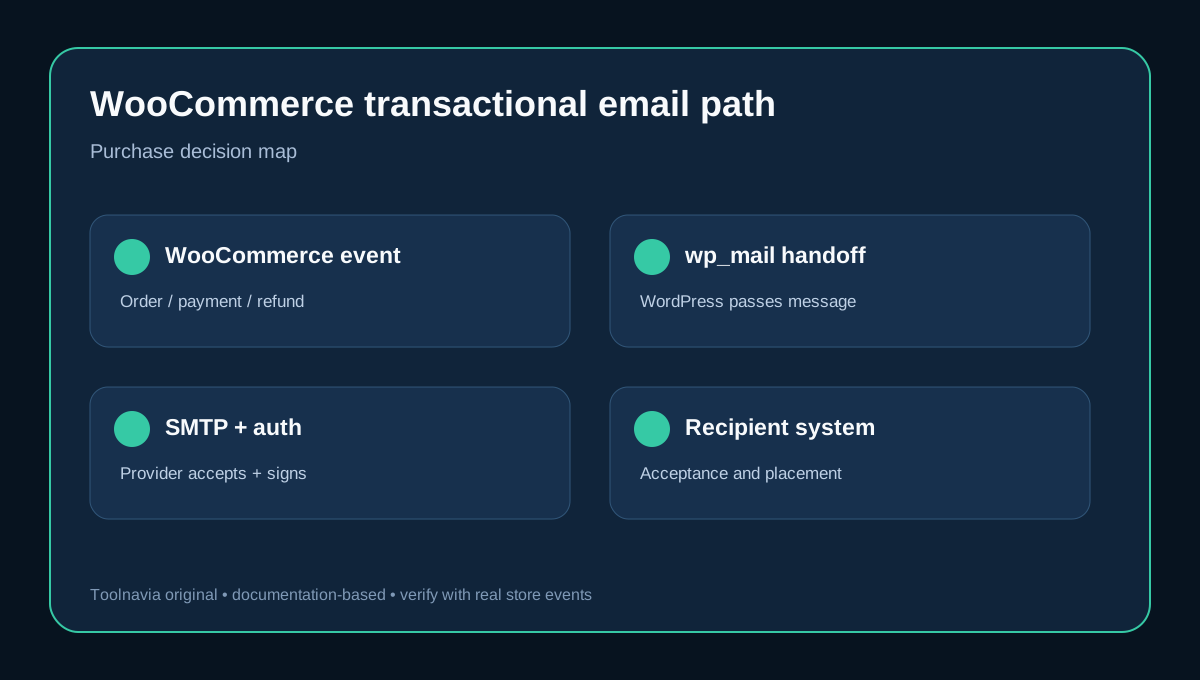
WooCommerce generates the message, then uses WordPress’s wp_mail function. WordPress is not the final mail server: wp_mail hands the message to the configured sending environment.
On BigScoots WPO, the buyer can select a domain and mailbox, then choose **Enable Site SMTP**. BigScoots says this automatically installs its custom Helper plugin and configures that mailbox as the site sender. Disabling Site SMTP removes the BigScoots configuration.
Think of the path as five separate checkpoints:
1. WooCommerce creates the correct notification. 2. WordPress hands it to the configured mailer. 3. BigScoots SMTP or an external provider accepts it. 4. SPF, DKIM and DMARC align with the sending domain. 5. The recipient’s mail system accepts and places it.
A failure at checkpoint one is a WooCommerce or plugin problem. A failure at two or three is usually a WordPress/mailer/host configuration problem. Passing four improves authentication. Passing all four still does not guarantee checkpoint five, because reputation and recipient filtering remain outside a simple SMTP configuration.
Authentication and logs are evidence, not a guarantee
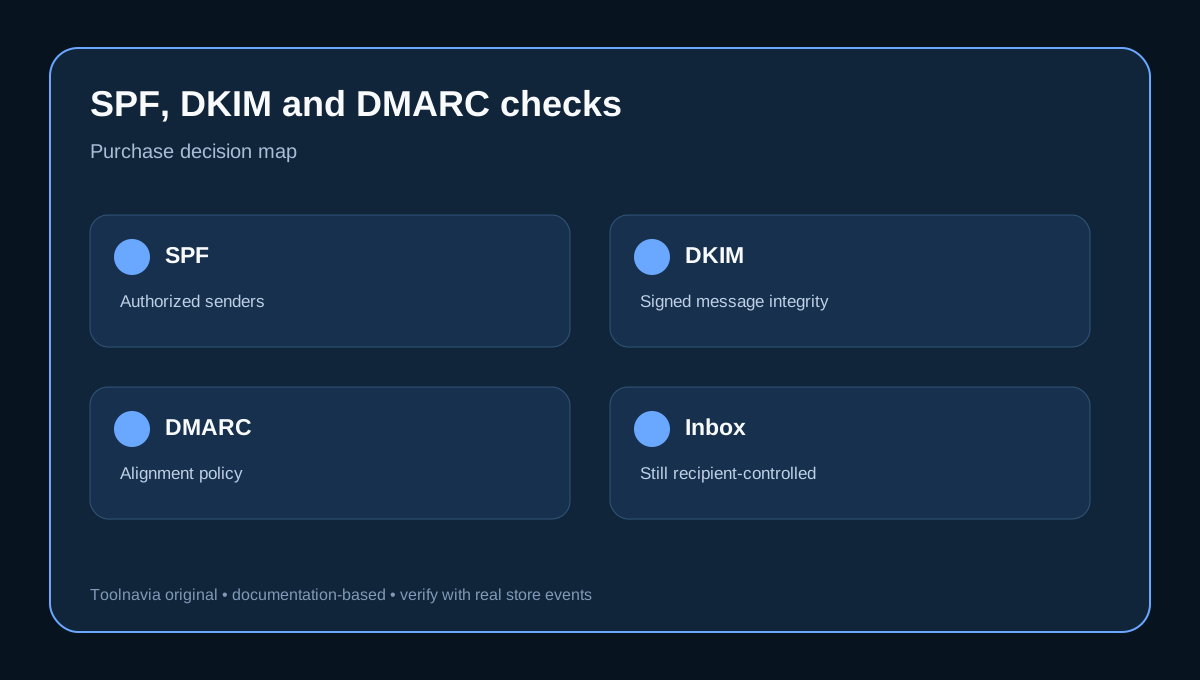
BigScoots’s Email Deliverability tool surfaces SPF, DKIM and DMARC records. If the domain uses the supported BigScoots/Cloudflare DNS path, WPO can add or fix the records; otherwise the buyer may need to copy them to the DNS provider and verify them. Records for BigScoots email are not valid evidence for a different sending service.
WooCommerce separately recommends a branded From address, proper authentication and a real test order. It warns that a Gmail or Yahoo From address can create alignment problems.
The BigScoots Helper Email Activity Logs add the operational layer: status, time, recipient, subject and debug details for successful or failed transactional messages. WooCommerce’s own logs distinguish generated, sent, failed, disabled and skipped states.
Use both. A “sent” entry proves the application handed the message to the next stage. It does not prove the buyer opened it, and it may not even prove final acceptance by the recipient’s server. This is why “SMTP enabled,” “SPF/DKIM/DMARC valid” and “customer received the email” must remain three separate checks.
The missing number: outbound sending limits
The reviewed BigScoots pricing, mailbox, SMTP, authentication and Helper pages do not publish a per-hour or per-day allowance for Site SMTP. That is the main unresolved purchase boundary.
Do not borrow a limit from another BigScoots product, another host or a generic cPanel account. Do not infer “unlimited messages” means unlimited automated sending: the email guide uses that phrase inside a shared 10GB basic mailbox context, while its marketing warning points high-demand use toward more robust services.
Before committing, send BigScoots support a concrete scenario:
- peak paid orders per hour; - WooCommerce emails generated per order; - password resets and account notices; - subscription-renewal or failed-payment events; - staging/test messages; - any other plugin that sends through wp_mail.
Ask for the current transactional policy, throttling behavior, bounce handling and what happens when the limit is reached. Save the answer with the purchase record. If support cannot provide a boundary that covers peak volume, budget an external relay.
A test matrix before migration
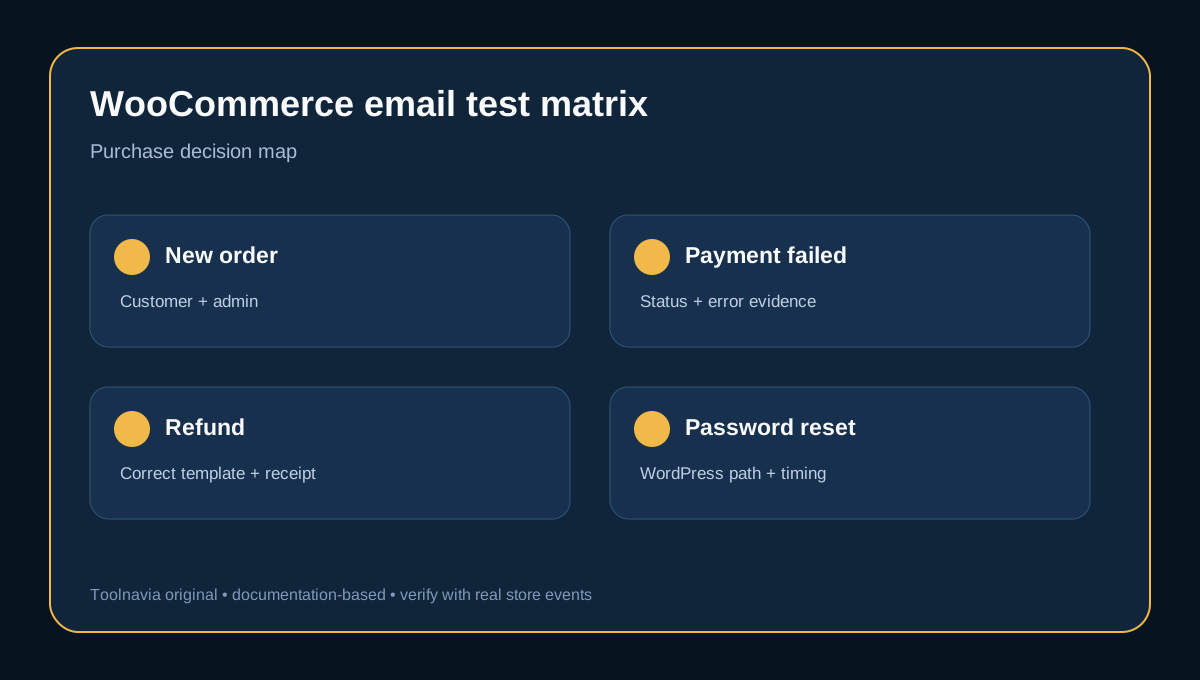
Create a staging or low-risk test and trigger at least these events:
| Event | Expected recipients | Evidence to collect | |---|---|---| | New order | customer + store admin | WooCommerce log, order note, BigScoots activity entry, inbox receipt | | Payment failed | customer/admin as configured | status, subject, timestamp and recipient | | Payment completed | customer | branded From address, authentication and receipt | | Refund | customer | correct template and final placement | | New account | customer | activation/password message received | | Password reset | customer | WordPress mail path and response time |
WooCommerce recommends using logs to determine whether a message was generated, sent, failed, disabled or skipped. A real test order is also the practical way to validate domain authentication.
Run the test to at least two recipient systems—for example, one Gmail address and one Microsoft-hosted address. This is not a benchmark; it is a pre-purchase smoke test that catches configuration mistakes and exposes whether support can diagnose a failure from the logs.
Included SMTP or an external provider?
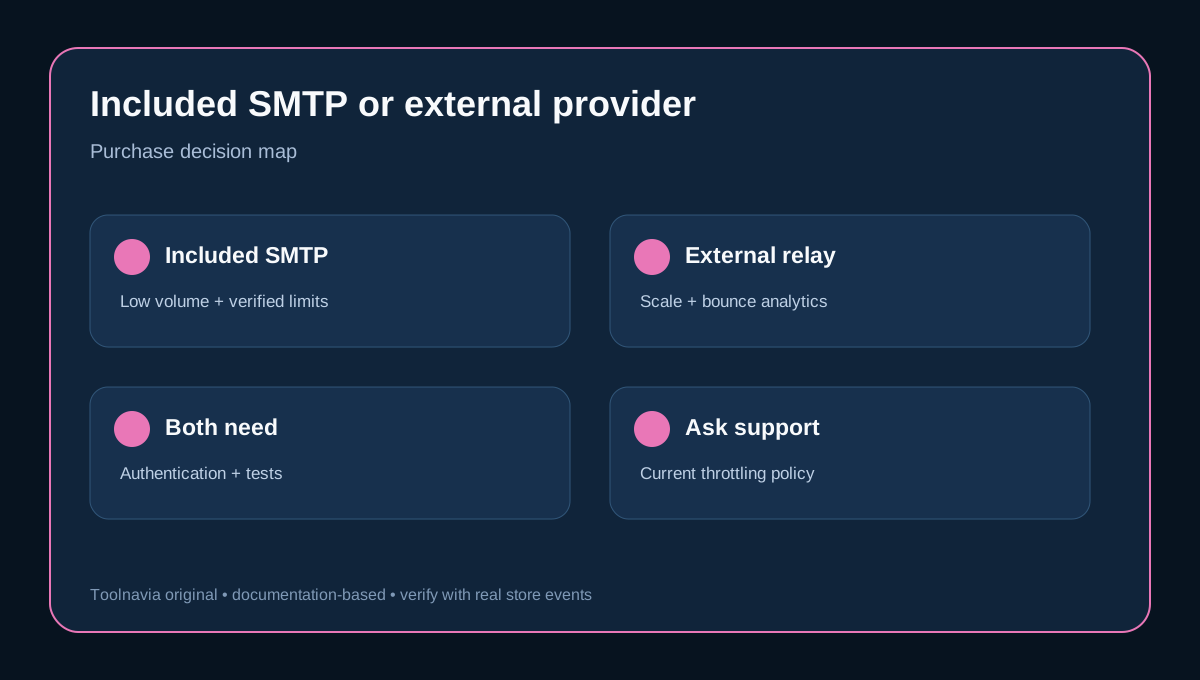
Stay with the included path when volume is modest, current support-confirmed limits cover peaks, authentication passes, logs are sufficient and the store can tolerate a managed-host mailbox as the sender.
Add an external transactional provider when you need a published allowance, bounce handling, richer analytics, backup routing, dedicated reputation controls, higher scale or contractual delivery expectations. WooCommerce says a dedicated sending service can improve deliverability, scalability and analytics. WP Engine’s managed-host guidance makes the same architectural tradeoff: functional server mail may work, but robust monitoring and scale are reasons to offload to a specialized provider.
An external provider is not automatically “better” if it is misconfigured. It still needs domain authentication, correct From/Return-Path alignment, monitoring and tests. It also adds another bill and another service dependency.
Final verdict
BigScoots Essential 75 includes a credible first-party path for small WooCommerce stores: branded mailboxes, one-click Site SMTP, SPF/DKIM/DMARC guidance and detailed activity logs. At $35 monthly or $350 annually, that is useful operational value.
Buy only after you have triggered the critical WooCommerce events, verified domain alignment, inspected both WooCommerce and BigScoots logs, confirmed receipt in multiple mailbox systems and obtained the current transactional sending policy from support.
If the unknown send allowance, bounce visibility or delivery expectations remain material, include an external transactional provider in the budget from day one. The exact Essential 75 offer remains the hosting choice; the email service decision is a separate reliability layer.