TOOLNAVIA / BUYING GUIDE
BigScoots Essential 75 PHP: 8.3 Default, 7.4 Legacy & Safe Rollback
The short answer
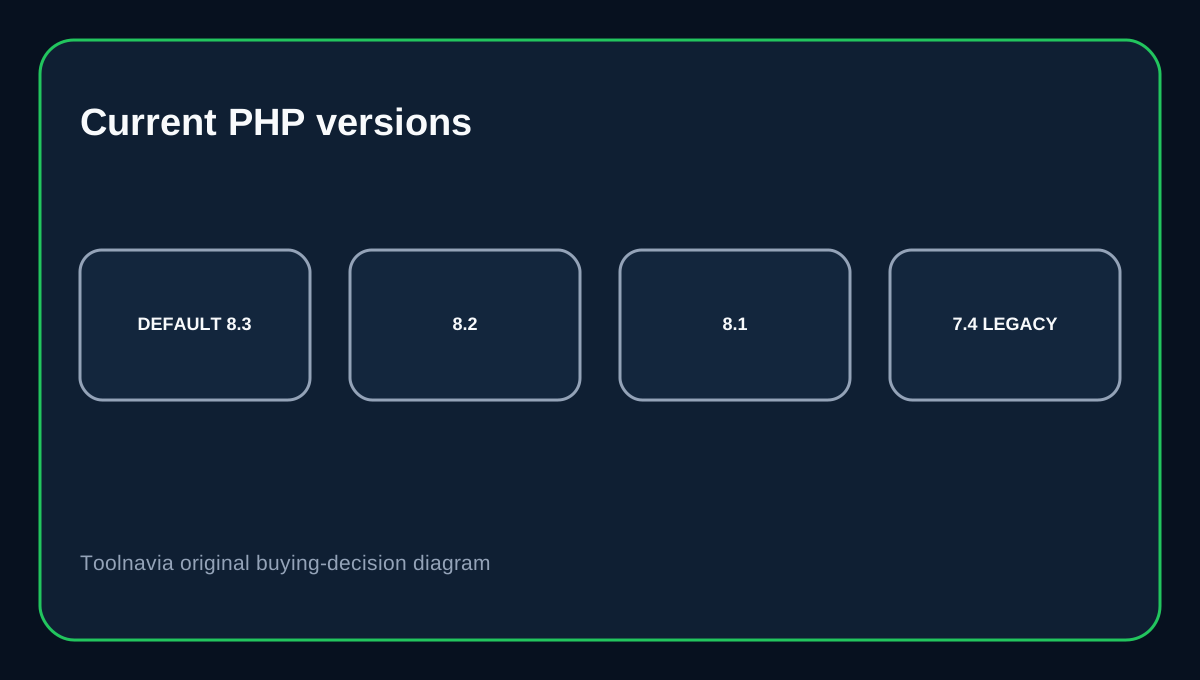
BigScoots Essential 75 currently documents PHP 8.3 as the default in its new Console, with selectable 7.4, 8.1, 8.2 and 8.3. An older WPO guide still says the default is 8.2, so the two official pages are not identical. The newer Console guide is the better current operational reference; the older page is still useful for the same compatibility/rollback warning.
At a glance
- Best for
- Managed WordPress owners needing easy PHP upgrades and rollback.
- Price model
- $35/mo or $350/yr on current Essential 75.
- Check first
- PHP 7.4 remains EOL even if selectable, and available versions can change.
What Essential 75 costs
BigScoots currently lists Essential 75 at $35/month or $350/year, with one WordPress site, 75,000 monthly visitors, 10GB storage and 150GB bandwidth. The plan is managed WordPress hosting, so the PHP selector should be treated as a site-compatibility tool rather than a reason to keep obsolete code forever.
The current Console default is PHP 8.3
BigScoots' current Console guide says PHP 8.3 is the default and shows selectable versions 7.4, 8.1, 8.2 and 8.3 under Access & Environment → PHP Configuration. The older WPO guide from 2025 says the default is 8.2 but lists the same selectable set. Because the newer Console documentation reflects the current interface, use 8.3 as the current default unless your own site screen shows otherwise.
PHP 7.4 is a compatibility option, not a modern target
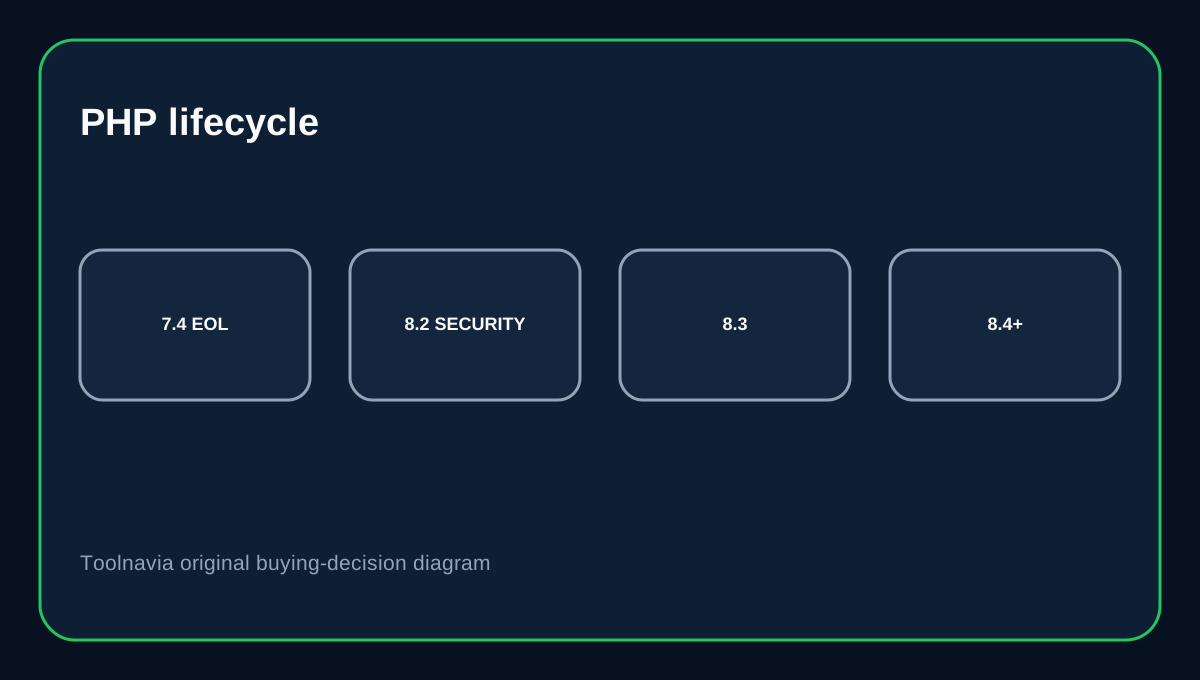
WordPress currently recommends PHP 8.3 or greater and warns that PHP 7.4 is end-of-life. PHP's own lifecycle page shows maintained branches and makes clear that older EOL releases no longer receive upstream support. A site may still need 7.4 temporarily because of an old plugin or theme, but that should trigger an upgrade plan—not a permanent architecture choice.
Change one thing at a time and keep rollback simple
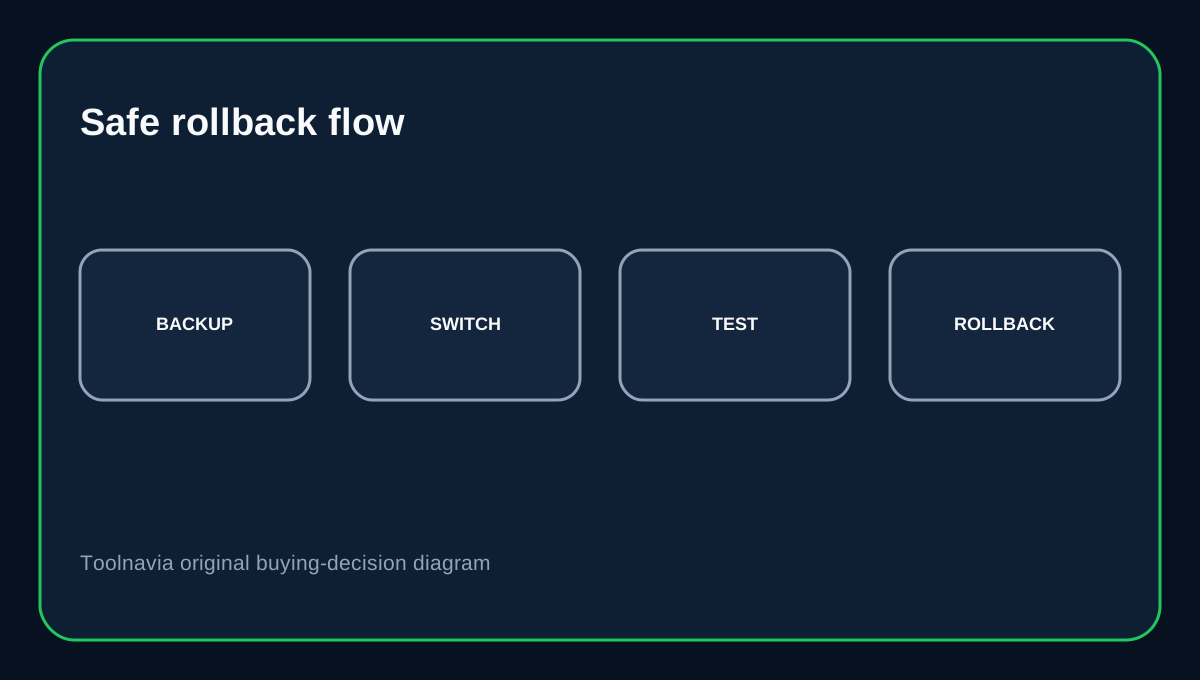
BigScoots says that if a site goes down after changing PHP, switch back to the original version and troubleshoot plugin or theme compatibility. Before a production change, record the current PHP version, take a backup, and test important flows such as login, forms, checkout, scheduled tasks and admin pages. If the site fails, revert the PHP version first before changing multiple plugins at once; that keeps the failure easier to isolate.
Use PHP error logs after a failed switch
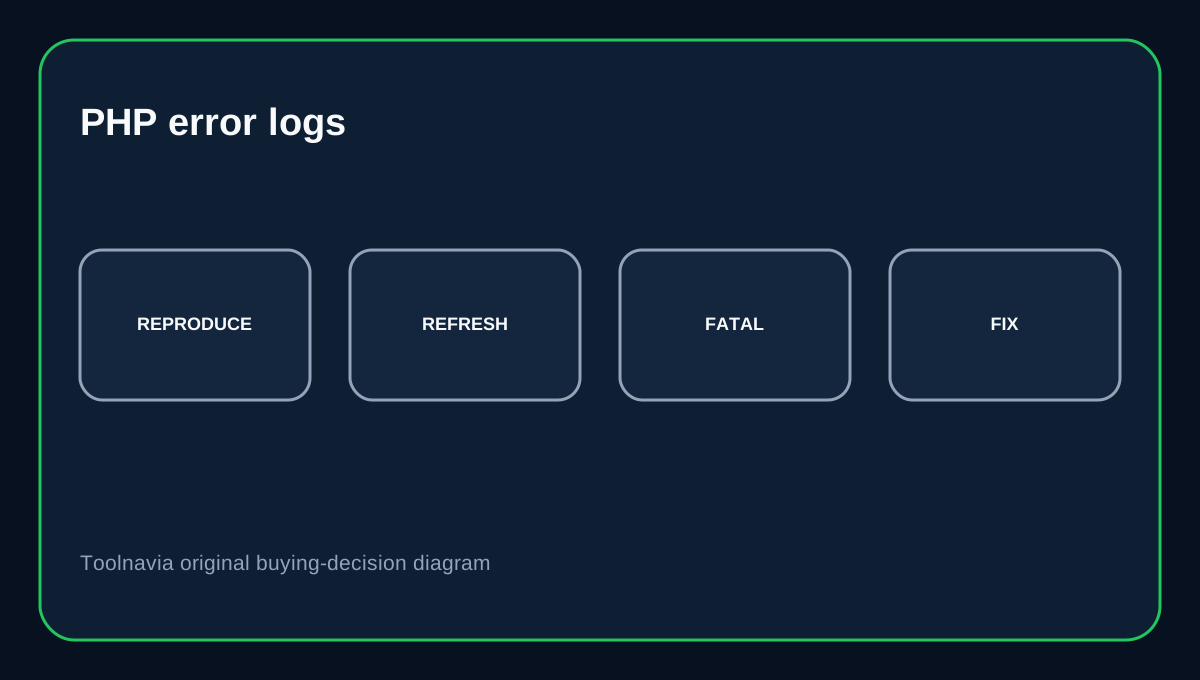
The current BigScoots Console exposes PHP Error Logs for a selected website and lets you refresh the log entries. That is more useful than guessing which plugin broke. After a version change, reproduce the error once, refresh the PHP log and look for fatal errors, missing functions or deprecated behavior. Then decide whether to update/replace the affected plugin or temporarily roll back the runtime.
Do not confuse “available” with “recommended”
The selector's presence tells you BigScoots can run that branch in the environment; it does not mean WordPress or your application recommends it. PHP 8.2 remains in security support through the end of 2026, while 8.3 and newer have longer support windows. For a new WordPress site, start from a currently supported branch. Use older options only when compatibility forces the choice and keep a migration date.
Buying decision
Choose Essential 75 if you want managed WordPress with an easy per-site PHP selector, current PHP error logs and a straightforward rollback path without server administration. The current BigScoots Console says 8.3 is the default. If your site still requires 7.4, treat that as technical debt to resolve. The host can offer the runtime, but it cannot make an end-of-life PHP branch or incompatible plugin safe by itself.
Affiliate disclosure: Toolnavia may earn a commission from an eligible BigScoots purchase.