TOOLNAVIA / BUYING GUIDE
BigScoots Essential 75 SSH: Keys, Port 2222 & WP-CLI Access
The short answer
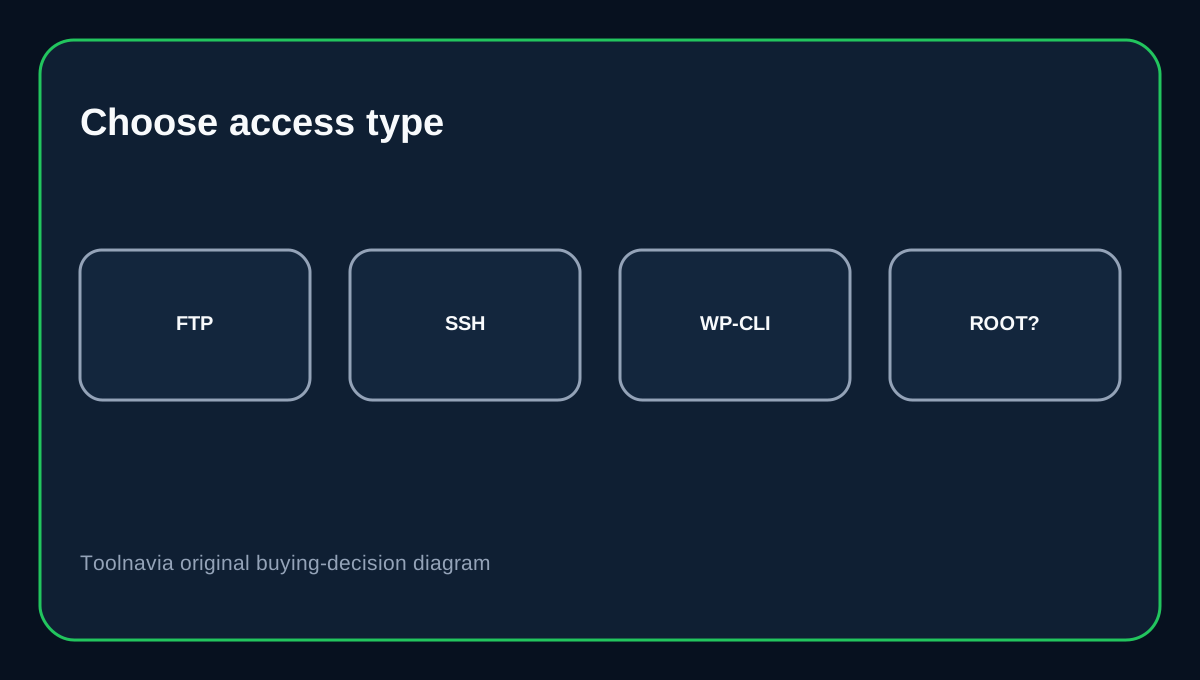
BigScoots Essential 75 is a managed WordPress plan, but it still gives developers a real SSH path. The important boundary is **how that access is authenticated and what it is for**: BigScoots WPO uses SSH keys, exposes the site SSH command in the console, and documents port 2222 for WPO connections. That is useful for WP-CLI and maintenance, but it is not the same thing as a dedicated-server root login.
At a glance
- Best for
- Managed WordPress teams that need secure shell and WP-CLI without owning the OS.
- Price model
- $35/mo or $350/yr on the current Essential 75 plan.
- Check first
- Managed-site SSH is not unrestricted dedicated-server root access.
What Essential 75 costs and where SSH fits
BigScoots currently lists Essential 75 at $35 monthly or $350 yearly, with one site, 75,000 monthly visitors, 10GB storage and 150GB bandwidth.
The plan is managed WordPress hosting, so SSH should be viewed as a developer maintenance channel rather than an invitation to rebuild the server stack. If you need package-level or OS-level administration, a dedicated server or another infrastructure class is a better fit.
WPO SSH uses keys and port 2222
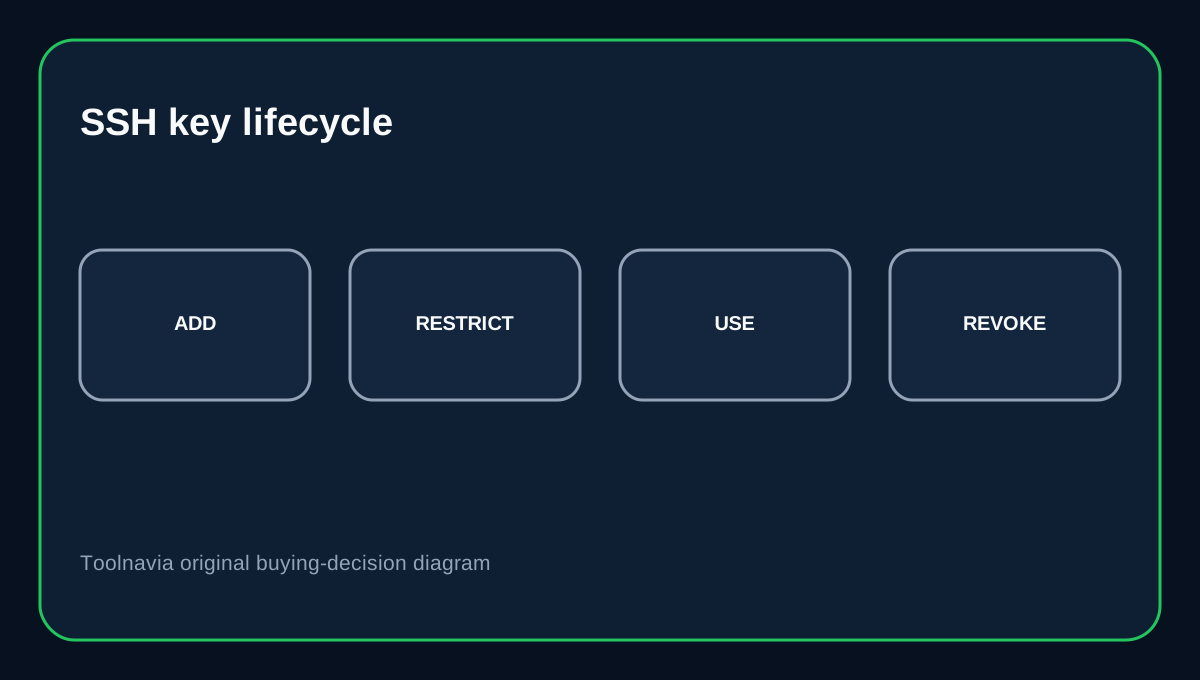
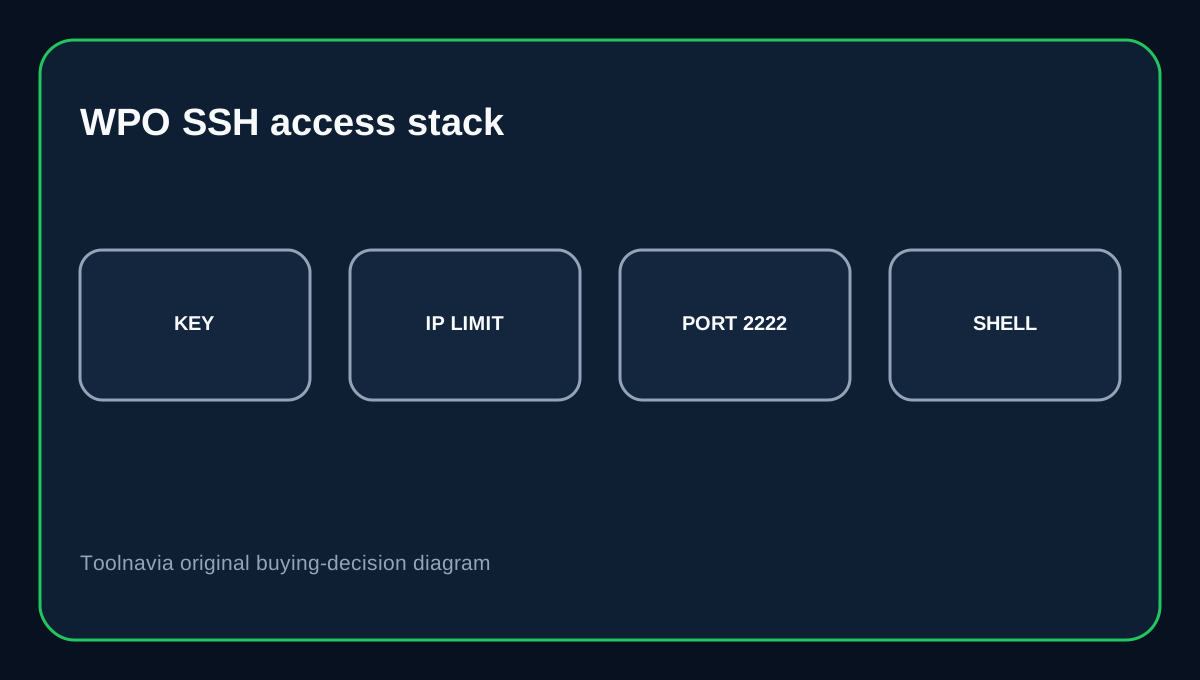
BigScoots' WPO SSH setup guide tells users to add a public key under profile security, then optionally restrict the key to an IP or IP range. Its current PuTTY guide says the WPO console exposes the server IP or hostname, username and SSH port, with the example using port 2222.
This combination is stronger than sharing a reusable password with every developer. Give each trusted machine or operator a separate key where practical, restrict source IPs when stable, and remove keys when access is no longer needed.
WP-CLI is a real reason to use SSH
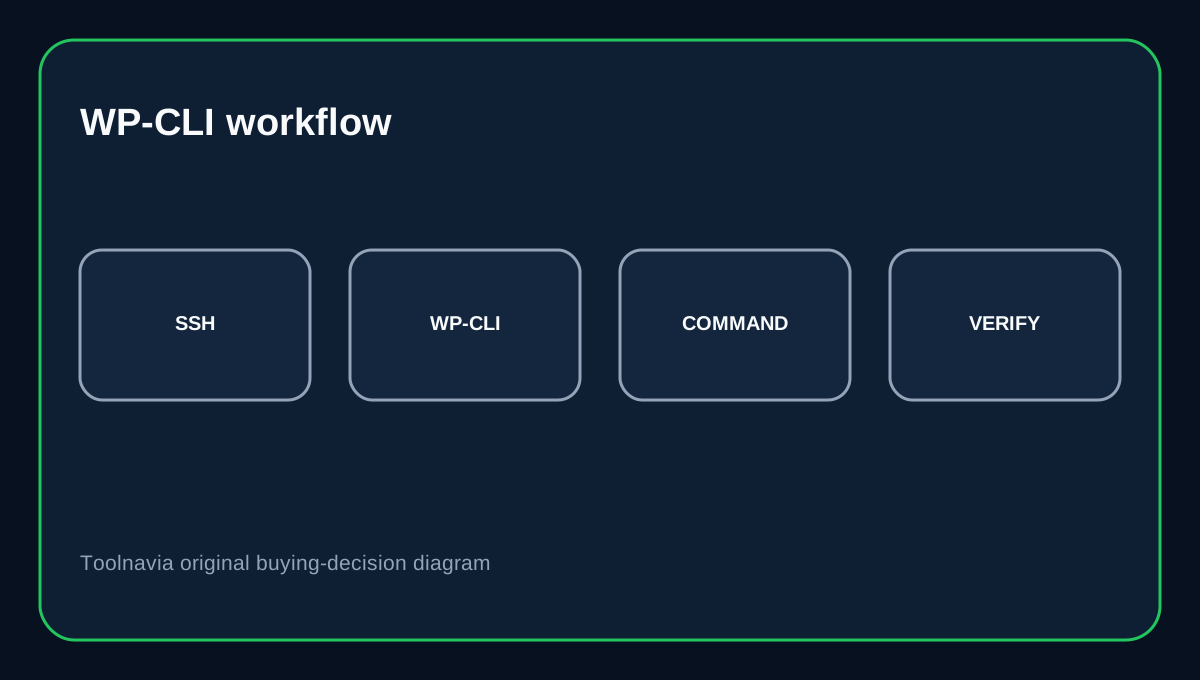
BigScoots documents installing WP-CLI manually over SSH and using it to update plugins, remove plugins, configure multisite and perform other WordPress administration without the browser. WP-CLI's own handbook describes the command-line tool as a standard way to manage WordPress installations and automation.
That makes SSH valuable for repeatable maintenance: database search-replace, plugin updates, cache operations or scripted checks can be easier to audit than clicking through several admin screens. Still, run destructive commands carefully and keep a current backup before bulk changes.
FTP accounts are separate from SSH access
BigScoots' current Console documentation lets a site owner create FTP accounts under Access & Credentials. That is a different access model from WPO SSH keys.
Use a scoped FTP account when someone only needs file transfer. Use SSH when a developer genuinely needs a shell or WP-CLI. Do not give shell access merely because a contractor needs to upload a theme file.
SSH keys need lifecycle management
GitHub's deploy-key guidance illustrates the broader least-privilege principle: repository-scoped keys can be restricted and revoked independently. The same operational idea applies to hosting access—one shared private key copied across laptops is harder to revoke cleanly than separate credentials.
BigScoots' IP allowlist is another useful layer, but it can become an operational problem for people on frequently changing residential or mobile IP addresses. If a developer's IP changes, update the allowlist deliberately rather than disabling the restriction permanently.
Buying decision
Choose Essential 75 if you want managed WordPress hosting but still need secure developer shell access, WP-CLI and a console-managed SSH-key workflow. It is especially attractive for teams that want WordPress maintenance access without owning the entire server operating system.
Use FTP accounts for file-only collaborators, SSH keys for trusted developers, and reserve root/server administration for a different hosting tier. The value here is controlled developer access inside a managed platform, not unrestricted infrastructure control.
Affiliate disclosure: Toolnavia may earn a commission from an eligible BigScoots purchase. That does not change the access boundaries described above.