TOOLNAVIA / BUYING GUIDE
BigScoots Essential 75 2FA: Account Recovery Before You Buy
The short answer
At a glance
- Best for
- A one-site team that can own factor enrollment, recovery-code custody and collaborator offboarding.
- Price model
- Current public reference: $35/month or $350/year; no coupon code is claimed.
- Check first
- Public docs do not prove mandatory enrollment, centralized enforcement, hardware keys or a guaranteed reset SLA.
Short answer
**BigScoots Essential 75 supports two-factor authentication, but the current public instructions describe activation—not a mandatory policy for every owner, collaborator or WordPress administrator.** The billing portal uses an authenticator app and backup codes. The WPO portal offers an authenticator app, SMS or email verification. Those are useful controls, but a buyer still needs an owner, a recovery-code location, a second recovery path and an offboarding test before treating the account as business-ready.
Essential 75 currently costs $35 monthly or $350 annually for one WordPress site, 75,000 monthly visits, 10GB storage and 150GB bandwidth. The checkout also displays the 45-day money-back guarantee. The price buys hosting capacity and portal access; it does not, by itself, prove that every invited user is forced to enroll in 2FA.

> **Affiliate disclosure:** Toolnavia may earn a commission if you buy Essential 75 through the approved BigScoots link. That does not change your price. The recommendation is limited to the exact approved Essential 75 offer.
Four identities must not be confused
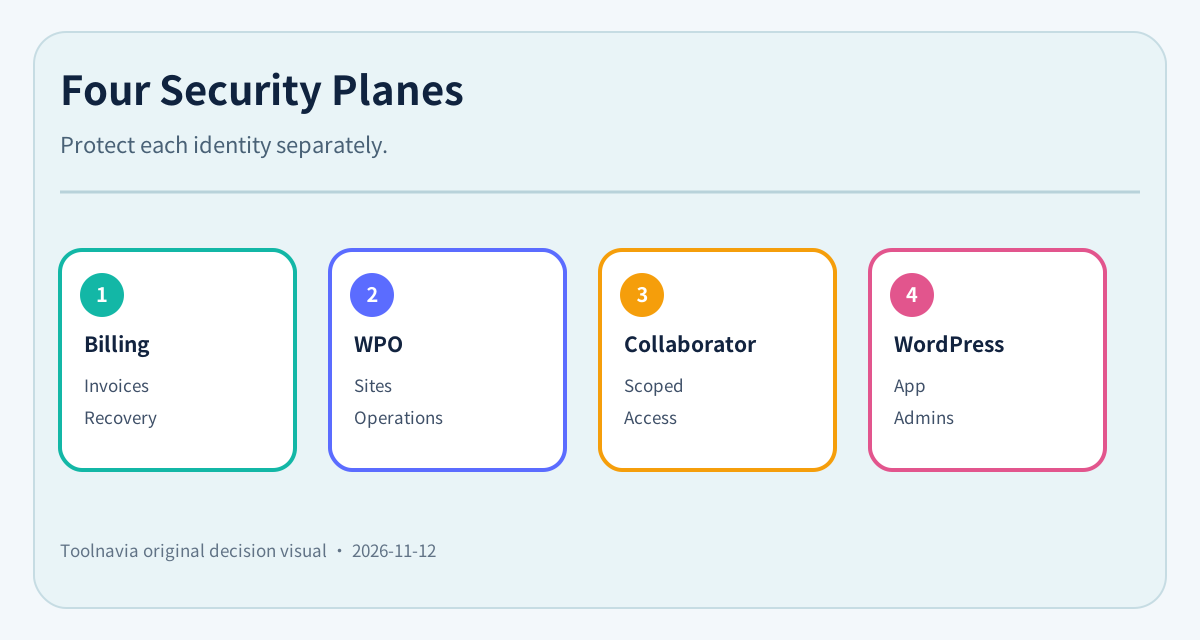
A small team can have four different identity layers:
1. **Billing portal owner:** controls invoices, services and account-level recovery. 2. **WPO portal user:** manages hosted sites and portal operations. 3. **Collaborator:** receives full or restricted access to selected domains or the account. 4. **WordPress administrator:** controls the application through `/wp-admin`.
BigScoots documents two-step authentication and account activity in the WPO portal. It also documents collaborator access that can be restricted, changed or removed. That is not the same as proving that WordPress administrator accounts are protected by the host's portal 2FA, or that every collaborator is forced to use a strong second factor.
The buying decision should therefore ask, “Which identity can change billing, DNS, backups, staging and production?” rather than simply, “Does the host have 2FA?”
Factor choice changes the recovery risk
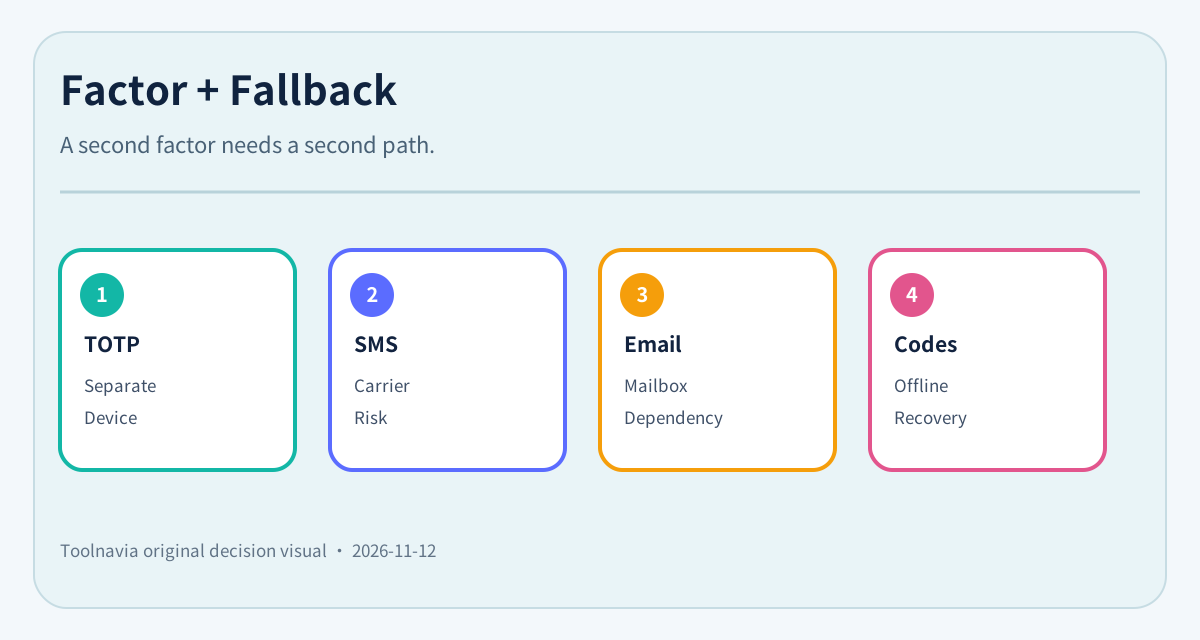
The current BigScoots guide gives the billing portal an authenticator-app flow and tells the user to save backup codes. For WPO, it lists authenticator, SMS and email verification.
Those methods are not interchangeable:
| Method | Primary benefit | Main dependency | Minimum control | |---|---|---|---| | Authenticator app | Code is separate from the mailbox | Phone or password-manager access | Store recovery codes outside the device | | SMS | Simple fallback | Phone number and mobile carrier | Protect carrier account and SIM changes | | Email code | Easy for distributed teams | Security of the registered mailbox | Never let the same weak mailbox be the only recovery path | | Backup code | Works without the normal device | Secure storage and inventory | Treat each code as a secret; record who can retrieve it |

Competitor documentation is useful as a procurement checklist. Kinsta currently requires 2FA for MyKinsta logins. WP Engine lists email, authenticator, Okta Verify and security-key or biometric options and recommends multiple factors. Cloudways documents twelve single-use backup codes. Pressidium documents one-time recovery keys. These controls do **not** become BigScoots features; they reveal the questions a buyer should ask BigScoots before onboarding staff.
Build a recovery plan before inviting anyone
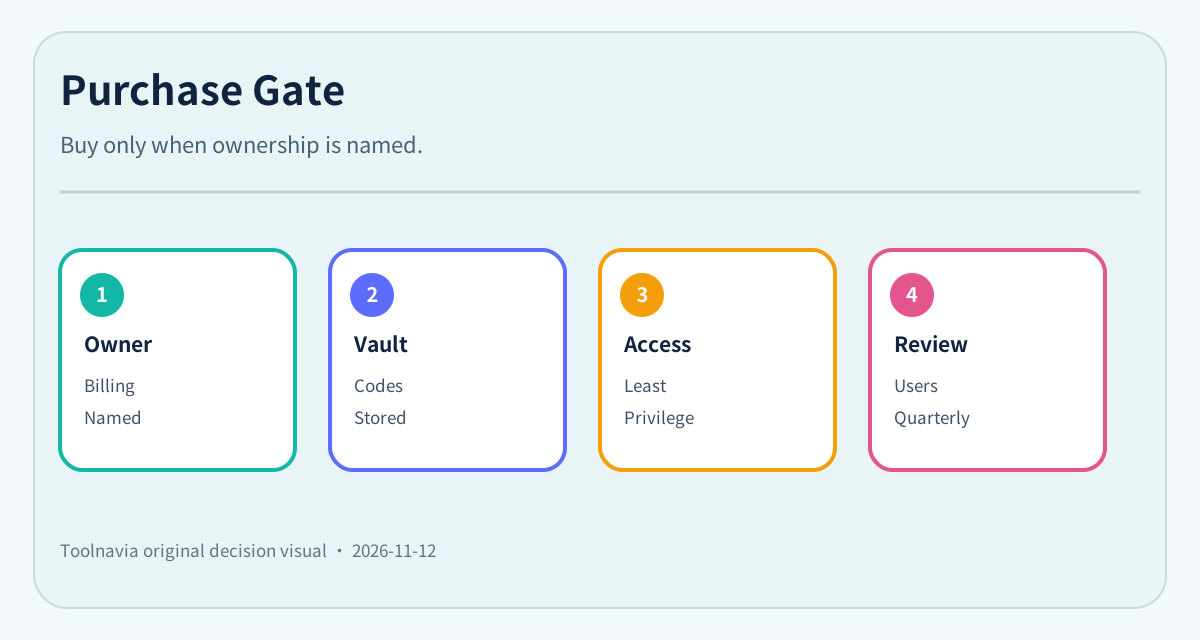
The first owner should enable the strongest available factor, export backup codes and place them in a company-controlled vault. Do not leave the only recovery material on the same phone or in the same mailbox used for login.
Record:
- the billing-account owner and registered email; - the WPO owner and factor type; - the storage location for backup codes; - one named emergency approver; - which collaborators have account-wide versus domain-only access; - the WordPress administrator list; - the procedure for a lost phone, departed employee or inaccessible mailbox.
If support must reset access, document the verification evidence the business can supply. The public pages do not promise a reset time, so do not invent a recovery SLA.
Run a non-destructive recovery drill
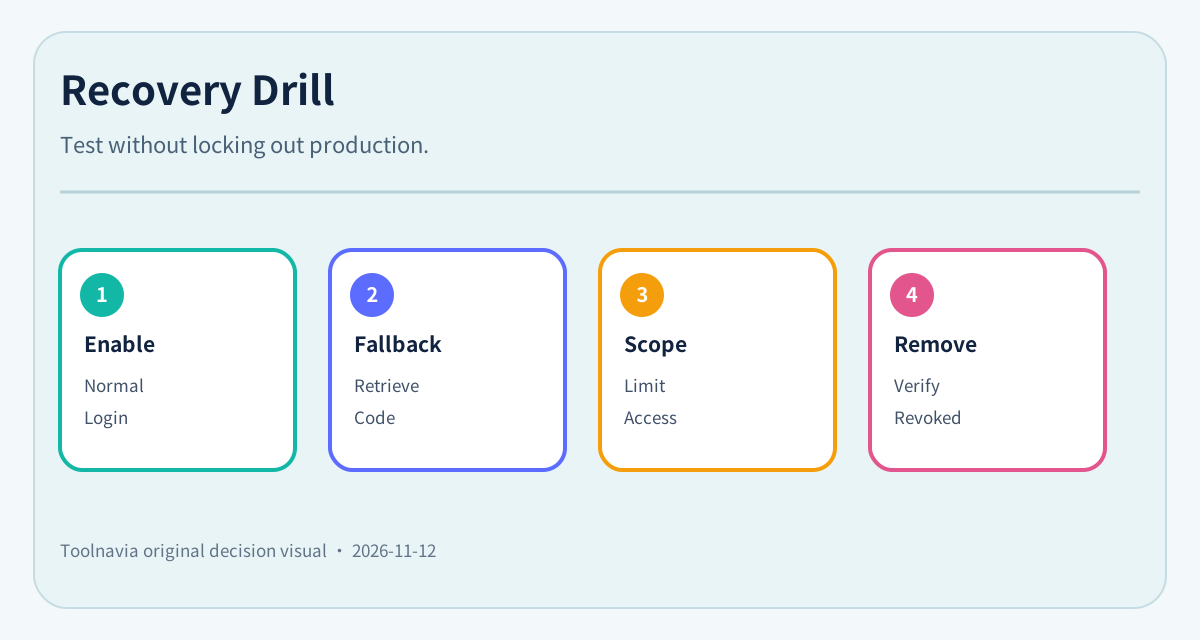
A valid drill does not require locking the team out. Use a spare authorized user or a planned session:
1. Enable 2FA and confirm a normal login. 2. Sign out and test the intended fallback method. 3. Verify that the backup-code inventory was stored and can be retrieved by the named approver. 4. Confirm that a collaborator can reach only the approved domain or actions. 5. Remove the test collaborator and verify access no longer works. 6. Review account activity for the expected actions. 7. Separately review WordPress administrators, because portal controls do not automatically govern `wp-admin`.

Do not publish screenshots containing QR codes, setup secrets or recovery codes. Do not share one owner login among staff; shared credentials erase attribution and make offboarding harder.
What the public evidence does not establish
The current BigScoots pages establish that 2FA can be enabled and that WPO collaborators can receive restricted access. They do not publicly establish:
- mandatory 2FA enrollment for every collaborator; - organization-wide enforcement from one admin console; - hardware-security-key support; - a guaranteed support-reset time; - whether all privileged actions require recent reauthentication; - whether WordPress admin users inherit portal 2FA.
That is the material disclosure. A team with a formal access-control policy should ask support to confirm these points in writing or test them during the 45-day guarantee period.
Buy, ask first, or choose a stricter control plane
**Buy Essential 75** if one site fits the plan, the team can enable 2FA individually, store recovery codes securely, keep collaborator access narrow and maintain WordPress-user controls separately.
**Ask BigScoots first** if auditors require mandatory enrollment, centralized enforcement, security keys, a documented reset SLA or proof that every collaborator uses a second factor.
**Choose a platform with a documented stricter control plane** if those requirements are non-negotiable and BigScoots cannot confirm them. Competitor documentation shows that requirements and recovery designs vary; compare the exact enforcement and recovery model, not the presence of a “2FA” label.

Before purchase, write down who owns billing, who owns WPO, who stores recovery codes, who approves emergency resets and who reviews WordPress administrators. If those names are blank, the account is not operationally ready even when the product supports 2FA.
[Check current BigScoots Essential 75 terms through the approved direct link](https://www.bigscoots.com/portal/aff.php?aff=4082).