TOOLNAVIA / BUYING GUIDE
BigScoots Essential 75 Manual Backups: How to Use the Five Slots
The short answer
At a glance
- Best for
- A one-site team that labels, owns and tests five pre-change checkpoints.
- Price model
- Current public reference: $35/month or $350/year; no coupon code is claimed.
- Check first
- Five slots are not unlimited history; restore contents and production-to-staging behavior need account confirmation.
The five-slot answer
BigScoots’ current Console guide says a managed WordPress site can have up to five manual backups. The older WPO guide states the same limit and both let an operator add a name or note. Those details turn the feature into a small release-control system—if the team assigns each slot a job.
This page is not another 30-day-retention guide. Toolnavia already has a BigScoots article about host backups versus an owner-controlled copy. The distinct buying question here is whether five named checkpoints are enough for your update cadence, and what process makes them useful rather than a pile of anonymous snapshots.
Price context
Essential 75 is currently displayed at $35 monthly or $350 annually for one WordPress site, with staging included. The backup workflow documents five manual backups; no separate price is claimed for each slot. The relevant cost is operational: a disciplined checkpoint can shorten rollback, while an unlabeled or untested checkpoint may not reduce incident time at all.
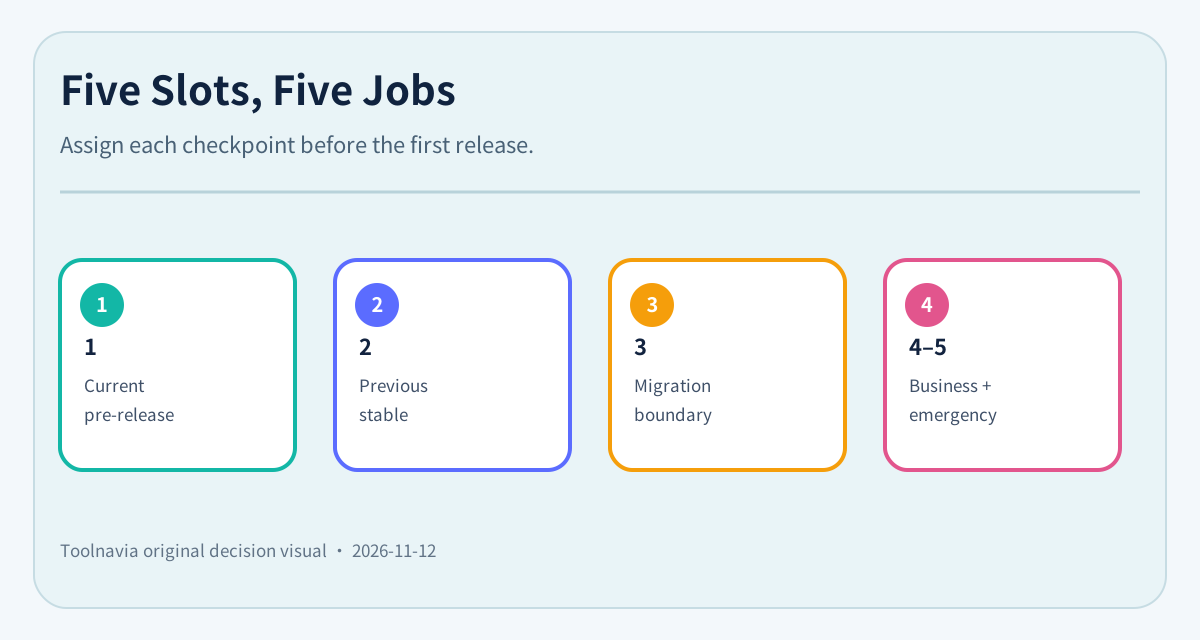
Assign every slot before the first release
A practical default allocation is:
1. **Current pre-release:** the exact state immediately before the change now being deployed. 2. **Previous stable release:** the last version that passed production acceptance. 3. **Migration or database boundary:** before search-and-replace, imports, domain changes, PHP changes, or schema work. 4. **Business checkpoint:** month-end, campaign launch, enrollment close, or another named commercial state. 5. **Emergency reserve:** intentionally empty until an unplanned high-risk action needs a checkpoint.
This allocation is editorial workflow advice, not a BigScoots retention guarantee. The plan documentation establishes the five-slot limit; the team decides which business states deserve those slots.
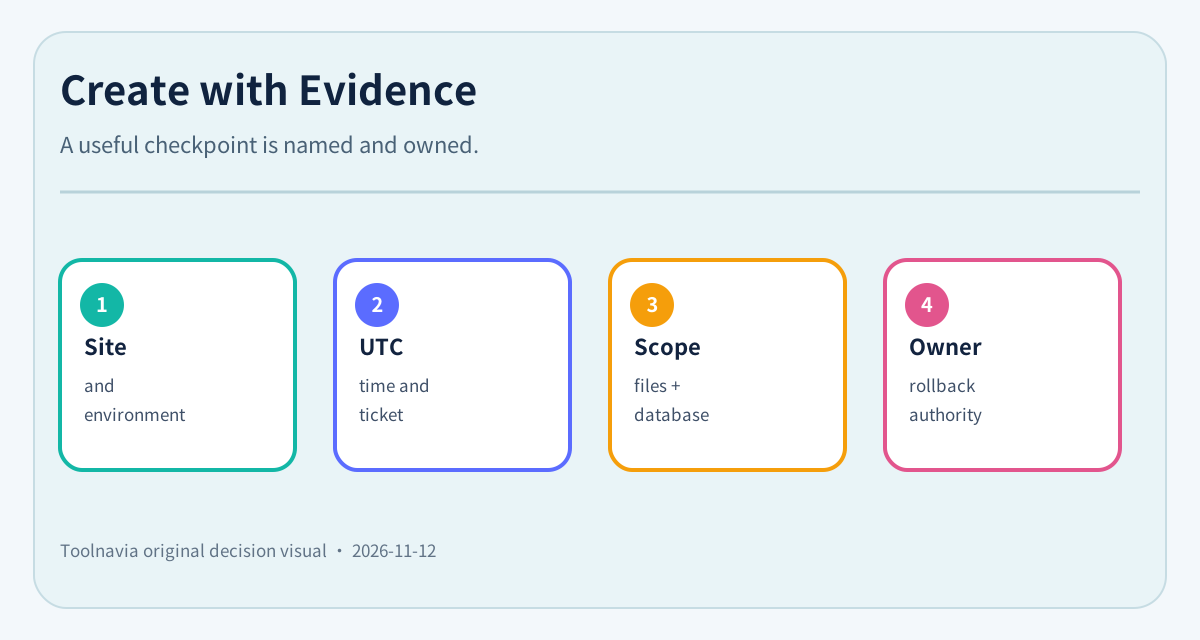
Create the checkpoint with evidence
Before a risky change, record the site, environment, UTC time, release or ticket number, change owner, and expected rollback target. Name the backup so another operator can understand it during an incident. “Before checkout 3.8.1 – 2026-11-12 02:00 UTC” is more useful than “manual backup 4.”
BigScoots specifically tells WPO users to create a backup before updating plugins on a live site. WordPress.org likewise recommends a backup before upgrading so the site can be restored if the upgrade fails. The important purchase implication is that a manual slot supports planned changes; it does not replace a release log, acceptance criteria, or an owner.
Wait until the Console reports the backup as ready before beginning the change. The public guide explains creation but does not promise a fixed completion time. Do not infer that pressing “Create” means the restore point is immediately usable.
Decide whether the checkpoint covers the change
A WordPress recovery may need both files and the database. WordPress.org’s backup handbook treats them as separate components and recommends verifying manual backups rather than trusting automation blindly. Before a plugin, theme, core, import, or configuration change, ask which components the selected BigScoots backup will restore.
Use a short change matrix:
- **Plugin/theme/core update:** files and database may both change; keep the current pre-release slot. - **Bulk product or member import:** database is central; record the last transaction you can safely roll back to. - **Media replacement:** confirm uploads are covered, not only database rows. - **Domain or search-and-replace:** record URL, DNS and redirect state outside the backup note. - **PHP/server setting change:** confirm whether the setting is inside the restorable snapshot or must be reapplied separately.
Public documentation does not enumerate every archive component. That gap is a reason to ask support and run an acceptance drill, not to invent coverage.
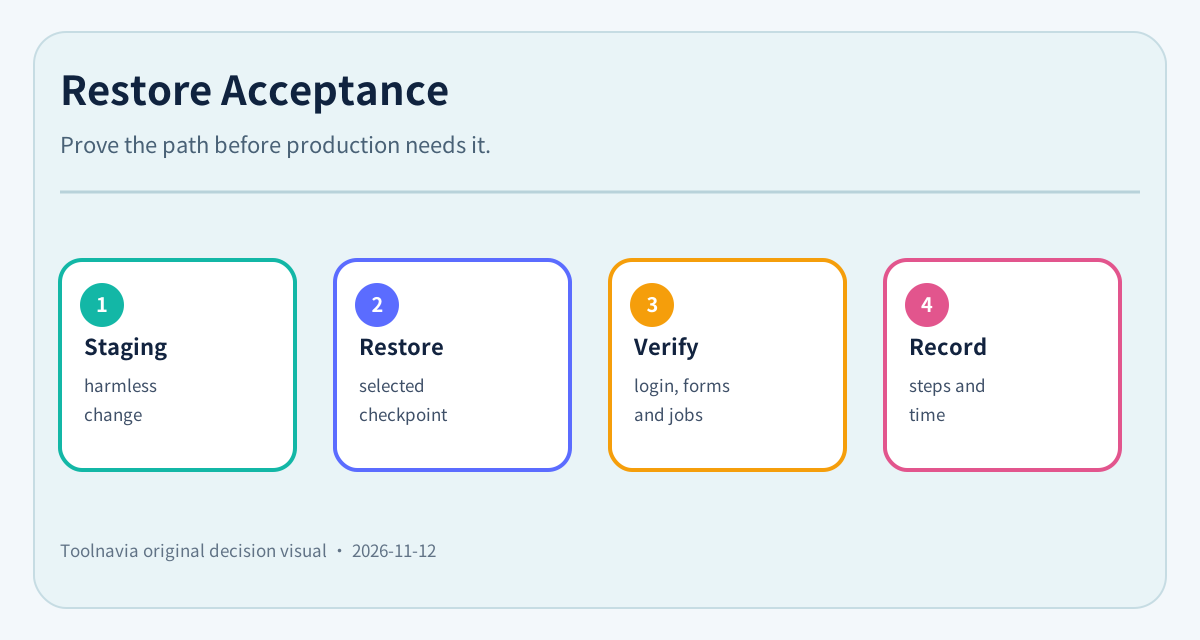
Rehearse restore without making production the test
The safest first drill uses staging or another disposable environment. BigScoots’ current and legacy guides let users select the staging environment to view its backups. That proves environment-specific visibility; it does not prove that every production snapshot can be restored into staging with the same one-click workflow.
Ask support whether a selected production checkpoint can target staging, what will be overwritten, and which settings or integrations sit outside the restore. Kinsta’s safe-change guide recommends a manual live backup and staging before changes, while WPMU documents named pre/post-staging-push checkpoints. Those are same-intent examples only; they are not BigScoots entitlements.
For the drill, change one harmless staging value, restore the chosen checkpoint, and confirm the files, database value, URLs, login, scheduled tasks, cache, checkout or forms relevant to your site. Record the observed steps and time. No such paid-account test was performed for this review.
Rotate only after acceptance
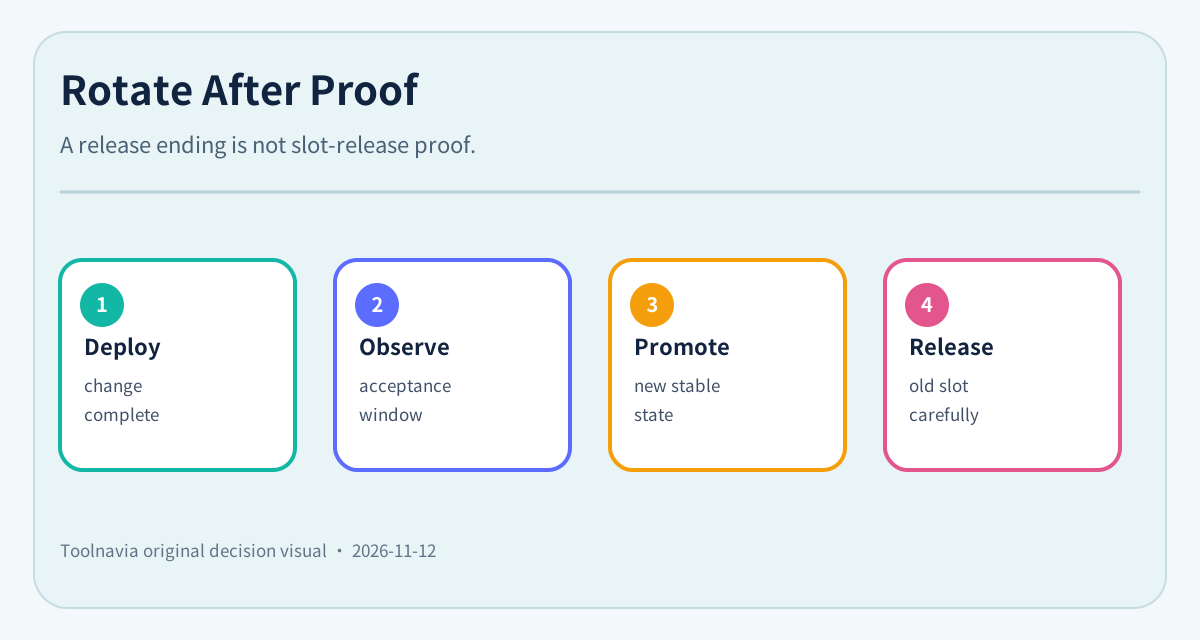
Do not delete or overwrite a slot merely because deployment finished. Define an acceptance window: for example, checkout, login, forms, search, background jobs and error logs must remain healthy for a set period. Only then can the current pre-release checkpoint replace the previous stable release.
The five-slot limit is enough for a single team with a controlled release rhythm. It becomes tight when several developers deploy independently, a store needs frequent checkpoints, or the business must retain many named states. In those cases, ask BigScoots about the exact account workflow and add a separate release/backup system rather than pretending five slots are unlimited history.
Purchase verdict
Essential 75’s five manual backups are a meaningful feature for one WordPress site when the team uses them as named change boundaries. The best buyers can reserve an emergency slot, document what each checkpoint covers, rehearse recovery away from production, and rotate only after acceptance.
Buy for this workflow if five concurrent checkpoints match your release pace. If the team cannot say which five states it needs, the problem is process rather than capacity. If five are genuinely insufficient, solve that before checkout with a written support answer and an additional backup/release design.
Affiliate disclosure: Toolnavia may earn a commission if you buy through the BigScoots link, at no extra cost to you. The article uses the exact approved Essential 75 offer and public documentation; it does not claim a paid-account restore test.