TOOLNAVIA / BUYING GUIDE
MailerLite Double Opt-In: Test the Confirmation Flow Before You Pay
The short answer
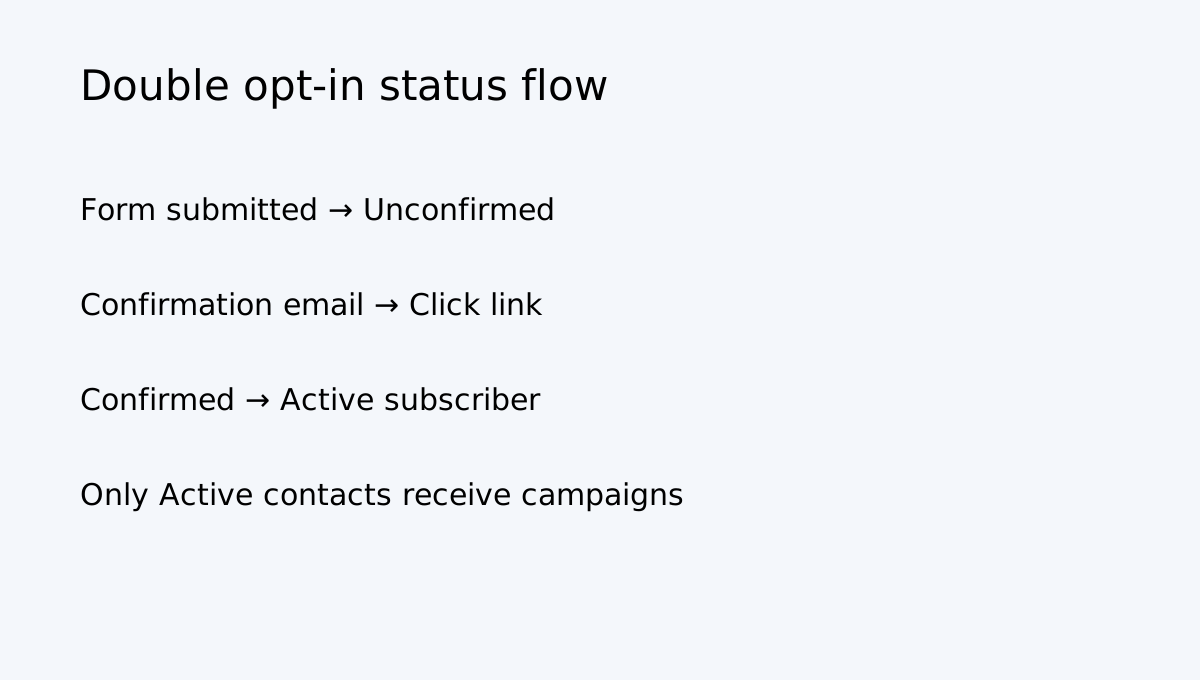
MailerLite double opt-in changes when a contact becomes Active and which automation can run. Before paying for Comfort or moving a real audience, test the full route from form submission to confirmation, group assignment and welcome email. MailerLite says a person remains Unconfirmed until clicking the confirmation link; unconfirmed contacts cannot receive newsletters and automations do not run for them.
At a glance
- Best for
- Buyers validating consent, confirmation delivery and welcome automation before migration or purchase.
- Price model
- No fixed price quoted; verify current Comfort limits and checkout.
- Check first
- Sender authentication, deliverability and third-party integration behavior must be tested in the live account.
Test the consent path, not just the form
Single opt-in adds a person to the active list after one submission. Double opt-in sends a confirmation email and requires the recipient to click its link before becoming Active. MailerLite recommends double opt-in for forms, while noting GDPR does not universally require it. The extra step can reduce bot signups, but a missing sender, broken link or absent group assignment can leave genuine leads Unconfirmed.
Comfort is worth evaluating only after the signup path works on desktop and mobile, the confirmation arrives, the contact becomes Active and the intended welcome automation starts. A success message alone is not a completed test.
Check every published form
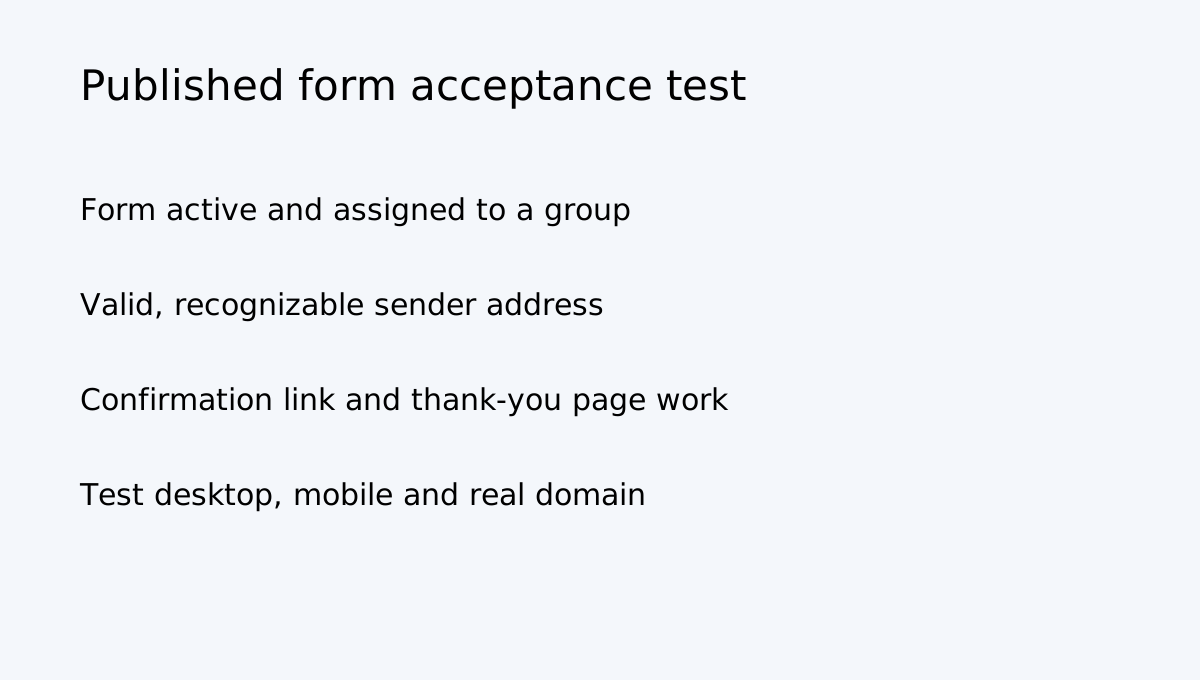
MailerLite says a form must be active and assigned to at least one group. A valid sender address is also required. Each form has its own double-opt-in email, so editing one message does not necessarily update every landing page or embedded form. Editing the confirmation email is available on paid plans.
Submit a fresh test address through the published form; confirm the email arrives and the sender is recognizable; click the confirmation link; verify the contact changes from Unconfirmed to Active; confirm the correct group and welcome automation; then test the thank-you page and lead-magnet delivery. Repeat on mobile and at the real domain. MailerLite supports plus-address testing, so name+1@example.com and name+2@example.com can reach the same mailbox while being recognized as separate test subscribers.
API integrations need a separate test
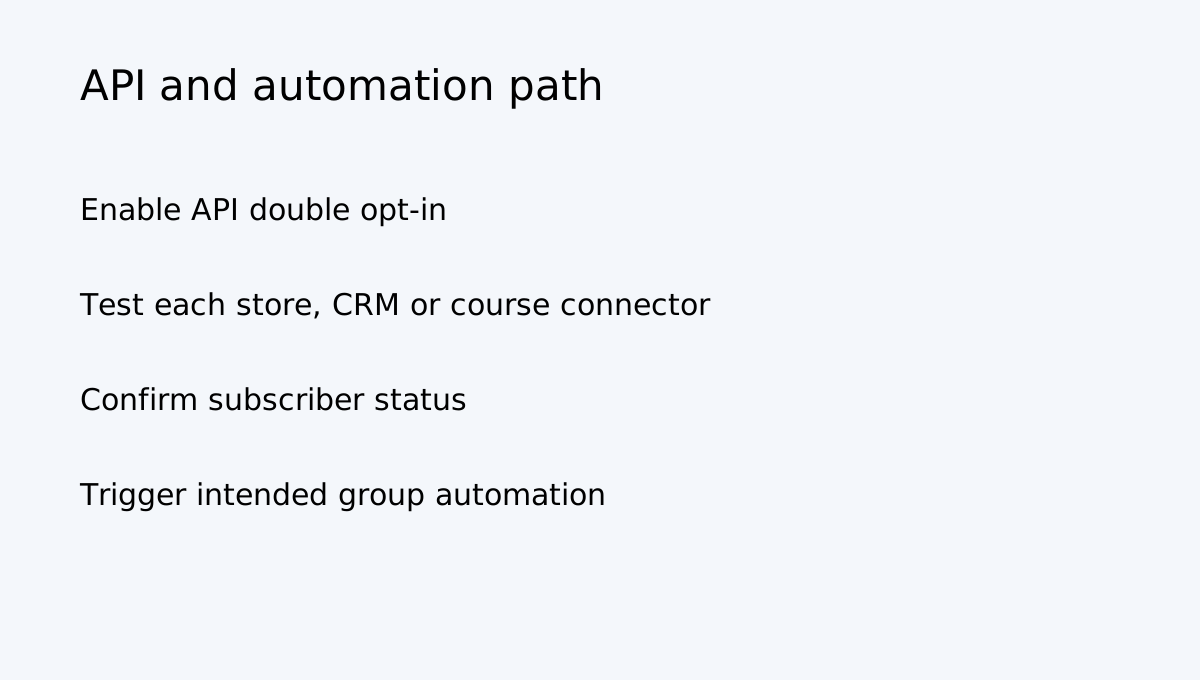
A working website form does not prove an API integration uses the same confirmation behavior. MailerLite documents a separate account setting for double opt-in on API and integrations. When enabled, the same API confirmation email is used for subscribers added through those integrations, so a generic message may be safer when several sources feed the account.
Test the exact store, CRM or course connector. Verify whether it adds the person as Unconfirmed, whether confirmation is sent, and whether the correct group-based automation runs only after confirmation. When multiple forms have their own automations, only the automation connected to the form where the subscriber confirms will trigger; a group-based trigger may be more consistent across forms. Do not switch API double opt-in off just to make a test contact Active.
Imports do not replace permission
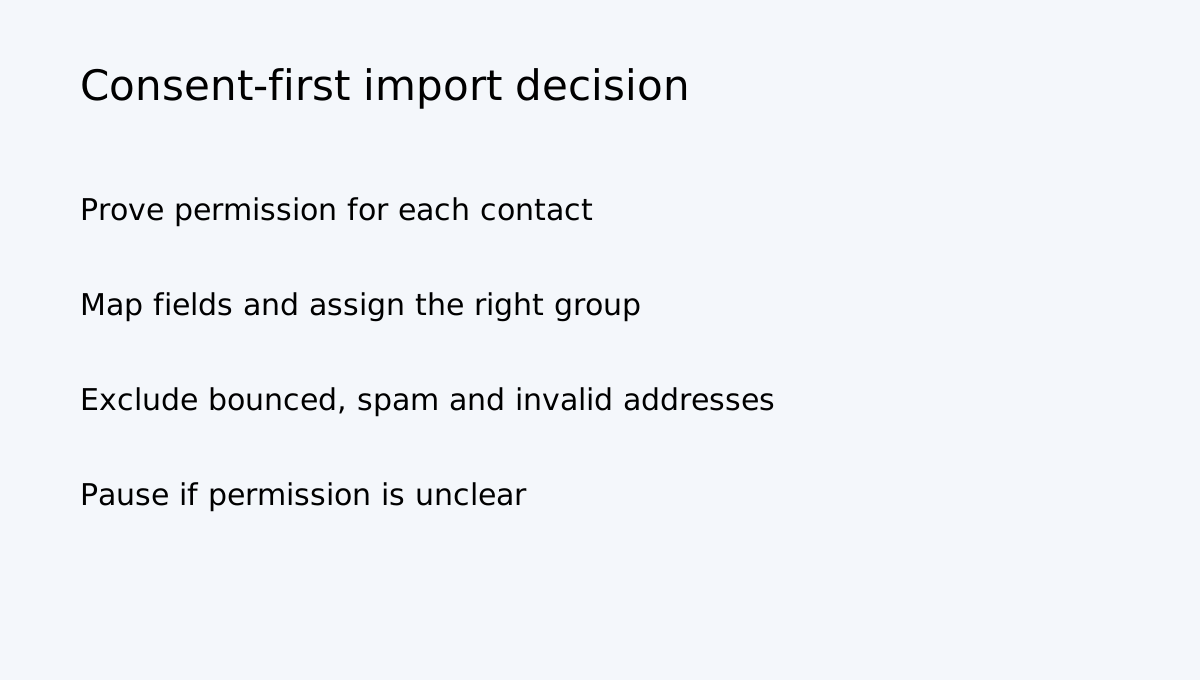
MailerLite requires every imported subscriber to have given permission to receive marketing email. CSV, TXT, spreadsheet copy/paste, manual entry and API are import routes—not substitutes for consent. Import lets you map fields, choose groups and decide whether imported contacts trigger group automations. It can reject invalid addresses and addresses already marked unsubscribed, bounced, unconfirmed or spam complaint.
Keep the source and context of consent in your own records. Import only contacts whose permission covers the messages you plan to send. Do not turn a purchased list, scraped addresses or an unverified event spreadsheet into Active subscribers. If permission is unclear, pause and obtain fresh consent through a compliant signup process.
Protect the form and sender
MailerLite documents reCAPTCHA for embedded forms and landing pages; landing pages use invisible reCAPTCHA, while embedded forms have a setting to enable it. This can reduce automated submissions but does not guarantee deliverability.
Use a recognizable sender identity and authenticate the sending domain. MailerLite recommends a personal, recognizable sender address rather than no-reply, and says domain authentication helps maximize deliverability. A confirmation email that lands in spam can make a correctly configured form look broken.
Pre-purchase diagnostic
| Result | Likely issue | Next action | |---|---|---| | Form submits, no confirmation | Sender or DOI configuration | Check active form, group and sender | | Email arrives, contact stays Unconfirmed | Link not clicked or redirect failure | Test confirmation link and page | | Contact becomes Active, no welcome email | Trigger or group mismatch | Review form-specific or group trigger | | API contact skips confirmation | API setting or connector behavior | Test API DOI separately | | Fake signups appear | Bot protection may be weak | Enable reCAPTCHA and review placement |
Choose the paid plan only after this workflow is stable. Comfort cannot replace consent management, sender authentication, group assignment or correct automation logic. Verify current plan limits and the live account selector before subscribing; plan features and prices can change.
Buy, wait or change the workflow
**Buy or upgrade** when you need paid-plan editing of confirmation emails, your audience fits the current Comfort tier, and the complete form/API-to-automation journey passes the tests above. **Wait** when confirmation messages are missing, the sender domain is not authenticated, forms have no group, or raw submissions are being mistaken for Active subscribers. **Use another process first** when you cannot establish consent for imported contacts or an external platform cannot honor the confirmation state.
The real buying test is whether a real person can subscribe, confirm, become Active and receive exactly the message they agreed to receive.
*Affiliate disclosure: Toolnavia may earn a commission if you subscribe through its approved MailerLite referral link. This does not change consent requirements or the need to test the real signup path.*