TOOLNAVIA / BUYING GUIDE
MailerLite Time Zone Delivery: Imported Subscribers Can Follow Your Account Clock
The short answer
At a glance
- Best for
- Global newsletters with deliberate unknown-zone fallback and send-window checks.
- Price model
- Comfort FAQ: from US$12/month; confirm subscriber tier and term. Time-zone delivery is described as free.
- Check first
- Imported contacts initially use account-timezone fallback; Smart sending is a different timing model.
Verdict: buy the timing model your newsletter needs
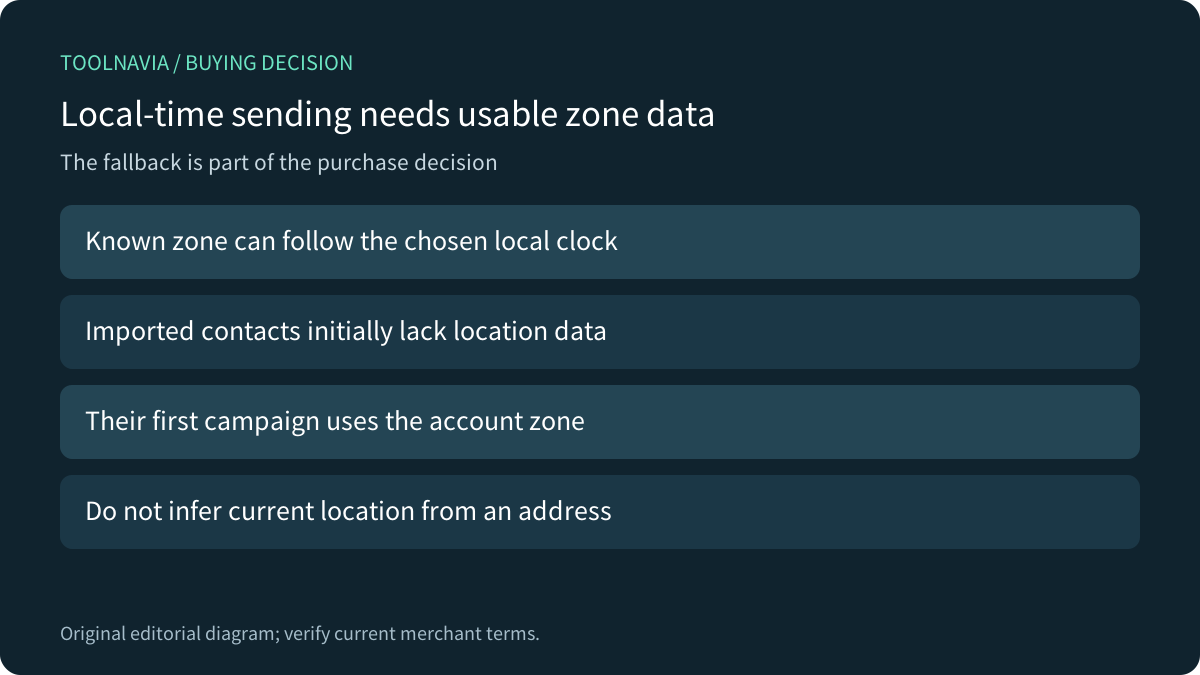
MailerLite can fit a global newsletter, but selecting time-zone delivery does not prove every recipient's current local clock is known. Its help says manually imported subscribers initially lack location data, so their first campaign uses the account time zone. Review that fallback before relying on a local 9 a.m. promise.
This is documentation analysis. No account, subscriber, email, campaign or schedule was operated.
Review the approved Comfort offer. Toolnavia may earn a commission on eligible purchases; the link does not preselect a subscriber tier or guarantee delivery.
Review the data behind the clock
The time-zone guide bases the inferred zone on signup or campaign-click IP information; it explicitly excludes opens from zone updates. Imported records initially use the account fallback. A contact's email address or an imported country field alone does not establish that this particular scheduling feature knows the correct current zone.
Write down the expected treatment of unknown contacts. An account in one region can be sending to people elsewhere, so the fallback is a meaningful campaign choice rather than an obscure reporting detail. Do not fabricate location information to make a list appear complete.
Interpret the first batch and the complete window
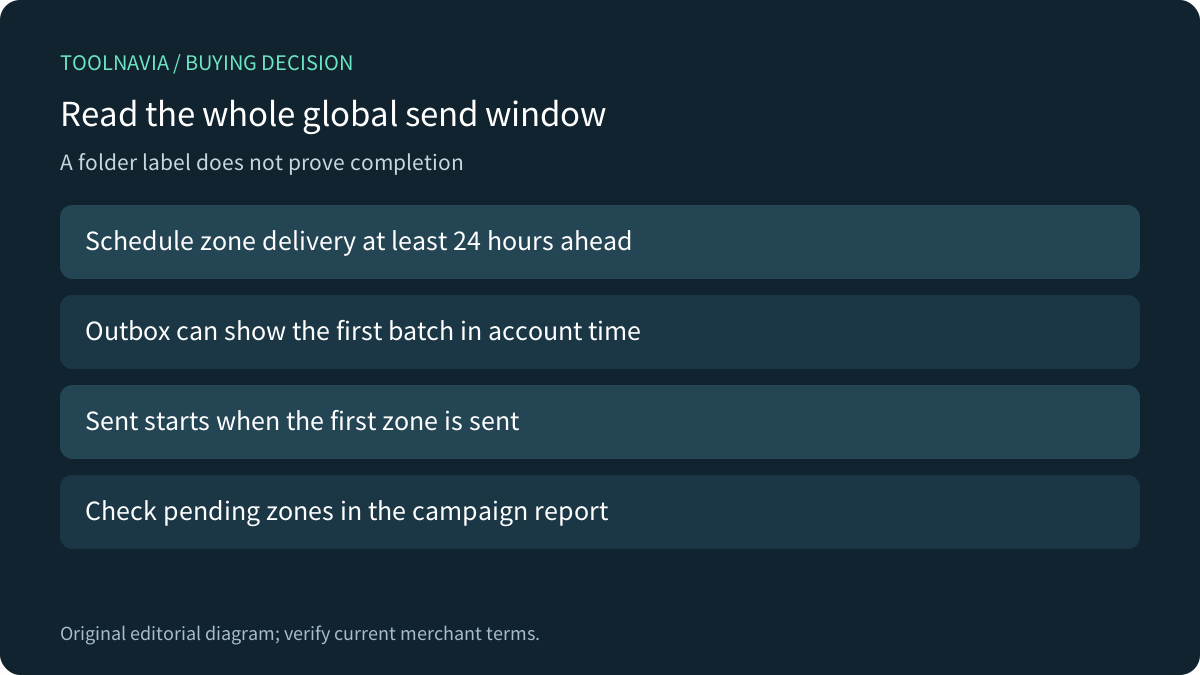
MailerLite requires scheduling zone delivery at least 24 hours ahead. Its Outbox time can show the first zone's batch translated into the account clock, rather than the chosen recipient-local hour. Once that first batch starts, the campaign moves to Sent while other zones may remain pending.
Use the report's sent/pending zone view to inspect progress. The guide calls the map approximate and explains daylight-saving adjustments; a map label alone is not exact arrival evidence for a person. A distributed send has a start and an end, not one universal completion instant.
Separate fixed local time from paid Smart sending
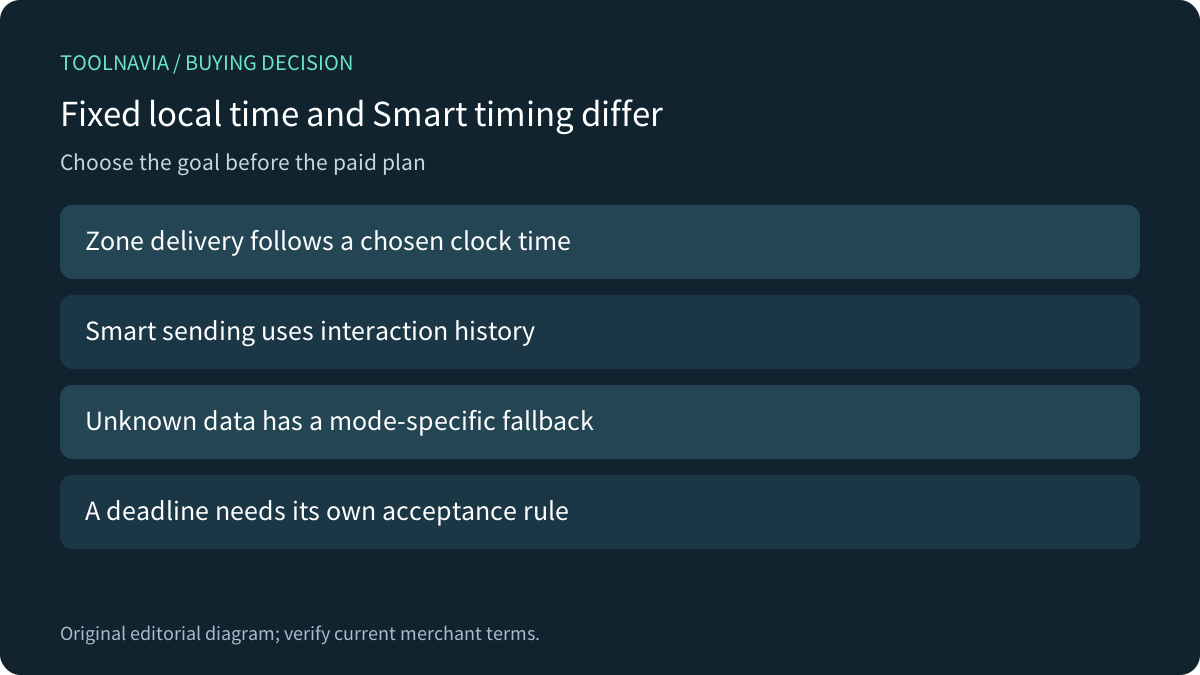
The zone guide describes its feature as free. Comfort's paid Smart sending instead chooses timing from individual interaction history, with fallback behavior for imported subscribers and new accounts. A new account without campaign data defaults to 9 a.m. in the account zone until it has enough information.
Smart's use of opens as one behavioral input does not contradict the time-zone guide excluding opens from location updates: these are different calculations. Decide whether you want a chosen local clock time or behavior-based optimization. Neither label guarantees a message reaches an inbox before a business deadline.
Compare fallback behavior across services
Mailchimp Timewarp also documents 24-hour advance planning and account-zone delivery for contacts without location data. Its eligibility and location collection rules remain Mailchimp-specific; do not assume they migrate with a contact list.
Customer.io exposes an explicit timezone attribute, generated geolocation and a fallback hierarchy. Those are its controls, not an undocumented manual-edit route in MailerLite. The comparison question is which unknown-data behavior your team can maintain and explain.
Brevo's optimization guide recommends ordinary immediate or scheduled sending for time-sensitive campaigns, and describes aggregate fallbacks for new audiences. That is a useful distinction between optimization and deadlines, not proof that MailerLite uses Brevo's algorithm or 24-hour rule.
Verify the chosen mode before choosing the bill
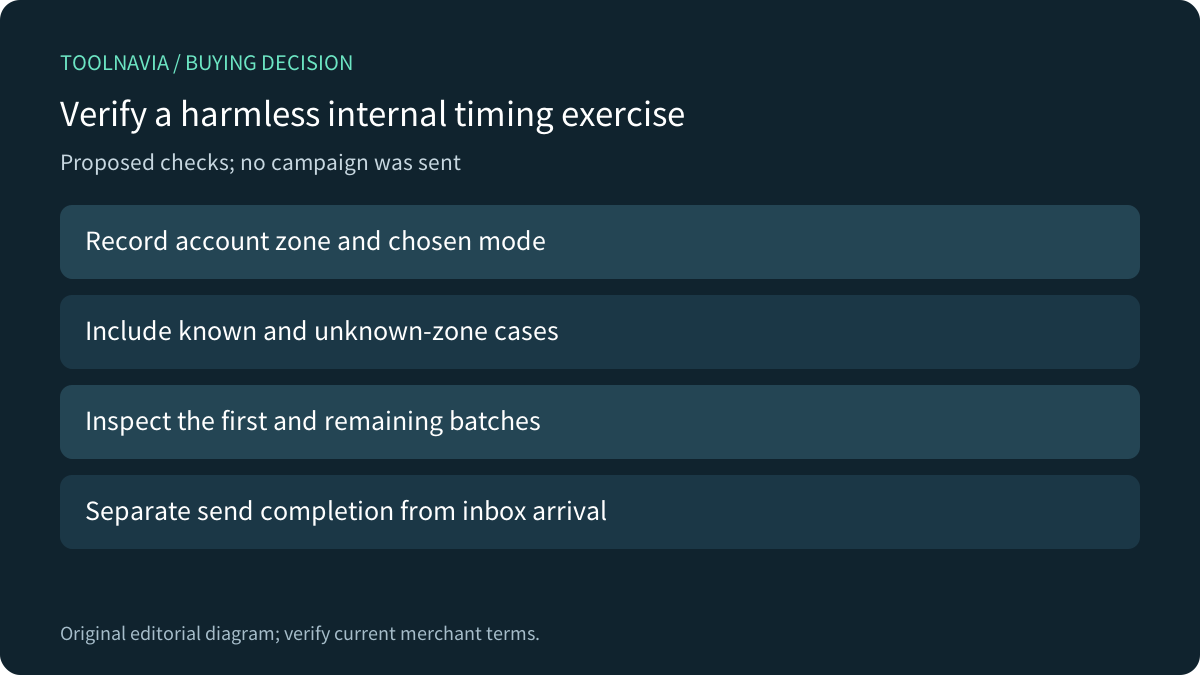
Four relevant capabilities are local-time scheduling, advance global planning, zone-progress reporting and the separate Smart option. For a proposed authorized internal exercise, record the account zone and selected mode, include controlled known/unknown-zone cases, and inspect the first and remaining batches. No campaign was sent here.
Keep send completion separate from actual inbox arrival. For an expiring offer or event, define the latest useful delivery time and choose a supported schedule with enough margin rather than assuming optimization establishes that deadline.
The current pricing FAQ lists Comfort from US$12/month, but its readable widget did not establish the exact 500-subscriber checkout or annual total. Confirm the actual tier, send allowance, billing period and tax. Do not pay only for a feature the help describes as free; choose Comfort when its needed paid capabilities and capacity justify the complete cost.