TOOLNAVIA / BUYING GUIDE
MailerLite Comfort 10-Site Limit: Archive or Upgrade to Power?
The short answer
# MailerLite Comfort 10-site limit: archive or upgrade to Power?
At a glance
- Best for
- Teams with ten or fewer simultaneous live sites and landing pages.
- Price model
- From $12/month; Power from $25/month; taxes and subscriber-tier pricing may apply.
- Check first
- Ten active/published websites and landing pages combined; at the limit, new activation or editing is blocked until usage falls or the plan upgrades.
1. The decision is about simultaneous launches
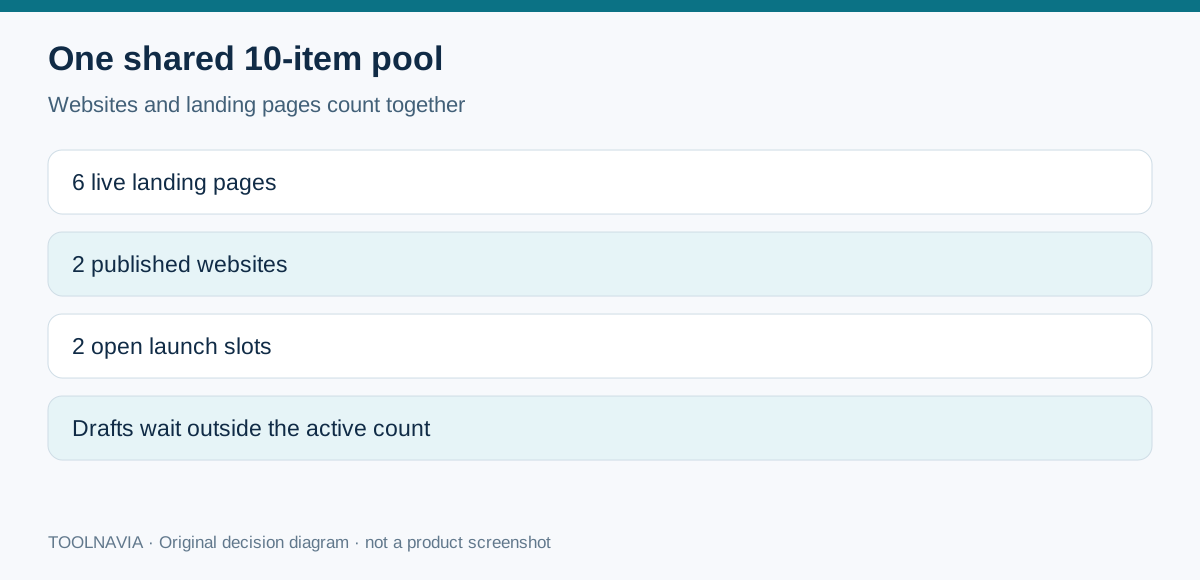
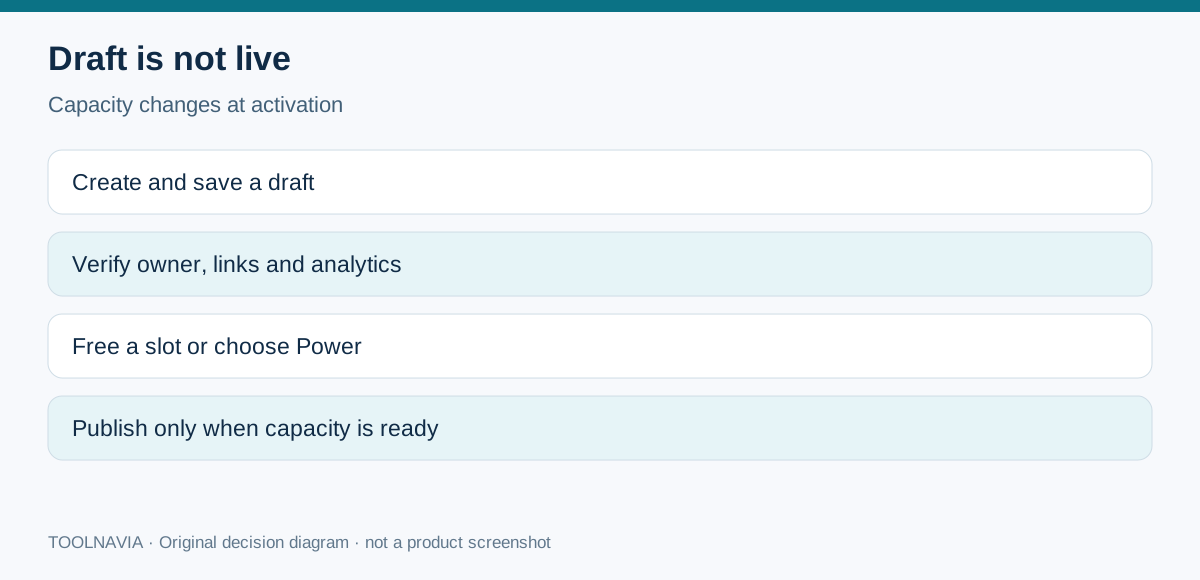
Comfort is not a ten-website plan plus a separate ten-landing-page allowance. MailerLite’s current billing help defines one combined pool of ten active or published websites and landing pages. Drafts and unpublished items do not count. That makes Comfort practical for a creator with a few evergreen pages and rotating campaigns, but awkward for an agency or team that needs more than ten live destinations at once.
Count the active inventory before buying: production websites, evergreen lead magnets, webinar registrations, seasonal launches and temporary ad pages. If those categories regularly total eight or nine, keep deliberate headroom. A draft can wait outside the pool, but it cannot collect traffic until published.
2. Reaching ten does not take existing pages offline
At the Comfort limit, existing active pages, sites, forms and automations continue running. MailerLite says the feature-limit event does not automatically upgrade the plan. The operational penalty is different: you cannot create, activate or edit affected items until usage is reduced or the account moves to Power. When the account is exactly at the limit, another draft can be saved, but it cannot be activated or published.
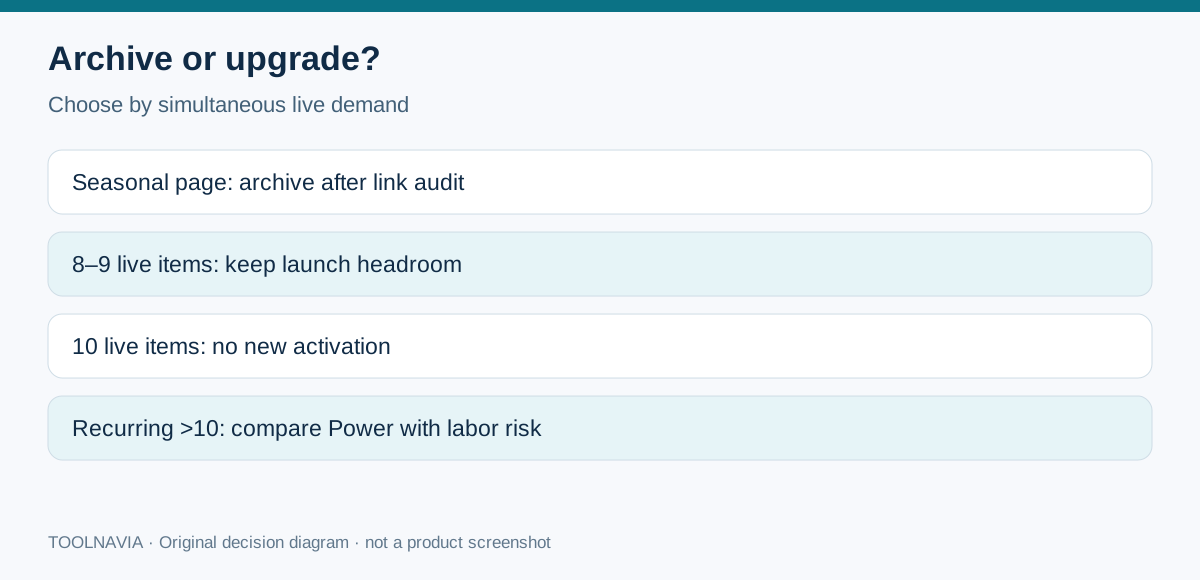
This distinction matters during a campaign. Archiving an old landing page may free a slot, yet it can also break paid ads, email links, QR codes or bookmarks that still point to it. Before deactivation, export the page inventory, check recent traffic, identify owners and replace or redirect every live link. Do not treat “inactive” as harmless.
3. Model the archive-versus-upgrade cost
MailerLite’s current landing-page page lists Comfort from $12 per month and Power from $25 per month, with taxes potentially extra. Those are starting prices, not a quote for every subscriber tier or billing cycle. The displayed starting gap is $13 per month, or $156 over twelve months if both starting prices remained applicable. Recheck the account’s subscriber tier, monthly versus annual billing and checkout before deciding.
Archiving is usually cheaper when extra pages are seasonal and can be retired safely. Power becomes easier to justify when more than ten pages must remain live, multiple teams launch concurrently, or the labor and risk of repeated archiving exceed the price gap. This is an operations decision, not a universal break-even claim. GetResponse, Omnisend and independent MailerLite reviews use different landing-page and plan structures, so their quotas are context—not entitlements that transfer to MailerLite.
4. Custom domains are a separate launch gate
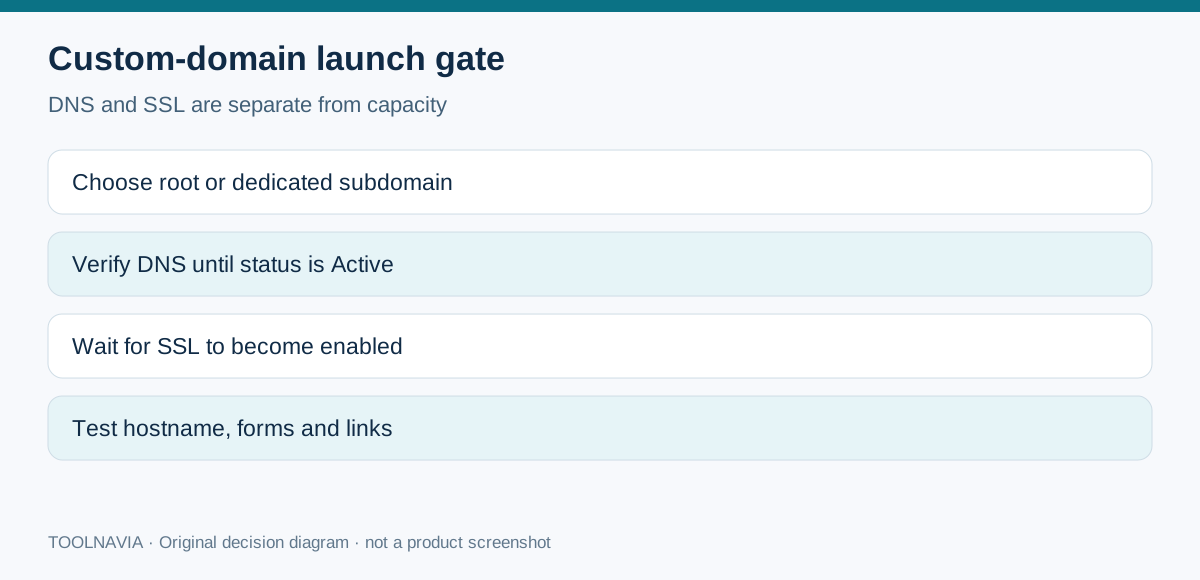
Comfort and Power both support custom domains for sites. The domain must show Active and SSL must be enabled before it can be assigned. If the root domain already hosts a website, use a dedicated subdomain such as offers.example.com. MailerLite warns that one subdomain is exclusively connected to one page or site; DNS propagation can take up to 24 hours.
Domain connection does not consume an extra site slot by itself, but the published destination still counts in the combined active pool. MailerLite also notes that its optional www setup does not create a 301 redirect or canonical tag. Decide the preferred hostname with the DNS provider, verify the certificate, test both hostnames and keep campaign links consistent.
5. A practical launch sequence
1. List every active website and landing page and assign an owner. 2. Mark pages that must stay live because campaigns, ads or backlinks still use them. 3. Keep the new campaign as a draft while DNS is verified. Drafts do not count. 4. If capacity is available, confirm the domain is Active, SSL is enabled and the chosen root or subdomain does not replace an existing site. 5. If the pool is full, either deactivate a verified safe page or upgrade before the launch window. 6. After publishing, test forms, analytics, email links, HTTPS and the final hostname.
6. Verdict and affiliate disclosure
Choose Comfort when ten simultaneous destinations are enough and the team can archive campaigns responsibly. Choose Power when unlimited feature use removes a recurring launch bottleneck, not merely because the account has many drafts. The exact Comfort offer used here is approved, enabled and market confirmed. Toolnavia may earn a commission if you buy through the disclosed link; this does not change the price or the recommendation.