TOOLNAVIA / BUYING GUIDE
Intego Safe Browsing: Does Essential Include a Phishing Extension?
The short answer
**Quick answer:** Intego ONE Essential documents antivirus and firewall protection for a Mac, but its VirusBarrier “Safe Browsing” control is not presented as a separate Intego phishing-filtering browser extension. Intego says VirusBarrier checks whether Safari, Chrome, or Firefox has that browser’s own Safe Browsing protection enabled and warns when it is off. If your buying requirement is a dedicated extension that blocks or labels risky pages, compare that need separately before paying.
[Check the approved Intego offer](https://www.anrdoezrs.net/click-101895278-15733644). Confirm the exact Essential plan, device count, term, currency, tax, renewal, and current feature list at the merchant page. The referral may open a general Intego page rather than a preselected cart.
*Affiliate disclosure: Toolnavia may earn a commission if you buy through the approved Intego link, at no extra cost to you. Apple, Google, Malwarebytes, Bitdefender, Avast, and Norton are editorial references only.*
At a glance
- Best for
- A Mac buyer who wants documented antivirus/firewall protection and can treat extension-level phishing blocking as a separate requirement.
- Price model
- No stable price quoted; verify plan, device count, term, currency, tax and renewal at checkout.
- Check first
- Safe Browsing is documented as monitoring browser-native settings; no universal phishing-detection promise or separate extension entitlement is assumed.
What Essential actually includes
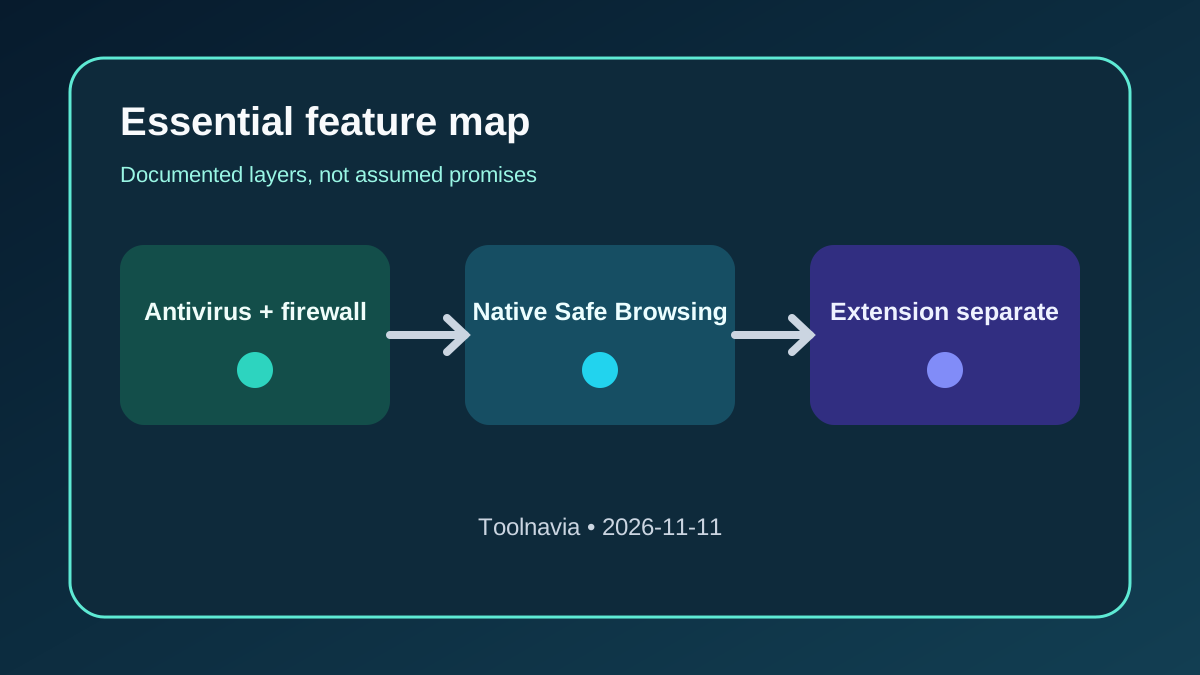
Intego’s current plan comparison lists antivirus and firewall for Essential. The antivirus layer includes real-time checks, manual or scheduled scans, and quarantine. The firewall watches traffic, lets you create app-level network rules, and can cut network access. SmartClean, the VPN, and the iPhone app belong to higher plans.
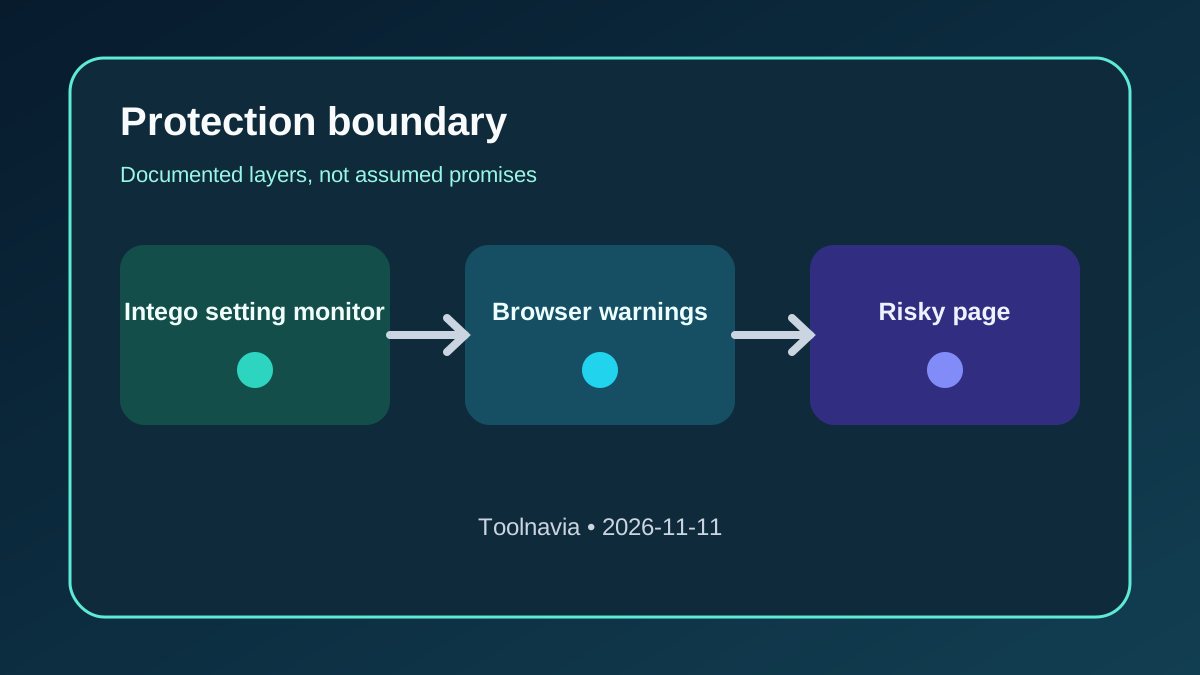
Those are meaningful Mac-security layers, but they answer a different question from “Does this plan install an Intego browser extension that evaluates every page?” The cited plan page does not list such an extension, and the official checkout must be used to confirm the current Essential entitlement before payment. VirusBarrier’s manual describes Safe Browsing as a settings check: it detects whether supported browsers are running their own Safe Browsing protection and warns if that protection is disabled.
The boundary in one table
| Buyer question | What the official pages support | What you should not assume | |---|---|---| | Does Essential include Mac antivirus? | Yes: real-time protection, scans, and quarantine are listed. | That every web scam is a downloadable malware file. | | Does Essential include a firewall? | Yes: traffic filtering and app/network rules are listed. | That a firewall can judge every fake checkout or credential form. | | What does VirusBarrier Safe Browsing do? | It checks whether Safari, Chrome, or Firefox Safe Browsing is enabled and can warn if it is off. | That this wording proves a separate Intego page-filtering extension. | | Do browsers already warn about risky sites? | Safari and Chrome document built-in fraudulent-site or unsafe-site warnings. | That built-in warnings catch every new scam. | | What do dedicated alternatives add? | Malwarebytes, Bitdefender, Avast, and Norton document extensions or web layers aimed at phishing and risky pages. | That installing more extensions automatically means better security. |
The distinction matters because a buyer can pay for a capable Mac antivirus/firewall suite and still expect a browser toolbar, search-result labels, or per-page block messages that the cited Intego documentation does not promise.
Browser-native warnings still do real work
Safari can warn about fraudulent, malicious, or harmful sites and certificate problems. Apple also exposes a fraudulent-website warning setting and advises users not to interact with deceptive pop-ups. Chrome’s Safe Browsing is on by default, with Standard and Enhanced levels that use different protection and data-sharing behavior.
Intego’s own enablement guide sends users to these browser settings. That makes VirusBarrier useful as a configuration reminder, but the detection decision remains tied to the browser’s native protection in the cited workflow. Keep those controls on; do not disable them merely to test whether a warning appears.
Intego’s newer scam guidance also makes an important boundary clear: a frightening browser pop-up can be a fake webpage rather than proof that the Mac is infected. Antivirus may help with malicious downloads or unwanted software, while user judgment and browser defenses still matter for social-engineering pages.
When a dedicated extension may be the missing layer
Malwarebytes Browser Guard is described as an extension for Chrome, Firefox, Edge, and Safari that blocks malicious sites, phishing attempts, ads, trackers, and other unwanted content. Its support pages document phishing, scam, and malware block pages.
Bitdefender documents TrafficLight/Web Sage as browser add-ons for supported Mac browsers, with dangerous-site blocking and unsafe-link warnings. Avast documents a free browser extension that warns about malicious sites and phishing, while Norton Safe Search focuses on risky results and phishing destinations.
These are capability comparisons, not a universal winner ranking. Extension permissions can expose browsing context, page content, or site access to another vendor. An extension may also conflict with ad blockers, break a site, create false positives, or duplicate protection already enabled in the browser. Read the current permission screen and privacy policy before installation.
A five-minute requirement test before buying
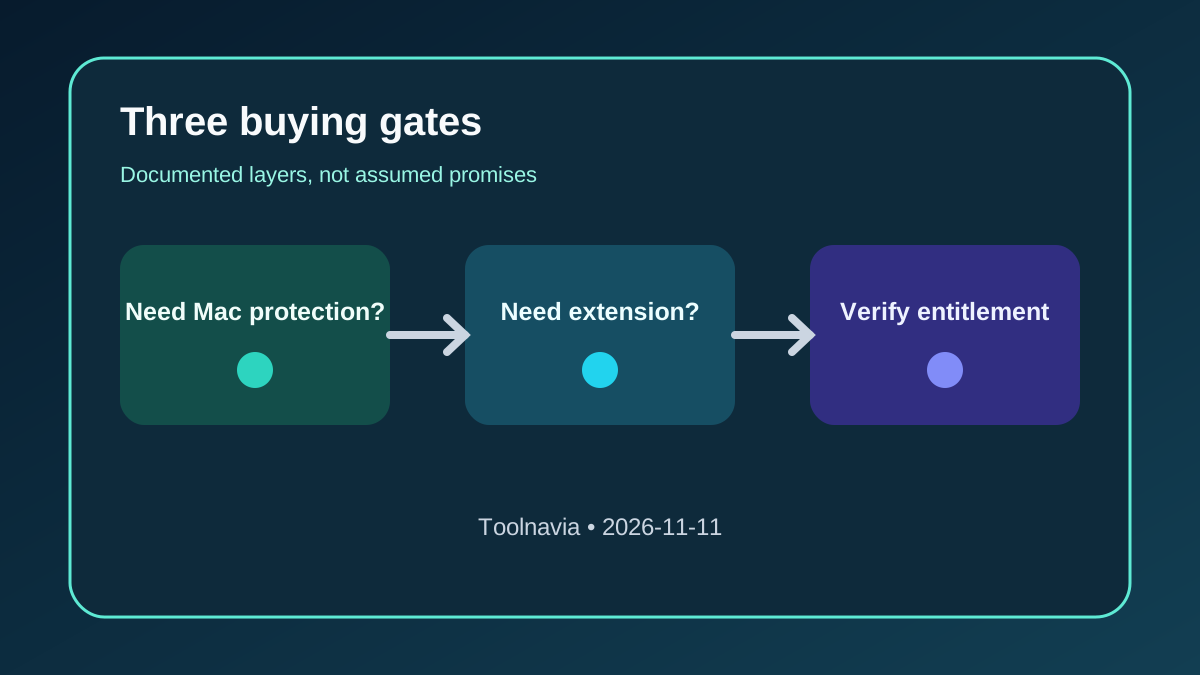
1. **Name the threat you want to reduce.** Malware files, unwanted app connections, fake checkout pages, credential phishing, and intrusive ads are not the same problem. 2. **Check the browser setting.** Confirm Safari’s fraudulent-site warning or Chrome/Firefox Safe Browsing is enabled. Do not turn protection off for a live-site test. 3. **Inventory existing extensions.** Remove unknown or abandoned extensions and record which one already handles ads, trackers, or risky pages. 4. **Choose the required behavior.** Decide whether you need only a warning that browser protection is disabled, or an extension with visible page blocks, search labels, allow lists, and site controls. 5. **Map the result to the purchase.** Choose Essential for its documented antivirus/firewall value. Evaluate a separate browser layer only if the extension behavior is a real requirement.
Do not use a real phishing page as a test. A safe configuration review and the vendor’s documented demo or test facility are better than deliberately visiting an unsafe destination.
Permissions and privacy trade-off
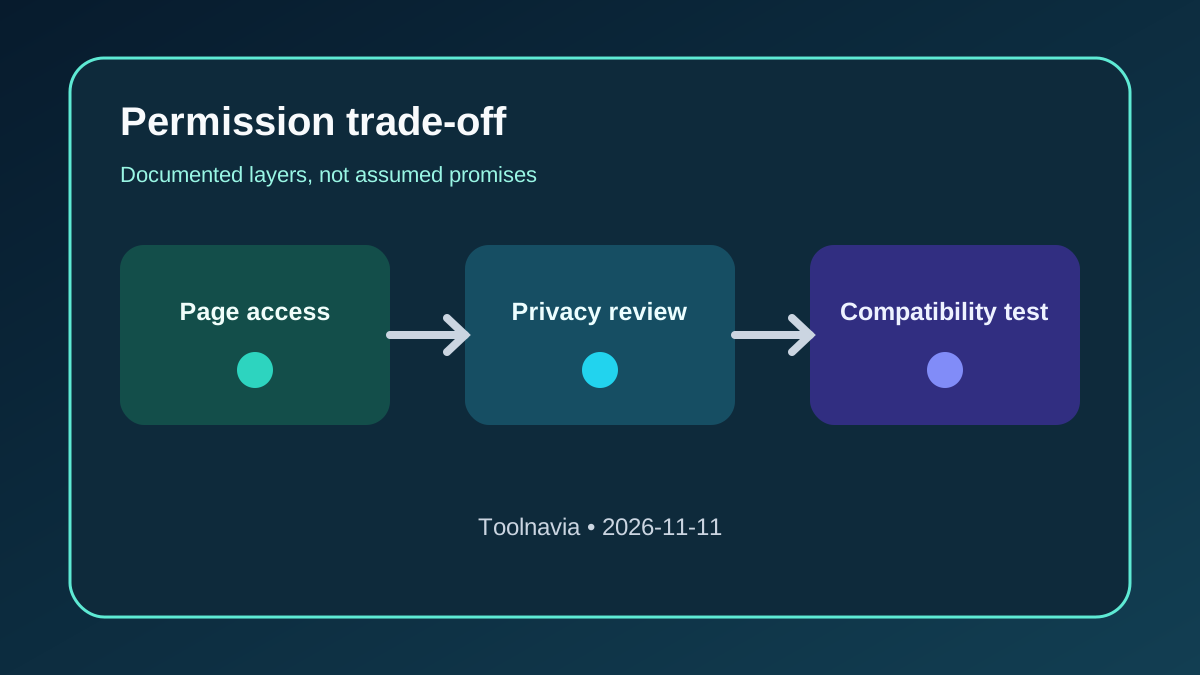
A browser extension may need permission to read or change data on visited sites so it can inspect and block content. That access can be justified, but it is not free of privacy or compatibility cost. Prefer a currently maintained extension, restrict site access where practical, review its data practices, and keep the browser updated.
A local security app also requests sensitive macOS permissions for file scanning or network filtering. Paying for a subscription does not prove every protection is active. After installation, verify that required system extensions, Full Disk Access, network filters, real-time protection, and browser-native warnings are actually enabled.
Buy, wait, or choose another route
**Buy Intego ONE Essential** when one supported Mac needs the documented antivirus and firewall, you value VirusBarrier’s configuration visibility, and the live merchant page confirms the expected entitlement.
**Wait** when your only purchase reason is “phishing protection” but you have not defined whether that means malware scanning, browser-native warnings, or an extension that blocks pages. The label is too broad to justify a subscription by itself.
**Choose or add a separately evaluated browser layer** when visible phishing/scam page blocking, search-result labels, or per-site controls are mandatory. Confirm permissions and compatibility rather than stacking extensions blindly.
**Bottom line:** Essential can be a sensible Mac antivirus/firewall purchase, but its documented Safe Browsing control should be understood as a browser-setting monitor, not assumed to be a dedicated Intego phishing extension. Buy for the layers the official plan actually lists, keep native browser protection enabled, and evaluate extension-level web filtering as a separate requirement.