TOOLNAVIA / BUYING GUIDE
Intego ONE iPhone Security Check vs Mac Scan: What Does Complete Really Protect?
The short answer
An iPhone can be “checked” in two very different ways inside Intego ONE Complete. The iPhone app reviews device settings and protects the connection; it does not run a conventional on-device antivirus scan. Separately, Intego ONE on a Mac can inspect accessible files on a trusted iPhone connected by cable. Buying Complete only makes sense if you understand which surface solves your problem—and which one does not.
At a glance
- Best for
- Mac+iPhone owners who need distinct settings, network and connected-file protection surfaces.
- Price model
- US$58.49 first year; US$89.99 annual renewal before tax for 1 Mac + 1 iPhone.
- Check first
- The iPhone app is not on-device antivirus; cable scan needs a Mac and cannot remove files from iOS.
Short verdict
Buy Intego ONE Complete when you already need Mac antivirus and firewall, want the same subscription to add an iPhone VPN and configuration checks, and have a Mac available for the occasional cable scan. Do not buy it expecting the iPhone app itself to inspect every app, system file or hidden process. Apple’s sandboxing limits what third-party iOS apps can read, and Intego explicitly says its iPhone app does not run antivirus on the phone.
The current official plan guide lists Complete for one Mac plus one iPhone at US$58.49 for the first one-year term and US$89.99 for annual renewal, before tax. It also says the iPhone app requires iOS 18.2 or later. Those figures are current documentation, not a promise that every localized checkout will show the same total.

Separate the three protection surfaces
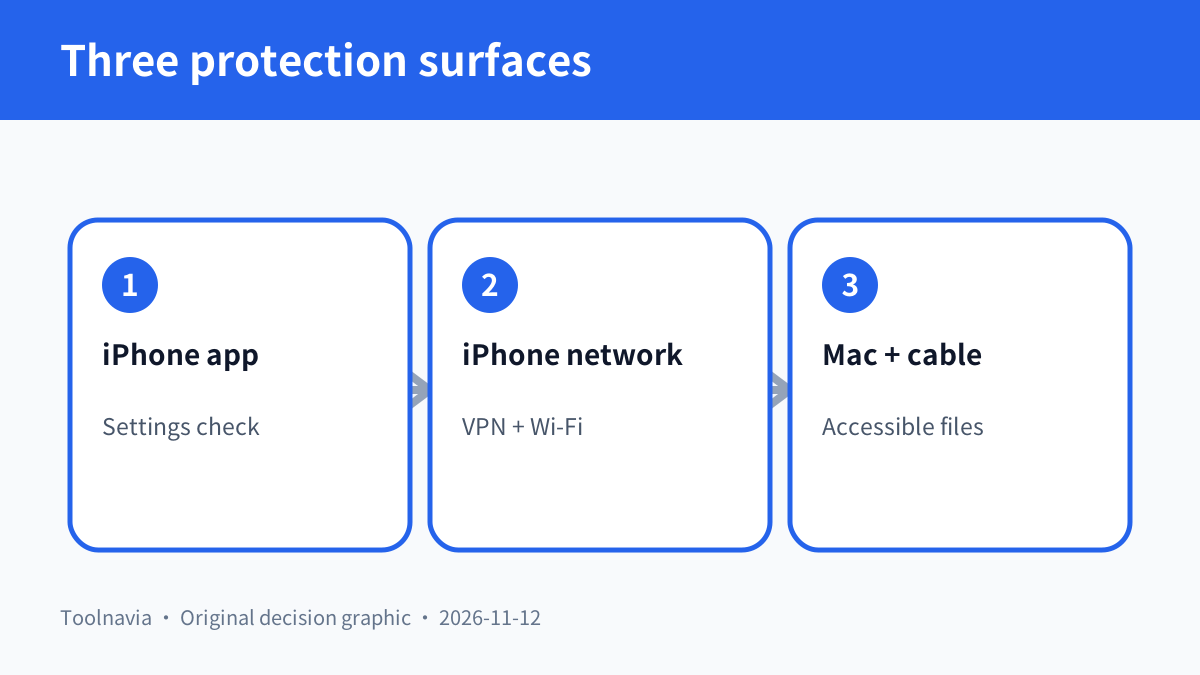
The first surface is **Security Check inside the iPhone app**. Intego documents checks for the iOS version, Face ID or Touch ID, passcode strength, active screen recording, jailbreak indicators and ad-tracking settings. These are configuration and exposure signals. A warning tells you what needs attention; it is not a malware signature result.
The second surface is **network privacy and Wi-Fi assessment on the iPhone**. Complete adds the Intego VPN, a Wi-Fi safety check and a speed test. This can make an unfamiliar network decision more informed and can encrypt traffic through the VPN. It does not turn every unsafe website, account takeover or social-engineering attempt into a blocked event. Macworld’s current review specifically notes that the iPhone side lacks traditional malware scanning and broad phishing protection.
The third surface is **a Mac-initiated cable scan**. Connect and unlock the iPhone, trust the Mac, open Antivirus on the Mac, and select the device from Custom Scan. Intego says the scan runs on the Mac and reports regular files, archives and Windows files it can access on the device. The device must remain connected.
These surfaces complement one another, but they are not interchangeable. A clean Security Check does not prove that every accessible file is clean. A Mac cable scan does not prove that the iPhone’s passcode, software version or privacy settings are ideal.
Resolve the apparent antivirus contradiction
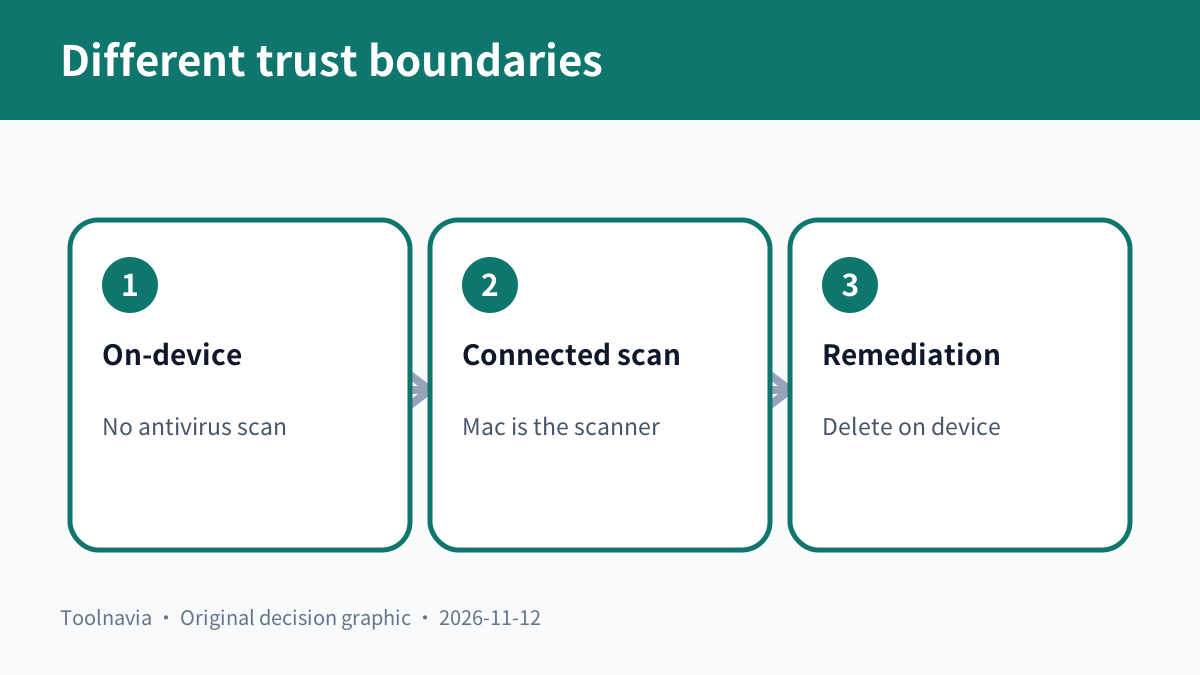
Intego’s plan guide says the iPhone app does not run antivirus. Its separate scan guide says the Mac app can scan a connected iPhone. Both statements can be true because the actor and access path differ. The iOS app runs inside Apple’s app sandbox, while the Mac application examines files exposed through a trusted device connection.
Malwarebytes explains the general platform limit plainly: iOS apps cannot scan the system or other apps, so its own iOS product focuses on scam websites, calls and messages rather than an antivirus scan. Bitdefender similarly calls its iOS feature a “Security Scan,” but defines it as a check for risky configurations, alongside web, scam, breach and VPN tools. These competitors support the category boundary; they do not prove Intego’s results.
The cable method has another hard boundary. Intego can alert you to a suspicious file but cannot remove it from the iOS device; deletion must happen on the device. Do not market that workflow as full device remediation, spyware removal or a forensic examination.

Run a harmless acceptance test before relying on it
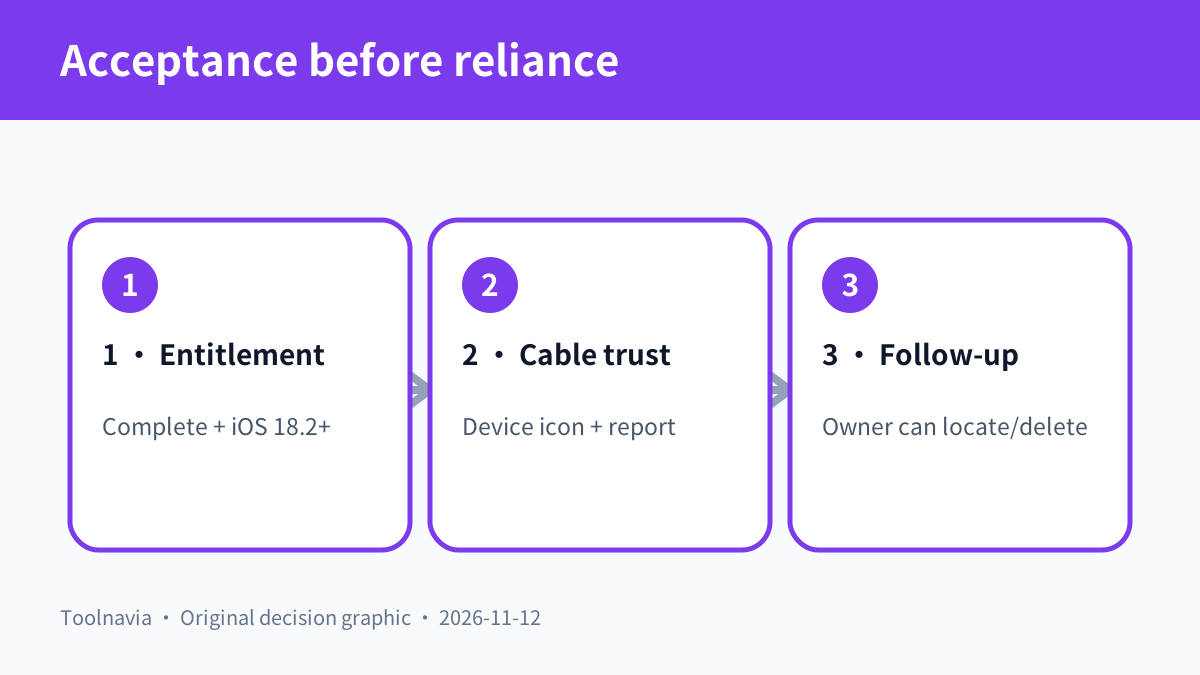
First, confirm the exact iPhone meets the current iOS requirement and that the selected Complete plan includes the matching iPhone seat. Open Security Check, refresh it, and deliberately inspect the status of software updates, biometric unlock, passcode, tracking and screen recording. If a warning persists after the setting changes, restart the phone and refresh as Intego recommends.
Second, test the Mac workflow with a harmless sample—not malware. Connect by cable, unlock the phone, accept the trust prompt and confirm that the device icon appears in Custom Scan. Record the Mac and iPhone software versions, scan duration and item counts. Verify that the report says IOS DEVICE; Intego warns that the banner can still read “Your Mac is Safe,” which is easy to misinterpret.
Third, test the operational boundary. Disconnect the cable and confirm the scan stops being available. Review how a flagged harmless test file would be located and removed manually. Decide who owns that follow-up. A detection that nobody can trace or delete is not a completed recovery process.
Finally, test the iPhone network tools on a network you control. Confirm whether the VPN connects, whether normal apps still work, and whether your organization permits the VPN. Do not stage an unsafe hotspot or assume a passing Wi-Fi check certifies the operator behind the network.

Compare the Complete price with the actual gap
The first-year discount is not the long-term cost. At the documented US prices, renewal is US$31.50 higher than the first year. Over two separate one-year terms, the documented total is US$148.48 before tax if the price does not change. The official page also offers two-year terms, but compare the live cart rather than assuming the same discount structure will remain.
Complete earns that premium when one subscription replaces a separate Mac security suite, an iPhone VPN and a routine for checking important settings. It is weaker value if you only want an iPhone security dashboard, already have a trusted VPN, or do not own a compatible Mac for cable scans.
For an iPhone-only buyer, compare a dedicated iOS security product and Apple’s built-in controls. Bitdefender currently adds web and scam protection, breach monitoring and a limited VPN around its configuration scan. Malwarebytes focuses on malicious sites, calls, texts and ads. Feature breadth is not automatically better: compare the exact risk you want covered, privacy implications, VPN limits, renewal and how each app behaves on your current iOS version.
For a Mac-plus-iPhone buyer, the bundle can be efficient because each Complete Mac seat includes a matching iPhone seat. Families should price the exact 3+3 or 5+5 option rather than sharing credentials or assuming one phone seat covers everyone.
Buy, compare or wait
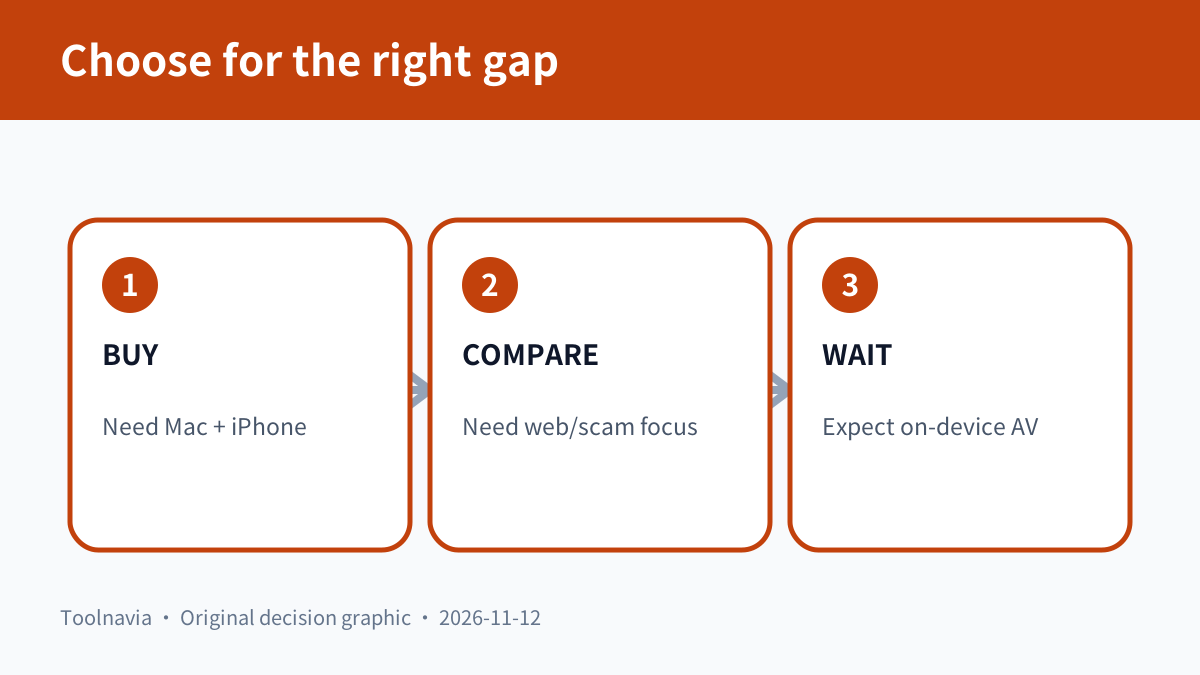
**Buy Complete** when Mac antivirus and firewall are already required, the iPhone VPN and configuration checks replace tools you would otherwise pay for, the exact devices meet current requirements, and the cable-scan acceptance test works on your Mac.
**Compare alternatives** when phishing and scam blocking matter more than Mac antivirus, when you want a dedicated VPN with deeper controls, or when your security policy requires management and reporting that a consumer bundle does not document.
**Wait** when you do not have a compatible Mac, the phone cannot run the required iOS version, the live checkout does not match the documented term, or you expect on-device antivirus, automatic removal or forensic spyware detection.
After the three-surface test passes, review the [approved Intego ONE Complete offer](https://www.anrdoezrs.net/click-101895278-15733644) and save the plan, seat count, first-term amount, renewal, tax and cancellation date shown at checkout.

*Affiliate disclosure: Toolnavia may earn a commission on eligible purchases. This documentation-based guide did not run Intego ONE, connect an iPhone, perform a malware scan, remove a file or complete a paid checkout.*