TOOLNAVIA / BUYING GUIDE
ClickFunnels® Sender Warm-Up: Ramp Before Using the 50K Limit
The short answer
An authenticated domain can still fail if its first campaign jumps from zero history to the full ClickFunnels® Launch allowance. The buying question is not only “Can I send?” but “Can I build reputation without risking the audience I paid to acquire?” Authenticate first, start with recent opt-ins, expand only while delivery signals stay stable, and pause when bounces, blocks or complaints rise.
At a glance
- Best for
- Verified sender, consented contacts and a reputation owner.
- Price model
- Use current checkout; capacity is not a day-one target
- Check first
- No universal safe volume or inbox guarantee.
The buying boundary begins after DNS verification
This guide starts where our separate ClickFunnels email-domain authentication guide ends. SPF, DKIM, DMARC and platform verification are prerequisites, not the warm-up itself. ClickFunnels’ current guide says a new IP, domain or subdomain has little reputation and should build trust through small engaged sends, clean lists, authentication and monitoring.
The temporary @clickfunnelsmail.com address is for testing and is capped at 100 emails. It is not a production shortcut. Real broadcasts and workflows need a verified custom sender and a deliberate ramp.
Know which asset is new
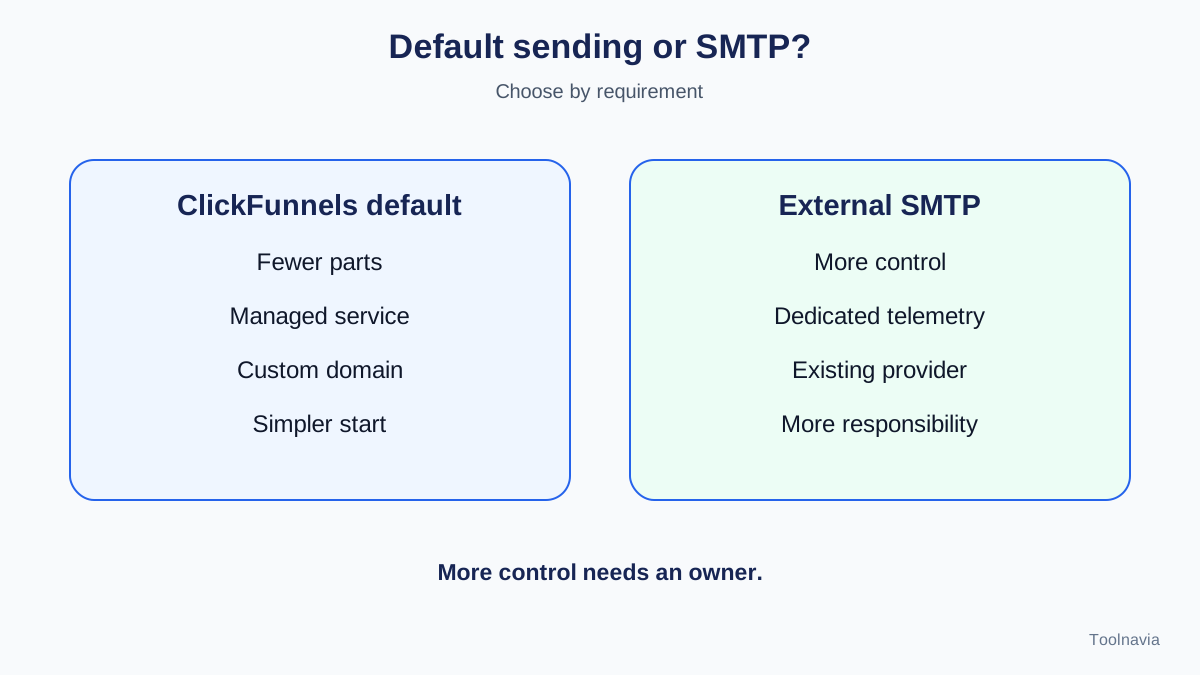
With default ClickFunnels sending, you authenticate your domain while ClickFunnels manages the sending service. With external SMTP, you assume more responsibility for routing, tracking and reputation. A new branded domain needs domain reputation; a new dedicated IP needs IP reputation. Changing both at once compounds uncertainty.
Do not buy external SMTP merely because “more control” sounds safer. It is useful when the team already has sender governance, dedicated infrastructure or monitoring that the default route cannot provide. Otherwise, changing domain, IP, audience and content together makes a poor result harder to diagnose.
Build the first cohort before the first large send
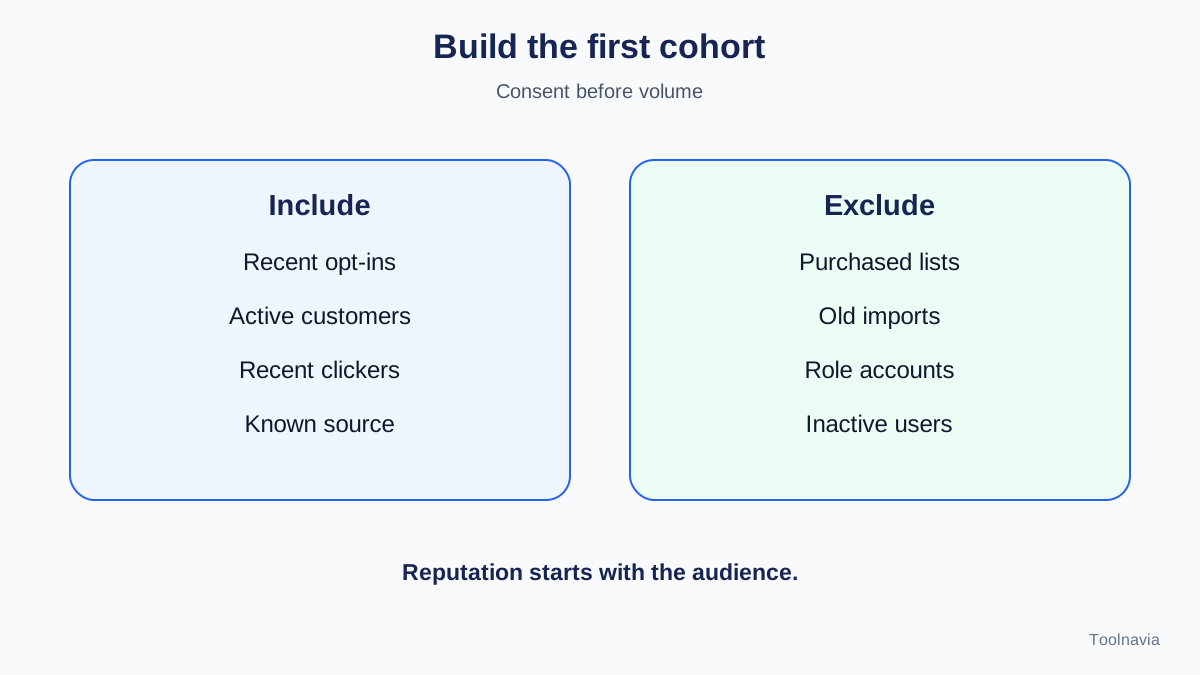
Start with people who recently asked to hear from you and have a reason to engage: recent purchasers, recent registrants, active members, or subscribers who clicked in the last 30–60 days. Exclude purchased lists, old imports, role accounts and long-inactive contacts.
ClickFunnels recommends beginning very small and expanding gradually when metrics remain healthy. Mailchimp, Klaviyo and ActiveCampaign give the same directional advice: start with the most engaged recipients, increase volume in steps, and delay colder segments until the identity has positive history. Their timelines and thresholds are platform-specific comparisons, not ClickFunnels guarantees.
Advance, hold or stop
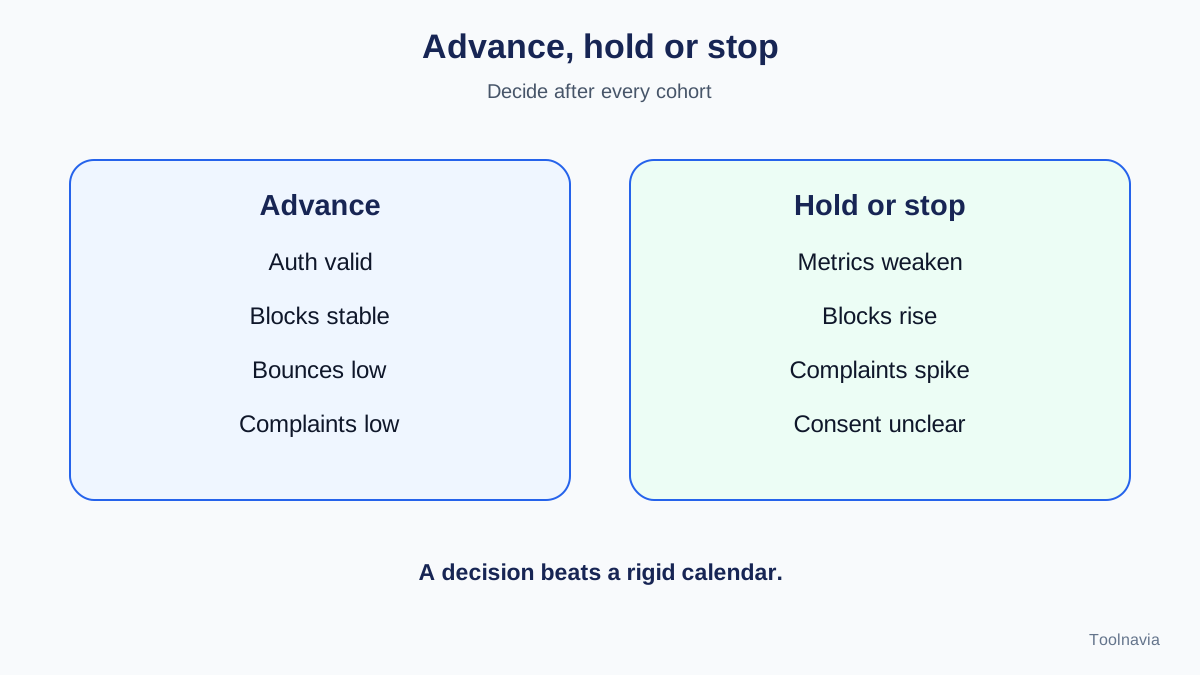
After every cohort, make one decision.
**Advance:** authentication remains valid, blocks do not rise, hard bounces stay low, complaints remain negligible, and engagement fits the cohort.
**Hold:** metrics weaken without a clear failure. Repeat a similar-sized engaged cohort while checking list source, content, links and provider feedback.
**Stop:** blocks, hard bounces or complaints spike; alignment fails; or people without consent are reached. Fix the cause before increasing volume.
ClickFunnels says to slow down or pause when bounces, complaints or blocks spike. Klaviyo likewise recommends holding the current engagement segment when performance drops instead of automatically expanding. These are guardrails, not promised inbox rates.
Separate marketing and transactional risk
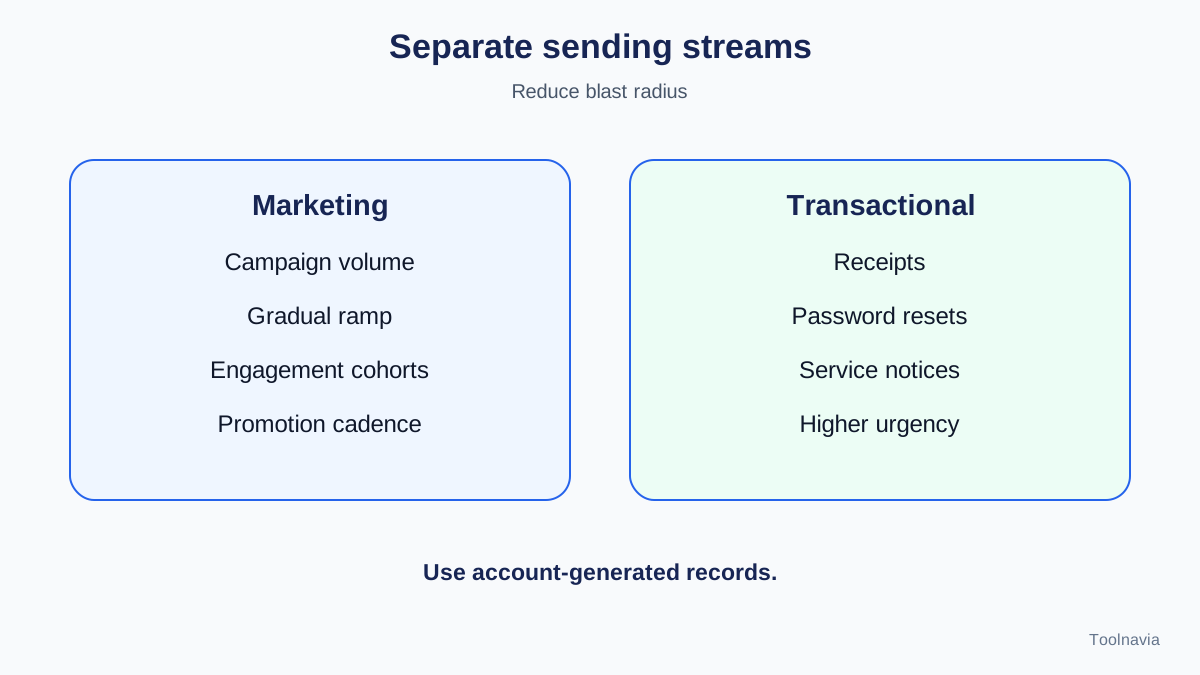
Marketing domains carry high-volume campaigns and benefit from a staged ramp. Transactional mail—receipts, password resets and service notices—has different cadence and urgency. Klaviyo distinguishes marketing branded domains from transactional or service domains. ClickFunnels also recommends considering subdomains to separate marketing and transactional streams.
A small team can use a marketing subdomain for broadcasts while preserving the root domain and critical service mail. Exact records must come from the account. Separation reduces blast radius; it does not make a poor list safe.
**Monitor evidence that changes the next send.**
Track delivery, hard and soft bounces, complaints, unsubscribes and engagement by mailbox provider. Use Google Postmaster Tools when eligible, and inspect deferrals or blocks rather than only opens. Keep sender name, cadence and content reasonably stable during the ramp so one changed variable does not hide another.
Spamhaus warns against sudden spikes and artificial warm-up services that simulate opens or replies. Reputation must come from real, consented recipients. Synthetic warm-up can create policy and listing risk instead of trust.
Default ClickFunnels sending or external SMTP?
Choose the default path when you want fewer moving parts, the custom domain works, and platform reporting is sufficient. Choose external SMTP only for a named requirement: dedicated-IP control, centralized logs, an existing provider contract, compliance routing or provider telemetry.
External SMTP is not an automatic deliverability upgrade; it transfers more responsibility. If the team cannot monitor reputation and diagnose provider-specific failures, the simpler default path can be safer for the first campaigns.
**Pre-volume checklist.**
Before increasing volume, verify the domain, send to at least two mailbox providers, test unsubscribe and replies, confirm automation does not include the full imported list, and record each cohort’s size and outcome. Keep a rollback plan: pause broadcasts without disabling transactional mail, and preserve the last healthy audience definition.
Do not infer a universal safe number from a sample schedule. ClickFunnels says ranges must be adapted to list size, engagement quality, provider and goals. Mailchimp’s four-week plan and HubSpot’s 40-day dedicated-IP program show that vendors implement warm-up differently.
Verdict: buy for the workflow, not the send ceiling
Launch fits a team that wants funnel, CRM and email workflows together and can operate a gradual reputation ramp. Delay purchase or keep the first commitment flexible if the list is old, consent is unclear, the domain is new, or nobody owns monitoring. The 50K allowance is capacity, not permission to use it all on day one. Verify the current plan and checkout before committing.
Toolnavia may earn a commission if you subscribe through our approved ClickFunnels link. That does not change your price or this recommendation. Authentication is the entry ticket; reputation is earned through real, consistent and consented sending, and inbox placement is never guaranteed.