TOOLNAVIA / BUYING GUIDE
ClickFunnels® Launch Team Members: Are Two Seats Enough?
The short answer
ClickFunnels® Launch can fit a small operating team when two named people need platform access and both can work inside one workspace. The important limit is not only the seat count. A Builder can reach every funnel in that workspace, while team-level privileges can expose billing, user management and account-wide settings. Buy Launch when two seats are enough and least privilege is practical—not because shared credentials appear cheaper.
At a glance
- Best for
- A two-person active team that can work in one workspace, accept workspace-wide funnel visibility for funnel-capable roles, and keep billing and team administration with a trusted person.
- Price model
- Official reference: Launch $97/month or $970/year, one workspace and two team members. Verify currency, tax, renewal, roster counting and exact permissions.
- Check first
- Teams requiring three or more persistent active users, per-funnel technical isolation inside one Launch workspace, separate client or brand workspaces, shared credentials, or unverified delegation of billing and account-wide administration.
Start with the two-seat boundary
Current ClickFunnels® pricing lists Launch at $97 monthly or $970 annually, with one workspace and up to two team members. The annual display on the public pricing page is $81 per month billed annually, so use the explicit $970 total for budgeting and verify final currency, tax, renewal and checkout terms.
The official team guide says invited people may use an existing ClickFunnels login or accept an invitation without already having an account. Each person should use their own login. Two seats therefore suit an owner plus one active operator, or two operators under an owner whose access model has been confirmed. Do not assume a shared login creates a third governed seat; it removes individual accountability and is not recommended here.
A third active contributor is a plan-capacity decision. An independent 2026 review also treats the two-seat limit as a practical capacity boundary; official pages still control the exact current figure. Scale is documented with five team members, but its exact offer is not approved or market-confirmed in Toolnavia's registry, so this guide does not commercialize or link to Scale.
Separate workspace roles from team privileges
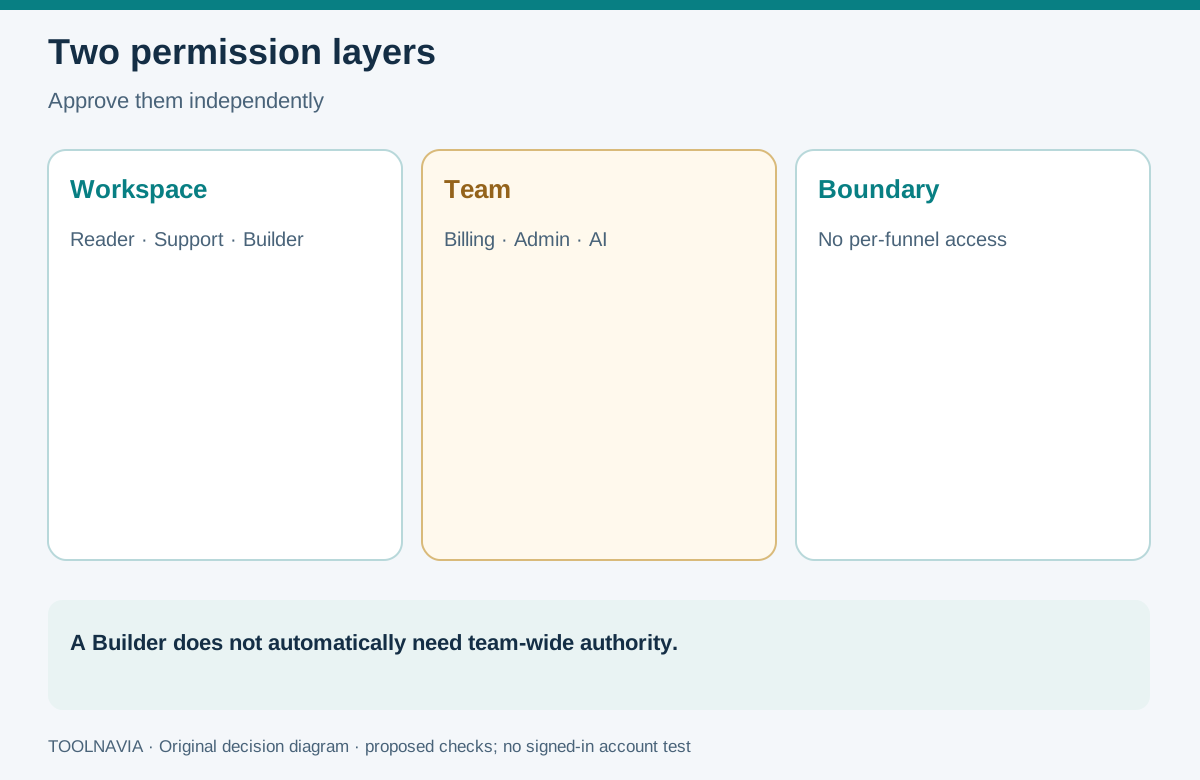
ClickFunnels® has two permission layers. Workspace privileges determine what a person can do in selected workspaces. Team privileges extend to account-level authority across workspaces. Treat them as separate approval decisions.
Workspace roles include Reader, Support, Affiliate Manager, Builder, Community Manager, Marketing, Payments and Workspace Administrator. Reader is view-only. Support can work with conversations, contacts and orders within its boundary. Builder can create and edit funnels, courses, websites, landing pages and workflows. Payments can view financial information in Payments.AI. Workspace Administrator has full control inside assigned workspaces, including role changes there.
Team privileges are more sensitive. Billing Contact can deal with billing and account changes through support. Team Administrator can manage members, roles and team-wide settings and can access all workspaces. AI User consumes the team's AI allowance. Only assign these when the job actually requires them. A freelancer who only builds funnels normally needs a workspace role, not Team Administrator.
Know the broadest unavoidable access
Launch has one workspace. The current official FAQ says ClickFunnels® cannot restrict a role to individual funnels: if the role permits funnel access, the user can reach all funnels in that workspace. That makes the workspace boundary a buying constraint, not just an organization preference.
Suppose a contractor should edit Funnel A but must not see Funnel B. Launch's one-workspace structure and no-per-funnel access mean a Builder role does not express that requirement. You could redesign the operating model, keep sensitive work outside that workspace, or evaluate another arrangement. Do not label a written instruction “technical isolation.”
Competitors illustrate different permission models. Webflow separates workspace roles from site roles, Kajabi can limit some users to selected sites, HighLevel offers module permissions and Only Assigned Data for supported records, and Unbounce can assign Authors or Viewers to named Clients. Those are product-specific comparisons, not promises that ClickFunnels® behaves the same way.
Map two seats to real jobs
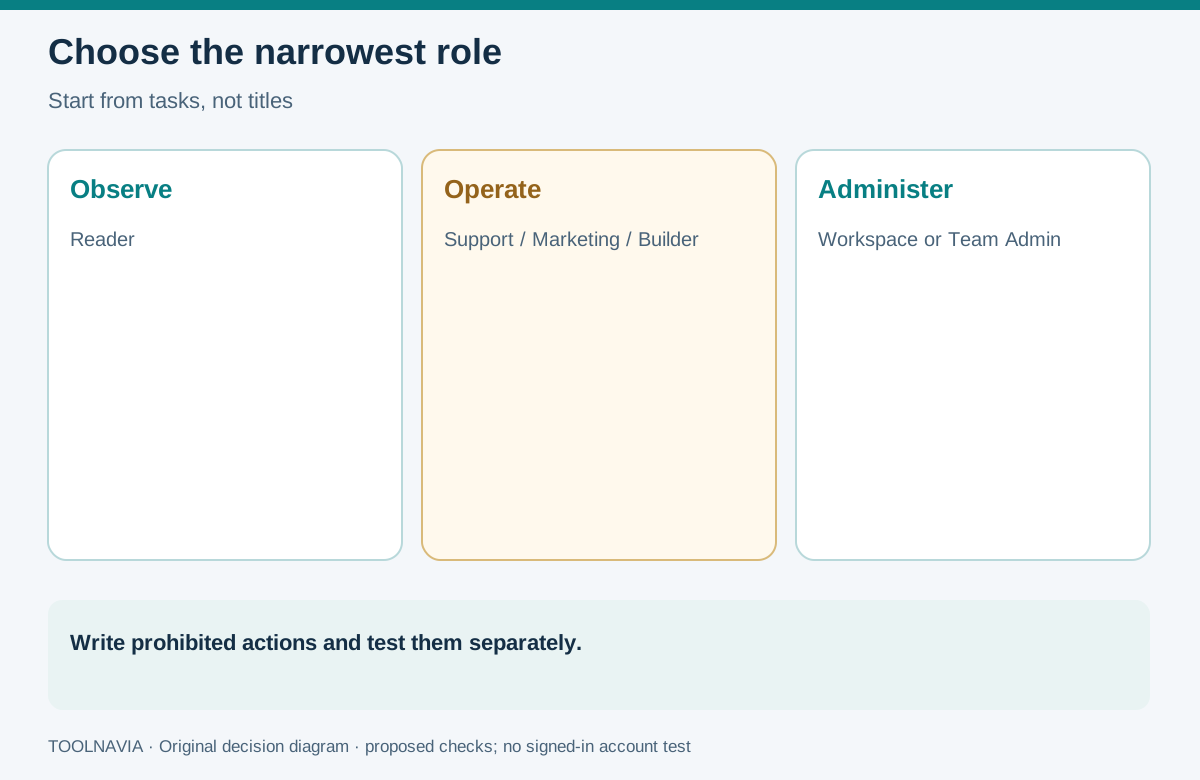
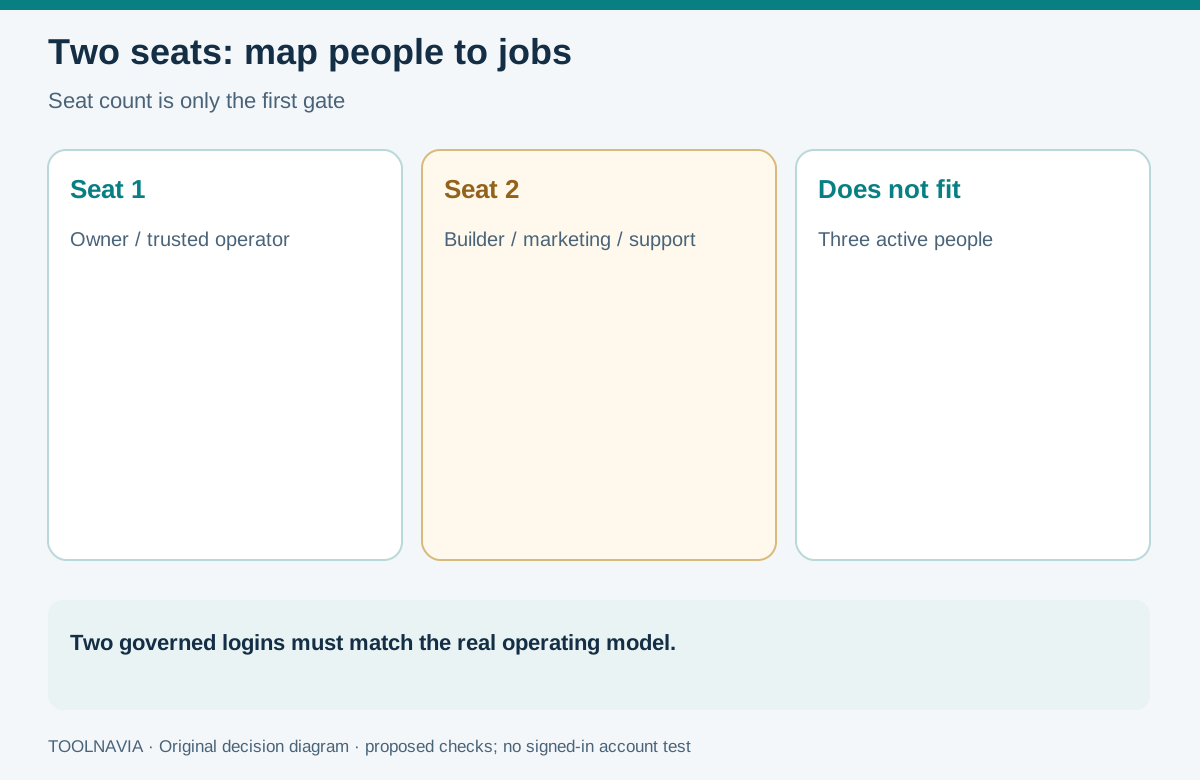
A defensible two-seat design starts with tasks, not titles.
**Owner or trusted operations lead.** This person may need Team Administrator or Billing Contact, but do not grant both automatically. Record who owns subscription changes, who can invite or remove members, and who receives billing support communication.
**Builder or marketer.** Give the narrowest workspace role that supports the work. Builder is broad because it covers all building elements in the workspace. Marketing is more suitable when the job is campaigns and lists. Support is narrower for customer conversations and order/contact handling.
If the owner, builder and support agent are three different active people, two seats do not fit. Rotating a seat may disrupt continuity and audit evidence; sharing credentials weakens accountability. Combine responsibilities under a trusted person, change the workflow, or evaluate an arrangement with sufficient governed access.
Use a least-privilege acceptance test
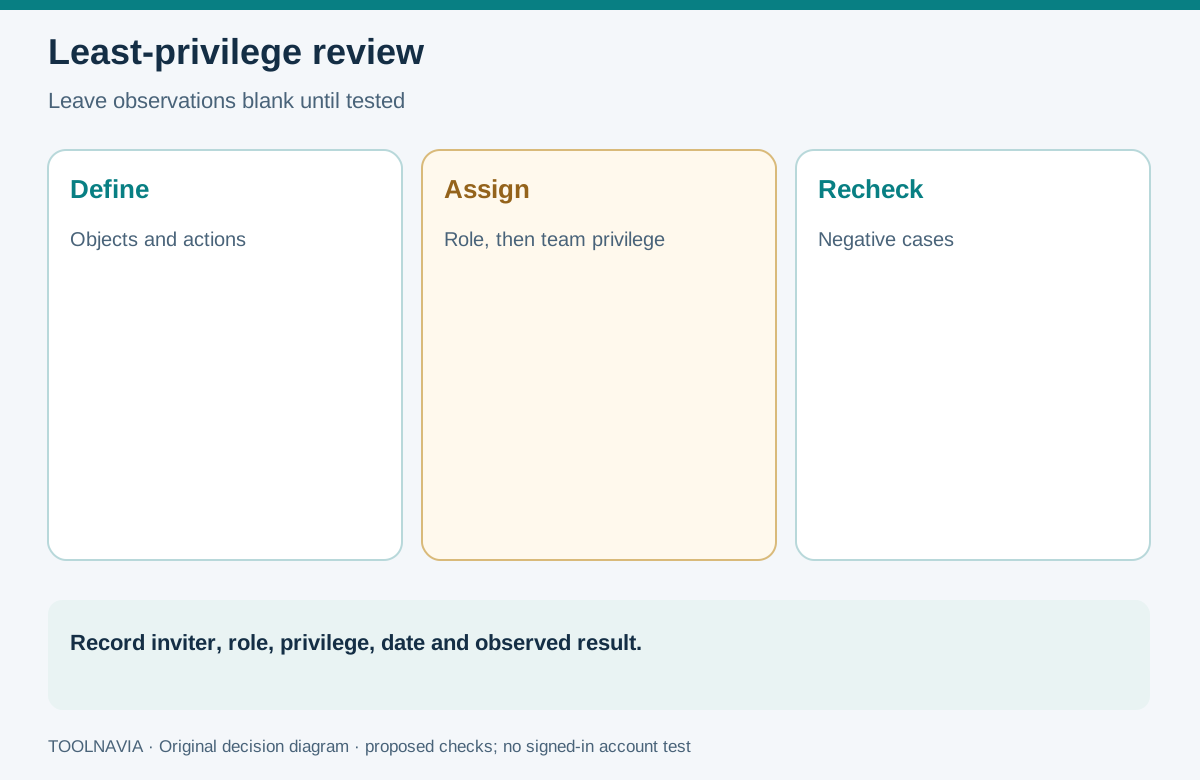
This is a proposed review, not a performed account test.
1. **Write the job.** List the objects and actions needed for the next 30 days: funnels, contacts, orders, campaigns, payments, billing and user administration. 2. **Choose one workspace role.** Start with the narrowest documented role. Add another only when a required task is blocked. 3. **Decide team privileges independently.** A Builder does not automatically need Team Administrator. 4. **Check negative cases.** Confirm the person cannot perform each prohibited action. Record any requirement the platform cannot isolate. 5. **Schedule a review.** Revisit access after the project, staff change or incident. Permissions can be edited later; remove unnecessary authority.
Record the date, inviter, roles, team privileges, intended tasks and observed results. Leave results blank until an authorized signed-in person performs the check.
Decide whether Launch is enough
Choose Launch when two active people, one workspace and workspace-wide funnel access match the operating model; narrow roles work; and billing or team administration stays with a trusted person. Reconsider when a third person needs continuing access, clients need technical isolation, a contractor must be limited to one funnel, or the business cannot safely combine roles.
Toolnavia may earn a commission through the approved Launch offer. No special discount, extra seat, security outcome or successful permission configuration is promised.