TOOLNAVIA / BUYING GUIDE
F-Secure Total: Five Devices, but Are Your Browsers Ready?
The short answer
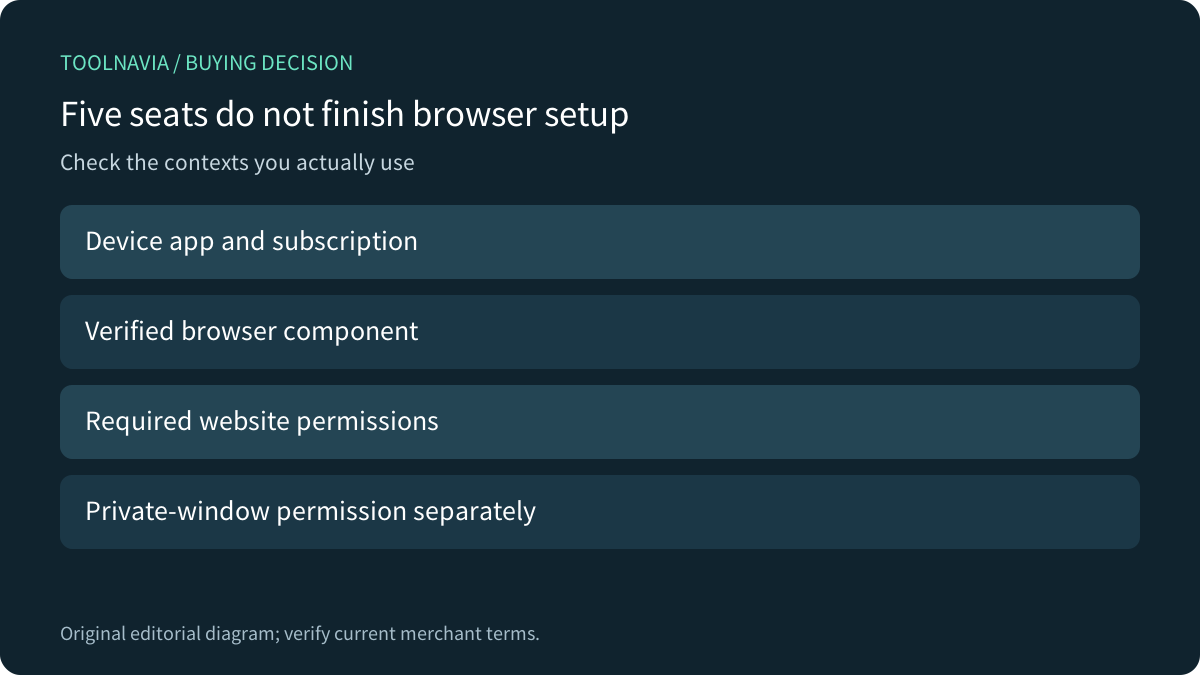
Five F-Secure Total device seats do not answer a separate question: is the browser you use for shopping actually configured for the relevant protection? A desktop app, a browser extension and permission to run in a private window are different parts of the setup. Check that chain before treating a paid subscription as ready.
At a glance
- Best for
- Mixed-device buyers willing to verify official browser components and permissions.
- Price model
- US five devices: $84.99/year current standard; verified new-US education offer lists $24.99 first year.
- Check first
- Private-window permission and platform behavior vary; no exact affiliate approval or guaranteed prevention.
Start with the bundle you need
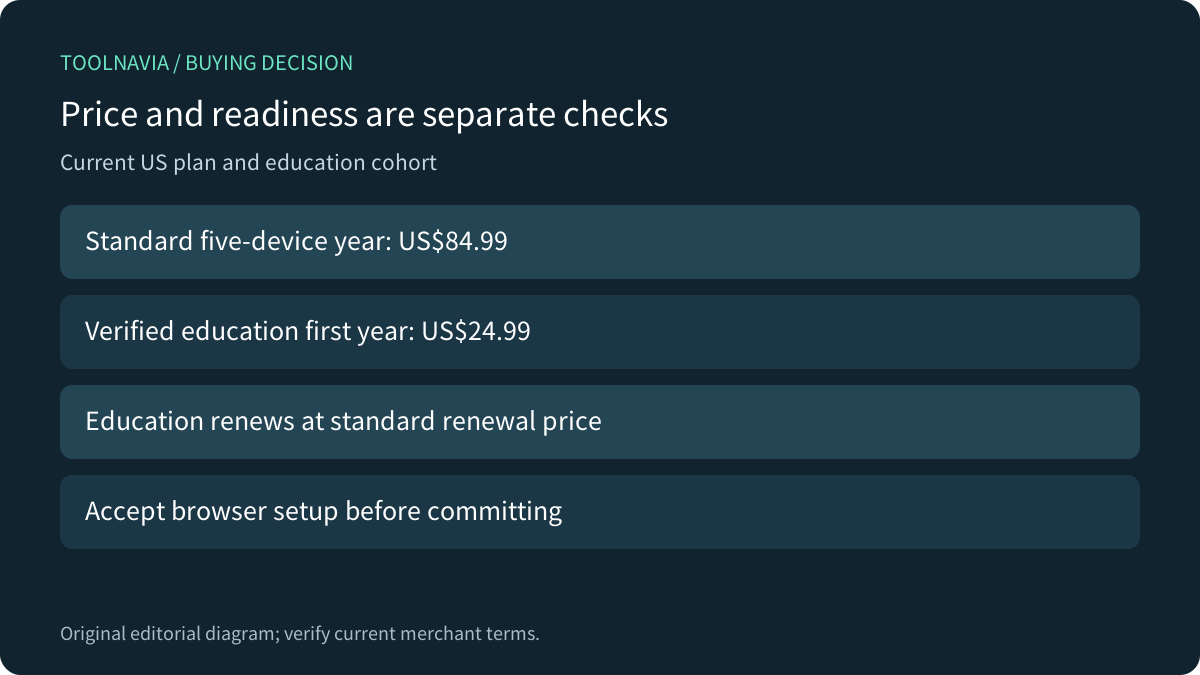
The current US Total page lists five devices at $84.99 for one year. It combines antivirus, VPN and identity/password tools, but the page also gives platform-specific qualifications for individual features. A shared product name is not evidence that every desktop and mobile feature behaves identically.
Buy the bundle when those functions suit your devices and replace work you would otherwise maintain separately. If the only unmet need is one browser feature, compare that need with the tools you already have. Do not pay for five seats on the assumption that an extension alone is a complete security suite.
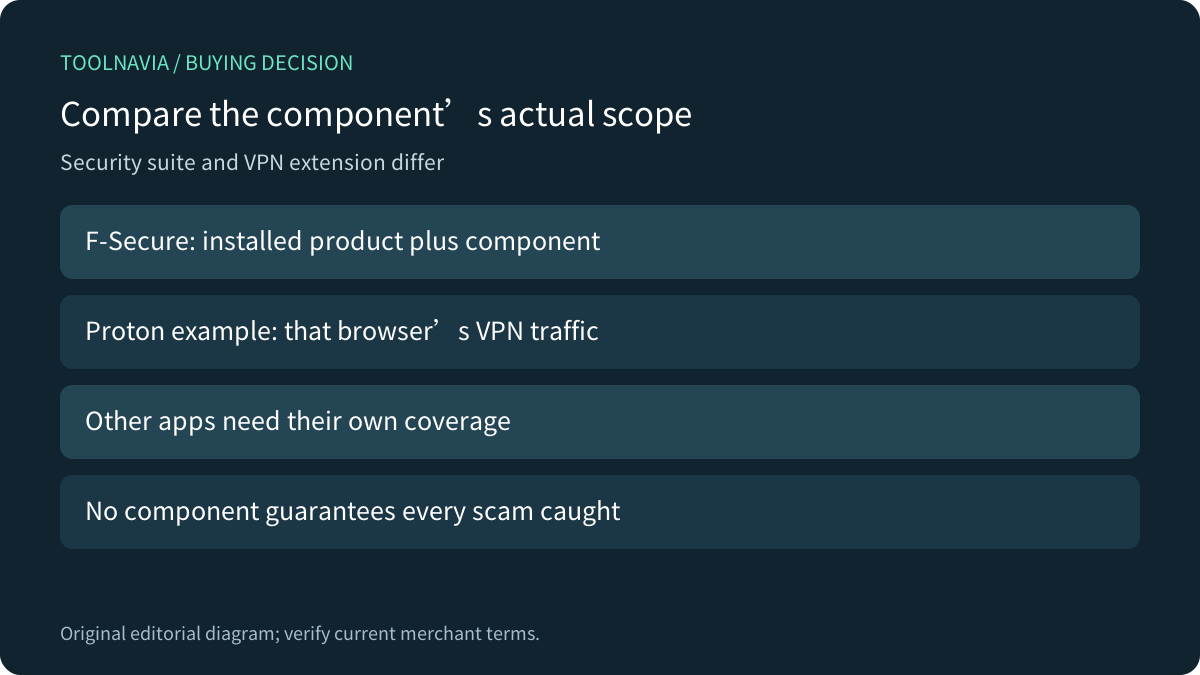
The publisher's Firefox listing describes Browsing Protection as supporting installed F-Secure security products, including HTTPS safety indicators and content handling. It is not presented as a standalone substitute for the installed product.

Inventory browser contexts, not just computers
Write down the browser and profile actually used for purchases, school work and sensitive accounts on each device. Include a second browser and private windows if they are part of normal use. This is an owner checklist, not a claim that F-Secure licenses each profile separately.
For each context, check the current app's supported setup route and the browser's extension manager. Confirm the publisher and required permissions through F-Secure's own instructions or the linked official store. Do not install a similarly named extension from a search advertisement merely to clear a notification.
Google documents that an extension installed alongside a Windows or Mac application may still require the user to enable it in Chrome. It also warns that a work or school organization can block extensions. If a managed school browser forbids the required component, obtain an approved solution from its administrator before paying for a setup you cannot use.
Make a deliberate private-window choice
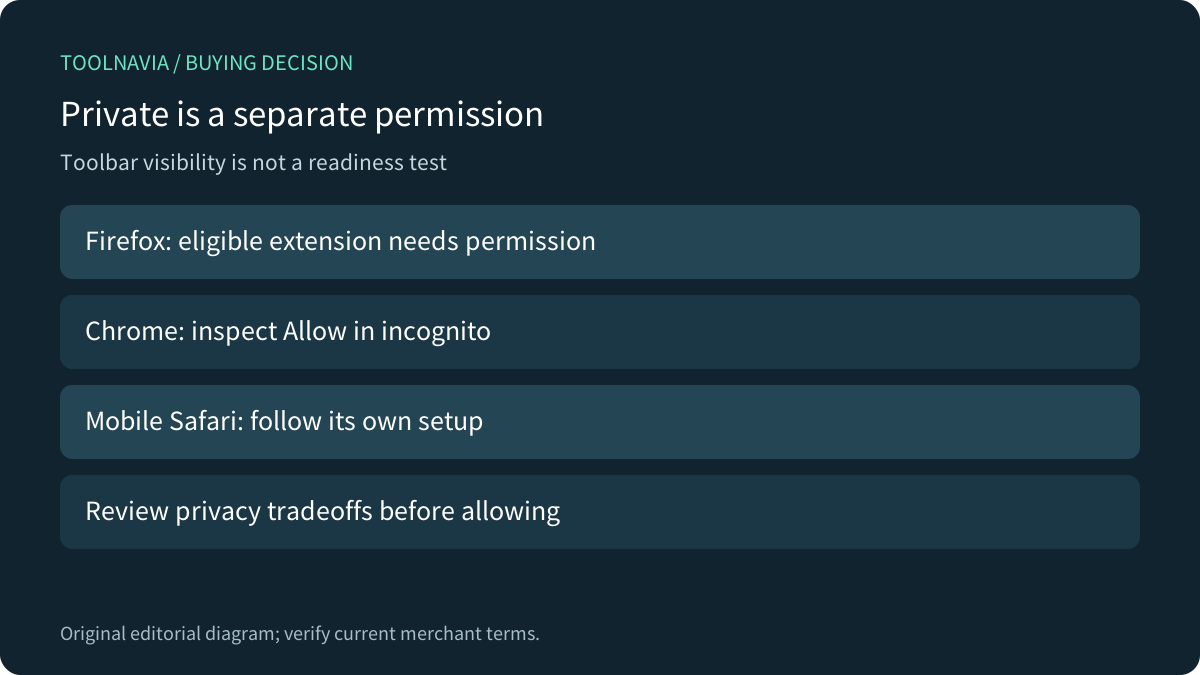
Firefox does not enable extensions in private browsing by default; the owner must permit an eligible extension to run there. Mozilla explains the privacy tradeoff: an extension operating in that window can access information the user may prefer to keep private. Not all extensions can be allowed.
Chrome likewise exposes a separate Allow in incognito control in the extension's details. That setting is different from pinning an icon to the toolbar. Hiding an icon also does not establish whether the extension is disabled, so inspect the manager rather than judging by the toolbar alone.
F-Secure's current iPhone/iPad Safari guide separately requires enabling its Safe Browsing Extension and granting website permissions. It says the extension is not enabled in Private Browsing by default and instructs users to complete setup in a private window. Those mobile Safari steps are not a Mac Safari recipe.

Understand what the permission does
The Firefox publisher listing requests broad website and navigation permissions. Review the publisher and purpose before granting them. Restricting a permission without checking the product's requirements may change the intended behavior; granting it is not a promise that every scam will be detected.
For its mobile Safari extension, F-Secure says website addresses are checked for safety and sent anonymously to its Security Cloud, without reading or modifying the other page content. Treat that as the vendor's statement about this component, not a blanket description of every Total feature or every platform.
A VPN extension has a different job. Proton's official guide says its browser extension covers that browser's activity, not system traffic, separate applications or another browser without the extension. This is a useful alternative-scope comparison, not evidence that Proton's component and F-Secure Browsing Protection are interchangeable.

Check the education price without assuming renewal
Student Beans currently advertises F-Secure Total at $24.99 for a full first year on up to five devices, labeled70% off. Access requires student verification and the stated offer is for new US customers. The same partner page has a70% graduate eligibility route. It is not a public code available to every buyer.
The partner explicitly says the subscription renews automatically at the standard renewal price unless canceled during the initial period. Its introductory price must not be described as permanent merely because the general merchant page discusses current new-and-renewal price parity. Check the education cart and renewal notice for the applicable amount and tax.
Graduate verification eligibility is also different from a guaranteed five-year promotional term. Do not infer repeated discounted renewals from membership duration. No verified public coupon string, exact future renewal invoice or stacking entitlement was established.
Accept the setup, then decide whether to keep it
Before committing, use the provider's supported evaluation route on the devices that matter. Record the installed app, supported browser, verified publisher, enabled extension and relevant permissions. Check ordinary and private contexts separately using the current in-app guidance. Keep sensitive transactions out of the rehearsal; there is no need to visit a harmful site to inspect setup readiness.

Choose Total when you need the bundle, can maintain the supported browser configuration and understand the selected subscription's renewal. Pause when essential browser contexts are unsupported or controlled by an administrator who has not approved the component.
The public F-Secure affiliate program currently accepts applications and advertises cash commissions, but Toolnavia has no approval for this exact five-device offer. This article has no commercial purchase button or tracking URL. It is based on documentation, not a malware, phishing, VPN-speed or browser-protection test.