TOOLNAVIA / BUYING GUIDE
CorelDRAW Subscription Expiry: Export Files Before Viewer Mode
The short answer
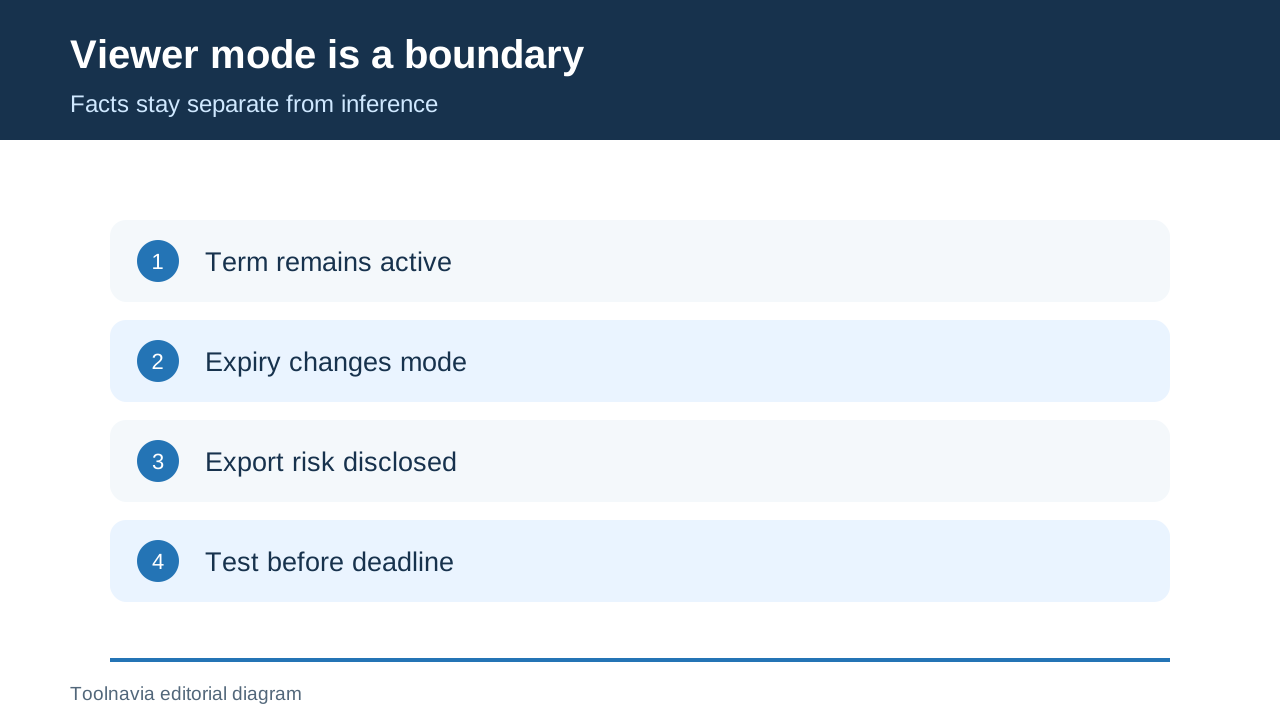
Canceling CorelDRAW auto-renewal is not the same as immediately losing access. Corel says the paid term continues, and the desktop suite changes to viewer mode when that term expires. The practical question is not merely “How do I cancel?” but “Which editable masters and handoff files must exist before the end date?”
The safest exit plan is to keep local CDR masters, create portable deliverables while the subscription is active, and test those files in the applications clients or teammates will actually use. Corel documents viewer mode after subscription expiry and separately says an expired trial cannot export. Because the subscription FAQ calls viewer mode “similar” to an expired trial without listing every disabled command, this guide treats loss of export as a risk to plan around—not as a proven subscription-specific command list.
At a glance
- Best for
- Subscribers planning a safe cancellation without trapping editable files.
- Price model
- Current US/Canada checkout and account status
- Check first
- Viewer mode is official; subscription-specific export commands are not fully documented.
1. Find the real end date
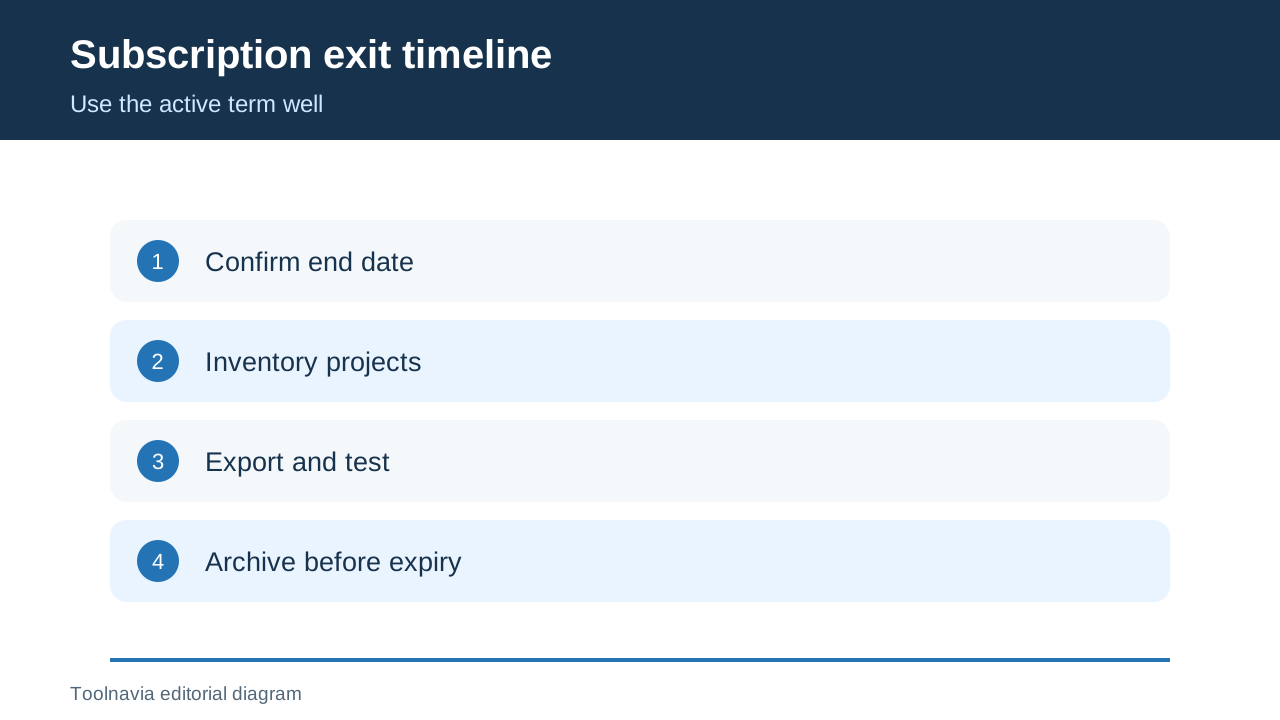
Open Product Status and Subscriptions in the Corel account and record the term end date. If the account view is unclear, use the management link in the original confirmation email or Corel's purchase lookup. Auto-renewal can be cancelled at any time, but the current term cannot be cancelled.
Save a dated screenshot and keep the order email. Do not wait until the last day: periodic authentication or a billing mismatch can consume the time reserved for exports.
2. Inventory files, dependencies and recipients
List active CDR files, linked bitmaps, fonts, color profiles, macros, templates and cloud-only assets. For each project, name the person or system that must open the deliverable after expiry. A printer may need PDF/X; a web team may need SVG and PNG; an Adobe collaborator may need AI, EPS, PSD or PDF.
Modern CDR is not a universal interchange format. Corel says Illustrator and Photoshop cannot directly open CDR, and recommends exporting to accepted formats. “I still have the CDR” is not a complete continuity plan.
3. Keep the master, then build an export set
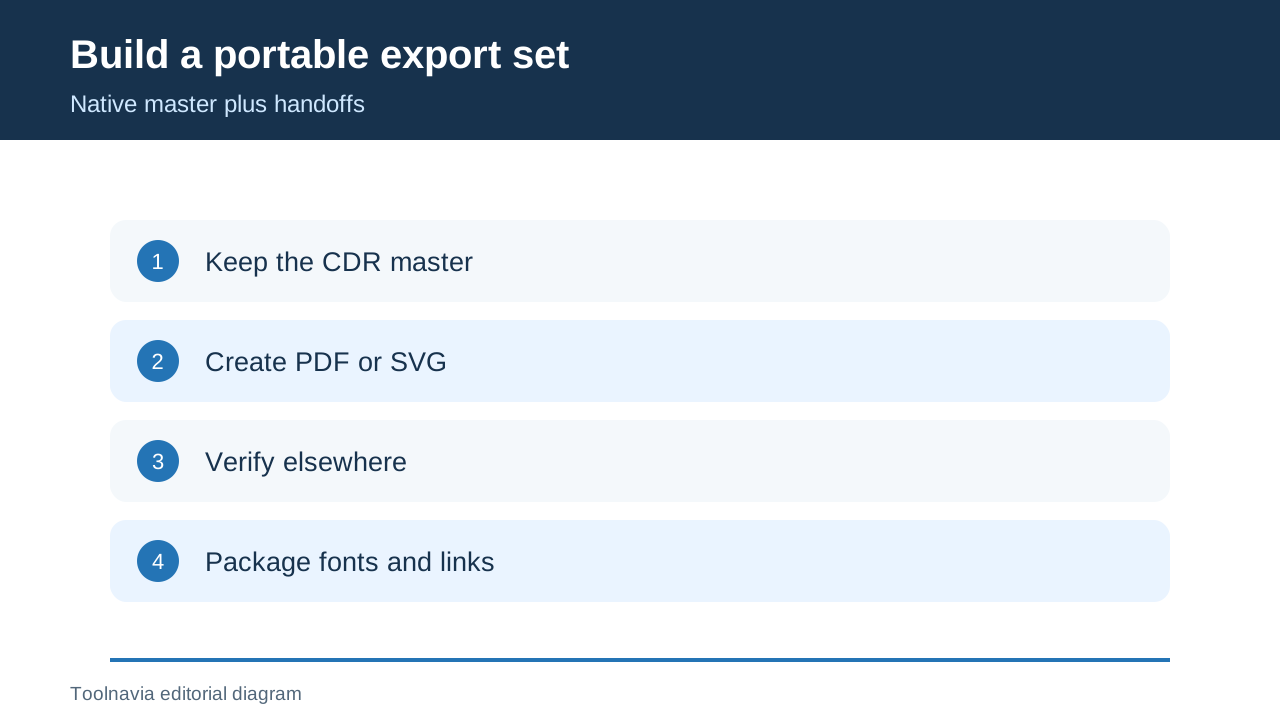
Save a clean local CDR master first. Corel recommends this because exported formats may discard native features. Then create the outputs the workflow needs:
| Need | Prepare while active | Verify | |---|---|---| | Print or approval | PDF with required page box and color settings | Open in another viewer and preflight | | Vector handoff | SVG, AI or EPS agreed with the recipient | Reopen outside CorelDRAW; inspect text and transparency | | Image delivery | PNG, TIFF or JPEG at required size/profile | Inspect dimensions, alpha and profile | | Continued editing | CDR plus a documented interchange copy | Ask the receiving editor to make one real change |
Convert text to curves only in a separate handoff copy when the recipient agrees. Keep fonts and license records where permitted. Package linked assets and add a manifest naming the CorelDRAW version, export preset and substitutions.
4. Test before the term ends
Do not trust an export merely because CorelDRAW created it. Reopen each critical file elsewhere or send it to the real recipient. Check page size, bleed, spot colors, transparency, clipping masks, linked images, font substitutions and layers. A successful PDF does not prove an AI or SVG is editable.
Corel's help says expired trials cannot export, while the subscription FAQ says an expired subscription becomes a similar viewer mode. That supports testing early, but not claiming that every subscription build disables identical commands.
5. Separate local files from Web and cloud
CorelDRAW Web belongs to subscription or active maintenance, and its workflow can use cloud files across web and desktop. Download or synchronize anything that exists only in the cloud and confirm the local copy opens. Local ownership of a file does not grant continued access to subscriber-only Web features.
If browser access matters after expiry, a bare one-time purchase may not reproduce the workflow. Compare the live US/Canada checkout and current entitlement table before switching. No fixed price is quoted because campaigns, tax, currency and packaging can change.
6. Cancel only after a recovery drill
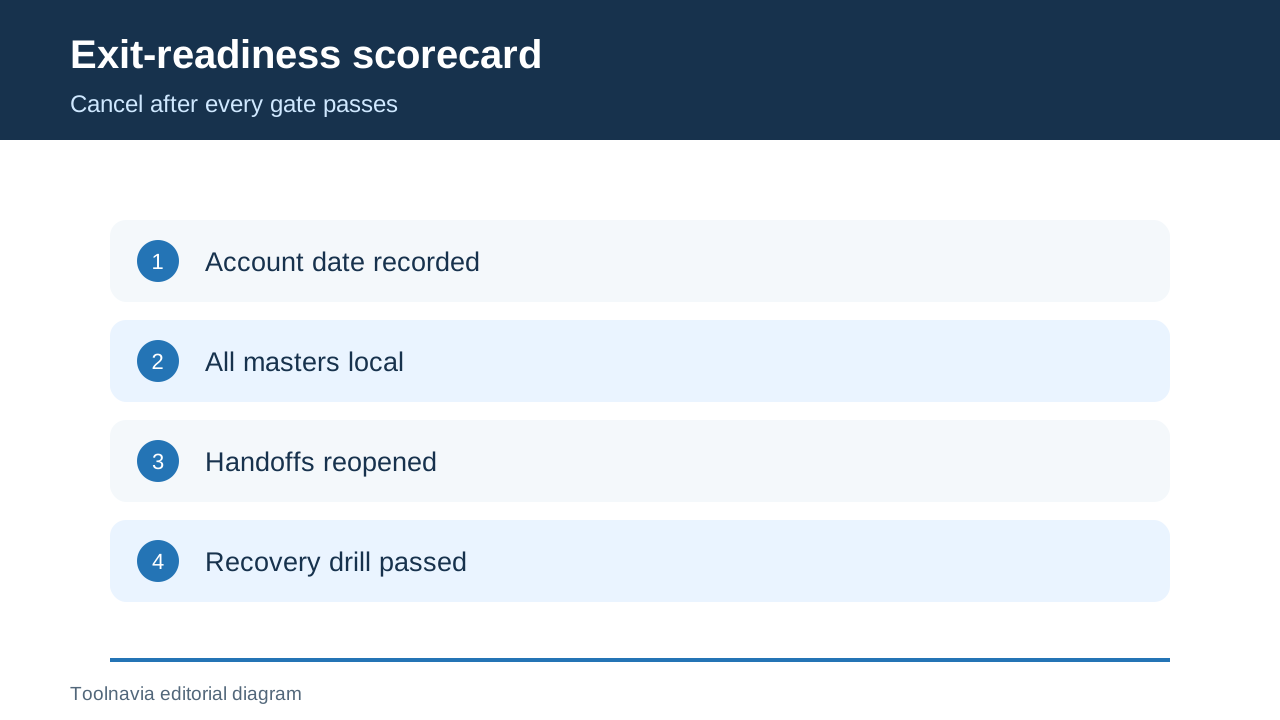
After inventory, exports and independent checks pass, cancel auto-renewal through the Corel account or order-management link. Recheck that non-renewal is shown while the current end date remains. Independent cancellation guides describe the same sequence, but the Corel account is authoritative.
Recover the archive on a separate profile or machine. Open the PDF, SVG and image copies, and confirm the CDR master and dependencies are present. Keep checksums or a dated archive for commercially important work.
Renew, buy once, reactivate or exit?
| Situation | Lower-risk choice | |---|---| | Current desktop features, Web or new-version compatibility remain essential | Keep or renew after checking live terms | | A stable desktop version is enough and excluded services are acceptable | Evaluate the current one-time purchase and OS limits | | The term expired with critical work not exported | Reactivate only long enough to recover and test, if terms permit | | Portable files pass and editing is finished | Let the subscription end and retain the archive |
Licenseware independently confirms the subscription/viewer-mode boundary, while TechRadar confirms both purchase paths remain relevant. Neither replaces Corel's current account or checkout.
**Verdict.** Cancel renewal when future updates and subscriber services are worth less than the recurring cost—but only after a real handoff passes. Keep the subscription if ongoing CDR editing, Web access or current-version compatibility matters more. If leaving, export before the end date; viewer mode is an inspection fallback, not a deliverables strategy.
Disclosure: Toolnavia participates in Corel's approved CJ affiliate program and may earn a commission from qualifying US or Canadian purchases.