TOOLNAVIA / BUYING GUIDE
CorelDRAW Subscription Cancellation: Renewal, Refund & File Exit Guide
The short answer
**Quick answer:** cancelling CorelDRAW Graphics Suite auto-renewal stops the next renewal; it does not erase the paid current term or automatically create a refund. Corel's product FAQ says the current subscription term cannot be cancelled, while the general EULA says direct subscriptions renew unless notice is given at least 30 days before expiry. Treat **30 days before renewal as the safe internal deadline**, keep the confirmation, and use the billing channel shown on the receipt.
At a glance
- Best for
- CorelDRAW subscribers who need a defensible renewal exit and refund-request trail.
- Price model
- Live seller, checkout and license certificate control
- Check first
- Refund outcomes, seller routes and local legal rights are order-specific.
Cancellation, expiry and refund are three different events
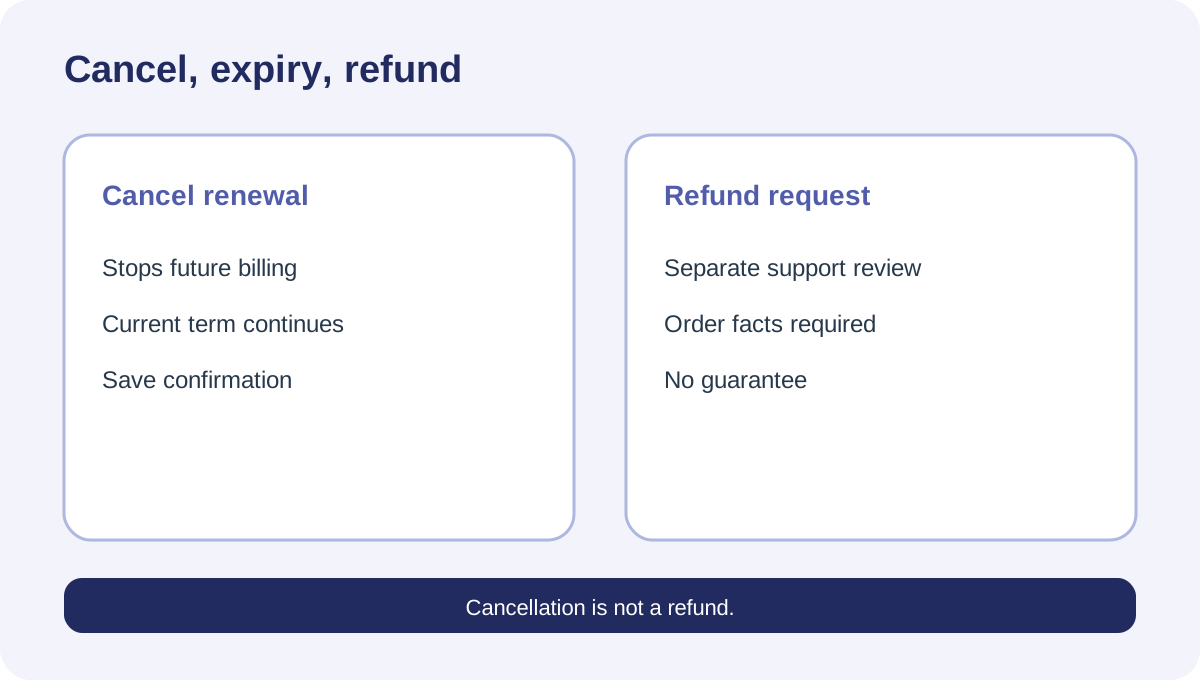
Turning off auto-renewal is a future-billing action. Corel's billing FAQ sends direct buyers through the order-confirmation link or Cleverbridge purchase lookup, then to “Subscription cancelation” or “Manage your subscription.” It explicitly says this stops future renewals but does not refund the order.
Expiry is the access consequence. CorelDRAW's subscription FAQ says the software reverts to viewer mode after the paid term ends. Plan an editable-file and export handoff before that date; cancelling renewal today does not mean editing stops today.
A refund is a separate request. Corel says many requests can be reviewed after checking the seller, purchase date and payment method, but its EULA describes amounts as generally non-refundable, subject to mandatory law. That is not a guaranteed refund window. It is a case-by-case support path whose result depends on the order and governing rules.
Find who actually billed the order
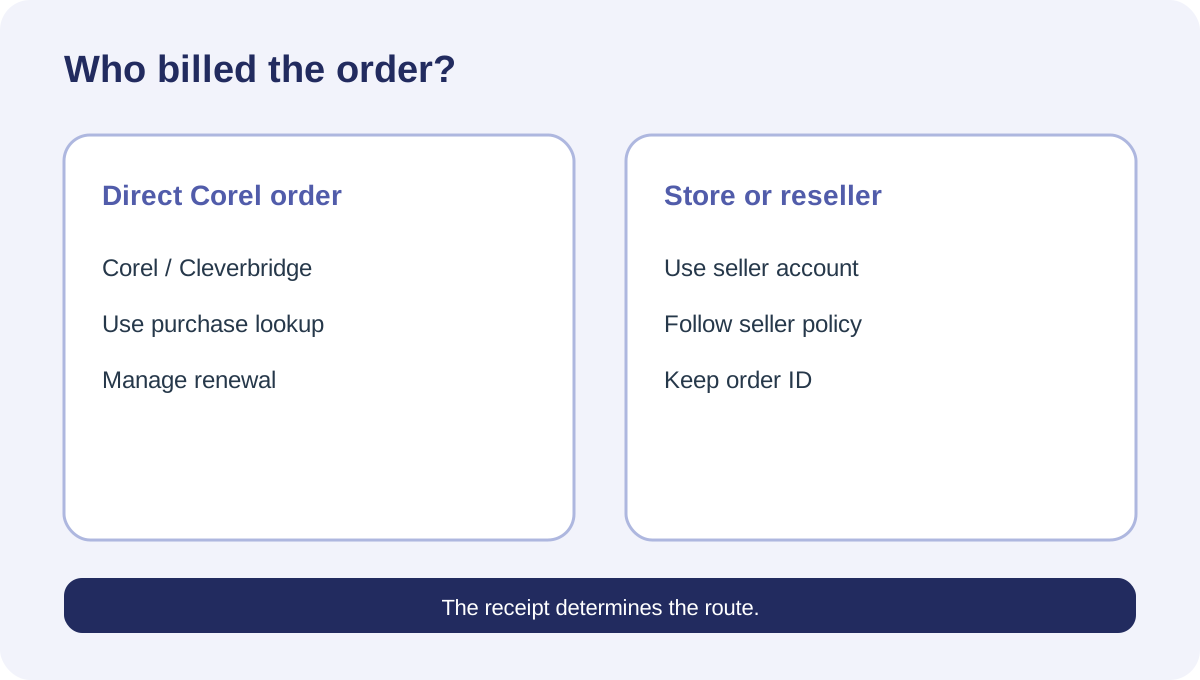
Start with the receipt, not the app icon. A direct Corel/Cleverbridge order can usually be found through the purchase-lookup email flow. A Microsoft Store, Apple App Store, Google Play or reseller purchase may be managed by that seller instead.
This distinction is purchase-critical. A Microsoft Q&A case involving a CorelDRAW Store subscription shows the customer being blocked in Microsoft's subscription interface after renewal; it does not prove Corel can reverse a store charge. Save the order number, seller name, charge date, amount, currency and last four payment digits before contacting anyone.
Do not send card numbers, passwords or license keys in an ordinary support message. Use the seller's authenticated account or official support channel.
Cancel with evidence, not memory
For a direct order, first open the Corel account and check **Product Status and Subscriptions**. The product FAQ says this area shows remaining days and allows users to opt in or out of auto-renewals.
If the control is missing, use the purchase-lookup path documented by Corel: enter the purchase email, open the emailed order overview, select “all details on this order,” then manage the subscription. Independent cancellation guides describe the same two routes and recommend saving the confirmation.
Capture three pieces of evidence:
1. the status showing auto-renewal off; 2. the effective end date or remaining days; 3. the confirmation email or order-detail page.
Check again several days later. A button click without a changed account state is not a completed cancellation.
Why the 30-day rule matters
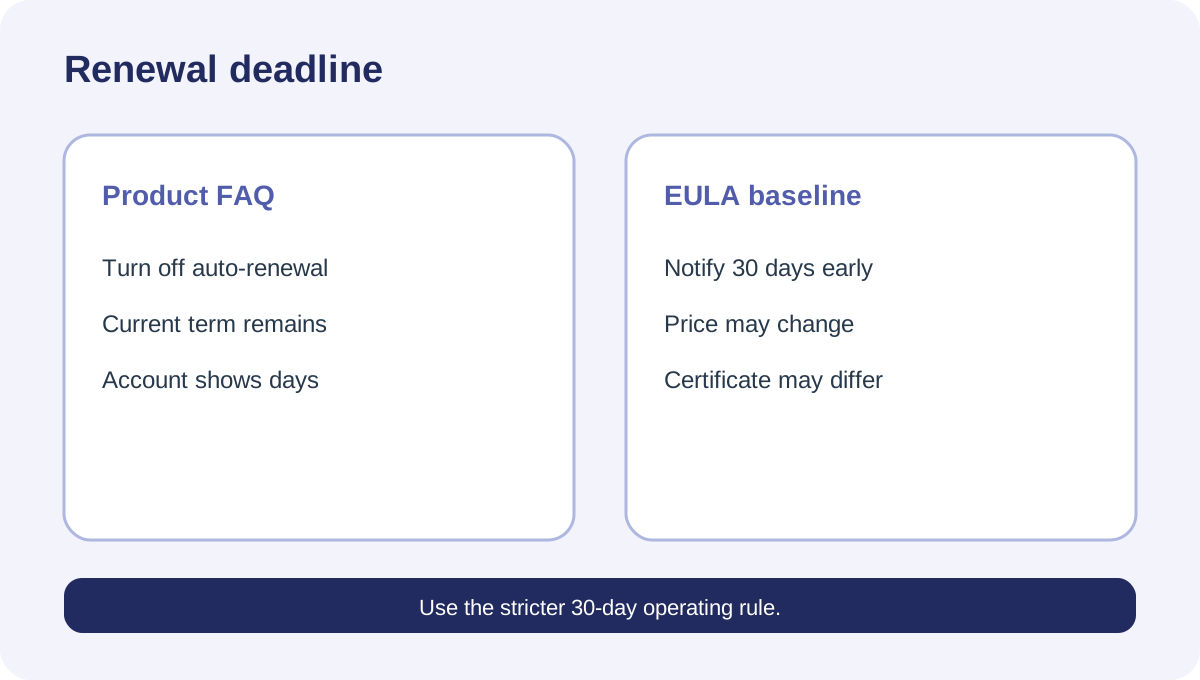
CorelDRAW's product FAQ says auto-renewal may be cancelled at any time and the current term cannot be cancelled. The broader Corel EULA is stricter: unless the license certificate says otherwise, notice must be received at least 30 days before expiry to avoid renewal.
Because both are current official pages and the EULA controls legal terms, use the stricter operational rule. Do not wait until the final day even if the account presents a simple toggle. Your license certificate and order confirmation may add seller- or product-specific terms.
Renewal prices can also change with prior notice under the EULA. Record the current total and renewal date instead of assuming the amount paid last year will repeat.
Requesting a refund after a charge
Stopping renewal after the charge is not the same as reversing the charge. Corel's billing FAQ says to contact Customer Service for full, partial or tax refund requests and that validation may be required.
Send a concise timeline: order number, billed seller, charge date, cancellation attempt date, confirmation evidence and the remedy requested. Do not claim that non-use guarantees a refund; the EULA points the other way. If consumer law gives mandatory rights in your location, those rights are not removed by this guide or by a generic policy sentence.
If the purchase came from an app store or reseller, follow that seller's documented refund process first. Duplicate simultaneous disputes can make the evidence trail harder to follow.
Prepare files before viewer mode
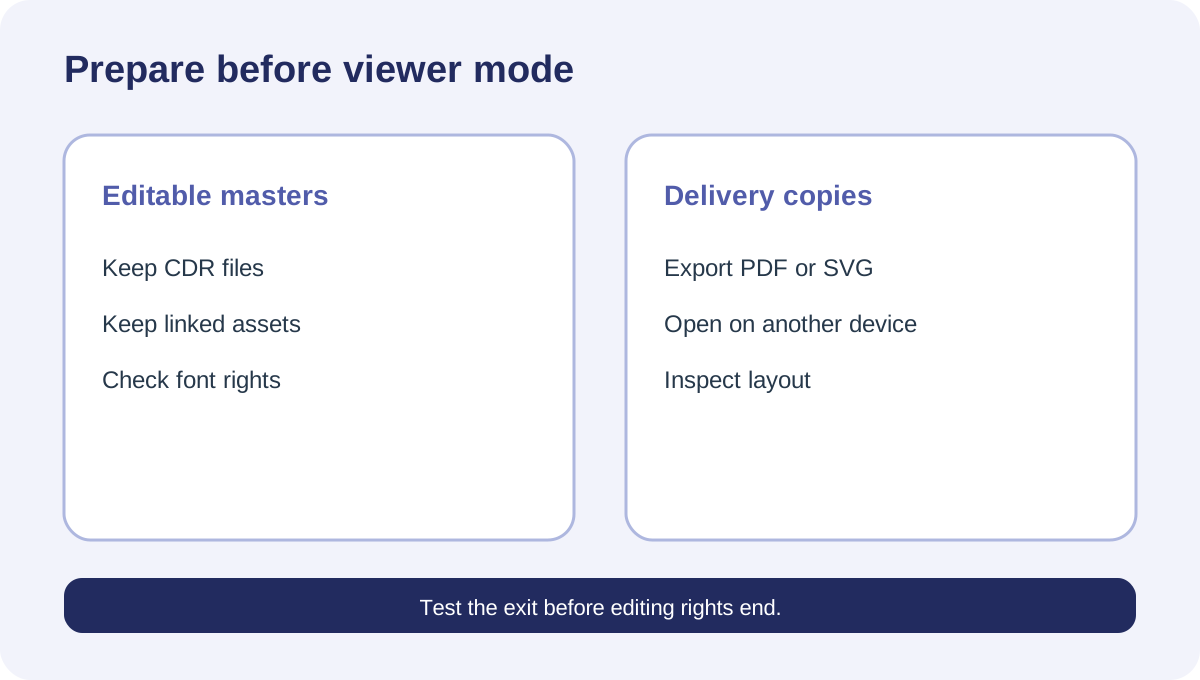
A subscription ending changes what you can do with the software. Corel says expiry leaves the application in viewer mode, whereas a perpetual purchase keeps the specific purchased version. Before the term ends, inventory active client projects and create the delivery formats they actually require.
Keep original CDR files, linked images, fonts you are licensed to retain, and neutral exports such as PDF or SVG where the workflow permits. Open the exports on a second device or viewer and inspect text, color, transparency and page size. This is an exit test, not a promise that every effect converts perfectly.
If continued editing is essential, compare the current subscription with the approved CorelDRAW Graphics Suite offer and the one-time option at live checkout. The choice is not merely “refund or keep paying”; it may be “stop renewal and preserve a stable perpetual-version workflow.”
Decision checklist
Before payment, confirm seller, term, renewal switch, notice deadline, refund route and the effect of expiry. After cancellation, confirm future renewal is off and the end date remains correct. After a disputed charge, contact the billed seller with an evidence bundle rather than relying on an app uninstall.
**Bottom line:** cancel early, preserve proof, separate access from billing, and never budget on a refund that has not been approved. [Check the approved CorelDRAW Graphics Suite offer](/go/coreldraw-graphics-suite-2026-us-canada) and verify the exact license type, seller and renewal terms before payment.