TOOLNAVIA / BUYING GUIDE
AOMEI Cyber Backup NAS to S3: Is the Archive Restore Path Ready?
The short answer
# AOMEI Cyber Backup NAS to S3: Is the Archive Restore Path Ready?
**Verdict:** AOMEI Cyber Backup can use local or network storage for the first backup and then archive versions to Amazon S3. That is a two-stage path—not proof that S3 replaces the first landing zone, not automatic immutability, and not a reason to buy before a restore drill. The paid VM license makes sense only when your NAS, S3 account, credentials, recovery-time target and operator ownership all pass one representative rehearsal.
At a glance
- Best for
- IT teams with a sized NAS/local first landing zone, controlled AWS access and a tested NAS/S3 recovery path.
- Price model
- Current display: $99 per VM/year, minimum five; NAS/S3/operations costs and final cart are separate.
- Check first
- S3 is an archive stage after local/NAS backup in current documentation; Object Lock, lifecycle, storage class, IAM, recovery time and final cart require buyer verification.
The architecture has two storage jobs
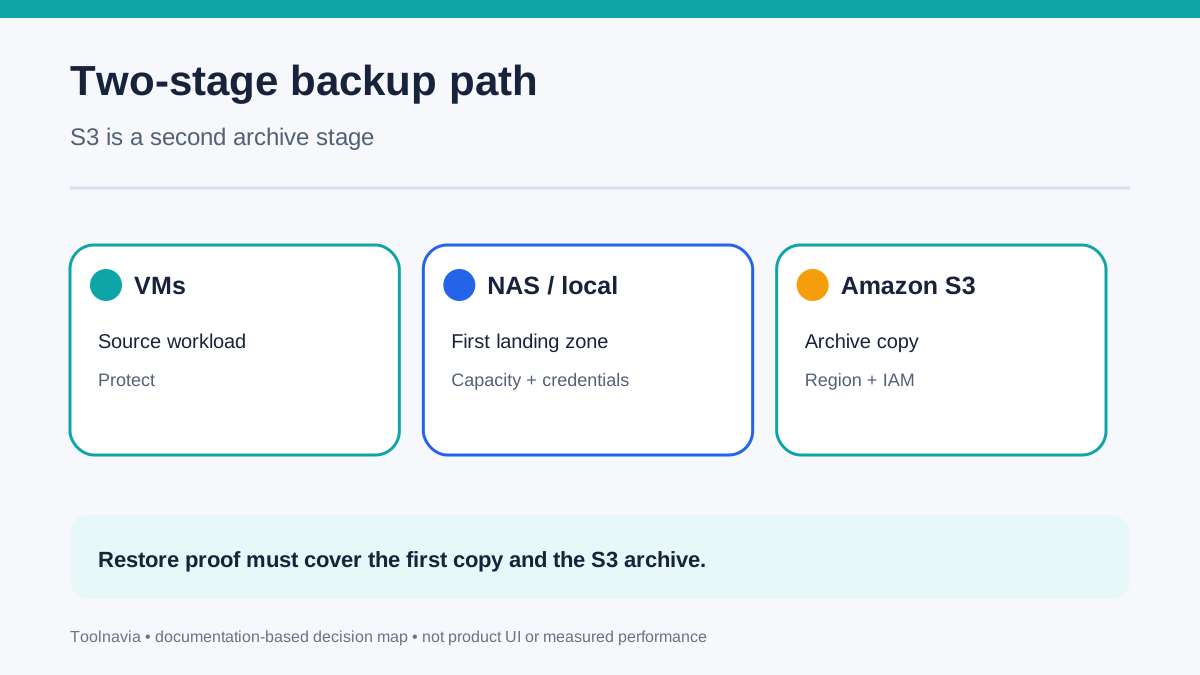
AOMEI's current archive instructions say the backup is created locally or on NAS first, then uploaded to Amazon S3. The product can also archive an existing task, either from all versions, the last full backup, or the next full backup. That makes S3 a second archive stage around a task that already needs a working first destination.
This distinction changes the buying decision. You need enough local or NAS capacity for the first full backup, enough bandwidth for archive upload, and an S3 design that matches retention and recovery requirements. If the first landing zone fills, loses credentials or becomes unavailable, an S3 bucket does not automatically repair that operational gap.
The current help page also provides a direct **Restore from Amazon S3** workflow: select the archived backup's JSON file, choose the backup and start restore. The official changelog records Amazon S3 archive support from version 3.6.0 and continues through the current release history. That is stronger evidence than assuming an archive is merely cold storage, but it still does not prove your recovery-time objective.
Your NAS must pass the boring checks first
AOMEI documents local and network locations as primary destinations. A network share must be on the same LAN; the current interface accepts an IP-address path rather than a domain name. Administrators can inspect free space, associated tasks and authentication, but a destination in use cannot simply be removed without addressing those tasks.
Before purchase, record the exact share path, service account, password-rotation owner, available capacity, expected first-full size and daily change rate. Use a dedicated test folder or repository rather than a general share that also holds source data. AOMEI's error guidance shows that cached Windows credentials can cause destination failures and may require re-verification.
A NAS is not automatically an independent off-site copy. If it shares the same room, power, administrator credentials or ransomware blast radius as the protected hosts, it may improve restore speed without satisfying your disaster-recovery boundary.
S3 archive is not the same as S3 governance
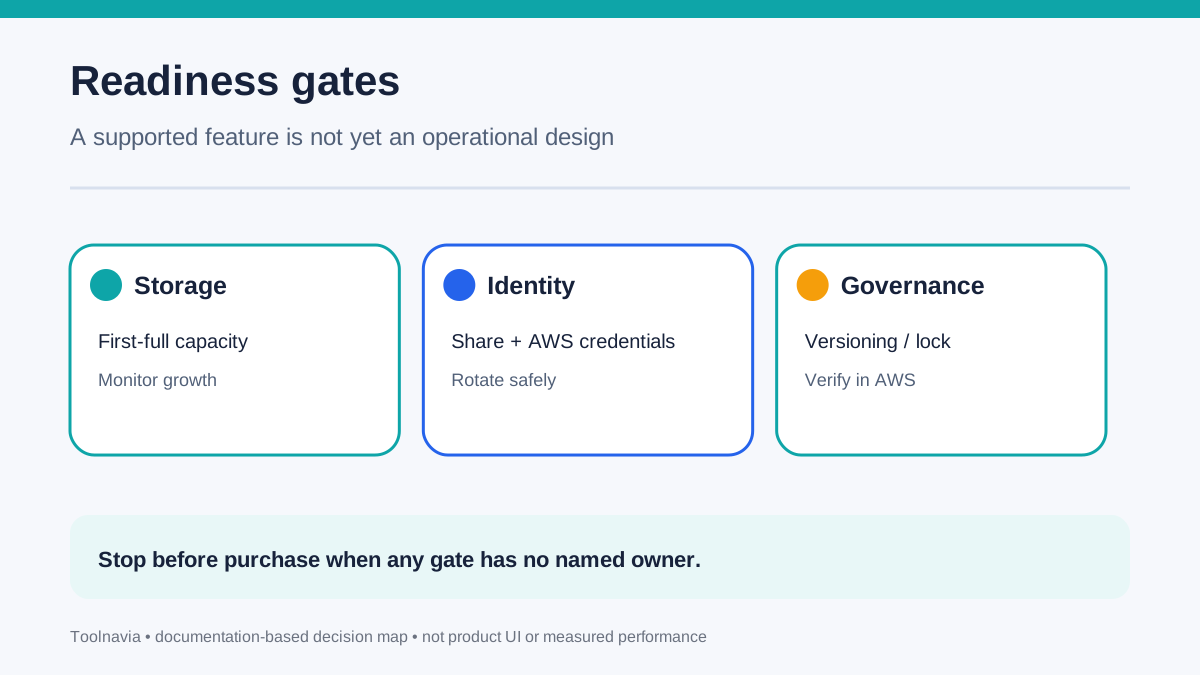
AOMEI asks for Amazon S3 credentials and a region, then uploads archived versions. Its cited help page does not say that Cyber Backup enables S3 Versioning, Object Lock, lifecycle rules or a particular storage class for you. Those remain AWS-side decisions to verify.
AWS says Object Lock can prevent an object version from being overwritten or deleted for a defined period or indefinitely, and it depends on versioning. AWS also warns that encryption-key loss can make locked objects unreadable. Therefore, “archive to S3” should not be translated into “immutable and always recoverable” unless the bucket, IAM permissions, keys and retention configuration prove it.
Storage class also changes the economics. S3 Standard is the default. Standard-IA has retrieval fees, while colder archive classes can add minimum-duration rules and recovery delay. AOMEI's public workflow does not establish which class fits your restore-time objective, so calculate storage, requests, retrieval and egress separately instead of quoting one universal archive price.
Restore from all three paths before trusting the design
AOMEI documents restore from an existing task, Amazon S3, a local path and a NAS/network share. For a manual NAS restore, the share path must point to the level above the “AOMEI Cyber Backup” directory. That small path rule belongs in the runbook because it is easy to discover only during an incident.
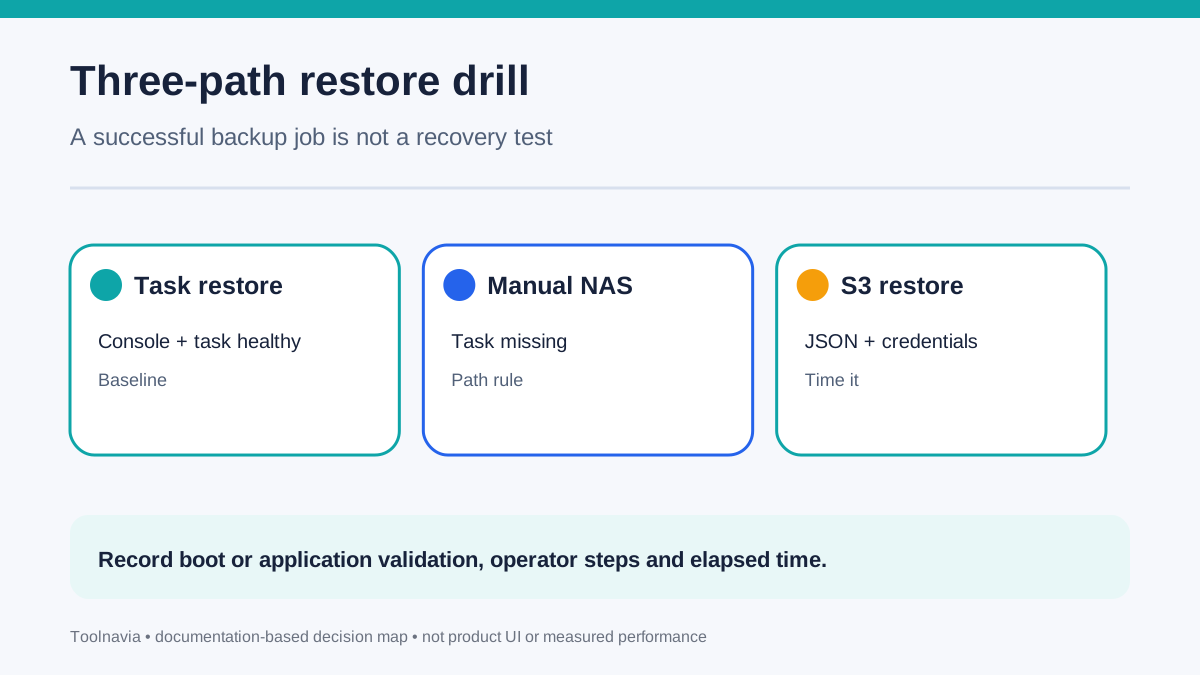
Run three controlled tests with a noncritical VM. First, restore from the primary task while the console and repository are healthy. Second, simulate a missing task and select the backup manually from NAS. Third, perform Restore from Amazon S3 and record every prerequisite, including the JSON selection, credentials, download time and target capacity.
Do not count a job marked “successful” as a recovery test. The acceptance evidence should include boot or application validation, elapsed time, operator steps and the date of the last successful restore.
Competitors show why repository language matters
Veeam documents NAS, local, SAN and object-storage targets, plus capacity and archive tiers. NAKIVO documents Amazon S3 as a backup repository and requires S3 permissions, Versioning and Object Lock for its own workflow. Those pages are useful comparison points, but their repository models and controls cannot be projected onto AOMEI.
The practical comparison is architectural: AOMEI's current help describes local/NAS first and S3 archive second; other products may expose direct object repositories or different tiering controls. Compare the actual path, not the shared word “S3.”
This also prevents a false feature checklist. “Supports S3” is not enough. Ask whether the first copy can fail independently, whether the archive can be restored without the original task, how immutability is configured, and who pays retrieval charges.
The license price is only one line in the cost model
The selected approved offer is AOMEI Cyber Backup Yearly Customized VM licensing. The current official page shows **$99 per VM per year with a five-VM minimum**, before dynamic volume pricing, discounts, tax and final-cart terms. The article's product link is an affiliate link; Toolnavia may earn a commission from qualifying purchases.
At the displayed unit rate, the nominal five-VM entry is $495 per year before cart adjustments. Do not use that as the total archive budget. Add NAS capacity and protection, S3 storage, requests, retrieval, egress, monitoring, credential rotation, restore testing and staff time.
A lower storage class can save monthly storage cost yet make a restore slower or more expensive. A cheaper license does not compensate for an untested recovery path.
Use a 45-minute pre-purchase rehearsal
Create one small representative VM task. Point it to a test NAS share using the exact IP-based path and service account planned for production. Complete a full backup, note repository growth, and confirm the next scheduled run can authenticate.
Add an S3 archive target in the intended region. Archive from the last full backup, then record object arrival, IAM scope and the bucket settings managed outside AOMEI. Delete only the test task—not the protected source—and verify manual NAS selection. Finally, use Restore from Amazon S3, select the JSON file and restore to an isolated target.
Pause if any step depends on an undocumented credential, ambiguous bucket policy, unknown storage class, unavailable capacity or an unowned alert. This is a suggested acceptance exercise, not a Toolnavia lab result.
**Buy only when the recovery chain has owners**
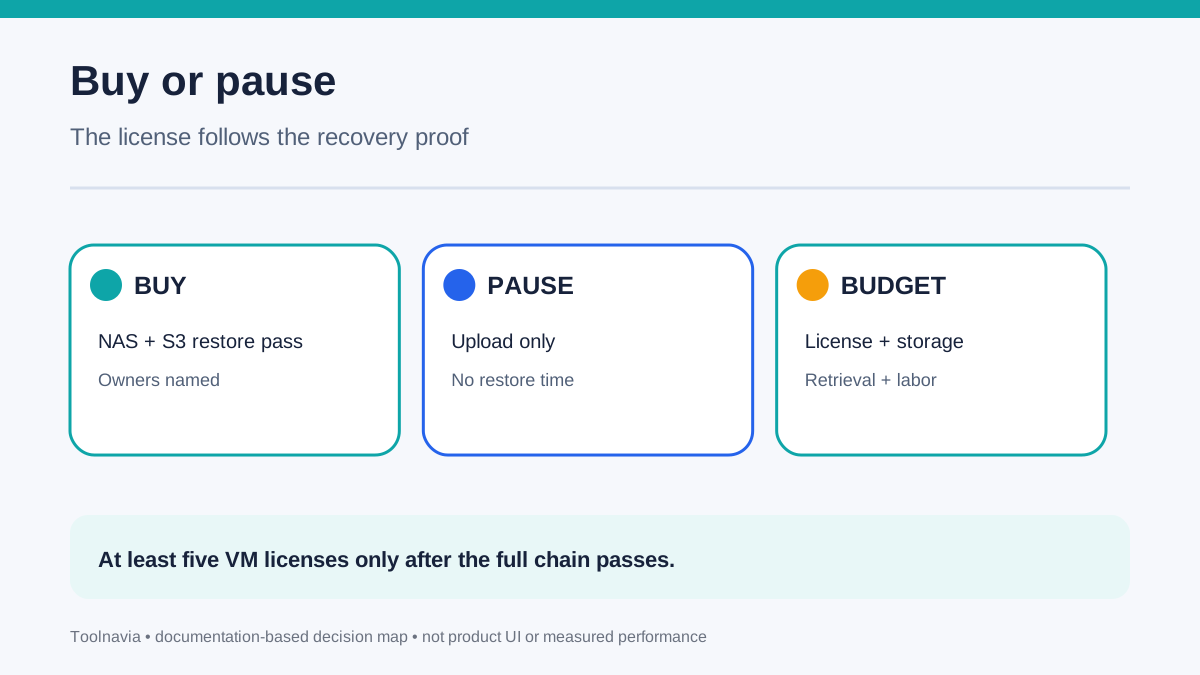
**Buy** when the first landing zone is sized, the S3 archive and IAM design are documented, a real restore from NAS and S3 passes, and the five-VM minimum matches your protected inventory.
**Pause** when the team only verified uploads, assumes S3 means immutable, cannot name the credential and key owners, or has not measured retrieval time. In that case, keep testing with current capabilities before adding a paid workload commitment.
The decision is not “NAS or S3.” It is whether one managed chain—source, first backup, archive, credentials and restore—can survive the failure you are paying to recover from.